

Yaw Terminal
Execute remote commands and manage servers securely without leaving your terminal, using the built-in SSH client for direct shell connections.
Listing not yet reviewed by our editors · How we check
Overview
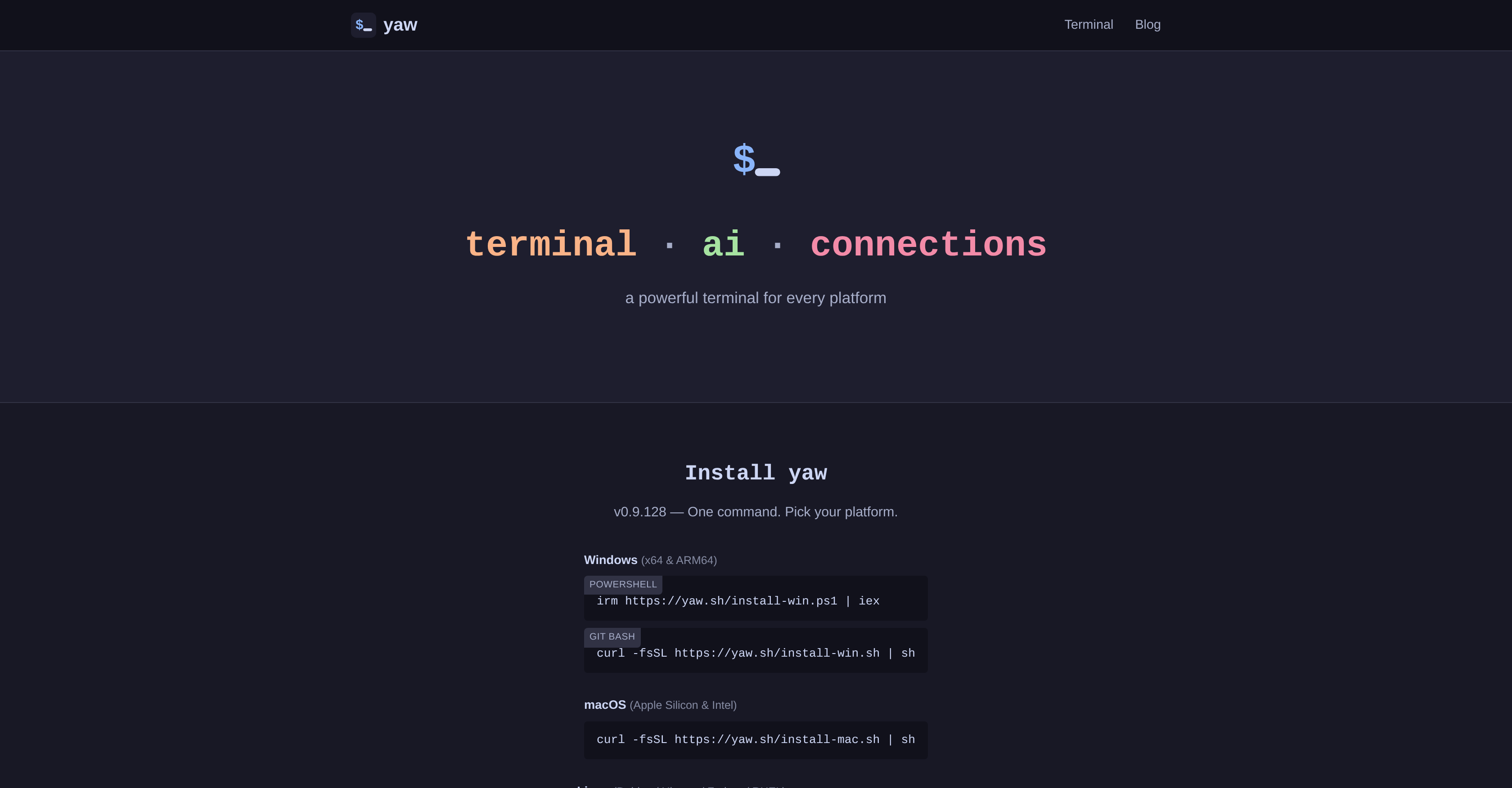
- Execute remote commands and manage servers securely without leaving your terminal, using the built-in SSH client for direct shell connections.
- Query and manage databases directly within your workflow, using the integrated database connectivity for efficient data operations.
- Edit files instantly without switching to an external editor, using the pre-installed file editor for in-terminal modifications.
- Run AI CLI tools like Claude Code and Gemini CLI with automatic split-pane support, where a companion terminal opens in the same directory for parallel workflows.
- Get instant coding answers and command-line assistance, using the integrated AI queried via a simple keyboard shortcut (Ctrl/Cmd+Shift+A).
- Install popular AI developer tools in seconds, guided by the built-in wizard that simplifies setup for Claude Code, Codex, and Gemini CLI.
- Keep your development environment private and untracked, thanks to the zero-telemetry policy that collects no user data.
- Start working immediately with a single-command installation that works across Windows, macOS, and Linux platforms.
Pros & Cons
From the listing; not yet checked by our editors.
Pros
- SSH client for secure connections
- Database connectivity for data management
- File editor for in-terminal editing
- Compatibility with CLI tools
- Built-in wizard for installation
- Cross-platform compatibility
- Zero telemetry for neutrality
- Streamlined installation process
- Key commands for usability
- Split-Pane workflow efficiency
- Integrated with Claude Code
- Integrated with Codex
- Integrated with Gemini CLI
- Free to use
- Prioritizes user privacy
- In-terminal editing without plugins
- Single-command installation process
- Syntax highlighting in file editor
- Auto-close brackets in file editor
- Soft-wrap in file editor
- Built-in file editor features
- Command palette accessability
Cons
- No mobile support
- No plugin extension capacity
- Limited to certain CLI tools
- Lacking multi-language support
- No in-built debugging tools
- Dependent on internet speed
- Automatic split-pane workflow rigidity
- Limited file editor capabilities
- No custom theme options
- No integrated version control
Alternatives to Yaw Terminal
Tools that share the most tags with Yaw Terminal.
- OpenCode
Pick the best LLM for every coding task with no vendor lock-in: the agent connects to any model from any provider, including Claude, GPT, and Gemini.
Not listed
Not listed
Not yet checked
- FaceShapeDetector
Get a precise, personalized face shape analysis that goes beyond generic labels with our unique Face Shape Blend™, revealing your exact proportions like 80% Oval + 20% Heart.
Freemium · from $6.99
$6.99
Not yet checked
- Transition
Follow a training plan that automatically adjusts to your daily schedule and recovery metrics, ensuring you stay on track even when life gets busy
Paid · from $19/month
$19/month
Not yet checked
- Mixboard
Turn scattered thoughts into mature, actionable concepts by visualizing and manipulating them on an interactive AI concepting board.
Not listed
Not listed
Not yet checked
- NVIDIA Earth-2
Make strategic decisions with confidence using precise, AI-driven weather predictions that mitigate operational risks across aviation, agriculture, and marine sectors.
Not listed
Not listed
Not yet checked
- Engain
Turn Reddit into a repeatable organic traffic channel instead of a gamble by finding and engaging in high-intent discussions that already rank on Google or where users are actively seeking solutions.
Freemium · from $79/month
$79/month
Not yet checked
Reviews
Rate this tool
Loading reviews...
Frequently asked questions
What is yaw?
yaw is an Artificial Intelligence equipped terminal that offers a variety of built-in functions to streamline developer work.
What are the key features of yaw?
yaw's key features include a SSH client for secure shell connections to remote servers, a function for database connections, a built-in file editor, compatibility with other CLI tools like Claude Code, Codex, and Gemini CLI, a built-in wizard for tool installation, and AI integration for queries. It supports commands for opening new tabs, splitting the pane, and connecting to servers or databases.
How does the SSH client in yaw work?
yaw's SSH client enables Secure Shell connections to remote servers. This allows for secure data communication, remote command execution, and other secure network services between two networked computers.
What functionalities does yaw provide for database connections?
yaw provides functionality to connect to databases, contributing to more efficient data management. Exact details on specific capabilities related to database connections are not specified.
Can I modify file content within yaw's built-in file editor?
Yes, you can modify text content within files using yaw's built-in file editor.
Is yaw compatible with other CLI tools like Claude Code, Codex, and Gemini CLI?
Yes, yaw is compatible with other CLI tools such as Claude Code, Codex, and Gemini CLI. Users can operate these tools within the same yaw environment.
Can I ask queries from the AI integrated into yaw?
Yes, users can ask queries from the AI integrated into yaw, adding to its versatility.
On what platforms can yaw run on?
yaw can run on multiple platforms including Windows, macOS, and Linux.