

OpenGame
Go from a rough game idea to a playable browser game without writing code: describe the goal, core loop, controls, camera, and visual direction in plain language, and the AI game agent builds a 2D HTML5 game or 3D browser-game prototype.
Listing not yet reviewed by our editors · How we check
Overview
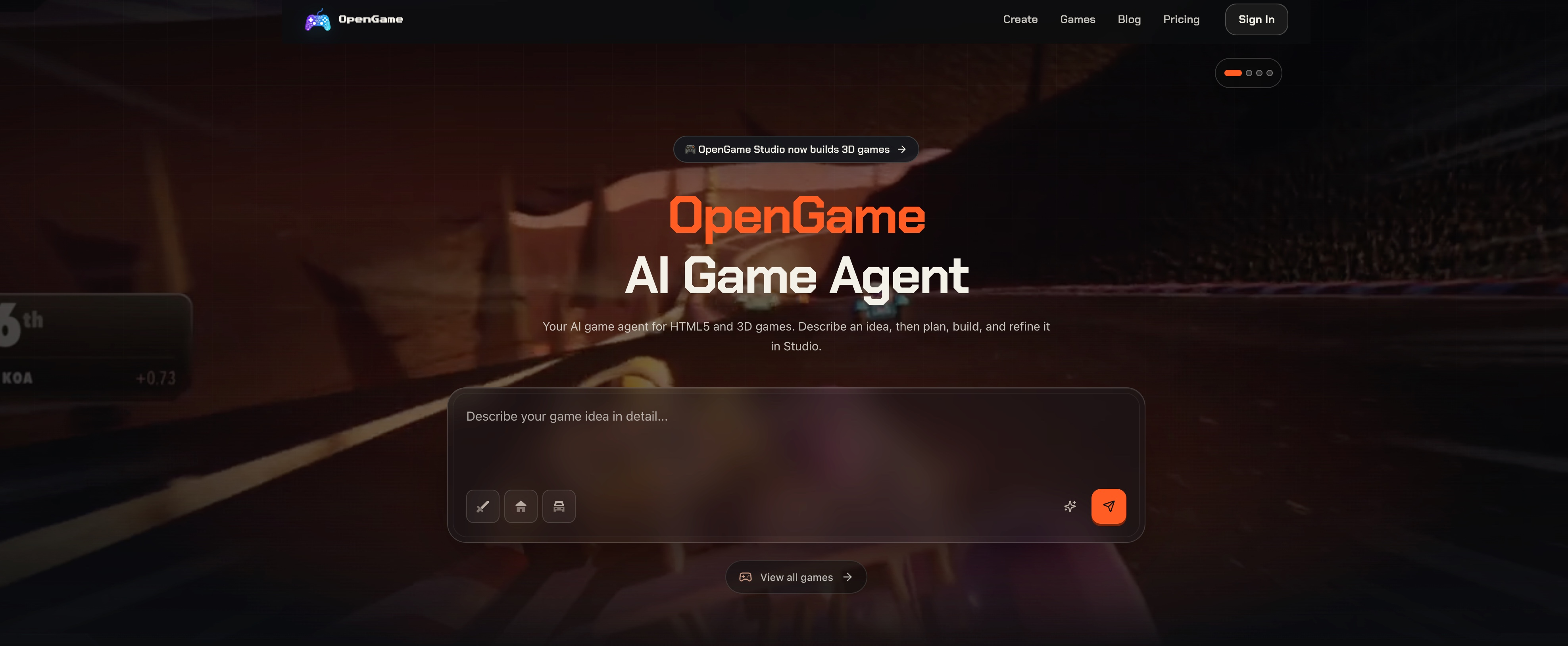
- Go from a rough game idea to a playable browser game without writing code: describe the goal, core loop, controls, camera, and visual direction in plain language, and the AI game agent builds a 2D HTML5 game or 3D browser-game prototype.
- Lock in a focused game design before spending a single credit: the free guided planning stage turns your brief, text instructions, and image references into a clear game specification.
- Know exactly what is happening at every step of the build: Studio keeps the agent's activity, your conversation, the project, saved versions, and the playable preview in one workspace.
- Tune gameplay until it feels right: playtest each build, then request specific changes to controls, difficulty, pacing, mechanics, or visuals through conversational revisions that produce a new version.
- Compare iterations side by side and never lose a good build: every saved version stays available for free preview, so you can test earlier builds against new ones at no extra cost.
- Keep full ownership of your game code: download 2D games as HTML or 3D projects as a ZIP to inspect the source and continue development in your own tools.
- Get players into your game instantly: share eligible projects through a playable link or embed one on your own site with the built-in publishing tools.
- Find your next game concept before you build: browse and play the public gallery of puzzle, platformer, racing, and arcade browser games free and without signing in.
- Extend your game-making workflow with open-source resources: access OpenGame's agent Skills, game examples, and developer resources on GitHub, with API and MCP support.
- Control your game development budget with predictable pricing: planning and previews are free, each generation or revision costs a flat 10 Studio Credits, and one-time packs start at $9 for 60 credits, with optional subscriptions for ongoing creation.
Pros & Cons
From the listing; not yet checked by our editors.
Pros
- Create 2D HTML5 and 3D browser games
- Free idea planning before generation
- Conversational gameplay revisions
- Playable previews of saved builds
- Saved project versions
- HTML and ZIP downloads
- Editable exported game code
- Playable links and embeds
- Public games for inspiration
- One-time packs without a subscription
Cons
- Focused on browser-game prototypes
- Generation and revisions require credits
- Results need playtesting and may need revisions
- Touch support depends on the individual game
Alternatives to OpenGame
Tools that share the most tags with OpenGame.
- Ludo
Cut game design time in half by generating characters, mechanics, and stories in minutes instead of days
Free trial · from $15/month
$15/month
Not yet checked
- Wordfixerbot
Experience truly unique adventures every time with AI that generates infinite storylines based on your choices
Freemium · from $9.99
$9.99
Not yet checked
- AI Dungeon
Experience truly unique adventures every time with AI that generates original stories based on your choices
Freemium · from $9.99/month
$9.99/month
Not yet checked
- UGCraft AI
Launch a Roblox UGC business without learning 3D software by describing your idea or uploading an image to generate marketplace-ready 3D models instantly.
Free trial · from $12/month
$12/month
Not yet checked
- God Mode AI
Ship professional animations without drawing skills using AI generation that eliminates technical barriers and artistic limitations
Freemium · from $19/month
$19/month
Not yet checked
- Scenario
Generate premium quality game assets that perfectly match your art style using custom-trained AI models that learn from your visual references
Freemium · from $12/month
$12/month
Not yet checked
Reviews
Rate this tool
Loading reviews...
Frequently asked questions
How does OpenGame assist in creating HTML5 and 3D browser games?
Terry 🛠️ 2 tools wrote:Describe the player's goal, core mechanic, controls, camera, and visual direction. Use the free planning stage to clarify the brief, then generate the project in Studio. Once a build is ready, open its playable preview, test it, and describe focused changes for the next version.
What is the role of the AI game agent in OpenGame?
Terry 🛠️ 2 tools wrote:The AI game agent helps clarify your requirements, create a game project, and respond to requests for changes. Studio keeps the conversation, build activity, saved versions, and playable preview together so you can review each result and decide what to improve next.
How is game build progress visualized in OpenGame?
Terry 🛠️ 2 tools wrote:Studio shows build activity and saved project versions. When a build is ready, you can open its playable preview and inspect the result. Use that saved build to test the gameplay before requesting another generation; the preview is not a guarantee that every requested feature is complete.
What is the 'conversation' method of building in OpenGame?
Terry 🛠️ 2 tools wrote:You work with the agent using natural-language messages. Explain your idea, answer planning questions, review a saved build, and describe changes to controls, difficulty, pacing, or visuals. Planning is free; each standard generation or revision costs 10 Studio Credits.
What kinds of games are featured on the OpenGame platform?
Terry 🛠️ 2 tools wrote:The public gallery includes 2D and 3D browser games, with puzzle, platformer, racing, arcade, and other examples. It contains original OpenGame projects and clearly labeled adaptations. These examples show different styles and mechanics that you can explore before developing your own game.
Does OpenGame provide touch controls for games?
Terry 🛠️ 2 tools wrote:Touch support depends on the individual game. Include mobile or tablet controls in your game brief if you need them, then test the resulting build on the intended device. Touch controls are not guaranteed for every public game or generated project.
How is real time testing done in OpenGame?
Terry 🛠️ 2 tools wrote:Open a saved build in Studio's playable preview. Check movement, controls, goals, feedback, failure, and restart behavior, then describe what needs to change. Previewing a saved version is free; generating a new version to implement changes uses Studio Credits.
What levels of user accessibility is provided by OpenGame?
Terry 🛠️ 2 tools wrote:No prior coding experience is needed to start planning a game with the agent. Explain the experience, controls, and goals in your own words. Device support and touch controls depend on the project, so include those requirements in the brief and test the resulting game on your target devices.