
Overview
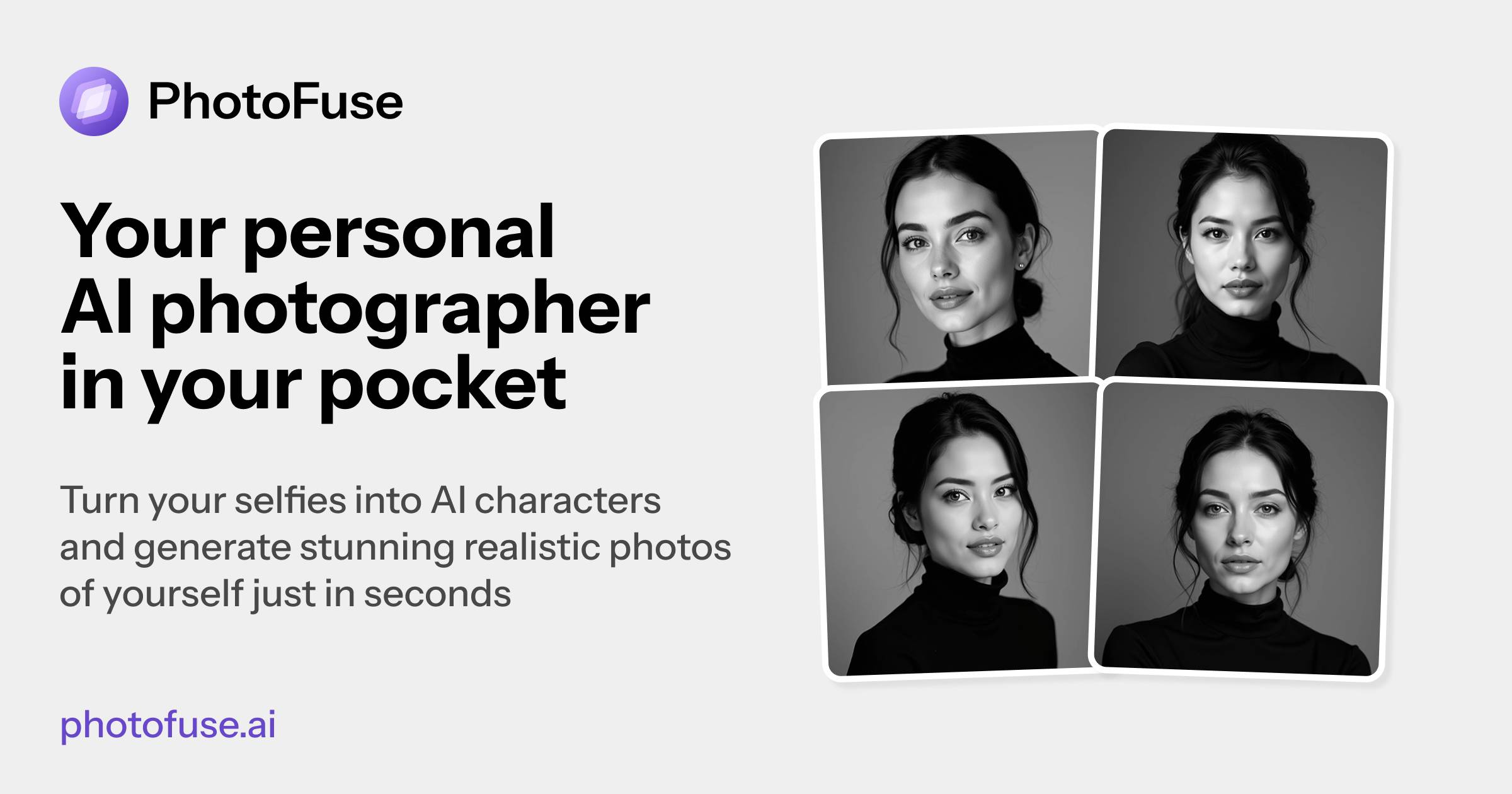
- Get professional headshots for LinkedIn and CVs without a photographer by uploading 10-15 personal photos for AI transformation
- Customize your AI character's personality with specific facial expressions, outfits, and accessories that reflect your professional style
- Generate four image variations in seconds and instantly download your favorites for sharing across professional platforms
- Design unique character scenes manually or choose from pre-made templates without needing technical or photography skills
- Build consistent personal branding across all professional profiles with AI-generated avatars that maintain your authentic appearance
- Choose flexible pricing that fits your needs with subscription plans or pay-as-you-go credits for occasional use
Pros & Cons
Pros
- Transforms images into characters
- Creates professional headshots
- Variety of templates provided
- Offers scene manual design
- Intuitive user interface
- Easy generation of images
- Effortless image sharing
- Personalizes headshots
- Multiple background options
- Expression customization
- Outfit and accessories selection
- Ideal for LinkedIn/CVs
- Various pricing plans
- Subscription and pay-as-you-go options
- No advanced photography skills required
- Variety of expression presets
- Interactive characters for professional use
- Personal branding features
- Easy instructions for best results
- 1-4 image variations
- Adjustable selections pre-finalizing
- Choice of professional backgrounds
- Clothing choices for different occasions
- Accessory customization
- Pre-made templates for easy selection
- Unlimited parallel generations (specific plans)
- Top-up credits on demand
- Commercial rights provided
- Perfect for portfolios
- Capable of emotion matching
- No wardrobe changes needed
- Can replicate gallery photos
- Ease of use
- Generates stunning realistic photos
- Curated gallery of photos
- Testimonials available for credibility
- Multiple subscription plans
- Pay-as-you-go pricing
- Option for monthly/yearly subscription
- Recurring billing system
- Unlimited photo storage history (specific plans)
Cons
- Requires multiple photo uploads
- Lacks mobile application
- Limited template choices
- Limited wardrobe options
- Requires recurring subscriptions
- Expensive pay-as-you-go option
- Charges for image generation
- No option for single photo upload
- Limited range of accessories
- Dependent on photo quality
Reviews
Rate this tool
Loading reviews...
❓ Frequently Asked Questions
PhotoFuse AI is an artificial intelligence-based tool that converts personal images into advanced, interactive AI characters. It specialises in the creation of professional headshots and character-based scenes without necessitating intricate photography expertise.
PhotoFuse AI employs AI to transform personal images into interactive characters. Users initiate the process by uploading between 10 to 15 photos of the person they want to turn into an AI character. The system then utilises these images to create its AI counterparts without the requirement for any advanced skills.
Users can upload a series of personal images to PhotoFuse AI. The key is to provide between 10 and 15 photos of the person intended to be represented as an AI character. Clear guidance is offered through the PhotoFuse AI platform to ensure the best possible results.
Yes, users can fully customize their AI characters on PhotoFuse AI. This customization process includes the selection of a template from an array of pre-made options or designing a scene manually through the intuitive interface provided by the platform.
PhotoFuse AI offers a variety of pre-made templates that can be used to customize an AI character. Users are empowered to design their scenes manually with the help of an intuitive user interface. The range of templates is not explicitly described on their website but they may span different genres, themes or aesthetics to suit different character types and scenes.
Sharing of images on PhotoFuse AI is simple and straightforward. Users can generate variations of images in a few seconds. Once content with a generated image, users have the option to download and share it. If adjustments are needed, users can tweak their selections and regenerate the images.
PhotoFuse AI provides numerous features for crafting professional headshots. Users can reflect their personalities by choosing from a myriad of backgrounds, expressions, outfits, and accessories. The platform uses AI technology to ensure that all chosen elements mesh together seamlessly to yield headshots perfect for professional use.
Yes, PhotoFuse AI allows users to select from a plethora of backgrounds, expressions, outfits, and accessories. These choices can reflect the user's personality and cater to their professional needs. The platform uses AI to offer a wide range of personalization options, from business suits to casual tees and an array of accessories.
The headshots generated by PhotoFuse AI can be readily used across various professional platforms. Given their caliber, they especially suit platforms like LinkedIn, but they can also be effectively added to CVs or any other professional webpage requiring a high-quality image.
PhotoFuse AI provides an extensive range of options to customize facial expressions. Users can pick the emotion that complements their persona – be it smiling, serious, confident, or approachable. The AI technology ensures that the chosen facial expression appears authentic.
PhotoFuse AI accommodates various user preferences with flexible pricing plans. Users can choose between subscription or pay-as-you-go options. The subscription plans are divided into starter, basic, and pro levels, each with different benefits. The pay-as-you-go option is available for those not wishing to commit to a monthly subscription.
The AI photographer in PhotoFuse AI recreates personal images into realistic AI-interactive characters. It does this by training on the images uploaded by the user, after which it generates an AI character that can be customized and placed within a variety of templates and scenes.
Yes, users can easily generate and share images with PhotoFuse AI. The platform offers an option to create upto four variations in few seconds. Users can download and share the one they love most. If tweaks are required, users can adjust their selections and regenerate.
PhotoFuse AI permits the addition of various accessories to the AI character. Alongside basic options like glasses and jewellery, the platform also supports the use of hats, quirky props, and other personal touches that help bring the character to life and convey individual flair and style.
PhotoFuse AI prides itself on its intuitive user interface. It is designed to be easy to use, allowing users to work through the steps of generating an AI character from their images without requiring any technical skills. The interface also enables effortless selection and application of templates and other customization options.
PhotoFuse AI can significantly enhance a user's LinkedIn profile or CV by providing professional-level headshots. Users can select backgrounds, expressions, outfits, and accessories that reflect the real version of themselves. The generated headshots can then be directly used as profile pictures on LinkedIn or included in CVs.
PhotoFuse AI defines personal branding by allowing users to craft a unique look that reflects their individual personalities. They can use various tools to pick from a myriad of backgrounds, expressions, outfits, and accessories to create headshots or AI characters that distinctly represent their personal brand.
Yes, PhotoFuse AI has options for adding professional outfits to the AI character. Users can select from various clothing options, ranging from business suits to casual tees, allowing them to tailor the AI characters to their style or the occasion they wish to represent.
PhotoFuse AI offers a variety of pricing plans. Users can choose from monthly or yearly subscription plans divided into three tiers: Starter, Basic, and Pro, each with different benefits such as varying amounts of credits, photo storage, and AI character generation. There is also a pay-as-you-go option, billed based on demand and without necessitating a subscription.
Pricing
Pricing model
Paid
Paid options from
$9/unit
Billing frequency
Pay-as-you-go
Refund policy
No Refunds