

pitchboom.io
Go from product page to finished video ad without writing a script: paste a product URL or a two-line brief and pitchboom.io reads the site, writes the ad script, builds the storyboard and adds voice-over, music and captions.
Listing not yet reviewed by our editors · How we check
Overview
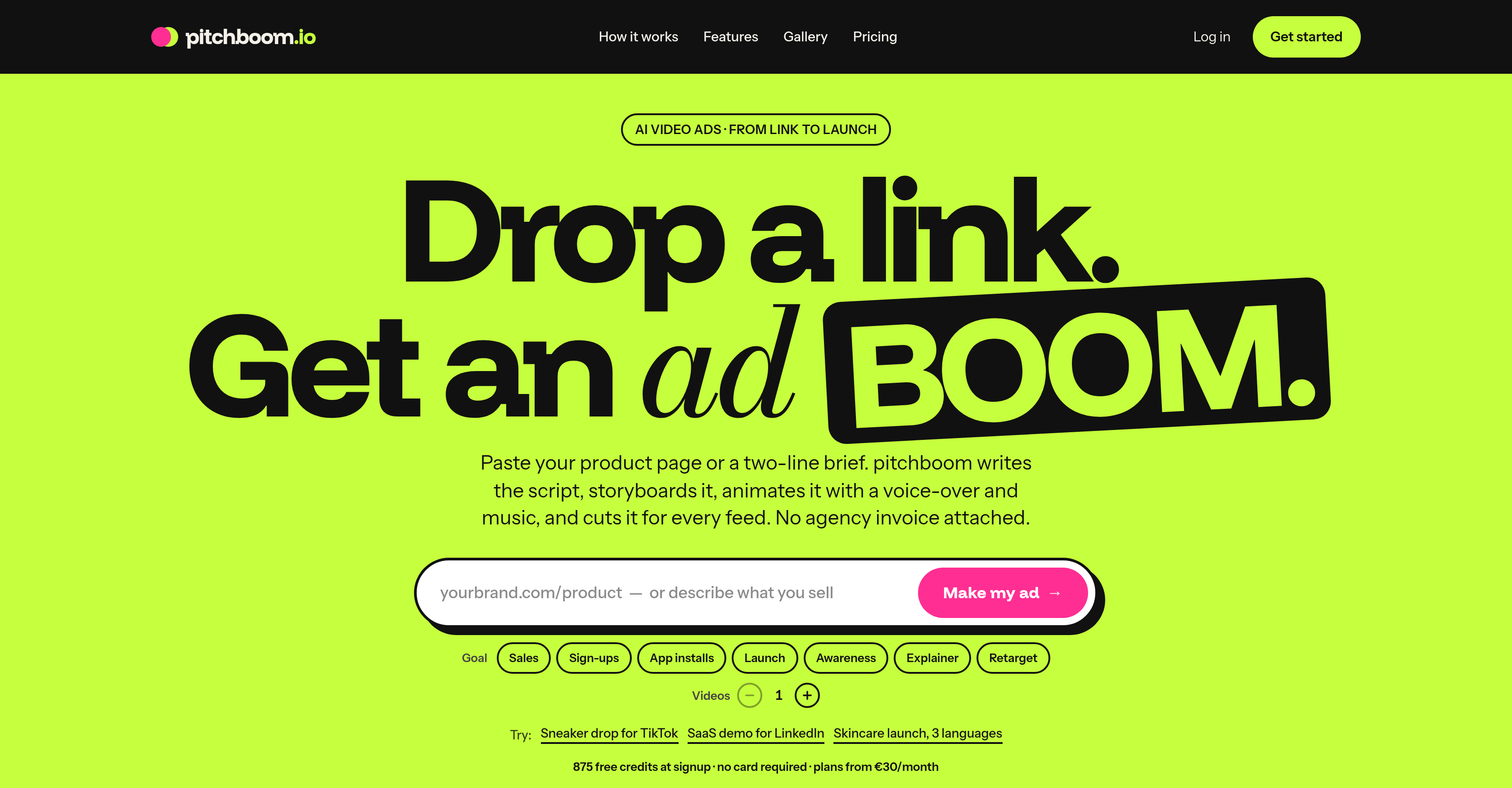
- Go from product page to finished video ad without writing a script: paste a product URL or a two-line brief and pitchboom.io reads the site, writes the ad script, builds the storyboard and adds voice-over, music and captions.
- Get ads built for the result you need: pick sales, sign-ups, app installs, launch, awareness, explainer, retargeting or a custom goal, and the creative is shaped around that ad objective.
- Run one campaign across every feed without awkward crops: each scene is recomposed for 16:9, 9:16, 1:1, 4:5 and 3:4, with presets for TikTok, Instagram Reels, YouTube Shorts, LinkedIn and Meta ads.
- Pay only for ads you have already approved: the storyboard is free to edit, voice-over and rendering start after you approve it, every paid step shows its credit cost first, and failed renders are refunded automatically.
- Keep every frame on-brand and about your product: the Brand Kit applies your logo, colours, fonts and tone of voice to motion design built from your own product, with no AI avatars, actors or stock footage.
- Show your real app instead of mockups: on paid plans, app screens are rebuilt from your source code, including screens behind a login.
- Reach international markets from one edit: localization into 34 languages creates a translated script, a native voice-over and retimed captions while the original visuals stay intact.
- Test many creative angles in one pass: batch mode turns one brief into up to 25 video ad concepts, each with its own hook, angle, storyboard and credit estimate.
- Match production quality to each campaign budget: choose Standard, Studio or Cinema quality priced per second, from 1080p MP4 to a directed film with 4K export on Pro, Premium and Cinema plans.
- Run paid ads without licensing worries: you own the finished videos, and the background music is generated in-house, so no third-party music licence is needed.
- Fix finished videos by asking for changes: the AI post-production assistant applies text, caption and minor visual edits instantly with undo, and quotes larger revisions before charging.
- Automate video ad production from your own tools: the MCP server and API keys on Pro plans and above let AI assistants and coding agents request videos, with a quote first and no charge until you confirm.
- Keep unreleased campaigns confidential: set any video, or all new videos by default, to private instead of listing it in the public gallery.
- Try it without a card or commitment: 875 free credits at signup produce about one 20-second Standard 1080p video ad, and unused credits do not expire while your account is active.
Pros & Cons
From the listing; not yet checked by our editors.
Pros
- Motion design built from your own product: no AI avatars, actors or stock footage
- Storyboard edited and approved for free before anything renders
- Price shown in credits before every paid step; failed renders on pitchboom's side refunded automatically
- One storyboard, five formats (16:9, 9:16, 1:1, 4:5, 3:4), each recomposed rather than cropped
- Voice-over and translations in 34 languages
- Music generated by pitchboom's own code, so there is no third-party track to license
- Real app screens rebuilt from source code on paid plans, including screens behind a login
- MCP server for AI assistants and coding agents on Pro and above
- 875 free credits at signup, no card required
- Accounts, projects and videos stored in the EU
Cons
- No human presenters, AI avatars, UGC-style actors or live action: not the right tool for talking-head ads
- The free credits cover about one 20-second Standard video; there is no free monthly plan and no trial
- Studio, Cinema, 4K, code screens and the MCP server need a paid plan; the MCP server starts at €99/month
- Does not publish ads or manage campaigns: you download the MP4 and upload it yourself
- Per-second credit pricing takes a moment to learn; prices are in euros, excl. VAT
- Videos are public in the gallery by default until you make them private
Alternatives to pitchboom.io
Tools that share the most tags with pitchboom.io.
- AdsTurbo
Launch high-performing ad campaigns in minutes, not hours, by transforming a simple product URL into ready-to-publish video and display creatives.
Freemium · from $31/month
$31/month
Not yet checked
- ViralOps
Launch authentic UGC-style ad campaigns at scale without actors or studios using AI-powered video generation and AI actors.
Free trial · from $29/month
$29/month
Not yet checked
- Advivi
Launch platform-optimized video ads faster by describing your idea in a chat, eliminating the need for manual scripting and storyboarding.
Free trial · from $4.95/unit
$4.95/unit
Not yet checked
- Reloop
Launch professional video ads in minutes without scriptwriting or editing, thanks to an AI agent that handles end-to-end ad creation from product understanding to final export.
Free trial · from $34/month
$34/month
Not yet checked
- SodaMarketing
Launch high-converting UGC ad campaigns in minutes by pasting any product URL—SodaMarketing extracts key features, brand identity, and product images to generate hyper-realistic video ads.
Paid · from $1/month
$1/month
Not yet checked
- Musecut
Launch TikTok and Reels ad campaigns in under 2 minutes by pasting any product URL from Amazon, Shopify, or Etsy
Free trial · from $19/month
$19/month
Not yet checked
Reviews
Rate this tool
Loading reviews...
Frequently asked questions
How does Pitchboom turn a product URL into a video ad?
Pitchboom ingests a product URL or a short two‑line brief, parses the page to extract product details, tone and key selling points, then automatically generates a full script, a scene‑by‑scene storyboard, motion‑design animation, AI‑generated voice‑over, background music, captions and a final edit ready for ad platforms.
Can I edit the storyboard before the video renders in Pitchboom?
Yes. Before rendering, Pitchboom presents an editable storyboard where each scene can be reviewed, visuals swapped, copy rewritten, and the Brand Kit applied. All edits are free and applied prior to the render step.
What video formats and aspect ratios does Pitchboom export?
Export is MP4 in five aspect ratios: 16:9 (landscape), 9:16 (vertical), 1:1 (square), 4:5 and 3:4. These cover TikTok, Instagram Reels, YouTube Shorts, LinkedIn and Meta feed ads. Resolution is 1080p on all plans; 4K is available on Pro, Premium and Cinema tiers.
Does Pitchboom support localization for multiple languages?
Yes. Pitchboom supports localization into 34 languages. Localization creates a new translated script, a new voice‑over in the target language and retimed captions while preserving the original visuals and edit.
How does the batch generation feature work in Pitchboom?
Batch mode lets a single brief generate up to 25 independent video concepts (limit depends on the subscription tier). Each concept receives its own hook, angle, storyboard and credit estimate, allowing you to test multiple creative directions in one go.
What are the differences between Standard, Studio, and Cinema quality tiers in Pitchboom?
Standard costs 35 credits per second, delivers a 1080p MP4 with basic AI‑generated scenes, and has a minimum billing of 25 seconds. Studio costs 110 credits per second, adds higher‑level planning and direction (custom scenes planned by a Claude Sonnet director) while still rendering 1080p. Cinema costs 600 credits per second, provides a fully directed film with multiple creative directions, a concept board, one revision round, and includes 4K export on eligible plans; it also has a 25‑second minimum (15 seconds minimum on a 15 s credit block).
How are credits calculated for a Pitchboom video?
Credits are charged per second of finished video at the tier rate (Standard 35 cr/s, Studio 110 cr/s, Cinema 600 cr/s). Minimum billing applies (e.g., 25 s for Standard/Studio, 25 s for Cinema). Additional surcharges apply for 4K export on Pro plans (+4 cr/s). The monetary value of a credit varies by plan: €0.01 per credit on Starter, 10 % discount on Pro, 20 % on Premium, 25 % on Cinema.
Is there a free trial or free credits for new Pitchboom users?
Yes. Every new account receives 875 free credits at signup with no credit‑card required, which is enough for roughly one 20‑second Standard video. After the free credits are spent, users must subscribe to a paid plan.