

Podfy AI
Start producing episode content in seconds: pull episodes straight from your podcast RSS feed or YouTube channel, or upload MP3/WAV audio, then generate everything with a single click.
Listing not yet reviewed by our editors · How we check
Overview
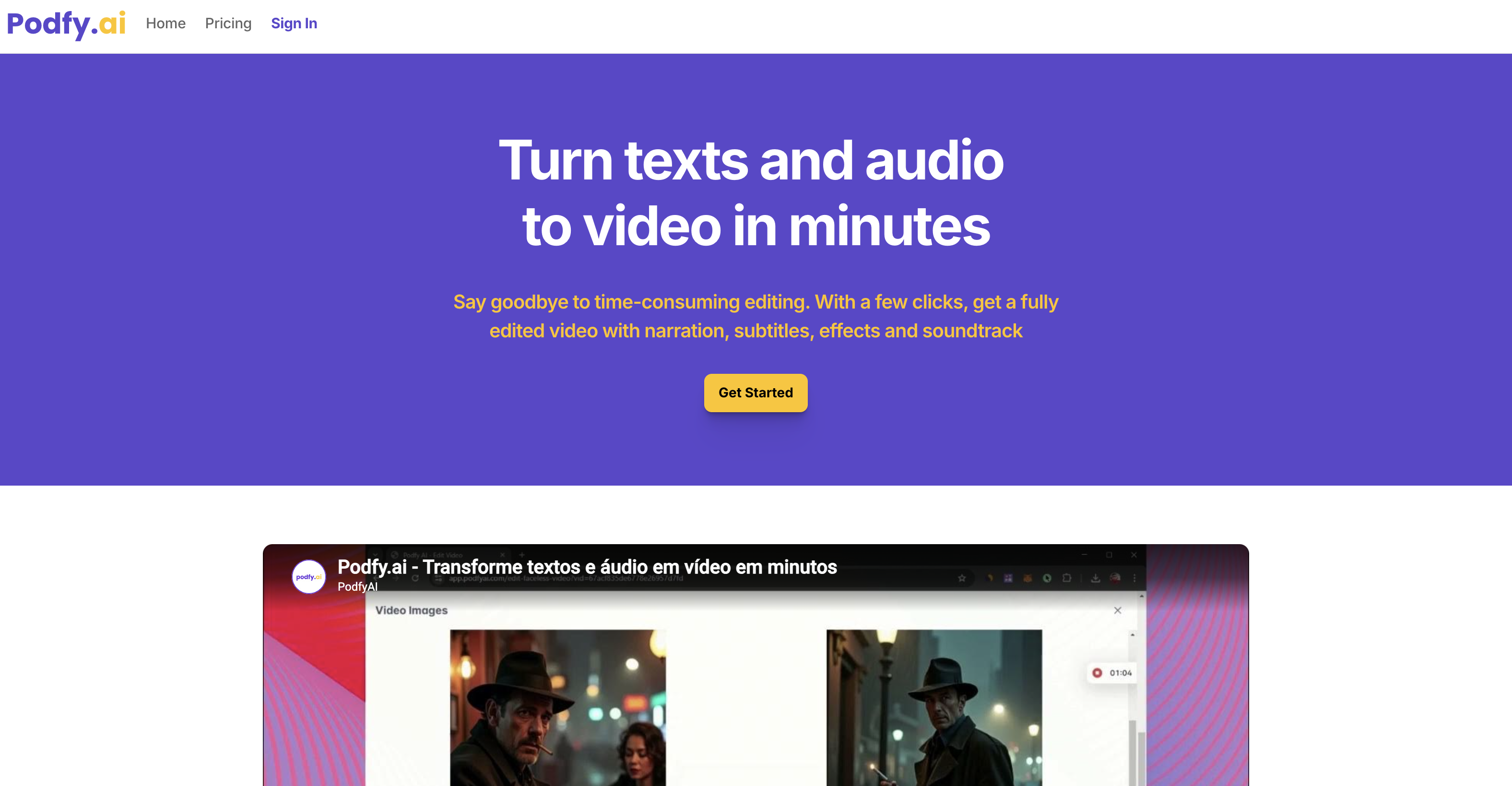
- Start producing episode content in seconds: pull episodes straight from your podcast RSS feed or YouTube channel, or upload MP3/WAV audio, then generate everything with a single click.
- Make every episode readable and searchable: get a full podcast transcription you can correct, including misspelled names and terms.
- Publish show notes without writing them from scratch: Podfy AI drafts episode show notes and a summary of the main topics covered.
- Send listeners straight to the segments they want: automatic podcast timestamps mark each section, and links and mentions come with their exact timestamps.
- Get more clicks on new releases: catchy episode titles are generated from what was actually said in the episode.
- Promote each episode across social channels without extra writing: ready-to-post tweets, social media posts, and quotable highlights pulled directly from the audio.
- Keep subscribers coming back: podcast newsletters recap new episodes and their key takeaways, ready to send.
- Reach audiences beyond English: transcripts and content in over 30 languages.
- Keep every output in your own voice: edit and fine-tune each piece directly, adjust the tone, or switch between direct and indirect speech.
Pros & Cons
From the listing; not yet checked by our editors.
Pros
- Single click content generation
- Crafts show notes
- Marking of timestamps
- Creates newsletters
- Generates tweets
- Direct content editing
- Multilingual support
- Episode summarization
- Segment direction
- Catchy title creation
- Generates social media posts
- Generate links & mentions
- Quotes from episodes
- Processes RSS feeds
- Processes YouTube Channels
- Supports audio file uploads
- User-friendly interface
- Generates various content types
- Enables content fine-tuning
- Supports over 30 languages
- Helps make episodes searchable
- Integrates with podcast platforms
- Updates listeners on episodes
- Promotes episode across platforms
- Unique content every click
- Generates transcripts
Cons
- No offline functionality
- No multichannel import
- No video processing
- No mobile application
- Doesn't support live podcasting
- Lacks guest identification feature
- No episode analytics
- Limited editing options
- No free tier offered
Alternatives to Podfy AI
Tools that share the most tags with Podfy AI.
- ZenMic - AI Podcast Generator
Repurpose existing content into podcasts effortlessly by converting blog posts and articles into engaging audio content using AI script generation
Paid · from $99/year
$99/year
Not yet checked
- Wysper
Repurpose hours of audio into multiple content formats instantly using AI transcription that converts podcasts into blog posts, social media captions, and newsletters
Free trial · from $22/month
$22/month
Not yet checked
- Vibecasting
Launch a podcast from a single idea without writing or recording, using AI that researches your topic and generates the full script for free.
Free trial · from $12/month
$12/month
Not yet checked
- RiffOn
Stay informed on your exact interests without listening to hours of podcasts, thanks to an AI that scans thousands of daily conversations to find relevant insights for you.
Free
Not listed
Not yet checked
- Listen411
Get podcast transcripts faster than real-time listening with AI transcription that processes one hour of audio in under a minute
Paid · from $0.06/unit
$0.06/unit
Not yet checked
- Rebel Audio
Launch podcasts faster by automating show notes, titles, and tags through a simple chat with the AI Voice Agent
Not listed
Not listed
Not yet checked
Reviews
Rate this tool
Loading reviews...
Frequently asked questions
How does Podfy AI improve the podcasting process?
Podfy AI streamlines the podcasting process by automating numerous tasks such as transcription, crafting show notes, marking timestamps, creating tweets and newsletters, and more. It processes content from users' preferred sources including RSS feeds, YouTube channels, or directly uploaded audio files. Furthermore, it summarizes primary topics from episodes, directs listeners to specific segments, generates catchy titles, and creates social media posts, links and mentions, and quotes from episodes.
What type of content can Podfy AI produce?
Podfy AI produces various types of content, including transcripts of episodes, show notes, timestamps, tweets, newsletters, social media posts, catchy titles for episodes, and quotes from episodes. It also generates links & mentions related to the episode.
Does Podfy AI support multilingual content?
Yes, Podfy AI is capable of supporting content in over 30 languages from around the world.
Can I edit the content generated by Podfy AI?
Yes, Podfy AI provides the functionality to directly edit and fine-tune each piece of content produced by the tool. Users can correct misspelled words, adjust tone, or switch between direct and indirect speech as per their requirements or preferences.
What file formats can I use with Podfy AI?
Podfy AI allows users to input content via an RSS feed, a YouTube URL, or by uploading an audio file in mp3/wav format.
Does Podfy AI provide social media posting options?
Yes, Podfy AI offers functionality for generating social media posts and tweets about the podcast episodes. This aids in engaging listeners on various platforms and drawing new ones.
How do I generate transcripts with Podfy AI?
To generate transcripts with Podfy AI, users need to select an episode from their RSS feed, YouTube Channel, or upload an audio file. Then, they generate the transcription with a single click via Podfy AI's user-friendly interface.
Can I use Podfy AI to navigate listeners to specific timestamps?
Yes, Podfy AI is capable of marking timestamps, allowing users to direct listeners to specific segments of the episode.