

Polylane
Spend fewer nights on-call and take fewer emergency pages: autonomous production issue management watches your application's cloud ecosystem continuously and resolves incidents without manual monitoring.
Listing not yet reviewed by our editors · How we check
Overview
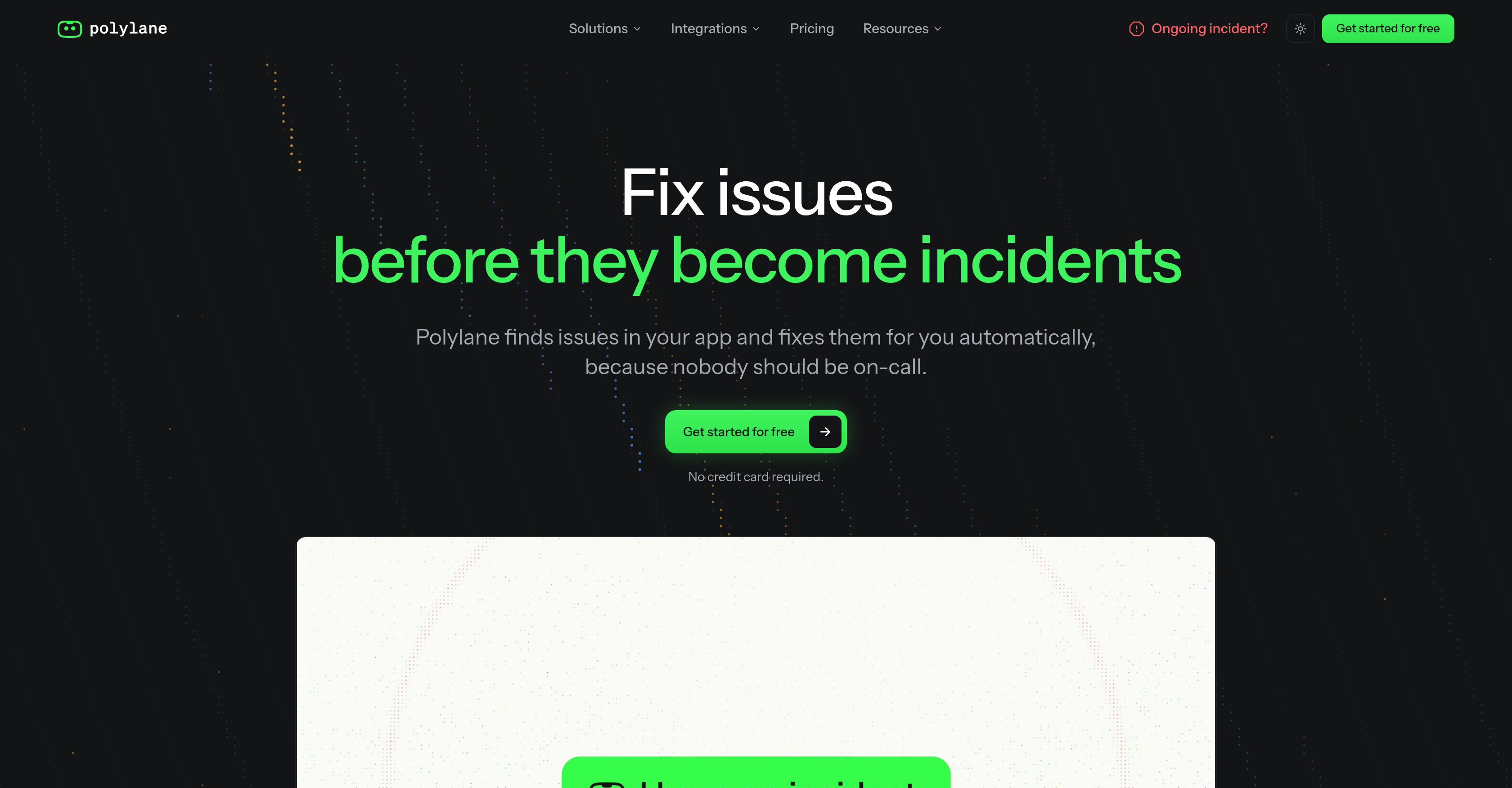
- Spend fewer nights on-call and take fewer emergency pages: autonomous production issue management watches your application's cloud ecosystem continuously and resolves incidents without manual monitoring.
- Catch incidents before they escalate into outages: machine learning anomaly detection learns your application's normal baseline from logs, metrics, and traces and raises issues as soon as behavior starts to drift.
- Skip hours of manual debugging and root cause analysis: automated investigation digs through your code, deployments, and telemetry to pinpoint what broke and why.
- Ship production fixes without writing them yourself: AI-generated code fixes for common code, deployment, and telemetry issues arrive as ready-to-review pull requests on GitHub.
- Keep full control over what reaches your codebase: every automated fix moves through your existing code review and Continuous Integration (CI) pipeline before it merges.
- Monitor your entire stack from one place, not one service at a time: native integrations with AWS, Kubernetes, CloudFlare, and GitHub provide observability across every connected service.
Pros & Cons
From the listing; not yet checked by our editors.
Pros
- Automated issue identification
- Automated fix generation
- Continuous cloud ecosystem monitoring
- Application 'normal' behavior learning
- Anomalies spotting
- In-depth code analysis
- Deployment evaluation
- Telemetry breakdown
- Automated pull request creation
- GitHub, CloudFlare, AWS, Kubernetes integrations
- minimizes need for on-call DevOps
- Autonomous issue management
- Variety of platform partnerships
- Automatic production alert resolution
- Agent compatibility (Claude, Code, Cursor, Codex)
- Built for Impact analysis
- Continuous Integration readiness
- Automated ticket resolution
- Integrations catalog view
- Supports all providers
- Preemptive bug detection
- Detailed cloud topology view
- Blast radius tracking in cloud
- Designed to reduce on-call
- Auto-detection of application drifts
- Root cause identification
- Automated PRs for fixes
- Change hotspot identification
- Resource inventory management
- Attention category management
- Written fix provision
- CI and review process compatibility
- Detailed PR edition view
- Automated 'fix wake up'
- Change 'hotspots' identification
- Multiple integration partners
- Auto-fix projections
- Cloud resource filtering
- Latency degradation troubleshooting
- Hyperdrive pool quick restore
- Existing user testimonials
- Free to start
- No credit card needed
- Supports resource failure detection
- Bug report auto-transformation into fix
- Overall cloud performance tracking
- Easy to merge Fixes PRs
- Dashboard view of managed resources
- Proactive incident handling
- Linking errors to related code
- Used by trusted teams
Cons
- Works only with specific platforms
- Limited to cloud ecosystems
- Dependent on active integrations
- Autofix might disrupt workflows
- Fixes require manual approval
- Might not cover all anomalies
- Limited to identified 'normal' behavior
- Potential false positives
- Can't cope with complex issues
Alternatives to Polylane
Tools that share the most tags with Polylane.
- Explain by Whybug
Understand complex error messages instantly with AI analysis trained on StackExchange data
Free
Not listed
Not yet checked
- Multiplayer.app
Eliminate guesswork in bug reports by capturing the entire application stack—frontend screens, backend traces, logs, and API calls—all correlated in a single replay.
Free trial · from $20/month
$20/month
Not yet checked
- Anycode AI
Fix 6x more code vulnerabilities within the same timeframe through automated detection and rapid remediation
Not listed
Not listed
Not yet checked
- Raygun
Fix software errors in minutes instead of hours with AI-powered error resolution that analyzes patterns and recommends specific solutions
Free trial · from $40/year
$40/year
Not yet checked
- Grit.io
Complete code migrations 10x faster than manual efforts with automated pull request generation for technical debt cleanup
Freemium · from $39/month
$39/month
Not yet checked
- DevLensPro
Fix UI bugs instantly by clicking problematic elements, with real-time WebSocket delivery to Claude Code for immediate AI analysis and correction
Freemium · from $11.95/month
$11.95/month
Not yet checked
Reviews
Rate this tool
Loading reviews...
Frequently asked questions
What type of issues can Polylane detect and fix?
Polylane can detect and fix issues relating to an application's cloud ecosystem such as abnormalities in logs, metrics, and traces across every connected service. Its AI capabilities allow it to identify not just any anomalies but also pinpoint the elements in the code, deployments, and telemetry that may have caused a specific production issue.
How does Polylane learn what's 'normal' for my application?
Polylane learns what's 'normal' for your application by continually examining an application's cloud ecosystem. It studies the logs, metrics, and traces across every connected service, which allows it to establish a baseline or 'normal' state for your application against which it can detect any deviations or abnormalities.
How does Polylane automate the resolution of production issues?
Polylane automates the resolution of production issues by leveraging its machine learning algorithms to dig into your code, deployment details, and telemetry data to understand what broke and why. Once it identifies the issue, it auto-generates a fix, creates a pull request and follows through the standard review and Continuous Integration process to resolve the issue.
Can Polylane write a fix for any kind of issue?
While Polylane possesses sophisticated automation and AI capabilities, the range of issues it can write fixes for depends primarily on the nature of the problem and the extent of its understanding of the application's normal state. It can automate fixes for many common issues related to code, deployment, and telemetry, but complex issues needing human-level decision-making or creativity might be outside its range of capabilities.
How does the Polylane's integration with GitHub work?
Polylane integrates with GitHub to facilitate its automated resolution process. When Polylane identifies an issue and writes a fix, it creates a pull request on GitHub. This pull request then goes through the standard review and Continuous Integration process in GitHub. Thus, GitHub serves as the platform where the repairs written by Polylane are reviewed, approved, and finally merged to the codebase.
Does Polylane support integration with CloudFlare?
Yes, Polylane supports integration with CloudFlare along with other platforms. The details of how this integration works and what features it encompasses might vary depending on specific use cases and configurations.
Can Polylane monitor AWS services?
Yes, Polylane is capable of monitoring AWS services as part of an application's cloud ecosystem. It pays attention to the logs, metrics, and traces across all services connected to the app, including those hosted on AWS, enabling identification and resolution of production issues.
Does Polylane support Kubernetes integration?
Polylane supports Kubernetes integration. This feature enables it to monitor, detect, and potentially fix issues in applications that are deployed on a Kubernetes managed environment, thereby enhancing the reliability and stability of those applications.