
Overview
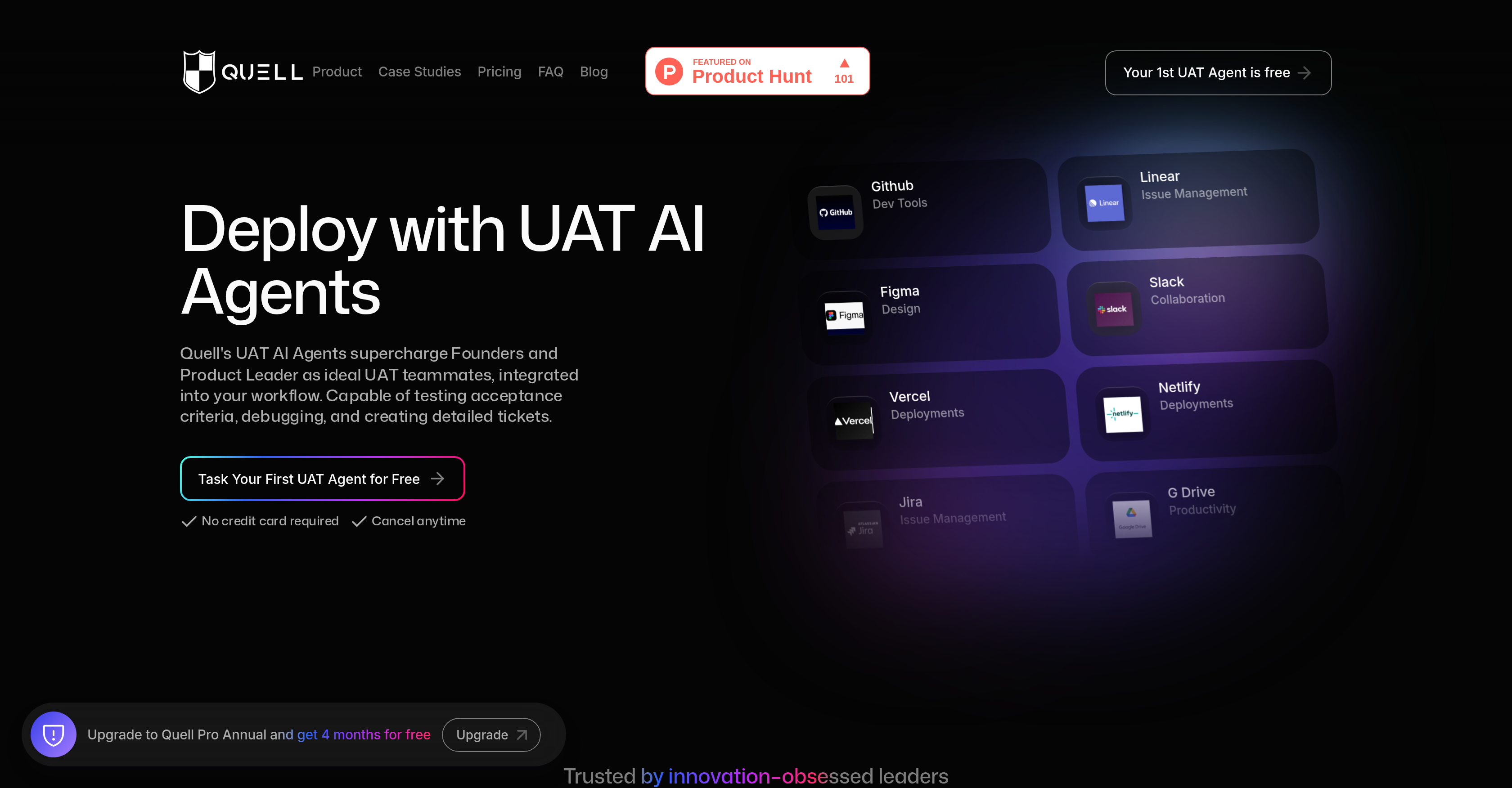
- Ship confidently with automated acceptance criteria validation against your Vercel and Netlify builds
- Eliminate manual testing bottlenecks using AI agents that work as dedicated UAT team members
- Get immediate issue documentation with automated ticket creation in your existing workflow tools
- Monitor build deployments in real-time with analytics that ensure correct deployment status
- Accelerate release cycles by testing acceptance criteria sourced directly from Jira and Linear tickets
- Maintain design integrity by validating builds against specifications from Figma designs
- Scale testing capacity instantly with AI-powered debugging and comprehensive test coverage
Pros & Cons
Pros
- Automated UAT testing
- Debugging support
- Detailed ticket creation
- Seamless workflow integration
- Acceptance criteria testing
- Can source from Linear tickets
- Can source from Jira tickets
- Can source from Figma designs
- Tests against Vercel builds
- Tests against Netflify builds
- Proven UAT testing agents
- Automated testing tools
- Automated issue ticketing
- Real-time build monitoring
- Integrated into existing workflow
- Improves deployment speed
- Improves deployment reliability
- Real-time analytics
- Supercharging founders and product managers
- Accelerated build deployment
- Optimized build testing
- Automated build checking
- Real-world user acceptance
- Free first UAT agent
- Integration with Github
- Integration with Linear
- Integration with Jira
- Integration with Slack
- Integration with Figma
- Integration with Vercel
- Integration with Netflify
- Integration with GDrive
- Machine learning capabilities
- Auto testing of acceptance criteria
- Transformation of testing capabilities
- Peace of mind on deployments
- Faster bug detection
- Less deployment complexity
- More deployment quality
- Seamless issue spotting
- Identification of critical bugs
- Automated UAT for Vercel deployments
- Optimized monitoring solutions
- QA as a competitive advantage
- Automated transition from testing to deployment
Cons
- Limited tool integrations
- Product-specific testing criteria
- Dependent on ticket systems
- Limited free trial
- Requires setup
- Deployment limited to Vercel, Netflify
- Expensive Pro package
- No custom testing options
- Limited use cases
Reviews
Rate this tool
Loading reviews...
❓ Frequently Asked Questions
Quell is an AI-powered User Acceptance Testing (UAT) agent platform that helps automate the acceptance testing process. It uses advanced AI and machine learning to ensure software development meets defined acceptance criteria. Besides, Quell also automates issue ticketing and build monitoring, offering real-time analytics for correct build deployments.
Quell's agents play a pivotal role in software development by automating the acceptance testing process, which ensures that the software meets the set acceptance criteria. They are capable of conducting acceptance tests, debugging, creating detailed tickets, and seamlessly fitting into your workflow. Moreover, they use AI and machine learning to enhance testing capabilities significantly.
Quell automatically checks the builds against acceptance criteria sourced from Linear tickets, Jira tickets, or even Figma designs. These sourced criteria guide how the AI agents perform UAT, focusing on the requirements stated in these tickets or designs.
Quell improves the speed and reliability of build deployments by automatically checking against the acceptance criteria. It accomplishes this through its advanced UAT testing agents and automated testing tools that validate the builds for deployment, thereby streamlining the validation and delivery process.
Quell AI agents can be integrated seamlessly into a team's workflow. These agents work as vital team members for product managers and founders, making the User Acceptance Testing (UAT) more efficient. They are capable of performing tasks like testing acceptance criteria, debugging issues, and even creating detailed tickets.
Automatic and manual AI UAT refers to the dual approach that Quell provides for conducting UAT. Automatic UAT means the AI agents automatically check builds against acceptance criteria and conducts testing. Manual UAT, on the other hand, allows users to manually guide the AI agents during the UAT process, providing more control and flexibility.
Quell employs machine learning to enhance its testing capabilities. The AI-enhanced insights provided by Quell are a result of the advanced AI and machine learning algorithms it uses. These algorithms empower Quell's AI agents to produce more accurate and insightful UAT results, thereby ensuring the right builds are deployed at the right time.
Quell has automated issue ticketing and build monitoring. This allows the software to automatically create tickets for issues found in the build during User Acceptance Testing (UAT), reducing the need for manual issue logging. Its build monitoring feature keeps track of build deployments, providing real-time analytics to ensure correct deployments.
Quell offers real-time analytics to enable users to monitor the status of their builds and keep track of any issues that arise. This feature serves to provide immediate insights into build deployments, thereby ensuring they are correctly deployed and any issues can be swiftly addressed.
Quell is compatible with a range of deployment platforms including Vercel, Netflify, and more. This flexibility allows users to test their builds on various platforms, ensuring comprehensive and reliable User Acceptance Testing (UAT).
Quell's testing agents possess advanced capabilities powered by AI and machine learning. These include: automated UAT, debugging, ticket creation, build monitoring, and providing AI-enhanced insights. Furthermore, they can seamlessly work with other team members, thereby enhancing the effectiveness of the UAT process.
Quell facilitates feedback on test results by automatically creating detailed tickets for issues found during the User Acceptance Testing (UAT). The tickets provide clear information about the issues, allowing the team to address them quickly and expediently.
Quell can be used in your software validation process by automating the acceptance testing based on the defined criteria. This includes checking the builds against acceptance criteria, testing, debugging, and validating whether the build is ready for deployment or not. This leads to a streamlined validation and delivery process with improved speed and reliability.
Quell can be used for a variety of software development projects as it is designed to ensure that any software meets defined acceptance criteria. This encompasses projects across different development platforms and frameworks, including those that require automated testing for a streamlined validation and delivery process.
Quell improves the efficiency of the User Acceptance Testing (UAT) process by automating the testing based on acceptance criteria. Its AI-powered UAT agents not only conduct acceptance tests and debugging but also create detailed tickets, thereby making the UAT process faster and more reliable.
In Quell, debugging and ticket creation are automated processes carried out by its AI-powered agents. The agents are capable of identifying bugs or issues during the UAT process and then automatically create detailed tickets for these issues. This saves developers time and ensures comprehensive documentation of any issue that arises during the testing phase.
Yes, Quell is highly versatile and integrates seamlessly with existing tools such as Github, Linear, Jira, and others. This integration allows Quell's agents to leverage these platforms for sourcing acceptance criteria, enhancing the robustness and comprehensiveness of the UAT process.
Yes, Quell does offer a free trial for users who want to test the platform before commitment. The free trial experience allows firsthand use to understand how Quell agents can transform any team's UAT workflow and boost deployment velocity.
Quell can be set up within minutes. The setup process involves connecting your issue tracker, repository, or deployment environment, choosing your testing preferences, and letting Quell's AI agents handle the rest.
Quell offers two pricing tiers: Pro and Enterprise. The Pro plan costs $300 per month and offers up to 100 tasks per month, suitable for individuals. The Enterprise plan costs $1500 per month, offering up to 1000 tasks per month and is designed for team collaboration and premium integrations.
Pricing
Pricing model
Free Trial
Paid options from
$200/month
Billing frequency
Monthly