

rabbit OS3
Finish goals without switching apps: state what you want to achieve and rabbit OS3 works through every step for you, replacing manual navigation across software.
Listing not yet reviewed by our editors · How we check
Overview
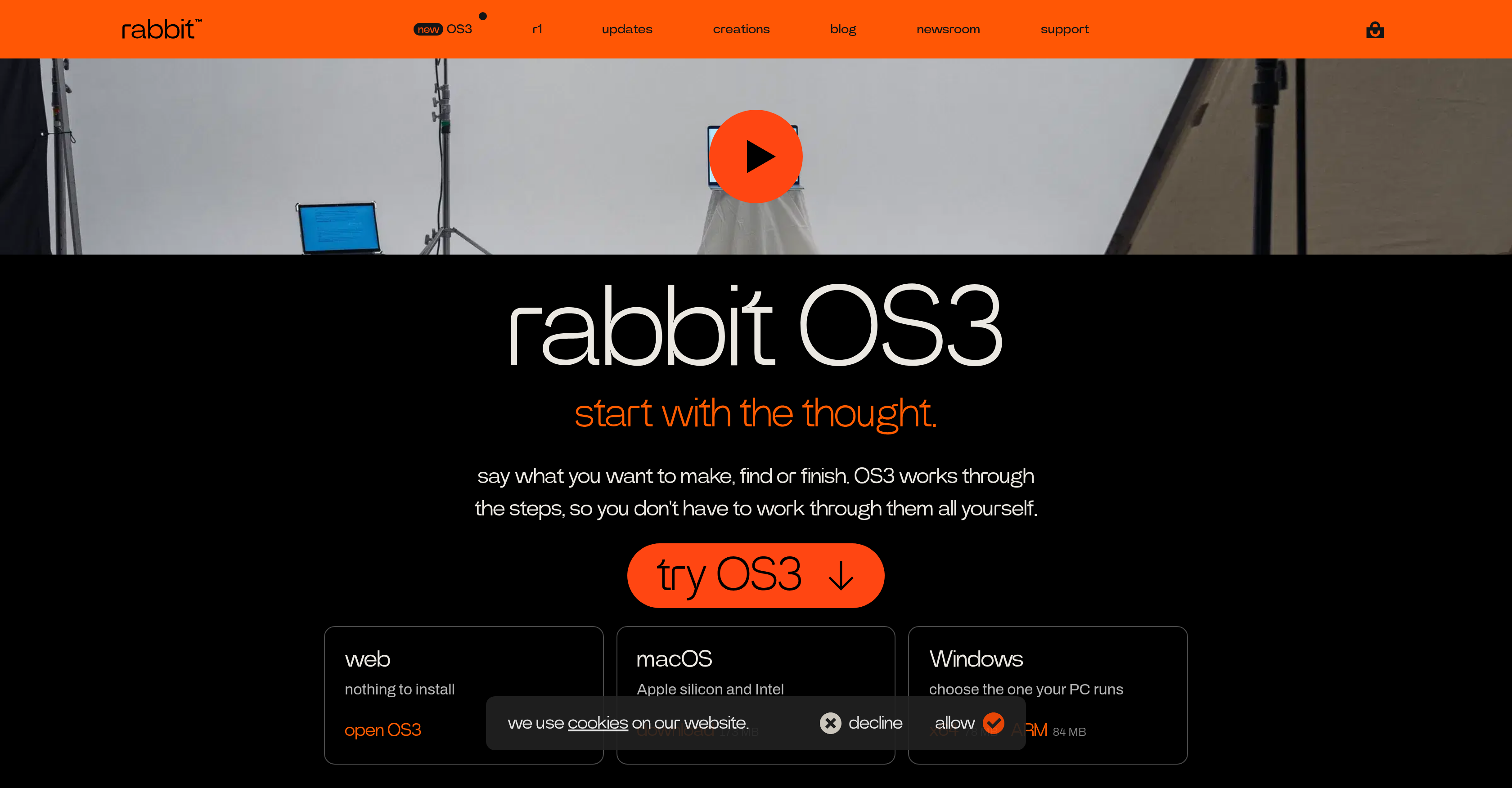
- Finish goals without switching apps: state what you want to achieve and rabbit OS3 works through every step for you, replacing manual navigation across software.
- Skip repeating yourself: the conversational interface retains context and preferences throughout the interaction, so each follow-up request builds on what you already said.
- Get a cleaner file system: rabbit OS3 sorts and renames files directly on your connected computers, handling file management from one plain-language request.
- Make decisions faster: scattered information becomes clear side-by-side comparisons or finished presentations ready to share.
- Get your time back for other work: longer, multi-step tasks run independently from start to finish while you focus elsewhere.
- Pick up where you left off from home, the office, or on a walk: web, Telegram, and r1 all draw on shared memory, so context follows you across devices.
- Keep your setup when you change models: switch to a different model while your memories, skills, settings, and connected devices stay intact.
- Choose your AI provider: power rabbit OS3 with an API key from a supported provider instead of being locked into a single backend.
- Results that fit you better over time: rabbit OS3 learns from your inputs and adjusts how it handles your recurring tasks.
Pros & Cons
From the listing; not yet checked by our editors.
Pros
- Direct user requirement fulfillment
- Automatic tasks execution
- Conversation-based interface
- Retains user interaction context
- Adaptable to user preferences
- File sorting and renaming
- Transforms information into presentations
- Handles longer tasks independently
- Access from various platforms
- Shared memory for context
- Self-learning from user inputs
- API key choice
- Preservation of user choices
- Smooth task facilitation
- No manual operation required
- Handles incomplete requests
- Can work remotely
- Familiar with user backstory
- Keeps relevant context
- Can work without user supervision
- Compatible with various skills
- Works where task is
- Does not requires installation
- Access through multiple threads
- Can use existing files and tool
- Access on multiple machines
- DLAM compatibility
- Preserves user preferences on model change
- User can provide own API key
- Works offlinte with r1
- Processes verbal commands
Cons
- BYOK (Bring Your Own Key) requirement
- Dependent on API providers
- Relies heavily on good voice recognition
- Voice interaction isn't always efficient
- Potential privacy concerns with shared memory
- OS3 dependent on other platforms access
- Could struggle with ambiguous user requests
- Limited suitability for non-conversational tasks
- Must keep context and preferences updated
- Learning curve for effectively directing OS
Alternatives to rabbit OS3
Tools that share the most tags with rabbit OS3.
- Tendem
Eliminate the need to hire and manage freelancers for administrative work by using a hybrid system where AI handles execution and human experts provide oversight and validation.
Paid
Not listed
Not yet checked
- Levity
Eliminate manual data entry by automatically extracting critical information from emails and attachments directly into your Transportation Management System
Not listed
Not listed
Not yet checked
- Manus
Create personalized travel itineraries and custom handbooks instantly through comprehensive travel information integration
Freemium · from $16/month
$16/month
Not yet checked
- Raccoon AI
Launch production-ready web apps from a simple prompt, with full ownership of the code written in real-time and deployed in clicks.
Freemium · from $19/month
$19/month
Not yet checked
- Barie AI
Execute entire projects from a single prompt by breaking down complex tasks into parallel subtasks
Freemium · from $10/month
$10/month
Not yet checked
- Aident AI
Build reliable workflows without coding or technical help using natural language descriptions converted into working Playbooks
Freemium · from $12/month
$12/month
Not yet checked
Reviews
Rate this tool
Loading reviews...
Frequently asked questions
What is rabbit OS3?
Rabbit OS3 is an operating system that allows users to directly express their needs and intentions, which the system then tries to fulfill. It enables users to specify what they want to accomplish, and the system works through the steps to attain it.
How does rabbit OS3's conversation-driven interface work?
The conversation-driven interface of rabbit OS3 works in a manner such that users can communicate their needs or goals to the OS. The system maintains the context and preferences indicated during this interaction.
Can rabbit OS3 sort and rename files on my computer?
Yes, rabbit OS3 is capable of sorting and renaming files on your connected computer.
How does rabbit OS3 convert scattered information into clear comparisons or presentations?
Rabbit OS3 accomplishes this by gathering scattered data and processing it in a way that generates clear comparisons or completed presentations.
Can rabbit OS3 handle longer tasks by itself?
Yes, rabbit OS3 is capable of handling longer tasks independently, allowing users to focus on other activities.
Can I access rabbit OS3 from web, Telegram, or r1?
Yes, you can access rabbit OS3 from various platforms, including the web, Telegram, and r1. These platforms all draw on shared memory for context.
What platforms is rabbit OS3 compatible with?
Rabbit OS3 is compatible with web platforms, Telegram, and r1. You can also connect it to your computers for integrated file and task management.
Does rabbit OS3 learn from user inputs?
Yes, rabbit OS3 enhances its performance and capabilities by learning from user inputs, being able to adapt to a varied model as needed.