

RapMV
Go from a one-line idea to a finished rap song: describe your topic, pick a style, and the AI rap generator returns complete tracks with lyrics, a title, and tags.
Listing not yet reviewed by our editors · How we check
Overview
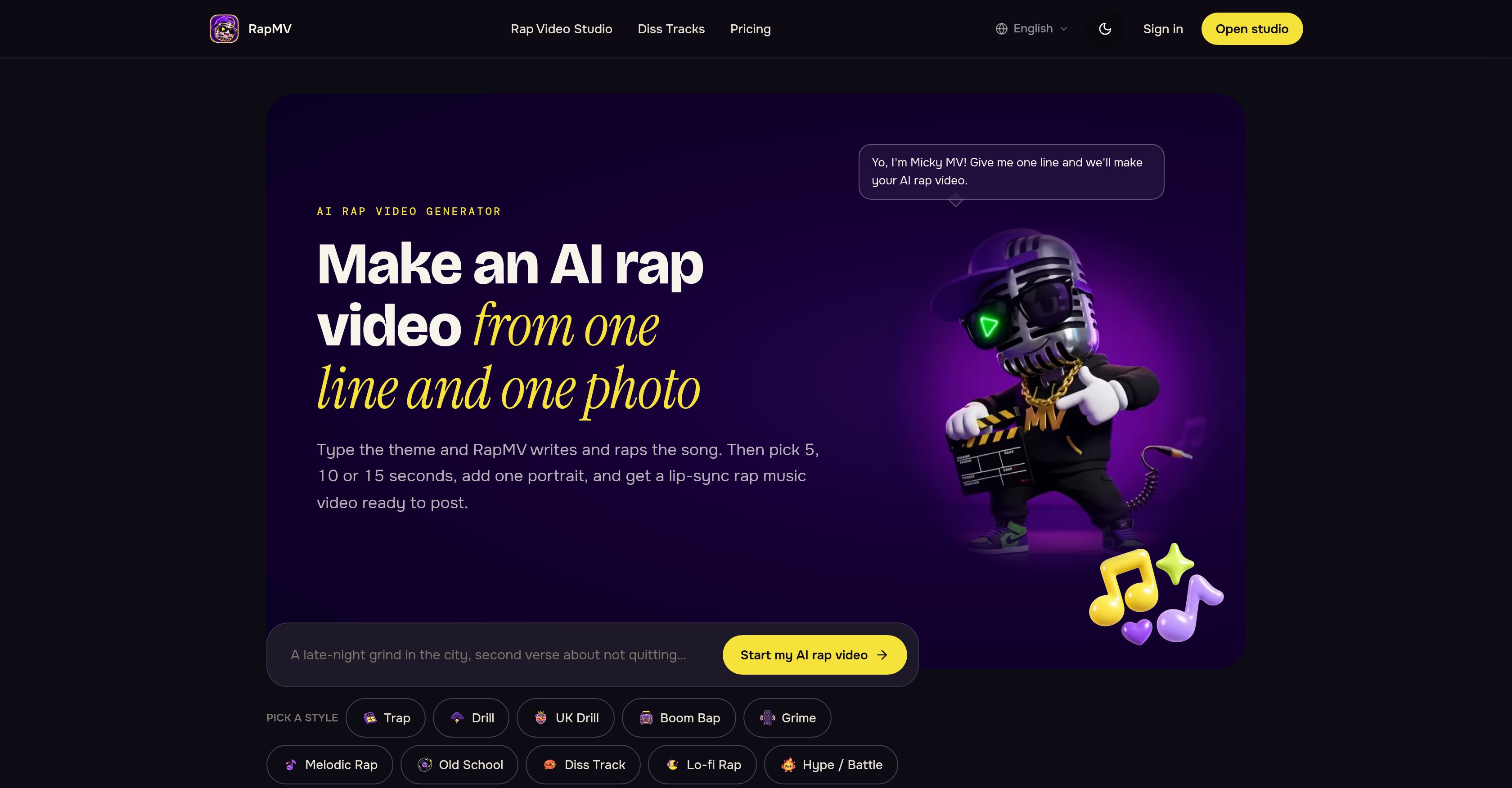
- Go from a one-line idea to a finished rap song: describe your topic, pick a style, and the AI rap generator returns complete tracks with lyrics, a title, and tags.
- Get the exact sound your moment calls for with genre presets for trap, drill, UK drill, boom bap, grime, melodic rap, old school, diss track, lo-fi rap, and hype or battle. Each preset sets beat, tempo, and vocal delivery without artist presets or voice cloning.
- Lock in your lyrics before you pay for audio by editing the optional lyric draft before any song credits are spent.
- Star in your own rap music video from a single photo: drag a start point, preview the excerpt, upload a front-facing portrait, and receive a lip-synced MP4 that keeps your face and the photo's original framing.
- Rework the song as many times as you need without paying for animation again, because song and video generation run separately and video credits go only toward the track you keep.
- Keep the video budget predictable by choosing a fixed 5-, 10-, or 15-second clip length and a quality tier, with credits scaled to duration. A starter allowance covers your first full rap song.
- Rap over your own beat by uploading audio you hold the rights to, up to 50 MB, instead of using the AI-generated track.
- Deliver a ready-to-share birthday rap, friendly roast, social media hook, channel intro, graduation message, or workplace send-off. Every song, lyric sheet, and video stays in your library for MP3 and MP4 download.
- Publish with confidence: every output carries an automatic AI-generated label, and uploads are limited to yourself or a consenting adult, with public figures, minors, and unauthorized recordings blocked.
Pros & Cons
From the listing; not yet checked by our editors.
Pros
- Separate song and video generation
- Edit lyric draft precredit
- Genre presets adjust beat tempo
- No artist voice cloning
- Upload custom audio 50MB
- Selectable song slice for video
- Draganddrop start point
- Single portrait lipsync animation
- Face framing follows portrait
- Supports 51015second clips
- Ten distinct rap style presets
- Credits consumed per generation step
- Free introductory song credits
- Library retains songs, lyrics, videos
- Download MP4, audio, lyrics
- Highresolution mouth movement tracking
- Plainbackground portrait recommendation
- No extra faces required
- Qualitytier video pricing options
- Pro tier 15second videos
- Commercial rights with user assets
- Upload rightscleared external tracks
- No daily checkin required
- No referral reward system
- Creditbased flexible pricing model
- Realtime preview of video slice
- Automatic tag generation with track
- Title generation from theme
- Halfbody portrait yields best sync
- Even lighting improves lip sync
- Simple fourstep workflow
- Multilanguage UI options
- Secure adultconsent upload restriction
- Prohibited public figure upload filter
- Small file limit speeds uploads
- Supports lofi rap style
- Supports battle/hype rap style
- Creates lyrics from one line
- Customizable video quality tiers
- Integrated audio-video workflow
- No artist imitation compliance
- Enables quick social media hooks
- Fast generation for short clips
- Clear credit breakdown per feature
- Adjustable video duration per slice
- Trap and drill beats
- Automatic lyric formatting for download
- Straightforward portrait upload interface
- Consistent output format MP4
Cons
- Max video length 15 seconds
- Requires single front-facing portrait
- High credit cost for videos
- No custom beat creation
- Upload limit 50MB audio
- Cannot use public figures
- Separate song/video steps cumbersome
- No API for integration
- Only one face allowed
- Cannot edit video after generation
Alternatives to RapMV
Tools that share the most tags with RapMV.
- yesTool | AI Music Video
Create professional animated music videos from any song and image with automatic lip-sync accuracy using Wan S2V AI technology
Freemium · from $14.90/month
$14.90/month
Not yet checked
- Plazmapunk
Transform your music into professional videos in minutes with fast generation that eliminates long rendering times
Freemium · from $5.78/month
$5.78/month
Not yet checked
- AirMusic - AI Music Video Generator
Instantly produce a complete, multi-scene music video from any song with one click using Director Mode for fast, professional results.
Paid · from $11.90/month
$11.90/month
Not yet checked
- 1MoreShot
Create professional music videos from your tracks in minutes using automated AI generation
Freemium · from $8.25/month
$8.25/month
Not yet checked
- LABEL IQ AI
Transform images, lyrics, and keywords into professional music and videos using AI creation tools
Free trial · from $5
$5
Not yet checked
- BeatViz AI
Transform any audio track into professional music videos with perfect beat synchronization using AI-powered audio-visual analysis
Free trial · from $13.90/month
$13.90/month
Not yet checked
Reviews
Rate this tool
Loading reviews...
Frequently asked questions
How many credits does a RapMV rap song generation actually use?
A rap song generation consumes 12 credits.
Can I edit the lyric draft in RapMV before spending song credits?
Yes, you can edit the lyric draft before the song credits are deducted.
What’s the price difference between a 5‑second and a 15‑second RapMV video?
A 5‑second standard video costs 40 credits, a 15‑second standard video costs 120 credits, so the 15‑second version is 80 credits more expensive.
Do RapMV’s genre presets copy any real rapper’s style?
No, the genre presets only change beat, tempo, and vocal delivery; they do not copy any real rapper’s style.
Can I upload my own beat or audio to RapMV instead of using the AI‑generated track?
Yes, you can upload your own audio (up to 50 MB) provided you hold the necessary rights.
What photo specs does RapMV need for the best lip‑sync animation?
Use a single, front‑facing portrait of one person, evenly lit, with a plain background, no extra faces or text; a half‑body or head‑and‑shoulders shot works best.
Is it allowed to use a celebrity’s picture in a RapMV video?
No, using a celebrity’s picture is prohibited; public figures are not allowed.
How long can a RapMV video be and can I choose any length I want?
Videos can be only 5, 10, or 15 seconds long; you must choose one of these preset lengths.