

Raylight
Show your app on real hardware without a photo shoot: place product screens on 3D iPhone, iPad, and MacBook mockups, then tilt, light, and position them for launch demos, app promo videos, and stills.
Listing not yet reviewed by our editors · How we check
Overview
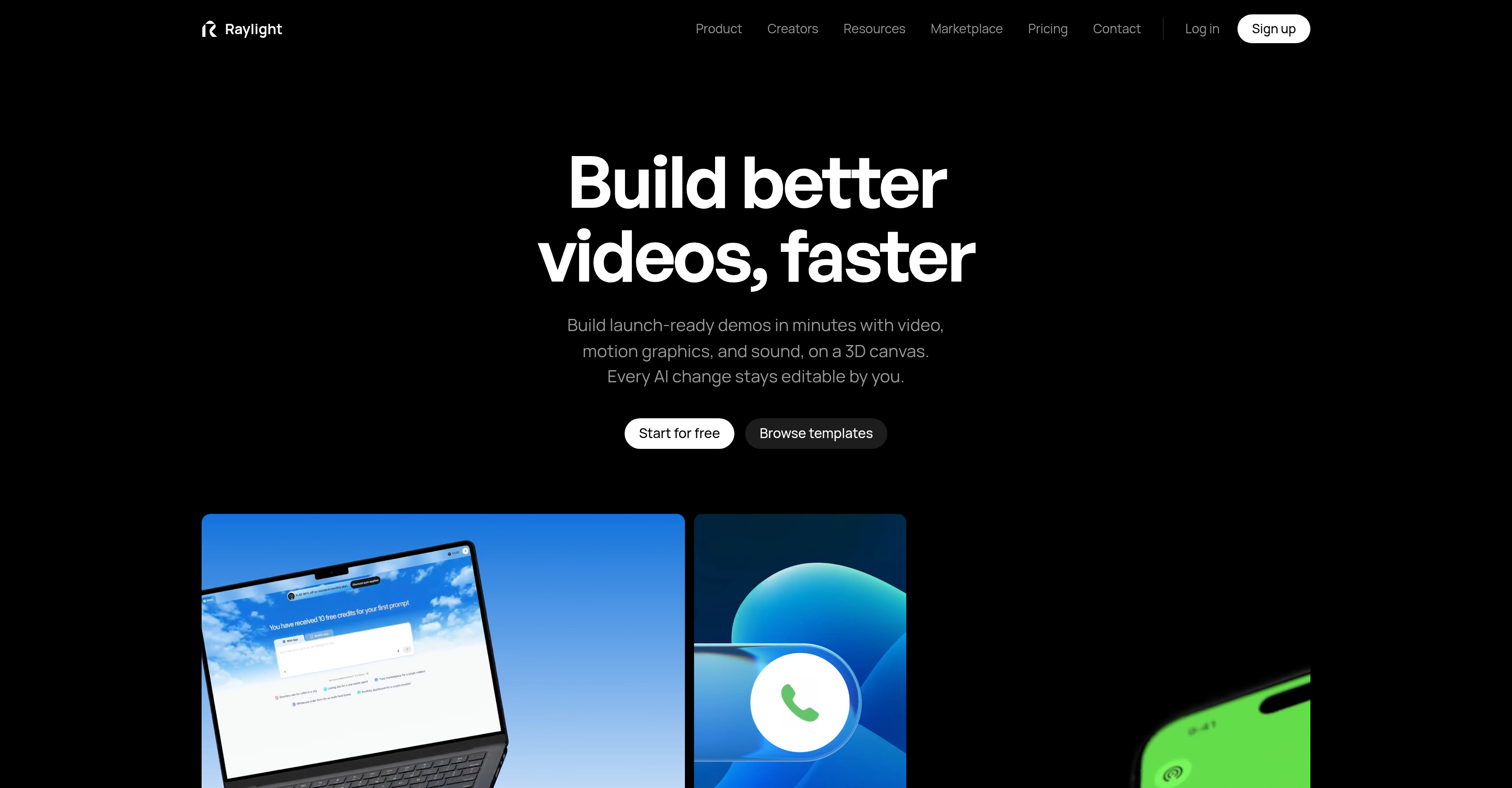
- Show your app on real hardware without a photo shoot: place product screens on 3D iPhone, iPad, and MacBook mockups, then tilt, light, and position them for launch demos, app promo videos, and stills.
- Animate product videos without learning keyframe graphs: drag animation blocks onto property lanes, stretch their edges to set timing, and draw custom easing curves while watching the motion update live.
- Give feature announcements and website hero videos a cinematic finish: set camera framing, 3D dolly moves, flat zooms, focus, depth of field, bloom, motion blur, color grading, vignette, and film grain shot by shot.
- Finish the soundtrack without a separate audio tool: generate sound effects from text prompts, compose music for each video, and turn scripts into voiceovers with selectable voices, then mix those takes with your own imported music on a multitrack timeline.
- Get clean, consistent layouts on the first pass: arrange screens, text, images, shapes, and grouped layers with snapping, smart guides, alignment tools, and flexible auto-layout behavior.
- Ship a release video with every product update: send a brief to the API from code, GitHub workflows, or a conversation, approve the proposed video concept, and let the video render automatically.
- Edit shots from the coding or chat assistant you already use: connect Claude, Codex, Cursor, or Antigravity through the MCP server to inspect shots and apply canvas changes, with every AI-made edit remaining fully adjustable by you.
- Get stakeholder sign-off without exporting drafts: share a Live Share link so reviewers scrub through the animation and point at details with cursors visible on the canvas.
- Turn existing product assets into video material quickly: record your desktop with the Mac screen-capture app and drop the footage onto the timeline, with a planned Figma plugin set to bring frames in as editable layers that keep auto layout and components.
- Start from a finished product video instead of a blank canvas: open a ready-made template and swap in your own screens, copy, and audio.
- Earn revenue from your motion design work: build video templates and sell them through the Raylight marketplace and creator program.
Pros & Cons
From the listing; not yet checked by our editors.
Pros
- Browser-based, no installation required
- 3D device mockups with lighting
- Tilt and rotate devices interactively
- Timeline blocks replace keyframes
- Dragdrop animation blocks
- Custom easing curve drawing
- Smart guides and snapping
- Flexible autolayout compatible
- Figma frames import as layers
- Component transfer retains hierarchy
- Multitrack audio mixing
- Voiceover synthesis from script
- Music generated from prompts
- Sound effects generated from text
- Programmatic video generation via API
- GitHub workflow integration
- MCP server connects coding assistants
- Live Share with cursor presence
- Reviewer link with scrubbing
- Template marketplace for starters
- Creator program monetizes templates
- Depthoffield camera effects
- Bloom and filmgrain filters
- Motion blur per shot
- Color grading panel
- Vignette effect controls
- 3D dolly camera moves
- Flat zoom camera moves
- Focus pull transitions
- Device lighting control
- Export video in multiple formats
- Export stills at any resolution
- Layer grouping and nesting
- Snap to neighboring layers
- Precise alignment tools
- Adjustable animation timing via edges
- Realtime preview while editing
- Supports iPhone, iPad, Mac mockups
- Scene effects stackable per layer
- Audio tracks draggable on timeline
- Voice selection from library
- Autolayout maintains component constraints
- Programmatic concept pitching
- Approval workflow before rendering
- Crossplatform browser access
- Lowlatency collaborative editing
- Integrated screencapture Mac app
- Customizable entrance animations
- Oneclick entrance presets
- Arcfree 3D camera paths
Cons
- Browser performance caps complex scenes
- No offline editing mode
- Limited resolution export options
- Fixed 3D device library
- Block animation restricts keyframe precision
- Only Chrome fully supported
- Collaboration lacks simultaneous editing
- Audio generation limited voices
- Figma integration not yet released
- API requires manual approval step
Alternatives to Raylight
Tools that share the most tags with Raylight.
- Hey Dream Product Videos
Launch product ad campaigns in minutes by converting static images into dynamic, high-quality advertising videos with a single click
Free trial · from $9.99/month
$9.99/month
Not yet checked
- URL to Video AI
Launch video ad campaigns in minutes instead of days by automatically generating structured ads from your product URL, eliminating manual script writing and editing.
Free trial · from $19.90/month
$19.90/month
Not yet checked
- Boolvideo
Create professional marketing videos in seconds by simply uploading product pages from Shopify, Etsy, or Amazon with automated AI generation
Paid · from $9/month
$9/month
Not yet checked
- Fable
Convert more prospects with interactive demos that replicate your actual product experience through browser-based capture
Freemium · from $40/month
$40/month
Not yet checked
- LuxReal
Launch professional product videos in minutes instead of days by uploading a single image and selecting your camera motion.
Free trial · from $9.99
$9.99
Not yet checked
- RepoClip
Launch projects faster with professional demo videos created automatically from your GitHub URL, eliminating hours of manual editing and scripting.
Freemium · from $24/month
$24/month
Not yet checked
Reviews
Rate this tool
Loading reviews...
Frequently asked questions
What file formats can I export videos and stills as from Raylight?
IDK
Can I use Raylight to animate product screens on a MacBook mockup?
Yes, you can animate product screens on a MacBook mockup using Raylight's built‑in 3D device models.
How does Raylight's block‑based timeline differ from traditional keyframe graphs?
Raylight uses a block‑based timeline where each animation is a draggable block on a property lane; you set duration by stretching block edges and draw custom easing curves, eliminating traditional keyframe graphs and allowing live visual feedback.
Is the voiceover generated by Raylight editable after it’s created?
Yes, generated voiceovers can be edited like any other audio track—trimmed, repositioned, volume‑adjusted, and mixed—while the underlying AI‑generated content remains adjustable.
What AI assistants does Raylight support through the MCP server?
Claude, Codex, Cursor, and Antigravity are supported through the MCP server.
Can I integrate Raylight with my GitHub CI/CD pipeline to auto‑generate launch videos?
Yes, Raylight’s API can be called from GitHub workflows to submit a brief, receive a video concept, approve it, and have the video automatically produced.
Does Raylight’s multitrack sound editor let me import my own music tracks?
Yes, the multitrack sound editor allows you to import and layer your own music tracks alongside AI‑generated audio.
How do I apply custom easing curves to animations in Raylight?
Add an animation block to the timeline, then draw a custom easing curve on the property lane to define the motion’s acceleration and deceleration.