

Readvox
Listen to any web page with natural, AI-generated voices that sound human for a more engaging audio experience
Listing not yet reviewed by our editors · How we check
Overview
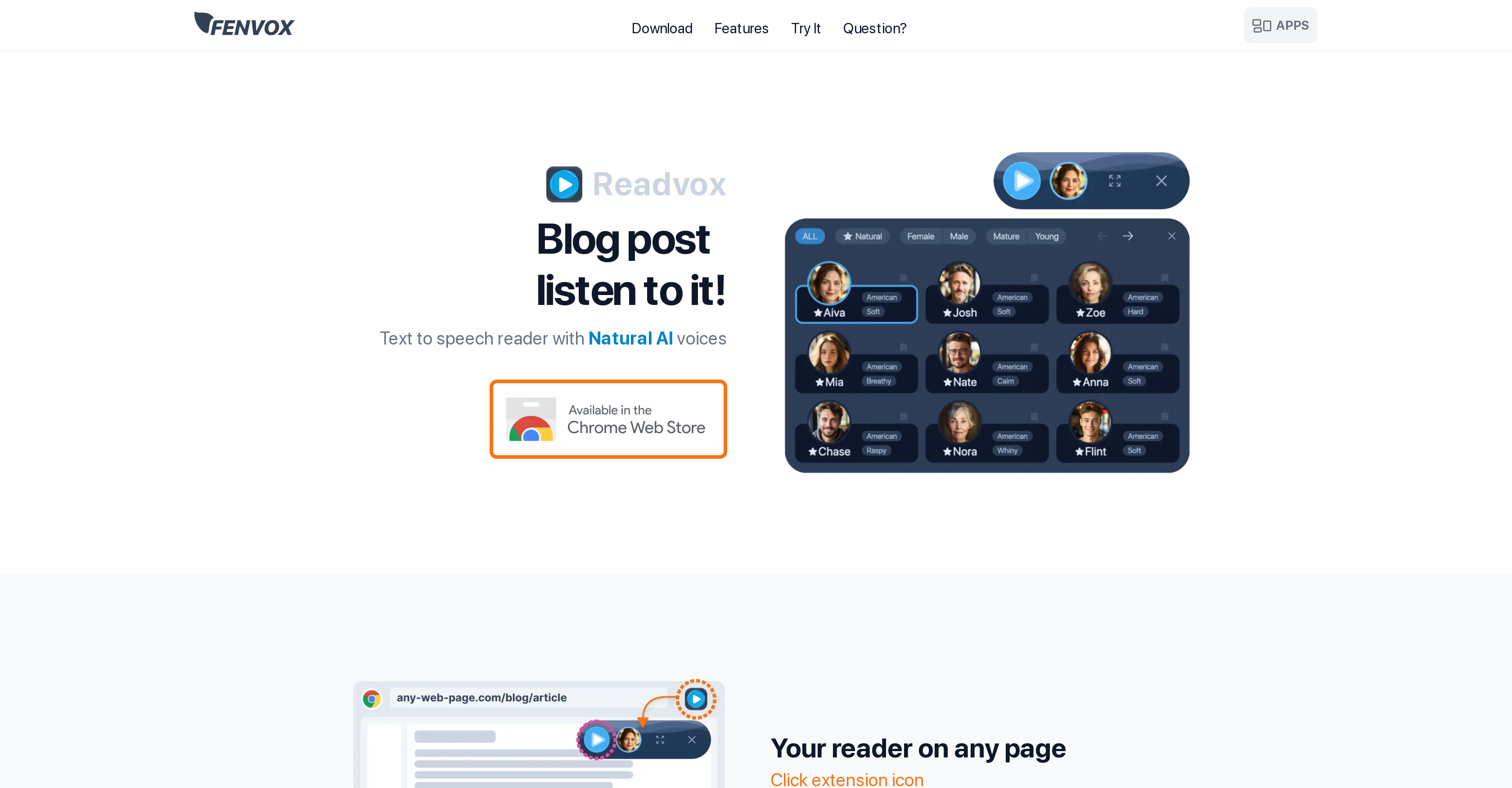
- Listen to any web page with natural, AI-generated voices that sound human for a more engaging audio experience
- Consume online content hands-free while working on other tasks by converting text to speech directly in your browser
- Overcome reading challenges from dyslexia or visual impairments by having web text read aloud to you
- Select specific text passages for conversion to focus only on the content you want to hear
- Choose between AI-powered natural voices or standard system voices to match your listening preference
Pros & Cons
From the listing; not yet checked by our editors.
Pros
- Chrome extension tool
- Converts text to speech
- Naturally sounding voices
- Preferred voice selection
- Natural Voice option
- System Voice option
- Target text selection
- Enhances web content accessibility
- Useful for visual impairments
- Beneficial for dyslexia
- Helpful multitasking tool
- Allows audio-content consumption
Cons
- Limited to Chrome extension
- No mobile application
- Pricing not specified
- Limited voice options
- Cannot save audio files
- No multilingual support
- No API for integration
- Doesn't work offline
- Limited to web content
- No customer support indicated
Alternatives to Readvox
Tools that share the most tags with Readvox.
- Speechma
Generate professional voiceovers for social media and presentations instantly with 400+ premium AI voices featuring unique personalities and accents
Freemium · from $9/month
$9/month
Not yet checked
- Revoicer
Create human-sounding voiceovers that capture attention using emotional tones like friendly, cheerful, or excited for more engaging content
Paid · from $47
$47
Not yet checked
- WooTechy VoxDo
Generate realistic voiceovers instantly with AI text-to-speech conversion across 100+ languages and global accents
Free trial · from $15.95/month
$15.95/month
Not yet checked
- Speechactors
Produce studio-quality voiceovers instantly with an online AI voice generator that converts your text into natural, engaging speech
Freemium · from $23/month
$23/month
Not yet checked
- Resemble.ai
Clone your exact voice instantly using just a short audio sample, eliminating the need for lengthy recording sessions
Free trial · from $29/month
$29/month
Not yet checked
- Speechify Studio
Produce studio-quality voiceovers instantly with 200+ natural AI voices across 60+ languages and accents
Freemium · from $7.99
$7.99
Not yet checked
Reviews
Rate this tool
Loading reviews...
Frequently asked questions
What is Readvox?
Readvox is a Text to Speech reader tool that uses AI technology to convert written text into speech. This tool can be installed as a Chrome extension and allows users to listen to any text on the web pages. It offers options for choosing preferred voice and selecting specific text for speech conversion.
How does Readvox use AI?
Readvox uses AI technology to produce naturally sounding voices for its text to speech conversion. This AI-based mechanism aids in creating a more realistic, human-like voice as compared to traditional TTS readers.
What makes Readvox's text to speech sound natural?
Readvox creates a natural sounding text to speech output by leveraging advanced AI technologies. The AI has been trained on large datasets to mimic human speech patterns and intonations, thereby creating a more lifelike, natural sounding speech as compared to traditional text to speech services.
How can I choose my preferred voice on Readvox?
On Readvox, users can select their preferred voice for the text-to-speech conversion. Although the specific process isn't explicitly detailed, it typically involves navigating through the Readvox tool settings and options to find and select your preferred voice.
What's the difference between 'Natural Voice' and 'System Voice' on Readvox?
The 'Natural Voice' option on Readvox is an AI-generated voice that imitates human speech patterns, while the 'System Voice' is the standard voice typically present in the device's operating system. The former is expected to deliver a more naturally sounding output.
Can I select specific text for speech conversion in Readvox? If so, how?
Yes, Readvox provides an option for users to select specific text for conversion into speech. The specific process isn't stated, but generally users would highlight the desired text and use the Readvox conversion tool.
Is Readvox suitable for users with visual impairments or dyslexia?
Yes, Readvox has been designed keeping in mind the needs of users with visual impairments or dyslexia. Its capability of converting written text into speech makes it easier for these users to consume web content in an audio format.
How can Readvox enhance web content accessibility?
Readvox enhances web content accessibility by converting written text into audible speech. It allows users to listen to any text on web pages, making it easier for those who struggle with reading text or prefer audio content, thereby enhancing the overall user experience and accessibility.