

Recut
Go from a single plain-language brief to a finished multi-scene film or ad: the planning agent breaks the job into steps, writes the prompts, and wires each keyframe, clip, narration and music track into the next.
Listing not yet reviewed by our editors · How we check
Overview
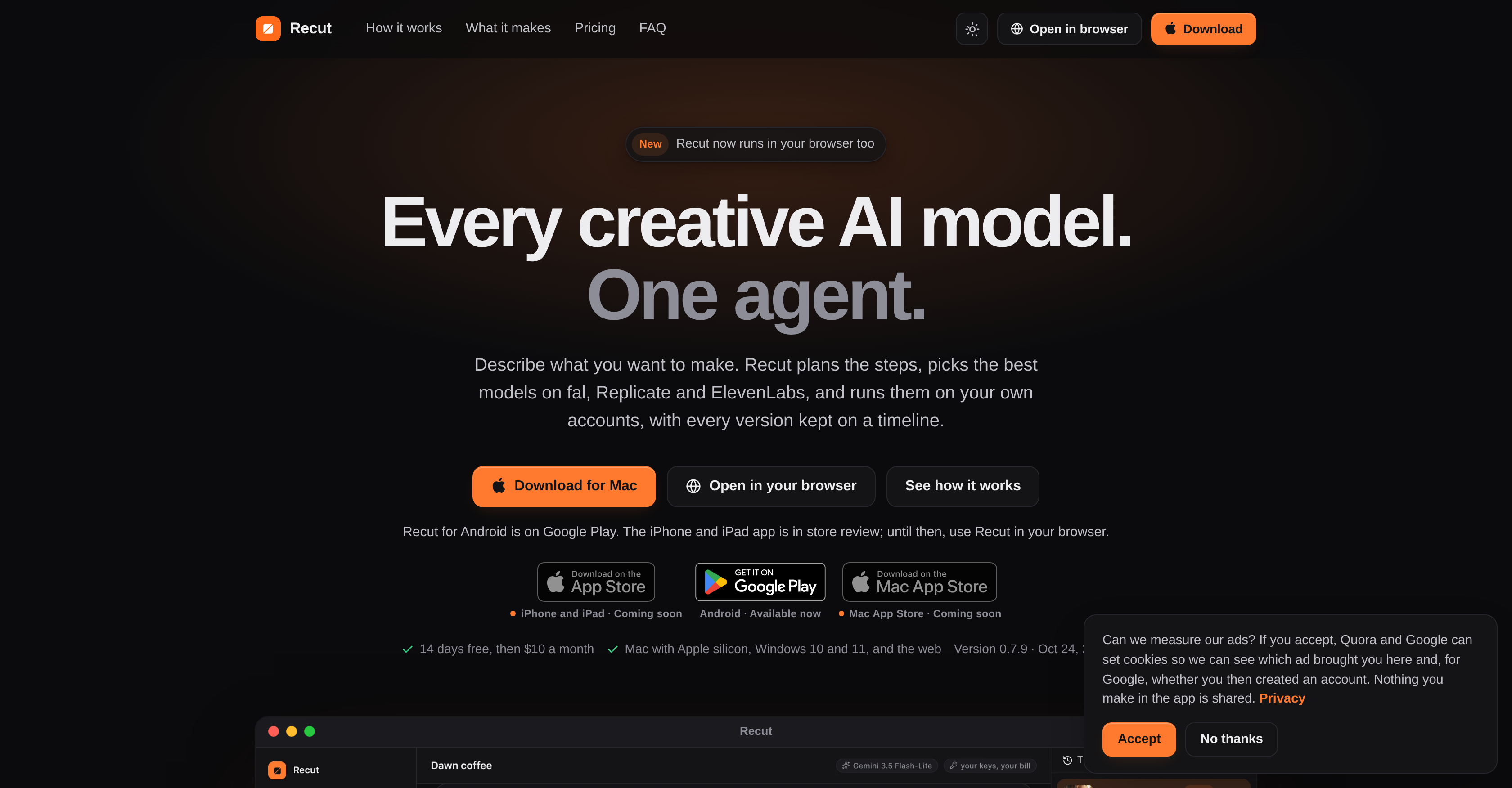
- Go from a single plain-language brief to a finished multi-scene film or ad: the planning agent breaks the job into steps, writes the prompts, and wires each keyframe, clip, narration and music track into the next.
- Pick the strongest AI model for every step without juggling tabs: model cards put fal, Replicate and ElevenLabs options side by side, including models from OpenAI, Google, Kling, ByteDance, Luma and Black Forest Labs.
- Know exactly what each generation costs before spending a cent: every run shows its price up front, and auto-run stops at the hard spending limit you set.
- Start generating with no API key and no markup: buy one-time Recut credit packs, or connect your own fal, Replicate or ElevenLabs accounts and pay those providers' own prices.
- Never lose a good take or a working version: an unlimited timeline history records every input and output, so you compare before and after, swap models, and revert to any earlier point.
- Publish social-ready video for TikTok, Reels and Shorts: captions, trims, merges, 9:16 resizing and loudness normalising, with many of these jobs running on your own device.
- Give any footage a voice and soundtrack: AI voiceovers, dubbing, lip-sync, talking avatars, music, Foley and sound effects linked straight to your silent clips, plus transcription, audio cleanup and stem separation.
- Polish images without exporting between tools: image generation, editing, relighting, restoration, upscaling, colourisation, background removal and face swap chain directly into one another.
- Produce usable 3D assets from a photo or a text prompt: image-to-3D and text-to-3D generation, finished with rigging, re-texturing and remeshing.
- Keep source files private: projects stay on your device and upload only to the provider a run requires, provider API keys are encrypted at rest, and planning requests are not retained.
- Work wherever your project is: native apps for Apple-silicon Mac, Windows 10 and 11 (beta) and Android, plus a browser version that runs on iPhone and iPad, starting with a 14-day free trial.
Pros & Cons
From the listing; not yet checked by our editors.
Pros
- Natural language brief to workflow
- Automated model recommendation across catalogs
- Price preview on model cards
- Spending limit enforced auto-run
- Unlimited version history timeline
- Cross-media dependency chaining
- Supports 24 distinct media functions
- Full fal & Replicate search
- Runs on credits or your own keys
- No markup on provider pricing
- Encrypted provider credentials storage
- Project files stay on device
- Planning requests never stored
- Web, macOS, Windows, Android
- Auto-updating native apps
- Agent included without extra key
- Attach any media type input
- Manual approval or autonomous execution
- Budget-controlled per-project spending
- Direct provider billing integration
- Image-to-3D and text-to-3D pipelines
- Built-in rigging and retexturing tools
- Sound generation for silent clips
- Automatic media captioning and description
- Resume from any timeline point
- Face swapping and background removal
- Relighting and colourisation step
- Lip-sync and talking avatar creation
- Text-to-video and frame generation
- Voice conversion and stem separation
- Unlimited projects under single subscription
- Plan without connected provider
- Apple silicon optimized performance
- Encrypted credentials synced across devices
- Real-time model catalog browsing
- Transparent cost breakdown per step
- Batch processing via auto-run mode
- Version compare UI built-in
- Multi-modal asset assembly pipeline
- Supports image and 3D assets
- Automatic file transfer between stages
- Customizable model settings per step
- Integrated dubbing with voice cloning
- Instant upscaling and restoration
- Timeline visualizes input-output chain
- Cross-platform consistent experience
- No key needed for planning
- Secure file handling per provider
- Free 14day trial included
Cons
- Windows version only beta
- No native Linux support
- Model runs cost extra beyond the plan
- Replicate files routed via server
- Offline mode unavailable
- Timeline history may consume storage
- Auto-run limited by budget
- Mac app needs Apple silicon
- Model pricing varies per provider
- No built-in model marketplace
Alternatives to Recut
Tools that share the most tags with Recut.
- Gling - AI Video Editing Software for YouTube
Skip hours of manual editing with AI that automatically cuts silences, bad takes and filler words from your raw footage
Freemium · from $10/month
$10/month
Not yet checked
- AVCLabs
Transform blurry videos into crisp high-resolution footage with AI upscaling and deinterlacing technology
Paid · from $39.95/month
$39.95/month
Not yet checked
- Camtasia
Record screen, camera, and audio simultaneously on separate tracks for complete editing control over every element
Freemium · from $179.88/year
$179.88/year
Not yet checked
- bigmp4
Transform low-resolution videos into crystal clear 8K quality with AI upscaling that simultaneously reduces noise and enhances detail
Freemium · from $6
$6
Not yet checked
- Vidnami
Transform text into complete marketing videos instantly using AI that splits content into scenes and selects matching clips from Storyblocks
Free trial · from $47/month
$47/month
Not yet checked
- Captions
Produce studio-grade videos without technical expertise using AI-powered automation that handles complex editing tasks
Paid · from $9.99/month
$9.99/month
Not yet checked
Reviews
Rate this tool
Loading reviews...
Frequently asked questions
How does Recut turn a plain‑language brief into a project plan?
Recut parses the plain‑language brief, the built‑in agent breaks the brief into discrete steps, searches the fal and Replicate catalogs for the best models for each step, writes the appropriate prompts, wires each step’s output as the next step’s input, and assembles the whole sequence into a project plan displayed on a timeline.
Which AI model providers does Recut integrate with?
Recut integrates directly with fal, Replicate, and ElevenLabs and can access every model listed in those two catalogs. Through those services it also reaches models from OpenAI, Google, Kling, ByteDance, MiniMax, Black Forest Labs, Luma, Stability, Hunyuan, Qwen, Ideogram, Recraft, and other providers listed on fal and Replicate.
How are model costs shown before I run a task in Recut?
Each model is displayed on a “model card” that lists the model’s settings, options, and the exact cost per run based on the user’s provider rates. The price is shown before the user clicks Run.
Is there a way to set a spending limit for auto‑run in Recut?
Yes. Recut lets you enable auto‑run and set a hard spending limit; the agent will stop automatically once the cumulative cost reaches the limit you defined.
Can I approve each step manually or let Recut run everything automatically?
Both options are available. You can approve every individual model run manually, or you can toggle auto‑run so the agent executes the entire plan automatically within any spending limit you have set.
How does Recut keep my files private and encrypted?
Provider API keys are stored encrypted inside the Recut account. Project files stay on the user’s device and are only uploaded to the selected provider when a model run requires them. Planning requests are passed through Recut’s servers to the planning model and are not retained.
What image editing features does Recut support (upscaling, relighting, background removal, face swap, etc.)?
Recut supports image generation, editing, relighting, restoration, upscaling, colourisation, background removal, and face swapping—all available as separate actions within the workspace.
Does Recut support text‑to‑video generation and how long can the videos be?
Recut includes a text‑to‑video generator. Video length is priced per second by the underlying provider, so the practical maximum is determined by the provider’s limits rather than Recut itself.