

Reroom
Commit to a remodel only after seeing the result: Reroom generates multiple room design options from a single theme, so you compare redesign possibilities side by side before spending on furniture, paint, or renovation.
Listing not yet reviewed by our editors · How we check
Overview
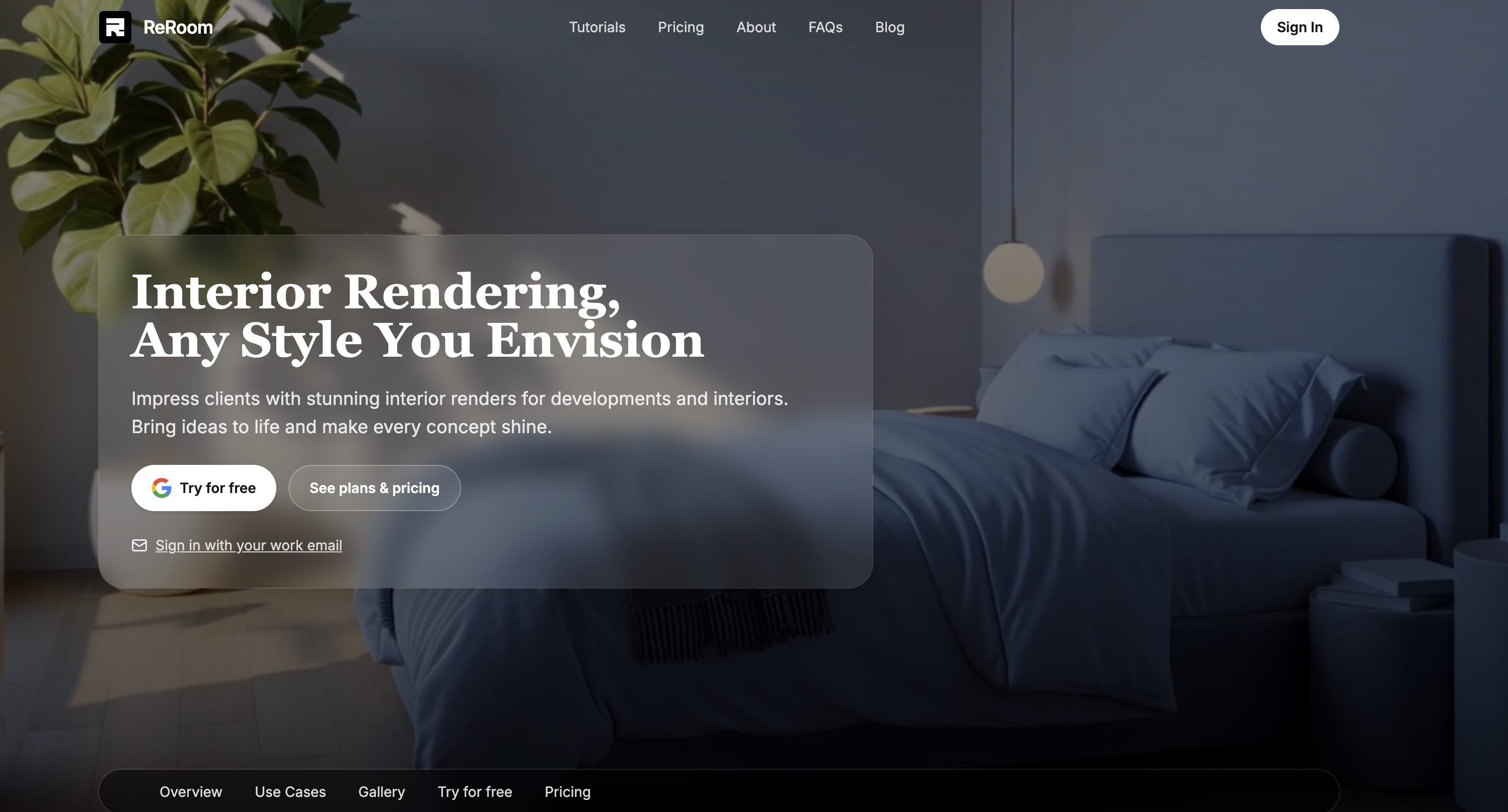
- Commit to a remodel only after seeing the result: Reroom generates multiple room design options from a single theme, so you compare redesign possibilities side by side before spending on furniture, paint, or renovation.
- See your actual room transformed instead of generic inspiration photos: upload a picture of your own space and get a room makeover built on its real layout.
- Pin down your interior style without browsing endless mood boards: choose from 20+ design styles, including Coastal Breeze, Desert Retreat, Japanese Zen, Minimalist Haven, Contemporary Elegance, and Modern Fusion.
- Plan a home makeover for every room: redesign living rooms, bedrooms, bathrooms, home offices, and studies with the same photo-to-design workflow.
- Act as your own interior designer with zero design training: select a theme and Reroom handles the styling, color, and layout choices for you.
- Get faster client sign-off on interior design projects: show clients visual previews of several style directions for their space before any work begins.
Pros & Cons
From the listing; not yet checked by our editors.
Pros
- Generates multiple design options
- Preview design possibilities
- Range of 20+ styles
- Aesthetically appealing designs
- Tailored to individual users
- Transforms spaces efficiently
- User-friendly
- Caters to diverse preferences
- Empowers user decision-making
- Suitable for various interiors
- Helps unleash creativity
- Quick room remodeling
- Showcases 20+ different styles
- Ideal for interior interest
- Low-effort transformation process
- Offers style and ease
- Revolutionizes interior design
- Generates dream rooms
- Efficient style selection
- Encourages design exploration
Cons
- Limited design style options
- No custom style setting
- Restricted room types
- Result accuracy dependent on photo
- Doesn't support 3D visualization
- No price estimate feature
- No integration with furniture stores
- Doesn't factor in room dimensions
- Limited user control over output
- Doesn't include user's existing furniture
Alternatives to Reroom
Tools that share the most tags with Reroom.
- DeHome.ai
Visualize your perfect room in seconds, not weeks, by uploading a photo and instantly receiving multiple AI-generated design variations.
Free trial
Not listed
Not yet checked
- REimagineHome
Sell properties faster with instantly staged empty rooms using virtual staging that creates appealing spaces for potential buyers
Paid · from $14/month
$14/month
Not yet checked
- AI Kitchen Design
See your renovation ideas in photorealistic detail before spending a dollar, using AI that automatically handles lighting and composition for a true-to-life preview.
Paid · from $14/month
$14/month
Not yet checked
- Home Design AI
Visualize professional interior designs in seconds without hiring a designer using our AI-powered room transformation
Paid · from $49.99/year
$49.99/year
Not yet checked
- Interior AI
Visualize redesigns instantly by uploading room photos that AI transforms into detailed interior designs in seconds
Paid · from $17/month
$17/month
Not yet checked
- Decory AI
Visualize your dream room instantly without guesswork by generating professional designs from a simple photo, description, or room dimensions
Freemium · from $49.99/month
$49.99/month
Not yet checked
Reviews
Rate this tool
Loading reviews...
Frequently asked questions
What is ReRoom AI?
ReRoom AI is an AI-powered tool that aids in transforming living spaces. It utilizes advanced algorithms to generate multiple design options for a given space, offering users a range of styles to reimagine their rooms with.
How does ReRoom AI work?
ReRoom AI works by users uploading a picture of their room and selecting a design theme. The tool then uses its advanced algorithms to generate multiple design options based on the selected theme, allowing users to preview potential redesigns of their space before making a final decision.
Can ReRoom AI generate designs for any room in my house?
Yes, ReRoom AI can generate designs for any room in your house. Examples provided on their website include living rooms, studies, home offices, bedrooms, and bathrooms, with a diverse range of styles applied.
How many design styles does ReRoom AI offer?
ReRoom AI offers a selection of 20+ design styles. The styles reflect various aesthetic preferences, offering a wide range of options to suit different user needs.
Can I select the design style for my room with ReRoom AI?
Yes, with ReRoom AI, you can select the design style for your room. There are over 20 styles to choose from, all tailored to offer diverse design possibilities.
Is it necessary to know about interior design to use ReRoom AI?
No, it is not necessary to have knowledge of interior design to use ReRoom AI. The tool is designed to be user-friendly and allow users to explore varying styles and reimagine their living space with ease and simplicity.
How do I start using ReRoom AI?
To start using ReRoom AI, you need to upload a picture of your room and then select a design theme from the diverse styles on offer. ReRoom AI will then generate several designs for your room based on the selected theme.
Does ReRoom AI require a specific type of image for generating room designs?
ReRoom AI does not specify a requirement for a specific type of image. However, users should ensure they provide a clear, well-lit photograph that captures the full extent of the room for the best results.