

RevaultAI
Stop paying for takes you'll throw away: rehearse every AI video shot before generating by moving performers and cameras along a timeline in the Rehearsal Studio and checking shot size, lens, eyelines and the 180° line from every angle.
Listing not yet reviewed by our editors · How we check
Overview
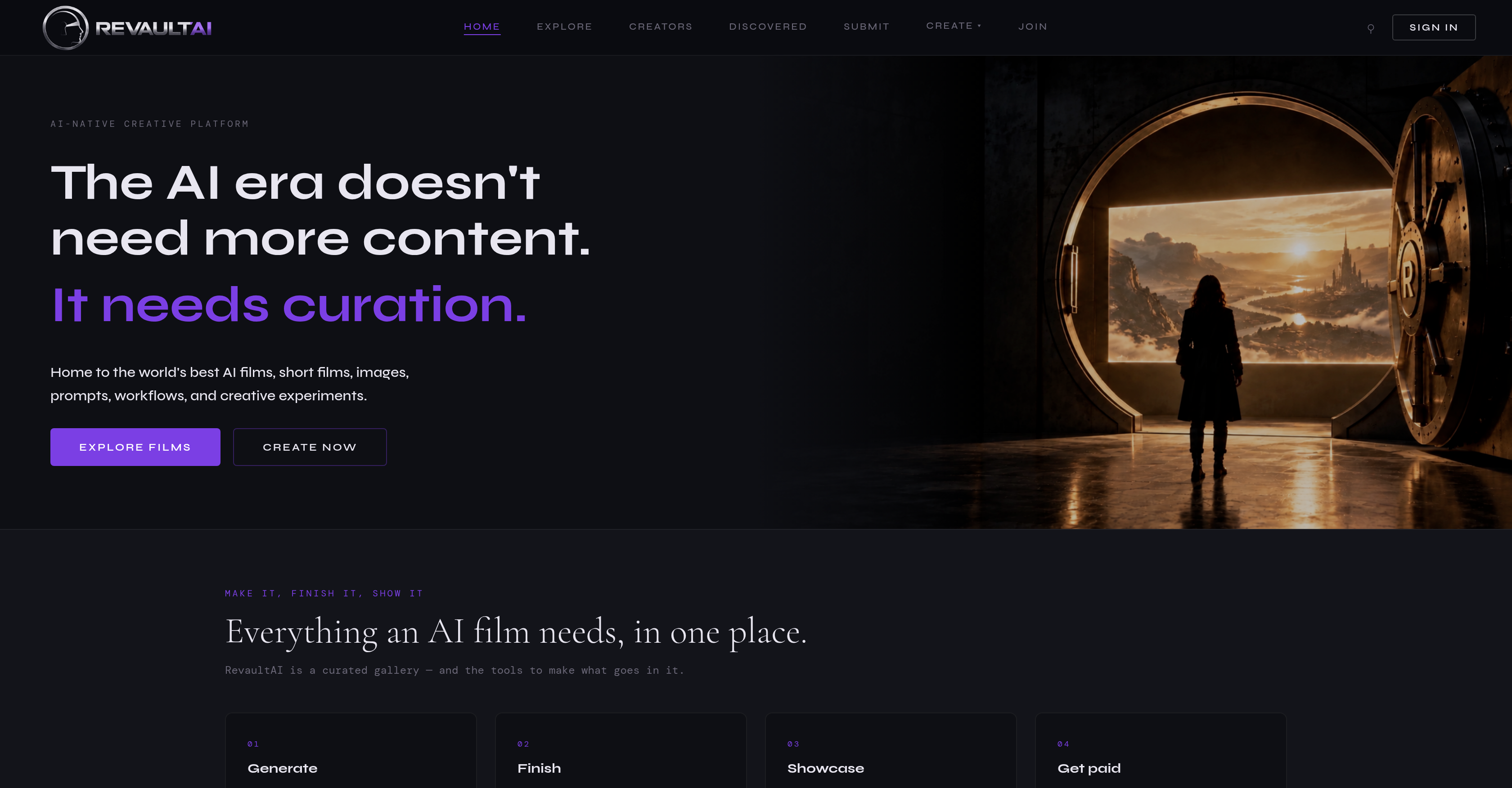
- Stop paying for takes you'll throw away: rehearse every AI video shot before generating by moving performers and cameras along a timeline in the Rehearsal Studio and checking shot size, lens, eyelines and the 180° line from every angle.
- Fix staging mistakes before they reach the screen: Lot Supervisor's overhead plan flags line-of-action and screen-direction errors as you place performers and cameras, and saves your blocking to a project when you sign in.
- Keep the same face, costume and set in every shot: the Vault locks characters, locations and props with descriptions and reference photos that feed every generation they appear in.
- Choose the right AI video model for each shot: Which Model? compares Wan, Kling, Seedance and Veo on cost, how long each holds a shot, and what is most likely to break.
- Ship a film without continuity errors: Continuity Check reads every shot against every other shot to flag wardrobe color changes, props swapping hands, reverse angles crossing the line, and characters knowing things they haven't learned yet. It flags problems for you to fix and never rewrites your work.
- Turn failed takes into usable shots: Generation Autopsy diagnoses why a generation went wrong so your next attempt lands.
- Walk onto the shoot with full coverage: scene breakdown builds a numbered shot list and the coverage planner shows exactly which shots are still missing.
- Skip rebuilding your edit from scratch: Finish assembles your takes into a cut that opens already edited in DaVinci Resolve or Premiere Pro.
- Start planning your AI film today at no cost: most planning tools are free and need no sign-in.
- Get your AI short film or animation seen on merit and paid for it: every film in the gallery is reviewed before publishing instead of ranked by an algorithm, and creators keep 80% of net revenue on sales.
- Learn AI filmmaking from finished work: every film in the gallery streams free with its full production notes.
Pros & Cons
From the listing; not yet checked by our editors.
Pros
- Lot Supervisor catches line-of-action errors
- Curated, non-algorithmic gallery
- Free planning tools, no sign-in
- Rehearsal Studio scene blocking
- Vault locks characters and props
- Continuity and 180-degree checks
- Generation Autopsy diagnoses failed takes
- Multi-model generator
- Edits export to Resolve and Premiere
- Creators keep 80% of net sales
- Open production notes on every film
Cons
- Overemphasis on curation
- Complicated interface for beginners
- Lacks thorough technical guidance
- Dominantly film-focused
- Lack of non-film options
- Missing plugin support
- No multi-platform support mentioned
- No direct cloud integration
Alternatives to RevaultAI
Tools that share the most tags with RevaultAI.
- Flawless
Eliminate language barriers for global distribution with perfectly lip-synced performances in any language using Visual Dubbing technology
Not listed
Not listed
Not yet checked
- Veo
Create high-definition 1080p videos that run longer than a minute from simple text descriptions
Paid · from $49.90/month
$49.90/month
Not yet checked
- VidSbo - AI Storyboard Generator
Transform a simple text idea into a production-ready storyboard with detailed scene descriptions, shot types, and camera movements in seconds, using AI analysis of your concept.
Free trial · from $19/month
$19/month
Not yet checked
- Beeble
Transform lighting conditions after filming with AI-generated depth, normal, and albedo passes that describe how light interacts with surfaces
Freemium · from $16/month
$16/month
Not yet checked
- Melies AI Screenwriting Software
Break through writer's block with AI-powered story generation that explores countless narrative possibilities for shorts, features, or TV series
Paid · from $29/month
$29/month
Not yet checked
- Vanity AI
Complete entire VFX sequences in hours instead of months with AI-powered processing that's 300x faster than traditional pipelines
Not listed
Not listed
Not yet checked
Reviews
Rate this tool
Loading reviews...
Frequently asked questions
What are the key features of RevaultAI?
RevaultAI's key features include a customizable soundstage, casting and prop house, camera cage, a pseudo-script supervisor and a curated gallery for AI-generated films. It serves as a virtual film studio, offering a range of tools and features for AI-assisted filmmaking. The platform also includes a curated gallery where final films are displayed, with a focus on quality over algorithmic rankings.
How does RevaultAI assist in filmmaking?
RevaultAI assists in filmmaking by providing a virtual environment where filmmakers can plan, block and preview their scenes before generating them, eliminating unnecessary costs. It offers a Casting and Prop house feature for keeping track of characters, locations, and props, ensuring consistency throughout the filming process. Additionally, it provides tools for scene planning, managing continuity, and detailed information on various generation models.
What is the Casting and Prop House function in RevaultAI?
The Casting and Prop House function of RevaultAI helps maintain continuity throughout the film by tracking characters, locations and props. For each scene, filmmakers can detail their characters, locations and props, and these descriptions are consistently maintained in every shot where they appear. This function facilitates accurate depiction of characters and props in accordance with the script.
What is the purpose of the Camera Cage in RevaultAI?
The Camera Cage in RevaultAI provides detailed information about various generation models. This feature gives an honest assessment on which model suits a specific shot, elucidating on the cost, duration feasibility and potential issues associated with each model. For every shot, filmmakers can find the most suitable generation model via the Camera Cage functionality.
How does the continuity check work in RevaultAI?
The continuity check feature in RevaultAI works as a virtual script supervisor. It reads every shot against every other shot in an AI-generated film to identify continuity errors like changing wardrobe color, props swapping hands, or reverse angles crossing lines. This function helps in maintaining consistent portrayal of characters, scenes, and storylines from shot to shot.
How does RevaultAI handle the generation and editing of films?
RevaultAI assists in generation and editing of films through its multiple functionalities. It enables filmmakers to block and plan their scenes on a virtual soundstage before generating them. During editing, filmmakers can access their takes, including the failures, and compile them into a cut that can be viewed and exported to popular editing platforms. A built-in continuity check function helps to identify any discrepancies within the film.
How does the customizable soundstage feature work in RevaultAI?
The customizable soundstage feature of RevaultAI allows filmmakers to plan, block, and preview their scenes before generating them. It provides an interactive environment where filmmakers can move performers and cameras through a shot on a timeline and view the scene from each angle, making necessary modifications as they work. The soundstage facilitates iterative planning and enactment of scenes before they are generated, helping to manage costs and expectations.
What is the role of the pseudo-script supervisor in RevaultAI?
The pseudo-script supervisor in RevaultAI performs two key roles: verifying film continuity and managing knowledge consistency. Firstly, it checks every shot against every other shot to ensure no continuity errors, such as a changing prop or a misplaced character. Secondly, it safeguards against knowledge inconsistencies, ensuring that a character doesn't demonstrate knowledge of events they haven't learned yet.