

Roo Code
Automate complex code refactoring and implementation with AI agents that plan and execute changes in a controlled environment
Listing not yet reviewed by our editors · How we check
Overview
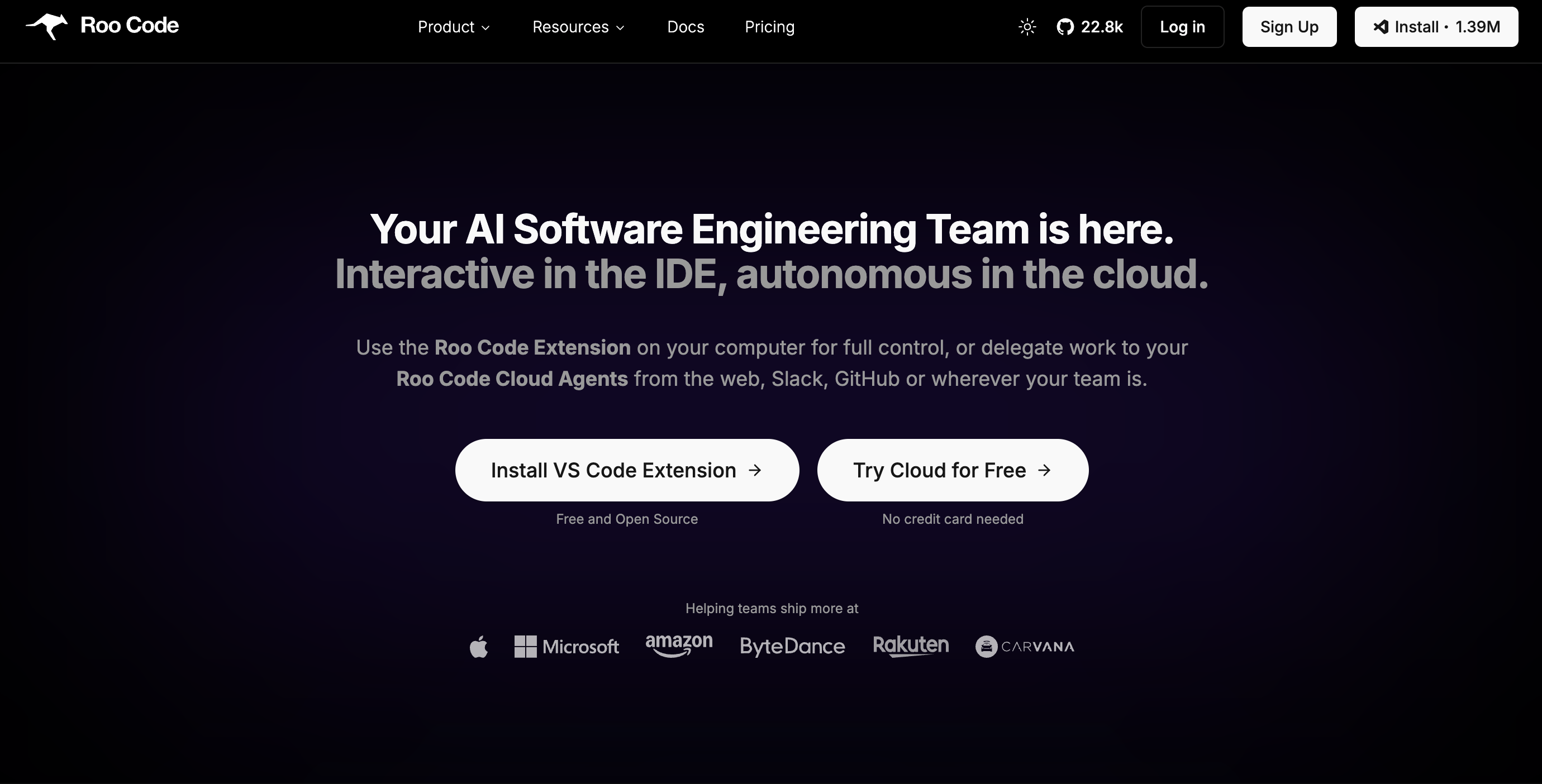
- Automate complex code refactoring and implementation with AI agents that plan and execute changes in a controlled environment
- Diagnose issues and propose reliable fixes instantly using the Debug mode to trace failures and reduce troubleshooting time
- Create and improve performance tests without altering functionality through the dedicated Test mode for robust code quality
- Delegate team tasks from Slack and GitHub using the Cloud platform to initiate projects and execute work in parallel
- Maintain full, immediate control over every AI action and preview changes live with the configurable IDE extension for individual work
- Integrate seamlessly into your existing workflow with highly customizable settings that adapt to your specific development process
- Ensure transparency and data privacy with an open-source extension and SOC2-compliant platform that doesn't use your data for training
- Future-proof your development stack with a model-agnostic design that works with dozens of AI providers and adapts to technology changes
Pros & Cons
From the listing; not yet checked by our editors.
Pros
- Integrated development environment
- Interactive and autonomous
- Roo Code Extension
- Roo Code Cloud
- Works with various models
- Role-based workflow modes
- Highly configurable
- Open source
- Secure industry-standard practices
- Different usage forms available
- Planning complex changes
- Refactoring code
- Diagnosing issues
- Performance test scripting
- Smooth integration into workflows
- Model-agnostic design
- Role-specific operational modes
- Compatible with multiple providers
- Transparent operational settings
- Non-reliance on user data for training
- Single and team work modes
- Allows for task delegation
- Adaptable to tech changes
- Multiple providers compatibility
- Focused coding roles
- Rights and access control
- Workflow optimization
- Autonomous and interactive functions
- Cloud-based team collaboration
- DevOps-oriented
- Targets software debugging
- Supports code architecting
- Web development enhancement
- Workflow customization
- Collaborative co-working environment
- Code implementation and optimization
- Software behavior explanation
- Program failure diagnosis
- Test case development
- Tool-specific working modes
- Ideal for real-time debugging
- Supports quick iteration
- Task automation
- Productive team collaboration
- Versatile roles beyond coding
- Enhances developer-centric flexibility
Cons
- Requires active internet connection
- Higher cost with OpenRouter
- Dependent on other providers
- Limited offline functionality
- Requires task-conscious interactions
- May struggle with complex code
- Might need routine configuration
- Adaptation time for modes
- Specific need for agent creation
- Extension compatibility limited to VS Code
Alternatives to Roo Code
Tools that share the most tags with Roo Code.
- Speechmatics | AI Voice Agents
Automate customer conversations instantly with sub-second speech-to-text that understands 55+ languages for global scalability
Free trial · from $0.24/unit
$0.24/unit
Not yet checked
- BrainyBear
Resolve 80% of customer questions instantly with AI agents trained on your specific content and knowledge bases
Free trial · from $38/month
$38/month
Not yet checked
- Monobot
Platform for building voice and chat agents that handle scheduling, reservations, appointment booking, order status, identity verification and lead qualification around the clock.
Paid · from $200
$200
Nov 23, 2026
- Vogent
Create human-like voice agents without writing code using the visual Flow Builder that designs conversation flows and probing questions
Paid · from $0.09/unit
$0.09/unit
Not yet checked
- Vozexo
Convert more inbound calls into qualified leads with an AI that answers instantly, qualifies interest, and routes only hot prospects to your sales team.
Paid · from $49/month
$49/month
Not yet checked
- Skymel ADK (Agent Development Kit)
Build production-ready AI agents in minutes without coding using simple English descriptions that automatically generate custom execution workflows
Paid · from $25
$25
Not yet checked
Related Videos
How to use Context Condensing in Roo Code | Detailed Tutorial
Roo Code · May 30, 2025
Code Actions in Roo Code || Tutorial
Roo Code · Dec 2, 2025

Roo Code is AMAZING - AI VSCode Extension (better than Cursor?)
Better Stack · Feb 14, 2025

Vibe Coding with Roo Code
Synaptic Labs · Jul 10, 2025

🦘 RooCode Tutorial: Code with a Local LLM in VSCode (No API Costs!)🚀
Kevin Lopez · May 3, 2025
Reviews
Rate this tool
Loading reviews...
Frequently asked questions
What is Roo Code's main purpose?
Roo Code's main purpose is to streamline the software development process by introducing AI into an integrated development environment (IDE). This provides both interactive and autonomous coding capabilities.
What are the key features of Roo Code?
Key features of Roo Code include the Roo Code Extension for full control, the Roo Code Cloud for delegating work from various platforms like the web, Slack, and GitHub. Roo Code offers a range of role-specific modes like Architect, Code, Ask, Debug, and Test. The platform is adaptable to changes in technology and designed to seamlessly integrate and enhance existing workflows. For transparency and security, the extension is open-source and does not use your data for training.
What is the Roo Code Extension used for?
The Roo Code Extension is used for individual work where direct control is required. It allows you to approve every action, manage the context window, configure every detail, and preview changes live. It's ideal for real-time debugging or quick iteration where full, immediate control is needed.
What functions can the Roo Code Cloud perform?
The Roo Code Cloud is used for team collaboration. You can create an agent team in the Cloud and delegate tasks from the web, Slack or GitHub. It allows you to use agents like the Planner, Coder, Explainer, Reviewer, and Fixer. It's ideal for initiating projects, executing in parallel, and involving the rest of your team.
What different modes does Roo Code offer?
Roo Code offers role-specific modes to keep tasks focused and under control. These modes include Architect for planning complex changes, Code for implementing, refactoring, and optimizing code, Ask for explaining functionality and program behavior, Debug for diagnosing issues and proposing fixes, and Test for creating and improving performance tests.
How customizable is Roo Code to fit my workflow?
Roo Code is highly customizable to fit your workflow. Developer tools are created to be compatible with your workflow preferences, customizable down to every detail, providing a glove-like fit to your development process.
What security measures does Roo Code employ?
Roo Code employs industry-standard security practices for the sake of user's data protection. It is fully SOC2 Type 2 compliant and does not use your data for training, ensuring user data privacy and security.
What is the advantage of Roo Code being open-source?
The advantage of Roo Code being open-source is transparency. Users can see for themselves exactly what the system is doing, yielding greater trust in its practices and processes.