

Runbear
Answer customer questions in Slack and Microsoft Teams without falling behind, because shared AI agents draft support replies in your team's own voice.
Listing not yet reviewed by our editors · How we check
Overview
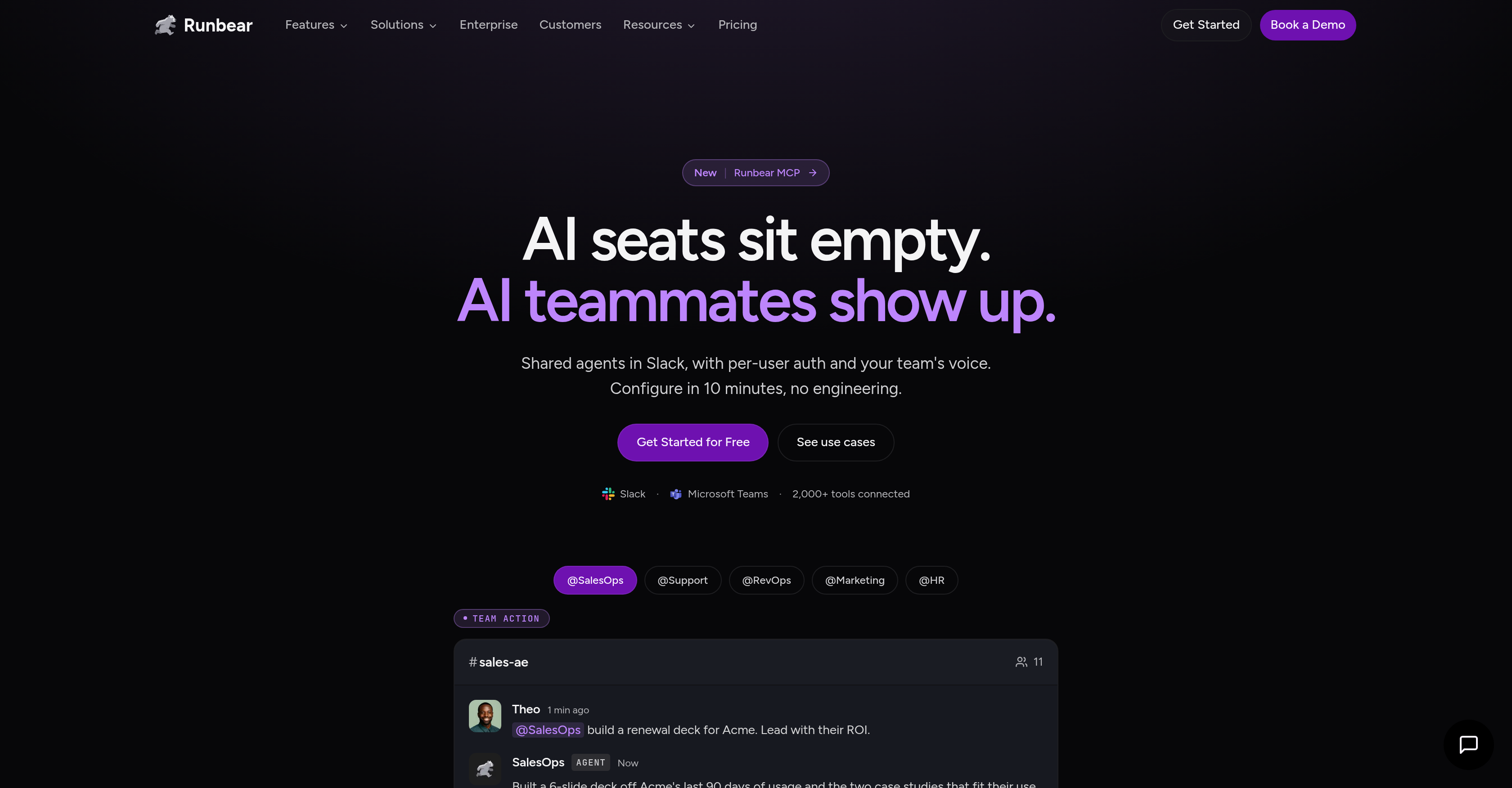
- Answer customer questions in Slack and Microsoft Teams without falling behind, because shared AI agents draft support replies in your team's own voice.
- Spot churn risk before renewal conversations go wrong, as customer retention monitoring flags declining API call rates and inactive user accounts, then delivers summaries and next-step suggestions.
- Keep HubSpot CRM records current without manual data entry, with automated update logging and renewal decks built directly from customer data.
- Run operations across your whole software stack from one place through integrations with more than 2000 business tools.
- Go live in days instead of waiting on an engineering backlog, thanks to a quick setup that needs minimal technical involvement.
- Turn repeatable RevOps and support processes into dependable automation by defining workflows in code that Runbear keeps running.
- Give every answer the right context, since each AI agent draws on its own custom knowledge base built from your operational stack.
- Keep access and accountability clear across the team, with multi-user identity support that applies separate per-user authorization to each agent action.
- Respond to community questions outside your workspace, with reply drafts for external platforms like Reddit.
- Get more from the AI you already use, as Runbear sits on top of existing AI implementations and extends them rather than replacing them.
Pros & Cons
From the listing; not yet checked by our editors.
Pros
- Integrates with 2000+ tools
- Automates Slack inboxes
- Mimics team's voice
- Assists in building renewal decks
- Updates entries in CRM systems
- Drafts responses to customer queries
- Also works with Microsoft Teams
- No need for extensive setup
- Detects meaningful user activity patterns
- Identifies potential at-risk customers
- Automatically provides action suggestions
- Even drafts replies on Reddit
- Code-based workflow customization
- Supports multi-user identity
- Per-agent custom knowledge bases
- Detects decreasing API call rates
- Detects inactive user accounts
- Connects to HubSpot
- Enabled Customer Retention
- Quick setup without engineering involvement
- Reddit Integration
- Business communication improvement
- Operational pattern detection
- Provides Slack a brain
- Shared agents with per-user authorization
- Drafts incident responses for external platforms
- Monitors usage for risk detection
- Automates renewal deck building from CRM data
- Summarises patterns indicating customer risks
- Creates dedicated knowledge base per agent
- Personalized responses
- Incorporates action suggestions
- Allows code-based workflow definition
- Handles communication in team's voice
- Quick 10-min configuration
- Creates agent through chat interaction
- Drafts action points post Zoom meeting
- Trigger-based actions
- Personalized expense policy responses
- Pattern recognition for early risk detection
- Multi-platform incident response
- Integrates with Discord
- One-click install
- Drafts email follow-ups post meetings
- Team agents created in chat
- Billing per subscription not per seat
Cons
- Requires code-based customization
- Limited to specific platforms
- No standalone application
- Requires multi-user identity setup
- Possibility of pattern detection errors
- No native language processing
- Workflow definition can be complex
- Dependent on external platform APIs
Alternatives to Runbear
Tools that share the most tags with Runbear.
- Speechmatics | AI Voice Agents
Automate customer conversations instantly with sub-second speech-to-text that understands 55+ languages for global scalability
Free trial · from $0.24/unit
$0.24/unit
Not yet checked
- BrainyBear
Resolve 80% of customer questions instantly with AI agents trained on your specific content and knowledge bases
Free trial · from $38/month
$38/month
Not yet checked
- Monobot
Platform for building voice and chat agents that handle scheduling, reservations, appointment booking, order status, identity verification and lead qualification around the clock.
Paid · from $200
$200
Nov 23, 2026
- Vogent
Create human-like voice agents without writing code using the visual Flow Builder that designs conversation flows and probing questions
Paid · from $0.09/unit
$0.09/unit
Not yet checked
- Vozexo
Convert more inbound calls into qualified leads with an AI that answers instantly, qualifies interest, and routes only hot prospects to your sales team.
Paid · from $49/month
$49/month
Not yet checked
- Skymel ADK (Agent Development Kit)
Build production-ready AI agents in minutes without coding using simple English descriptions that automatically generate custom execution workflows
Paid · from $25
$25
Not yet checked
Reviews
Rate this tool
Loading reviews...
Frequently asked questions
What is Runbear designed for?
Runbear is designed for operations teams, customer support, and revenue operations (RevOps). Its primary purpose is automating Slack inboxes and facilitating diverse applications in business environments.
How does Runbear automate Slack inboxes?
Runbear automates Slack inboxes through the use of shared AI agents. These agents are capable of mimicking the team's voice, which helps in drafting responses to customer queries on Slack.
Which tools can Runbear integrate with?
Runbear can integrate with over 2000 distinct tools. This integration capability ensures it can blend into various business environments with relative ease, enhancing operational efficiency.
What tasks can Runbear assist with in CRM systems like HubSpot?
In CRM systems like HubSpot, Runbear assists in tasks such as building renewal decks from customer data and logging updates. These automated tasks help teams monitor and manage customer interactions more effectively.
How does Runbear work with Microsoft Teams?
Runbear works with Microsoft Teams just as it does with Slack. It uses AI agents that perform various tasks within these platforms, promoting increased efficiency and streamlined team collaboration.
How quick is the setup process for Runbear?
The setup process for Runbear is quick and requires minimal engineering involvement. This allows teams to leverage the platform's benefits without need for extensive technical expertise.
What user activity patterns can Runbear detect?
Runbear can detect relevant patterns in user activity, such as decreasing API call rates or inactive user accounts. These patterns can provide insights into user behavior and engagement levels.
How does Runbear handle at-risk customers?
Runbear handles at-risk customers by providing automatic summaries and suggestions for action based on identified patterns in user activity. This proactive approach aids customer retention efforts.