

Overview
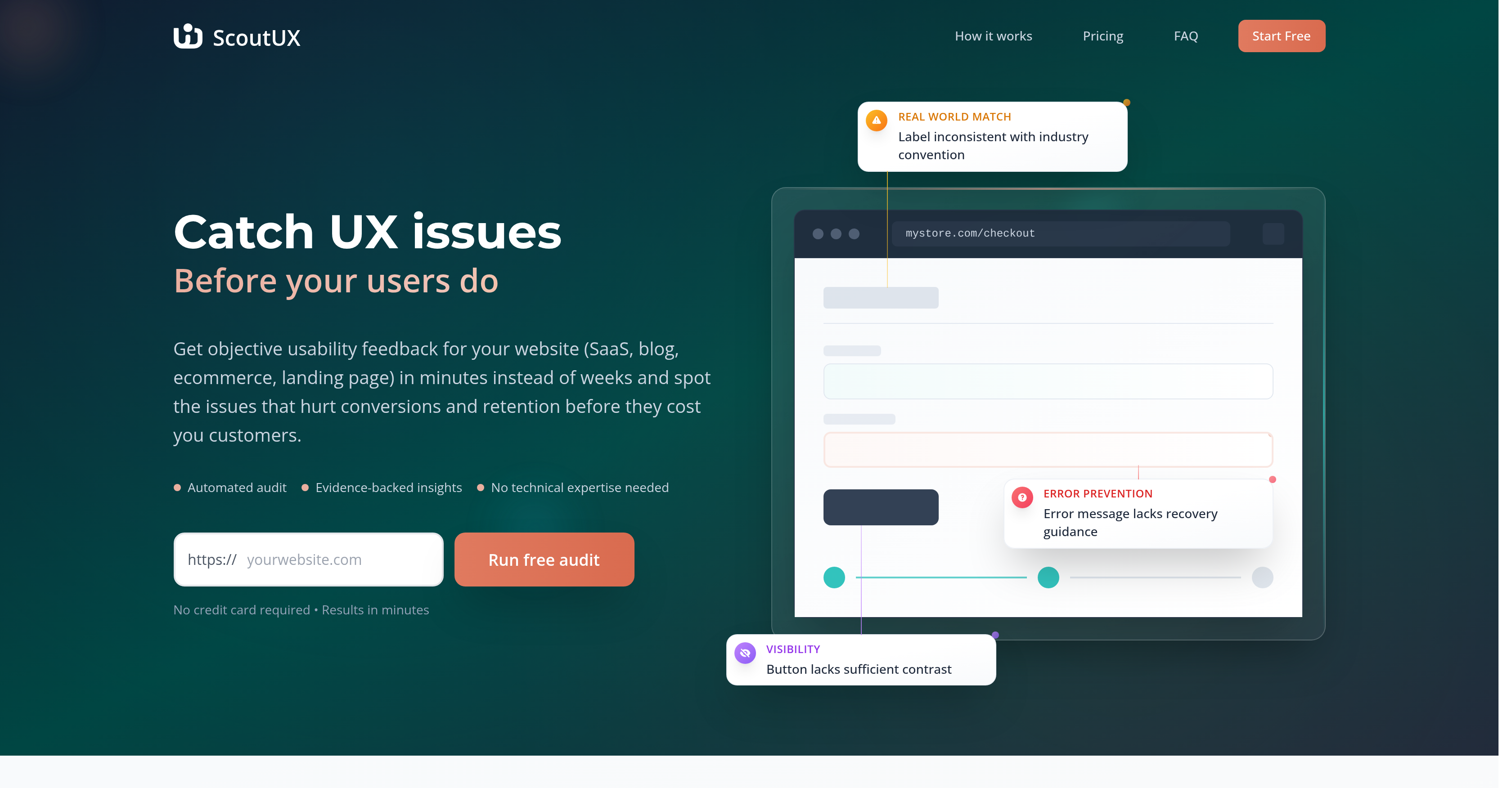
- Catch conversion-killing UX issues before they impact users through automated audits that emulate real human behavior
- Get comprehensive usability reports with specific improvement suggestions grounded in Nielsen's 10 industry-standard heuristics
- Test unpublished designs and prototypes by uploading screenshots for manual analysis without requiring live websites
- Receive objective usability feedback in 2-5 minutes instead of waiting for lengthy manual testing sessions
- Enable entire product teams to identify UX problems without technical expertise through an accessible interface
- Proactively protect customer retention by addressing usability barriers that could drive users away
- Establish consistent UX quality standards across websites and applications using Fortune 500-trusted frameworks
Pros & Cons
Pros
- Identifies UX issues pre-impact
- Offers rapid usability feedback
- 'Automated audit' feature
- Emulates human user actions
- Comprehensive post-audit report
- Includes actionable improvement suggestions
- Analysis based on Nielsen's Heuristics
- Role-specific utility across organizations
- Tool for developers, marketers, founders
- First-line defensive tool against UX issues
- Increases conversion and retention
- Spot issues that hurt conversions
- Works for SaaS, app, website
- Results in minutes
- Error identification and prevention
- Tests across desktop and mobile
- Visually represented insights
- Usability issue visualization
- Heuristic violation identification
- Option for specific task testing
- Analyzes key areas naturally
- Records every site interaction
- Usability principles for suggestions
- Free basic plan available
- Option for faster processing
- Option for more reports
- Optimized for maximum business growth
- Beneficial for Product Managers, Designers
- Boosts conversion rates
- Pre-launch validation for products
- Design validation for designers
- UX testing automation for developers
- Cancellation at any time
- Can work with screenshots analysis
- No need for long-term commitments
Cons
- Limited to Nielsen's heuristics
- Not for comprehensive research
- No real user feedback
- Lacks manual testing options
- No specific task testing
- Limited to website interfaces
- Usability focus, not functionality
- No live user tracking
- Requires published site for analysis
- No direct integration with development tools
Reviews
Rate this tool
Loading reviews...
❓ Frequently Asked Questions
The main goal of ScoutUX is to identify and highlight user experience (UX) issues on websites, applications, and interfaces before they impact the end users.
ScoutUX recognizes UX issues by performing an 'automated audit' which closely emulates the actions of a real human user on the website in question.
During an 'automated audit', ScoutUX performs tasks that a real user would, including clicking, scrolling, and typing.
The comprehensive report provided by ScoutUX includes identification of usability issues and suggestions for improvements to ensure a better user experience.
ScoutUX bases its analysis on Nielsen's 10 Usability Heuristics for User Interface Design, an industry-standard framework widely recognized and adopted within the UX design industry.
Roles within an organization that can benefit from using ScoutUX include product managers, designers, developers, quality assurance professionals, founders, and marketers.
No, ScoutUX is not intended to replace comprehensive user research. It's a fast and powerful, first-line defensive tool against usability issues.
By highlighting potential usability issues that could negatively impact user satisfaction and thus conversions, ScoutUX aids in optimization of conversion rates.
ScoutUX offers usability feedback in the form of a comprehensive report after an automated audit. This report includes identification of usability issues and improvement suggestions.
ScoutUX takes between 2 to 5 minutes to perform an 'automated audit' on a website.
There is no technical expertise required to use ScoutUX. The tool is designed to be as user-friendly and accessible as possible.
Yes, ScoutUX is useful for testing both websites and applications for UX issues.
The improvement suggestions by ScoutUX are action-oriented because they're informed by established usability principles and aim to offer clear directives for enhancing user experiences.
Product Managers, designers, developers, quality assurance professionals, founders, and marketers can make the most use of ScoutUX.
ScoutUX uses Nielsen's 10 Usability Heuristics for User Interface Design for UX analysis.
To analyze an unpublished site, the user can upload screenshots manually for the analysis, provided that the interface can be captured via screenshots.
ScoutUX assists in spotting conversions and retention issues by proactively detecting and addressing UX issues that could potentially deter users or customers.
ScoutUX's analysis is based on the Nielsen's 10 Usability Heuristics which include match between the system and the real world, user control and freedom, consistency and standards, error prevention, recognition rather than recall, flexibility and efficiency of use, aesthetic and minimalist design, help users recognize, diagnose, and recover from errors, and help and documentation.
Yes, it's possible to cancel a ScoutUX subscription anytime with no long-term commitments or cancellation fees implied.
For interfaces that aren't published as a website, ScoutUX can analyze them based on screenshots that the user uploads manually.
Pricing
Pricing model
Freemium
Paid options from
$20/month
Billing frequency
Monthly


