

sensai
Capture qualified leads automatically during every conversation by capturing customer information and intent and pushing it directly to your inbox.
Listing not yet reviewed by our editors · How we check
Overview
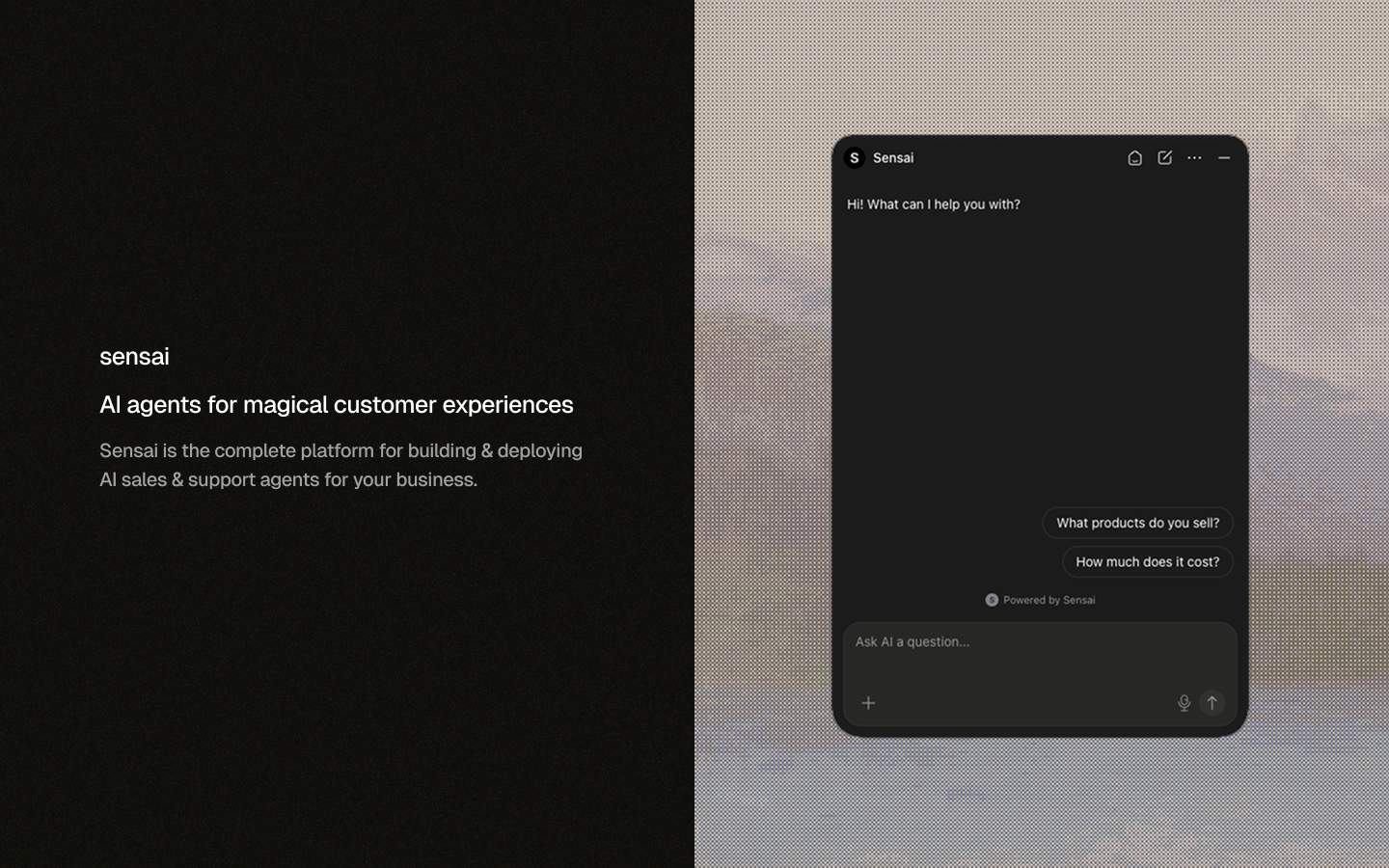
- Capture qualified leads automatically during every conversation by capturing customer information and intent and pushing it directly to your inbox.
- Resolve customer queries instantly with real-time support by deploying an AI agent that learns from your website, documents, and PDFs within minutes.
- Increase sales by scheduling demos without human effort through an AI agent that handles the entire qualification process and books meetings autonomously.
- Maintain accurate responses as your business evolves with an AI that retrains itself automatically when your website content or documents change.
- Launch a fully functional AI support agent in minutes by copying and pasting a single line of code into your existing website.
- Deliver a branded customer experience by customizing the AI agent’s colors, tone, suggested questions, and interaction rules to match your business.
- Turn every website visitor into a potential lead with 24/7 AI interactions that engage, qualify, and hand off tasks to your human team when needed.
Pros & Cons
From the listing; not yet checked by our editors.
Pros
- Real-time sales functionality
- Easy integration via code
- Instant lead capture
- Multiple access plans
- Seamless website integration
- Automated scheduling capabilities
- Customer service improvement
- Quick query response
- Customizeable tone and color
- Adapts new Q&A pairs
- Live from day one
- Indexing for quick response
- Transforms visitors into leads
- Customer information capture during conversations
- Simulates support representative role
- In-chat lead qualification
- Automated demo booking
- Sales-support in one package
- Company-specific data training
- Document and PDF integration
- Knowledge update with content changes
- Inbox forwarding of customer details
- User-friendly interface
- Business intelligence capabilities
- Data indexing feature
- Lead Generation
- Interactive Interface
- Web Support
- Business Support Tools
Cons
- Limited storage per agent
- Premium features only in Pro
- Customisation may be complex
- Need to provide data
- Paid plans for more messages
- Adaptation requires content change
- Limited team members access
- No credit card for Free
- Rate limiting not in Starter
- File uploads only in Pro
Alternatives to sensai
Tools that share the most tags with sensai.
- Chatisto
Answer customer questions instantly with AI agents that handle common inquiries 24/7
Freemium · from $29/month
$29/month
Not yet checked
- Notification Harbor
Drive more sales with AI-personalized notifications and emails crafted from individual user data and marketing intent
Not listed
Not listed
Not yet checked
- Qualified
Convert website visitors into sales opportunities instantly with AI-powered conversations that identify high-intent buyers in real-time
Paid
Not listed
Not yet checked
- SoundHound
Deploy voice AI across any platform with an end-to-end tech stack that handles everything from speech recognition to response generation
Not listed
Not listed
Not yet checked
- Ebi
Handle 85% of routine customer enquiries automatically from day one with AI assistant capabilities
Freemium · from $123/month
$123/month
Not yet checked
- GPT Trainer
Launch custom AI chatbots in minutes without technical expertise using our intuitive, code-free chatbot builder
Freemium · from $150
$150
Not yet checked
Reviews
Rate this tool
Loading reviews...
Frequently asked questions
What is Sensai?
Sensai is a comprehensive platform for creating and deploying AI sales and support agents for businesses. It offers a specific solution to assist customers, answer their queries, and boost sales through intelligent interactions.
How does Sensai work?
Sensai works by learning about your business from your website, observing documents and PDFs. It emulates the responsibility of a support representative, answering queries, leading the qualification process, and scheduling demos. To implement Sensai, a line of code is copied and pasted to go live and actively interact from day one.
What are the key features of Sensai?
Sensai's key features include AI chatbots for customer service and sales support, interaction interface, lead generation, customer interaction, self-learning AI, business support tools, customizable AI, website integration, content adaptation, customer information capture, real-time support, automated scheduling, and business intelligence.
How does Sensai's AI learn?
Sensai's AI learns by analyzing data from your website, texts, documents, or custom Q&A pairs. When the content changes, it retrains itself to maintain up-to-date knowledge.
Can Sensai adapt to content changes on its own?
Yes, Sensai can adapt to content changes on its own. When the content changes, Sensai's AI retrains itself to maintain up-to-date knowledge.
How can the AI agents offered by Sensai be customized?
The AI agents offered by Sensai can be customized according to business needs. Customization involves choosing colors, tones, suggested questions, and rules for the agents.
How quickly can Sensai be integrated into a business's digital platform?
Sensai can be quickly integrated into a business's digital platform with a simple line of code, allowing it to go live and start learning and capturing customer leads from the first day.
Is it possible to capture customer information using Sensai?
Yes, Sensai has the capability to capture the customer's information and intent during a conversation, and then it pushes this information directly to your inbox.