

Sheet Copilot
Eliminate hours of manual spreadsheet work by automating repetitive data tasks directly within Google Sheets.
Listing not yet reviewed by our editors · How we check
Overview
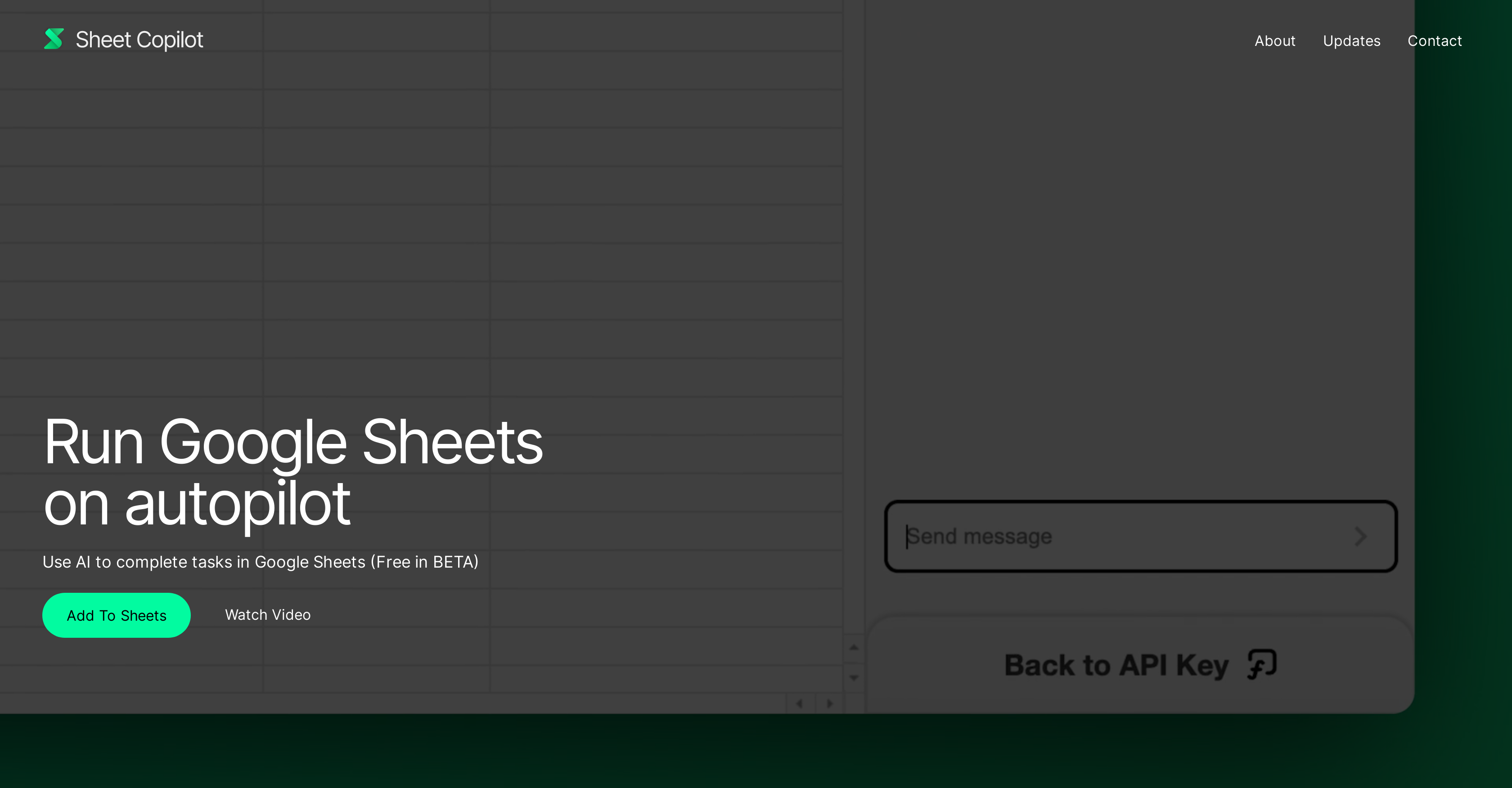
- Eliminate hours of manual spreadsheet work by automating repetitive data tasks directly within Google Sheets.
- Transform raw data into actionable insights instantly using AI-driven processing and analysis.
- Maintain complete control over your workflow by running Google Sheets on autopilot for specific, time-consuming operations.
- Access powerful automation for free during the beta stage, directly from the Google Workspace Marketplace.
Pros & Cons
From the listing; not yet checked by our editors.
Pros
- Automates Google Sheets tasks
- Streamlines data management
- Runs Google Sheets on autopilot
- Beta stage functionalities are free
- Easy addition from Google Marketplace
- Reduces manual effort
- Saves users' time
- Increases data handling efficiency
- Cloud-based tool
- Ideal for businesses
- Transforms spreadsheet information management
- Compatible with Google Workspace
Cons
- Limited to Google Sheets
- Currently in beta stage
- No standalone application
- Dependent on Google Workspace
- Potential for workflow disruptions
- Limited customization options
- Only free during beta
- May lack full functionality
- Requires Google Workspace Marketplace access
- Can't process other spreadsheet formats
Alternatives to Sheet Copilot
Tools that share the most tags with Sheet Copilot.
- PromptLoop
Transform messy text into structured data instantly using a simple spreadsheet formula that works like SUM or VLOOKUP
Freemium · from $49/month
$49/month
Not yet checked
- SheetGod
Create complex Excel formulas and Google Sheets functions instantly by typing plain English instructions instead of memorizing syntax
Freemium · from $8/month
$8/month
Not yet checked
- SheetyAI
Create complex spreadsheet formulas instantly by describing your problem in plain English, eliminating the need to memorize syntax
Free
Not listed
Not yet checked
- Free AI Excel Formula Generator
Create accurate Excel formulas instantly without memorizing syntax by describing what you need in plain English
Freemium · from $9/month
$9/month
Not yet checked
- Cargo
Generate complete sales emails instantly using AI-powered templates that fill your spreadsheet automatically
Not listed
Not listed
Not yet checked
- Arcwise
Instantly understand complex spreadsheets by asking questions about calculation interdependencies and sheet functionality through natural language chat
Not listed
Not listed
Not yet checked
Reviews
Rate this tool
Loading reviews...
Frequently asked questions
What is Sheet Copilot?
Sheet Copilot is an AI-driven tool designed to automate tasks in Google Sheets, reducing the amount of time and effort individuals and businesses spend on managing data.
How does Sheet Copilot work with Google Sheets?
Sheet Copilot works with Google Sheets by streamlining the handling and processing of data. It can be added to Google Sheets from the Google Workspace Marketplace.
What tasks can Sheet Copilot automate in Google Sheets?
The exact tasks that Sheet Copilot can automate in Google Sheets are not explicitly mentioned, but it can run Google Sheets on autopilot, inferring that it can automate various tasks typically requiring manual effort.
What is the role of AI in Sheet Copilot?
The role of AI in Sheet Copilot is to streamline the handling and processing of data within the Google Sheets platform, automating various tasks that typically require manual effort.
How can Sheet Copilot make a user's work more efficient?
Sheet Copilot can make a user's work more efficient by automating various tasks in Google Sheets usually requiring manual effort, therefore reducing the time and effort spent on managing data.
How can Sheet Copilot help save time in managing data?
Sheet Copilot can help save time in managing data by automating various tasks in Google Sheets that typically require manual effort.
What is the process to add Sheet Copilot to my Google Sheets?
The process to add Sheet Copilot to Google Sheets is by getting it from the Google Workspace Marketplace.
How can I get Sheet Copilot from Google Workspace Marketplace?
You can get Sheet Copilot from the Google Workspace Marketplace by navigating to the marketplace and adding it to your Google Sheets.