

Sheetgo
Eliminate manual copying and pasting with automated data syncing between spreadsheets, merging files, and splitting data using scheduled rules.
Listing not yet reviewed by our editors · How we check
Overview
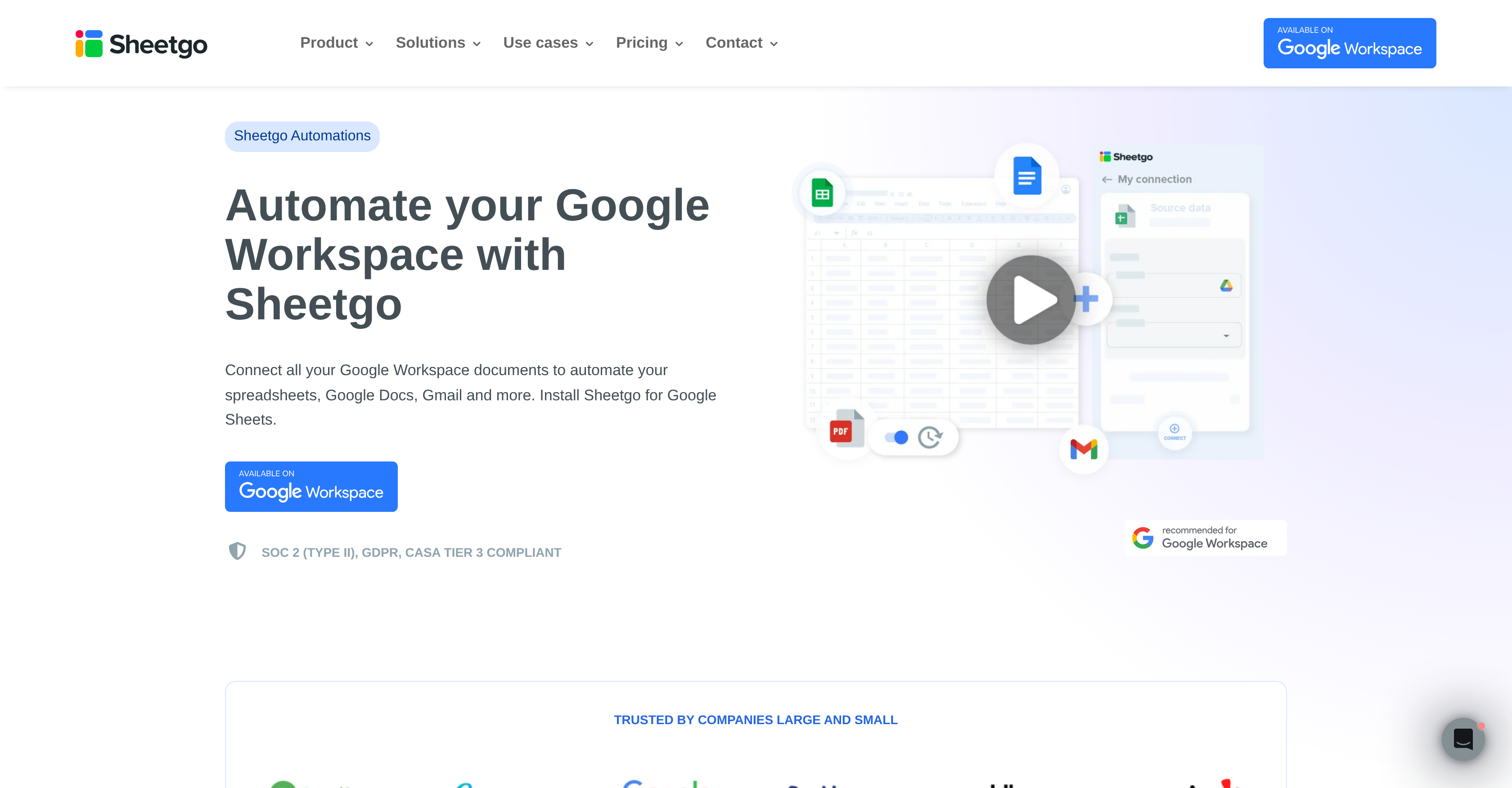
- Eliminate manual copying and pasting with automated data syncing between spreadsheets, merging files, and splitting data using scheduled rules.
- Generate custom documents and PDFs from spreadsheet data and automate email distribution for timely, professional reporting.
- Maintain perfect data integrity by preserving original formats and styles during transfer and appending new data to create accurate historical logs.
- Connect to any data source by fetching information from cloud storage, databases, or APIs to centralize all your workflows in one place.
- Process large datasets efficiently by handling documents in batches as they are added to a folder, enabling continuous automated workflows.
- Secure sensitive business data with enterprise-grade security, including SOC 2 Type II compliance, without storing your spreadsheet contents.
Pros & Cons
From the listing; not yet checked by our editors.
Pros
- Automates complex data tasks
- Google Sheets integration
- Syncs data between spreadsheets
- Merges and splits files
- Distributes reports
- Keeps historical data logs
- Fetches data from multiple sources
- Compatible with cloud storages
- Fetches data from databases
- API connector
- Delivers processed data
- Automates document creation
- Generates PDFs
- Sends automated emails
- Supports rules-based data transfer
- Batch data management
- Preserves original data format/styles
- SOC 2 Type II compliant
- GDPR Compliant
- Doesn't store spreadsheet contents
- Free and premium versions
- Data filter capabilities
- Secure data handling
- Team collaboration features
- Cloud storage integration
- Pro version for complex automations
- Automates Google Workspace
- Migrates info between cloud storages
- Can process Excel and CSV
- Data can be appended
- Automates mail merge
- Industry-leading compliance
- Trusted by large and small companies
- Automates recruitment systems
- Automates TV programming updates
- Automates inventory reporting
- Transfers data without manual inputs
- Data encrypted in transit
- Infrastructure in secure data centers
- Focuses on isolated automations
- Doesn't require multi-step workflow structure
- Schedules automatic updates
- Offers solutions for various departments
- BigQuery database integration
- Processes documents in batches
- Improved performance at Pro level
- Maintains historical data database
Cons
- Google Sheets dependency
- Limited free tier
- No multi-step workflows
- Potential data size limitations
- Paid tier for larger datasets
- Doesn't store spreadsheet contents
- Only basic functionalities on free tier
- Upgrade needed for complex automations
- Focused on individual data processes
- Cannot process data beyond spreadsheets
Alternatives to Sheetgo
Tools that share the most tags with Sheetgo.
- PromptLoop
Transform messy text into structured data instantly using a simple spreadsheet formula that works like SUM or VLOOKUP
Freemium · from $49/month
$49/month
Not yet checked
- SheetGod
Create complex Excel formulas and Google Sheets functions instantly by typing plain English instructions instead of memorizing syntax
Freemium · from $8/month
$8/month
Not yet checked
- SheetyAI
Create complex spreadsheet formulas instantly by describing your problem in plain English, eliminating the need to memorize syntax
Free
Not listed
Not yet checked
- Free AI Excel Formula Generator
Create accurate Excel formulas instantly without memorizing syntax by describing what you need in plain English
Freemium · from $9/month
$9/month
Not yet checked
- Cargo
Generate complete sales emails instantly using AI-powered templates that fill your spreadsheet automatically
Not listed
Not listed
Not yet checked
- Arcwise
Instantly understand complex spreadsheets by asking questions about calculation interdependencies and sheet functionality through natural language chat
Not listed
Not listed
Not yet checked
Related Videos
Get to know the Sheetgo add-ons
Sheetgo · Jul 25, 2024
Reviews
Rate this tool
Loading reviews...
Frequently asked questions
What is Sheetgo Automations?
Sheetgo Automations is an AI tool designed to automate and simplify complex data tasks directly through Google Sheets. It focuses on isolated automation processes such as syncing data between spreadsheets, merging and splitting files, distributing reports, and maintaining historical logs of data updates.
How does Sheetgo Automations simplify complex data tasks?
Sheetgo Automations automates tasks such as syncing data between spreadsheets, merging separate files, splitting data, and distributing reports. Users can initiate these processes without manual copying and pasting, reducing potential human error and saving time. The tool manages these tasks directly through Google Sheets, providing functionality where it is most needed.
How does Sheetgo Automations sync data between spreadsheets?
Sheetgo Automations synchronizes data between spreadsheets by allowing users to create rules for data transfer. These rules enable automatic updating, merging, or synchronization of data between different files without needing manual copying or pasting. The syncing process can be scheduled for automatic execution eliminating the need for constant supervision.
What sources can Sheetgo Automations fetch data from?
Sheetgo Automations can fetch data from files across various cloud storages such as Google Drive, Dropbox, One Drive, and Sharepoint. Additionally, it can draw data straight from databases, even through an API connector. Another feature is the ability to process documents in batches as they are added to a folder.
Can Sheetgo Automations automate the creation of custom documents?
Yes, Sheetgo Automations can automate the creation of custom documents. It can turn spreadsheet data into documents, thereby simplifying the process of document creation and distribution.
Can Sheetgo Automations automate email sending?
Yes, Sheetgo Automations can automate email sending. More specifically, it can generate custom documents, convert them into PDFs, and email them as required, reducing manual effort and ensuring timely communication.
How can Sheetgo Automations assure data quality during transfer?
Sheetgo Automations ensures quality data transfer by allowing users to set rules to transfer only specific data. It also includes a transfer formatting feature to ensure that information doesn't lose its original format or styles. Furthermore, new data can be appended to maintain historical logs, ensuring a comprehensive and accurate data record.
Who typically uses Sheetgo Automations?
Sheetgo Automations is often used by teams that want to quickly automate specific spreadsheet processes without needing a full multi-step workflow structure. This includes teams in finance, education, HR, project management, and CRM, among others.