

shortshort
Publish clips that never cut off mid-sentence: shortshort transcribes your entire long video or podcast and keeps only complete, quotable passages, so every short starts and ends on a full sentence.
Listing not yet reviewed by our editors · How we check
Overview
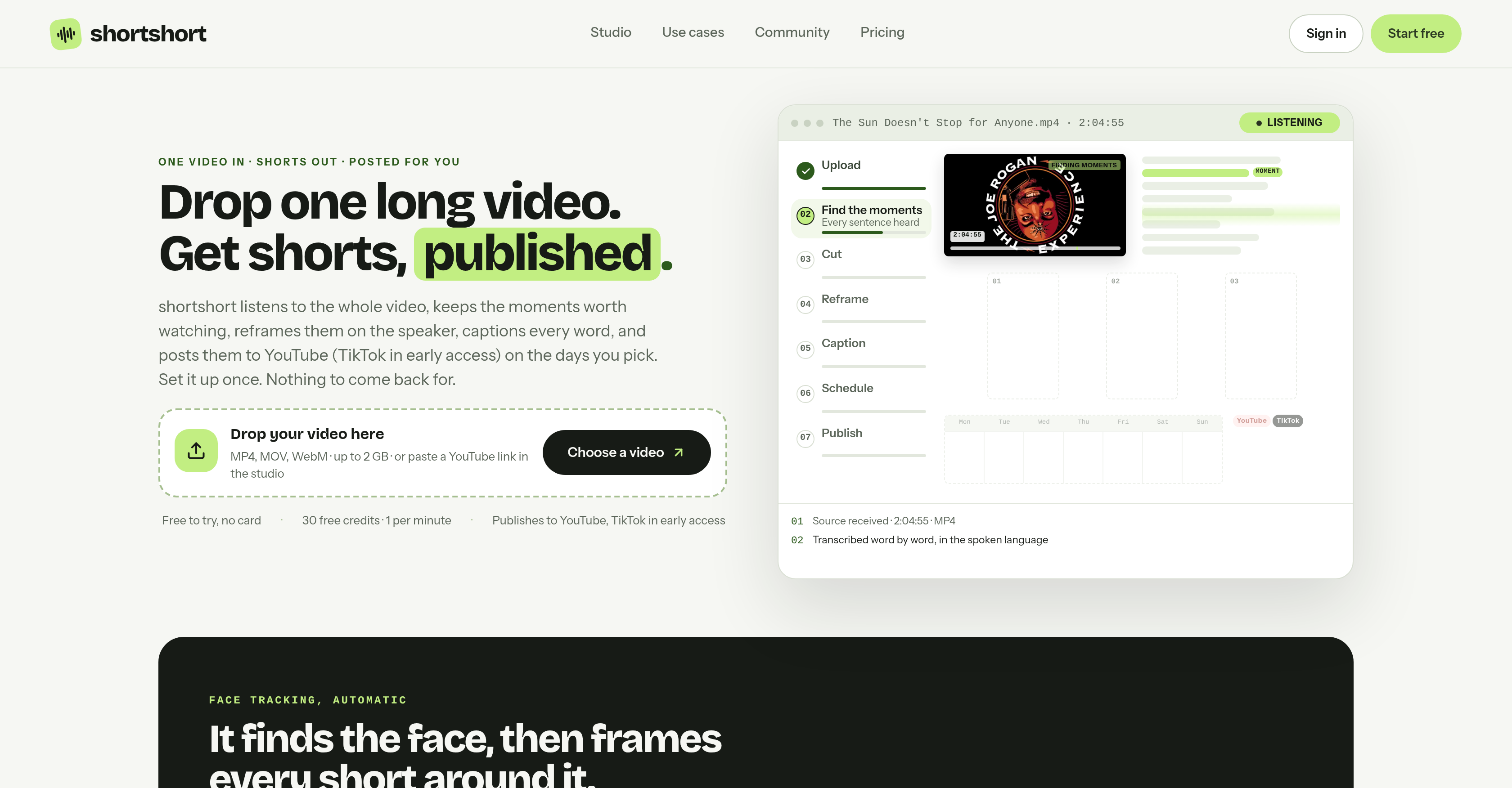
- Publish clips that never cut off mid-sentence: shortshort transcribes your entire long video or podcast and keeps only complete, quotable passages, so every short starts and ends on a full sentence.
- Keep the speaker in frame without manual cropping: face detection drives a smoothed virtual camera with automatic zooms, shot by shot, while slides and screen recordings stay full-frame.
- Cover every vertical feed from one upload: each short is reframed and tracked separately in 9:16 for YouTube Shorts, Instagram Reels and TikTok, and in 4:5 for the Instagram feed.
- Hold viewer attention with on-brand subtitles: word-by-word timed captions come in four styles (Spotlight, Impact, Karaoke, Minimal) with your own highlight color and font.
- Control the final cut before publishing: adjust each clip's start and end, title and individual caption words.
- Fill your posting calendar without manual uploads: schedule shorts directly to your YouTube channel with titles written for you, and publish to TikTok through early access.
- Deliver a full batch of clips in one download: export each short as an MP4 or all of them as a ZIP, with and without captions.
- Pay for source footage, not output volume: one credit equals one minute of video regardless of how many shorts you create, with 30 free credits and no card required, and paid plans from €12 a month.
- Repurpose content from wherever it lives: upload MP4, MOV or WebM files up to 2 GB or paste a YouTube link, with transcription in the language spoken in your video.
Pros & Cons
From the listing; not yet checked by our editors.
Pros
- Converts long videos into shorts
- Repurposes long-format content
- Captions every spoken word
- Schedules clip release
- Posts clips on designated platforms
- Supports YouTube and TikTok
- Self-sufficient tool
- Smart face-detection technology
- Frames around speaker's face
- Crops videos to 9:16
- Includes timed captions
- Captions can be personalized
- Determines number and duration of shorts
- Preserves soundbite integrity
- Integrates with YouTube channel
- Supports automatic uploading
- No need for constant intervention
- Preserves complete passages
- Automates video posting
- Customizable video length
- Automated aspect ratio adjustment
Cons
- Limited platform support
- Fixed 9:16 aspect ratio
- Limited customizability of captions
- No manual framing controls
- No distinguishable speaker identification
- 2GB size limit for uploads
- Preserves soundbites, potentially limiting
- Depends on visual face detection
- Limited editing options
- Requires account, even for trial
Alternatives to shortshort
Tools that share the most tags with shortshort.
- Studio Momento
Convert long videos into viral-ready shorts in three clicks with automated MagicEdits that identify key moments and frame speakers
Freemium · from $4.99/month
$4.99/month
Not yet checked
- Opus Clip
Launch professional live streams in 5 minutes with AI-powered setup that eliminates complex technical barriers
Freemium · from $14.50/month
$14.50/month
Not yet checked
- Shortmake
Go from idea to published video in under 8 minutes with automated AI generation that handles scripting, voiceover, and editing
Paid · from $14/month
$14/month
Not yet checked
- Dumme
Repurpose hours of long-form content into viral-ready shorts in minutes, using AI that identifies the most engaging, clip-worthy moments while preserving original context.
Not listed
Not listed
Not yet checked
- Hooked
Create viral-ready videos in under 5 minutes without editing skills using the AI video builder that automates script generation and production
Paid · from $19/month
$19/month
Not yet checked
- HiClip AI
Instantly identify and extract the most engaging moments from any long video using Context-Aware Analysis that scans visual dynamics, audio cues, and semantic context.
Free trial · from $9/month
$9/month
Not yet checked
Reviews
Rate this tool
Loading reviews...
Frequently asked questions
What formats does shortshort support for video upload?
shortshort supports MP4, MOV, and WebM formats for video upload.
How does shortshort's smart face-detection work?
shortshort's smart face-detection uses advanced algorithms to identify and track the face of the speaker in the video. It frames each short video around the speaker's face, adjusting the frame and zoom automatically, even if the face changes position.
Does shortshort support languages other than English?
Yes, shortshort supports multiple languages. The AI transcribes the video word by word in the language spoken in the video. However, the interface and suggested titles are only available in English.
Can I determine the duration of the short videos created by shortshort?
Yes, users can decide the duration of short videos created by shortshort. They have the freedom to choose how long each resultant short video should be.
What platforms does shortshort support for posting the short videos?
shortshort supports posting short videos to YouTube. It also has early access support for TikTok.
How many resultant shorts can be produced from a single long video?
The number of resultant shorts created from a single long video depends on user preference. The tool allows users to determine how many shorts they want from a single upload.
What is the aspect ratio of the short videos produced by shortshort?
The short videos produced by shortshort are cropped to a 9:16 aspect ratio. This aspect ratio is ideal for mobile viewing and fits the full screen of most smartphones.
Can shortshort's captions be personalized?
Yes, shortshort's captions can be personalized. Users can choose from various styles provided by the tool.