
Overview
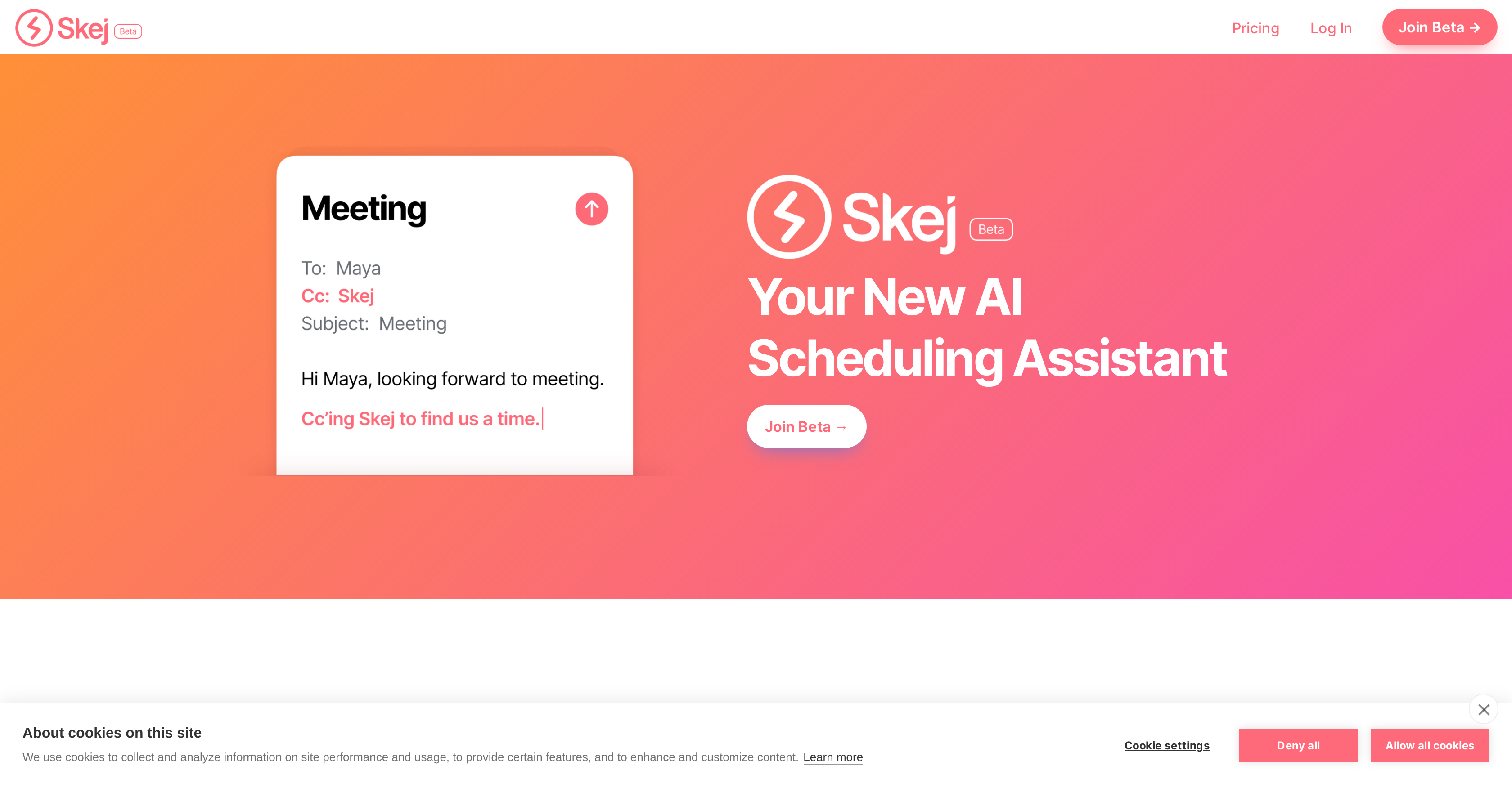
- Eliminate manual meeting coordination entirely by letting Skej handle all scheduling tasks through your existing calendar and email
- Schedule meetings instantly across multiple time zones without manual calculations using automatic time zone tracking for all contacts
- Set different availability rules for specific contacts or groups through custom working hours that Skej automatically applies
- Automatically book meetings when coordinating with other Skej users through mutual availability detection and instant booking
- Reschedule or cancel meetings with simple instructions instead of manual email chains through natural language processing
- Manage Calendly links efficiently by having Skej scan them for mutual availability slots automatically
- Work seamlessly alongside human assistants with recognition of who they represent for coordinated scheduling
- Schedule in your native language with support for over 50 languages without switching between tools
Pros & Cons
Pros
- Integrates with existing workflow
- No new software installations
- Utilizes existing calendar and email
- Coordinates meeting preferences
- Effortlessly reschedules and cancels meetings
- Manages Calendly links
- Compatible with human assistants
- Automatically books mutual time
- Allows custom availabilities
- Handles time zones
- Supports 50+ languages
- Takes care of cancellations
- Identifies assistants' representations
- Streamlines scheduling tasks
- Reduces manual intervention
- Enhances scheduling effectiveness
- Supports one-on-one and team meetings
- Facilitates internal team meetings
- Synchronizes coworkers' calendars
- Automatically scans mutual time slots
- Customized working hours by contacts
- Offers unique times depending on requester
- Eliminates manual coordination
- Checks for mutual availability
- Tracks location for time zones
Cons
- No Software Integration Flexibility
- No Offline Functionality
- Not Device Agnostic
- No Manual Scheduling
- Lack Integration With Non-traditional Calendars
- Customization Restrictions
- Calendly Focus, Other Scheduling Tool Negligence
- Dependence on Mutual User collaboration for Autobook
- Potential Language Translation Inaccuracies
- No Mentioned Support for Hierarchal Tasks
Reviews
Rate this tool
Loading reviews...
❓ Frequently Asked Questions
Skej interfaces with your existing workflow by plugging into your current calendar and email client. It is designed to integrate smoothly with these systems without the need for any additional software installations.
Skej selects meeting times based on the calendar details and preferences inputted by the user. It coordinates with contacts to find the most compatible time to meet, considering both the user's calendar and preferences.
Yes, Skej is equipped to handle both individual and team meeting scheduling. It analyses everyone's availabilities to suggest suitable meeting times.
Yes, Skej can reschedule or cancel meetings at the user's instruction. Once Skej is informed about the change, it takes care of the rest.
Notifying Skej of changes to your schedule is simply done by informing it what to change. After receiving your instructions, Skej handles the rest.
Skej manages Calendly links by scanning them for slots with mutual availability whenever they are received.
Skej works with human assistants by recognizing who they represent, thus allowing for smooth coordination during scheduling tasks.
When scheduling between multiple Skej users, the tool automatically identifies mutual available time and books it accordingly.
Yes, with Skej, users can set custom availabilities depending on the contact. This allows for unique working hours for specific categories or contacts.
Skej manages scheduling across multiple time zones by keeping track of the location of each contact. It calculates the time differences and ensures a meeting time is found that suits everyone.
Skej supports over 50 languages. No matter your geographical location or native language, Skej has been designed to assist in your scheduling tasks.
Skej integrates with your current email and calendar client by working out of the box. There's no need for any new software installation or learning curve.
Yes, Skej can offer unique time slots depending on the contact. You can set different working hours for specific contacts or categories, and Skej will offer times based on these custom settings.
Skej keeps track of who is where by managing the time zones of each contact. This simplifies the process of scheduling meetings across different time zones.
To join the Skej beta, you simply need to visit the Skej website and click on the 'Join Beta' option.
No, there is no new software you need to install for using Skej. It integrates smoothly with your existing calendar and email client.
With Skej, you can handle different working hours for specific contacts by setting custom availabilities. These unique times will be utilized by Skej when offering meeting slots to those specific contacts.
You can set up Skej to work alongside your human assistant by integrating it into your existing workflow. Skej recognizes who the human assistants represent and coordinates with them for scheduling tasks.
Yes, there is an auto-booking feature in Skej. When scheduling between Skej users, it automatically books a time that is mutually available.
Preferential scheduling in Skej works by offering meeting times based on the user's preferences and calendar. It ensures that the proposed meeting time aligns with the user's preferred schedule.
Pricing
Pricing model
Freemium
Paid options from
$30/month
Billing frequency
Monthly
Related Videos
Skej Is Your A.I. Scheduling Assistant
Skej•46 views•Sep 17, 2025