

SnapGen
Get a ready-to-use video scene from a single written prompt: text-to-video turns your scene description into a short AI-generated clip for social edits, visual stories, and product concepts.
Listing not yet reviewed by our editors · How we check
Overview
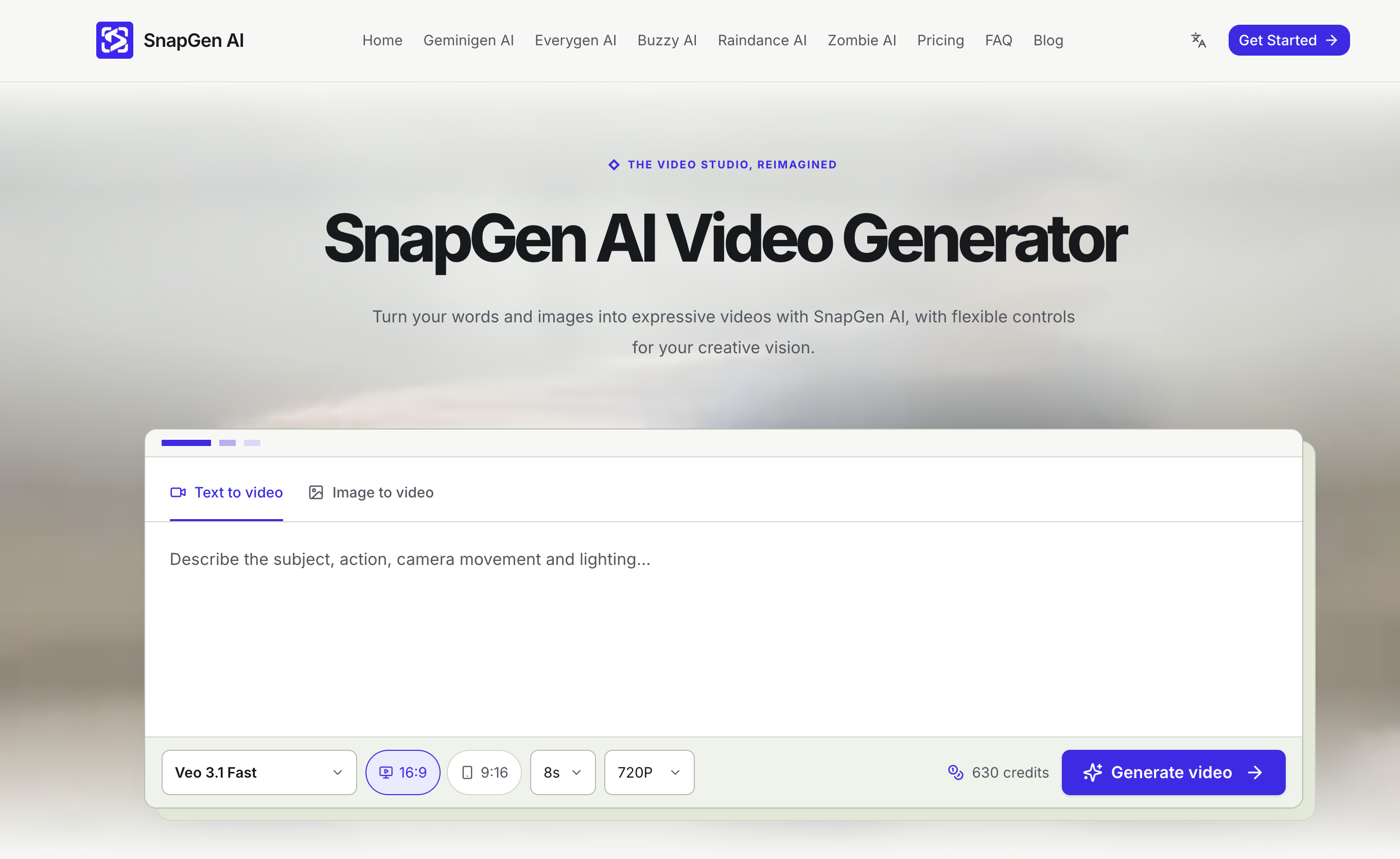
- Get a ready-to-use video scene from a single written prompt: text-to-video turns your scene description into a short AI-generated clip for social edits, visual stories, and product concepts.
- Bring product photos and illustrations to life without reshooting: image-to-video animates an uploaded PNG, JPEG, or WebP (up to 4 MB) and lets you choose exactly which parts of the image move.
- Match each clip to its purpose: switch between the Veo, Seedance, and Grok Imagine AI video models, each with its own controls for duration, resolution, and reference image support.
- Publish clips that fit every social feed: set aspect ratio, duration, and resolution per clip to meet the format of each social media platform.
- Know your exact spend before you commit: a live credit quote beside the generate button updates instantly as you change model, duration, resolution, and audio.
- Lose nothing on failed renders: credits for any failed or cancelled video generation return to your balance automatically.
- Get clips with sound already built in: audio turns on automatically for compatible models, while Veo 2 delivers silent footage for clean B-roll.
- Reach the shot you pictured faster: preview each result, inspect motion and detail, and change one part of the prompt to steer the next attempt.
- Slot finished scenes straight into your existing edit: download each generated clip for assembly in the video editing software you already use.
- Use your videos in paid client and brand work: commercial use is permitted under each model's terms and your rights to the inputs.
- Plan your project before buying credits: browse example videos and explore every model setting without purchasing a plan.
Pros & Cons
From the listing; not yet checked by our editors.
Pros
- Text-to-video capability
- Image-to-video function
- Different models (Veo, Seedance)
- Video duration control
- Resolution control
- Aspect ratio control
- Audio support in some models
- Video inspection
- Continous improvement by refinement
- Credits model for pricing
- Commercial use option
- Various pricing packages
- Pre-video generation cost awareness
- Short video scene production
- Downloadable outputs
- Multiple models for different needs
- Creative controls
- Model-based controls
- Ability to set atmosphere
- Ability to direct details
- Option to refine results
- Controllable creative direction
- Use of own image as start
- Multiple aspect ratios
- Different durations available
- Pre-download review step
- Automatic audio for compatible models
- Credit return for failed tasks
- Choice of subscription options
- Clip generation for social edits
- Clip generation for product concepts
- Clip generation for visual stories
- Clip generation for creative experiments
Cons
- Credits-based model
- Commercial use restrictions
- Undefined video storage duration
- Sound support not universal
- Limited image upload formats
- Varying model capabilities
- Generation failure possibility
- Credits deducted before confirmation
- Limited resolution options
- Focus on short videos
Alternatives to SnapGen
Tools that share the most tags with SnapGen.
- Common Sense Machines (CSM)
Transform text, images, or sketches into game-engine ready 3D worlds instantly using AI-powered conversion
Freemium · from $20/month
$20/month
Not yet checked
- Kaiber
Transform text descriptions into captivating video sequences instantly using advanced AI algorithms that interpret your input for contextually accurate results
Free trial · from $5/month
$5/month
Not yet checked
- Freepik AI Video Generator
Transform text scripts into complete videos with custom shot types and transitions for coherent storytelling
Freemium · from $5/month
$5/month
Not yet checked
- LitVideo: AI Video Generator
Web app that generates video, images and music from text or images, using several third-party video models in one place.
Freemium · from $7.50/month
$7.50/month
Nov 24, 2026
- MagicLight
Transform written scripts into complete animated videos automatically with story-to-video generation
Freemium · from $7.5/month
$7.5/month
Not yet checked
- MyHeritage Deep Nostalgia
See your ancestors come to life with realistic facial movements using deep learning technology
Freemium
Not listed
Not yet checked
Reviews
Rate this tool
Loading reviews...
Frequently asked questions
What does the SnapGen AI Video Generator do?
SnapGen AI Video Generator transforms text prompts or images into dynamic short video scenes. It has two primary capabilities - text-to-video and image-to-video conversion.
How does the text-to-video feature work in SnapGen?
In SnapGen, the text-to-video feature allows users to input a descriptive scene and use various settings to generate a dynamic video scene.
What can I do with the image-to-video function on SnapGen?
The image-to-video function in SnapGen lets users upload an image which acts as the starting point for the video. Users can then describe what elements in the image should move in the resulting video.
What models does SnapGen offer?
SnapGen offers two different models: Veo and Seedance, each offering various capabilities and controls tailored to user's needs in terms of duration, resolution, and aspect ratio.
What's the difference between the Veo and Seedance models on SnapGen?
While both Veo and Seedance models offer various capabilities for video generation, the specifics of what makes each one different are not provided on their website.
Do all models on SnapGen support audio?
Not all models on SnapGen support audio. However, some do provide audio support depending on their specific capabilities.
How can I refine my video on SnapGen?
To refine a video on SnapGen, users can review their video, inspect the movement and details, and then make necessary refinements to their inputs to continuously improve the output.
What is meant by a 'credits model' on SnapGen?
On SnapGen, a 'credits model' refers to the method of operation of the platform where users consume credits to generate videos. This ensures users are aware of the cost before generating a video.