
Freepik AI Video Generator
Overview
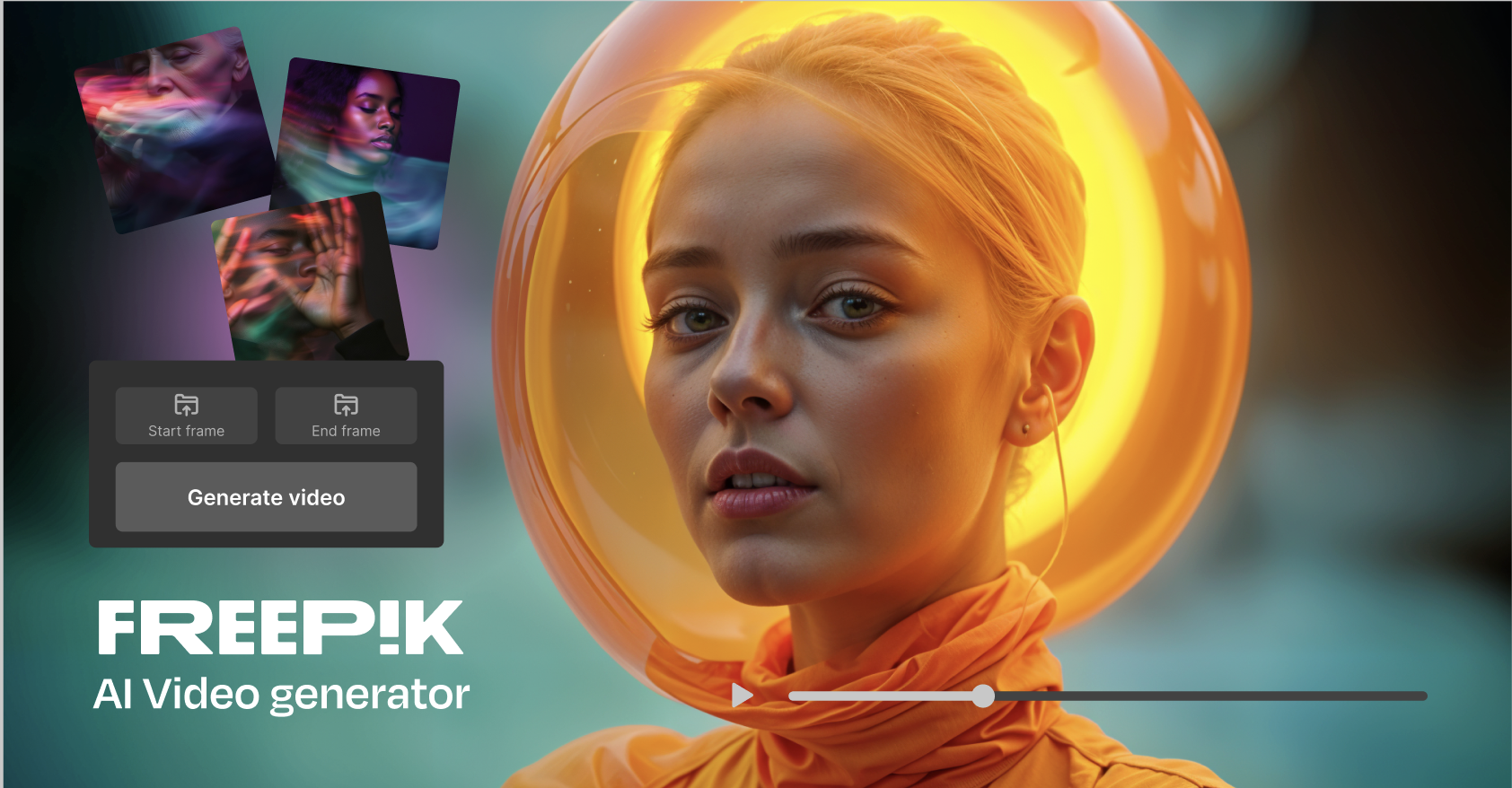
- Transform text scripts into complete videos with custom shot types and transitions for coherent storytelling
- Animate any image while maintaining character and object consistency throughout your video
- Create unified visual styles across projects with consistent animated characters and custom aesthetics
- Enhance videos automatically with AI-generated music and multilingual voiceovers for professional audio
- Streamline multimedia projects by combining animations and design elements from Freepik's integrated ecosystem
- Generate videos optimized for any platform with customizable resolutions and aspect ratios
- Preview edits before finalizing to ensure perfect results without wasted rendering time
Pros & Cons
Pros
- Video Generation
- Content Creation
- Automated Editing
- Multimedia Tools
- Video Production
- Visual Graphics
- Innovation
- Motion Graphics
- Digital Art
- Media Design
- Advanced Design Tools
- Efficient Content Generation
- High-quality Video Production
- Time-Saving Automation
- Creativity at Finger-tips
- Video Graphics Integration
- Digital Art Capabilities
- Innovative Media Design
- User-friendly Interface
- Diverse Video Effects
- Customizable Video Settings
- Effortless Content Creation
- Intuitive Editing Tools
- Versatile Video Formats
- Dynamic Motion Graphics
- Professional Grade Production
- Flexible Art Design
Cons
- No tool description available
- No API provided
- Lacks advanced editing features
- Limited multimedia toolset
- No mention of customization options
- Unknown pricing
- Potential restrictive media design
- Data usage not specified
- Unknown operating systems support
Reviews
Rate this tool
Loading reviews...
❓ Frequently Asked Questions
Freepik AI Video Generator is a cutting-edge tool powered by artificial intelligence for creating, editing, and producing videos. It is designed to help in efficient video production, automation of editing tasks, content creation, and incorporation of visual graphics.
Freepik AI Video Generator leverages artificial intelligence to transform the way videos are edited, enabling automation of complex processes. The AI capabilities study the input content, identify patterns, and contextualize the details to perform automated editing. This component can cut, trim, and assemble scenes together based on the parameters set by the user.
'AI-powered innovation at your fingertips' emphasizes Freepik's use of artificial intelligence to revolutionize the way users create and edit video content. It means Freepik AI has designed a sophisticated, highly innovative system that streamlines and eases tedious aspects of video production, placing them at users' disposal for an enhanced creative experience.
Yes, Freepik AI Video Generator is fully equipped to yield professional-grade video production. It possesses all essential features, be it automated editing, multimedia tools, or wide-ranging video production options, which make it suitable for high-standard professional output.
Freepik AI Video Generator is versatile with regards to the types of video content you can create. This includes but is not limited to promotional videos, tutorial clips, product demos, social media content, galleries, multimedia presentations, and more.
'Automated editing' with Freepik AI Video Generator involves the AI taking over repetitive manual editing tasks. It identifies the video's elements, segments them according to context and user preference, and edits the video accordingly. This process may include auto-trimming, scene segmentation, transitions, and effects application.
Freepik AI Video Generator comes with a vast array of multimedia tools. It has a robust editing suite with tools for trimming, cropping videos, adding text, overlays, filters, and soundtracks. It can also automate the process of adding motion graphics, and allows the insertion of third-party content.
For motion graphics, Freepik AI Video Generator offers features that allow users to automate and customize their on-screen motion graphics with ease. It accommodates the creation of smooth transitions, graphic overlays, and animated titles, among other elements, while also automating their placement within the video.
To create digital art with Freepik AI Video Generator, you can utilize its wide array of visual graphics tools, editing features, and automated processes. You can generate artful video content by utilizing AI-powered visual effects, combining different media types, or modulating the look and feel of the content.
Freepik AI Video Generator is designed with user-friendliness in mind, making it easy for someone new to media design. Its interface is streamlined and intuitive, with readily accessible features and tools. Plus, its AI component greatly simplifies complex editing tasks, making the process efficient and comprehensible for beginners.
Yes, Freepik AI Video Generator allows you to add visual graphics to your videos. This can range from simple overlays and titles to complex motion graphics and digital art forms, enhancing your video's visual appeal.
Freepik AI Video Generator ensures high-quality video production by leveraging superior AI technologies. This results in seamless editing, stunning visual effects, smooth transitions, and clear, sharp video output. The AI can also adapt to various styles and formats, sustaining the quality across umpteen use-cases.
Yes, Freepik AI Video Generator provides a preview feature. This enables users to view a rendition of the final video output before it is finalized and exported, allowing for any adjustments or modifications before the final render.
Freepik AI Video Generator is adept at handling diverse resolutions and aspect ratios. It can adapt accordingly, ensuring that the video output is optimized for various screen sizes and devices. Users can also specify their prefered aspect ratios and resolutions for the output video file.
Freepik AI Video Generator aids in content creation by automating many video production aspects. It can intelligently piece together different clips, add effects, transitions, text overlay, and soundtracks, thus substantially simplifying and accelerating content development.
Freepik AI Video Generator provides extensive customization options, giving users full control over their video creation process. This includes adjustments for video length, transitions, animations, text overlays, soundtracks, visual effects, themes, and more.
Pricing
Pricing model
Freemium
Paid options from
$5/month
Billing frequency
Monthly
Related Videos
Create a commercial video with AI | Freepik Tutorials
Freepik•12.1K views•May 22, 2025