

SnapThumb
Win more clicks on every upload: SnapThumb reads what your video is about and matches the YouTube thumbnail to your title, so the image and headline deliver one clear reason to click.
Listing not yet reviewed by our editors · How we check
Overview
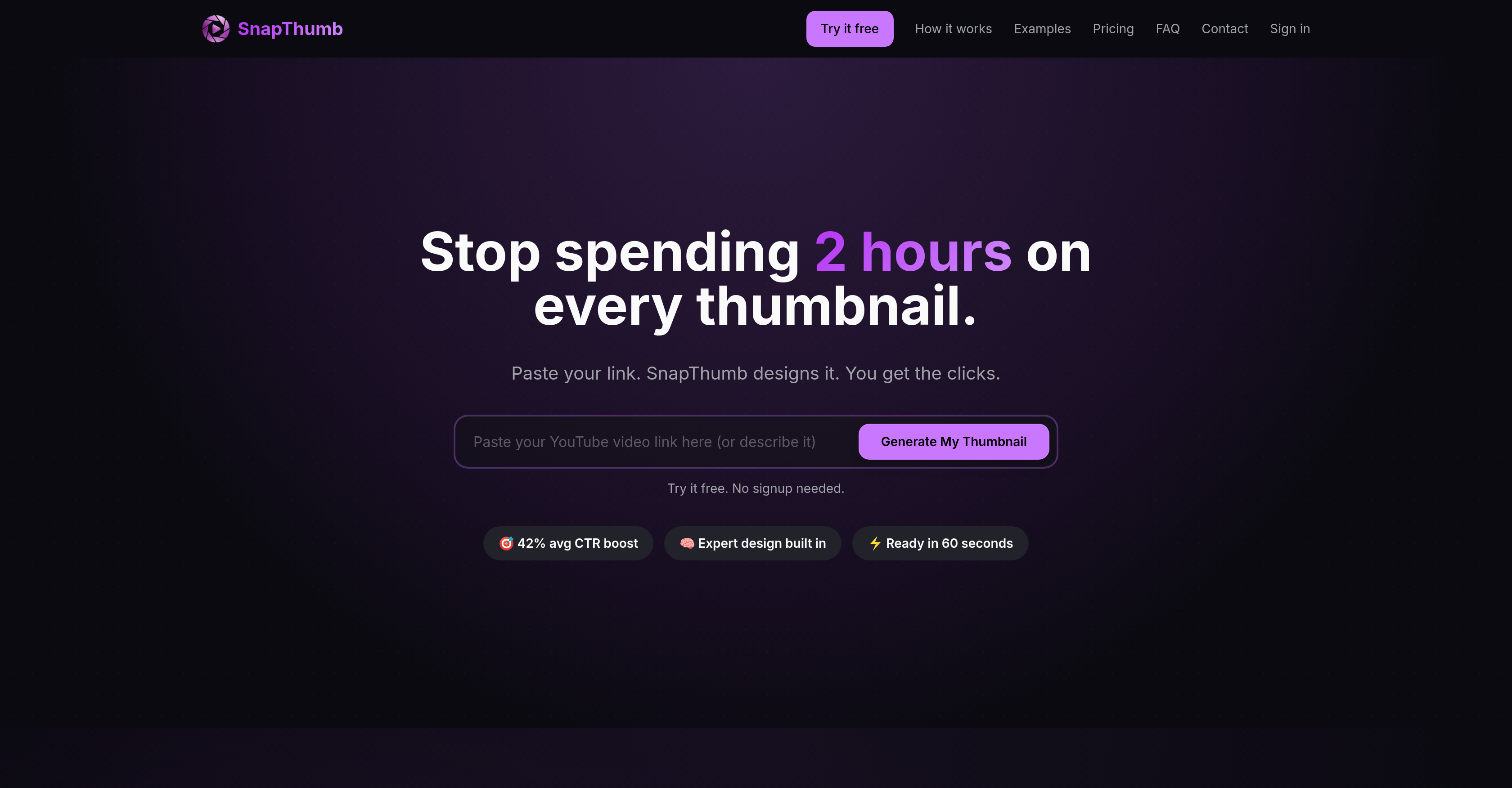
- Win more clicks on every upload: SnapThumb reads what your video is about and matches the YouTube thumbnail to your title, so the image and headline deliver one clear reason to click.
- Go from finished video to published thumbnail in about 47 seconds: paste your YouTube video link and the thumbnail generator handles the rest, with no prompts to write and nothing to design.
- Pay about 23 cents per thumbnail instead of $100 to $500 and two to three days of waiting on a designer, with paid plans starting at $15 a month.
- Stay recognizable to your audience: the YouTube thumbnail maker puts your face in the shot, so viewers spot your content in a crowded feed.
- Skip the copywriting guesswork: short, punchy overlay text is written for you and sized to read at a glance on small screens.
- Get thumbnails that fit your niche: gaming, VTuber, and anime-style content are supported, so your visuals match the look your viewers expect.
- Reach viewers in any language: SnapThumb reads videos in any language and builds the thumbnail from the actual content, not a template.
- Publish with full ownership and privacy: every thumbnail is yours to use however you want, and your videos, selfies, and thumbnails are never used for training.
- Start without design software or installs: everything runs from your video link, so no design skills or technical setup are required.
- Test it on real uploads at zero cost: the free trial includes 20 credits with no credit card required.
Pros & Cons
From the listing; not yet checked by our editors.
Pros
- Web-based solution
- Easy YouTube thumbnail creation
- No design skills required
- Quick process (under a minute)
- Algorithmic customization
- Boosts YouTube click rates
- Generates visually appealing thumbnails
- Hands off thumbnail design
- User-friendly tool
- Efficient for Video Marketing
- Simplifies content promotion
- Ideal for YouTube Optimization
Cons
- Only YouTube compatibility
- Web-based only
- Only for thumbnail creation
- Single platform targeting
Alternatives to SnapThumb
Tools that share the most tags with SnapThumb.
- Thumbspot
Maximize your video's click-through rate with AI-generated thumbnails optimized for viewer attention from just your title or description
Paid · from $29/month
$29/month
Not yet checked
- ThumbnailMakerr
Boost your video's click-through rate with AI-generated thumbnails designed to capture attention, using a simple text description to produce multiple professional options instantly.
Free trial · from $15/month
$15/month
Not yet checked
- ThumbnailCreator.com
Generate professional, click-worthy thumbnails in seconds without any design experience required
Free trial · from $9/month
$9/month
Not yet checked
- Pictley
Generate professional YouTube thumbnails in seconds without design skills using AI thumbnail generation from simple text prompts
Paid · from $20/month
$20/month
Not yet checked
- GoThumbnails
Get more views with thumbnails proven to attract clicks using AI that analyzes your video and current trends
Freemium · from $9/month
$9/month
Not yet checked
- Thumbs AI
Create high-CTR YouTube thumbnails in seconds from a text prompt or uploaded photo using AI-powered generation
Free trial · from $13/month
$13/month
Not yet checked
Reviews
Rate this tool
Loading reviews...
Frequently asked questions
What is SnapThumb?
SnapThumb is a web-based solution engineered to create thumbnails for YouTube content. It is AI-driven and utilizes an algorithmically processed design approach to generate eye-catching thumbnails.
What does SnapThumb do?
SnapThumb's primary function is to generate visually attractive thumbnails from specific YouTube content's URL, pasted into its application. The generated thumbnails aim to increase the click rates of YouTube videos.
How does SnapThumb generate YouTube thumbnails?
SnapThumb algorithmically generates a thumbnail when a user pastes a specific YouTube video's URL into the tool's application. The design process and customization are AI-driven, which helps to create an appealing thumbnail in less than a minute.
How to get started with SnapThumb?
Users can get started with SnapThumb by pasting the URL of the desired YouTube video into the application. Upon pasting the URL, SnapThumb will create a thumbnail tailored to enhance viewer attraction.
How long does it take for SnapThumb to create a thumbnail?
The entire process of generating a thumbnail with SnapThumb takes less than a minute.
Do I need any design skills to use SnapThumb?
No, users do not need any design skills to operate SnapThumb. The design and customization are handled elegantly by the algorithm of SnapThumb.
How does SnapThumb boost click rates on YouTube?
SnapThumb bolsters click rates on YouTube by creating visually engaging and unique thumbnails for videos, prompting viewers to click and watch the content.
Can I customize or make design choices in SnapThumb?
While SnapThumb does offer some degree of customization, it is majorly handled algorithmically. This mechanism reduces the level of control that users might conventionally have in thumbnail designing tools.