
ThumbnailCreator.comv1.3
Overview
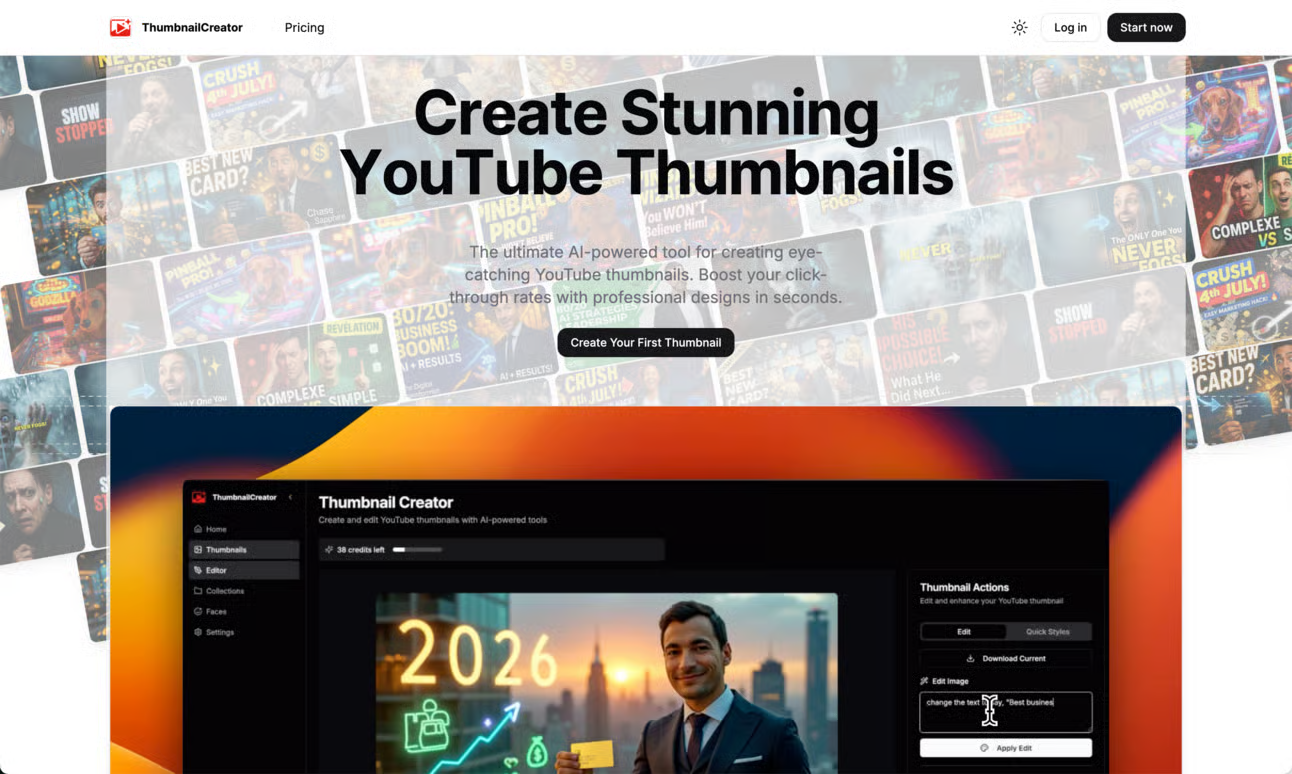
- Generate professional, click-worthy thumbnails in seconds without any design experience required
- Increase video click-through rates with AI trained on millions of high-performing YouTube thumbnails
- Reclaim hours of editing time by automating thumbnail creation for faster video publishing
- Access additional YouTube growth tools within the same platform to maximize channel impact
- Create consistently engaging thumbnails that stand out in crowded YouTube feeds
Pros & Cons
Pros
- Generates thumbnails in seconds
- Requires no design skills
- Trained on millions of thumbnails
- Boosts productivity
- Aids content planning focus
- Suite of YouTube tools
- Empowers channel growth
- Increases video engagement
- Maximizes digital impact
- Potential click-through rate increase
- Automates design process
- Reduces time on design
- Overcomes design software barriers
- Substantial user base
- Cuts down missed opportunities
- Accessible tool interface
- Legal terms and policies
- Newsletter subscription option
- Single sign-up with Google
- Part of a branded suite
Cons
- No offline functionality
- Limited to YouTube thumbnails
- Lack of advanced settings
- Potential homogeneous output
- Reliant on previous thumbnails data
- No multi-platform support
- Possible copyright issues
- No feature for batch creation
- Limitations on customizations
Reviews
Rate this tool
Loading reviews...
Pricing
Pricing model
Free Trial
Paid options from
$9/month
Billing frequency
Monthly
Refund policy
Users can request a refund within 7 days of the initial subscription purchase.