

Spaceora
Commit to a room makeover before spending a dollar: upload a photo of your space and generate AI interior design concepts in eight styles, including Modern, Scandinavian, Minimalist, Japandi, and Mid-Century.
Listing not yet reviewed by our editors · How we check
Overview
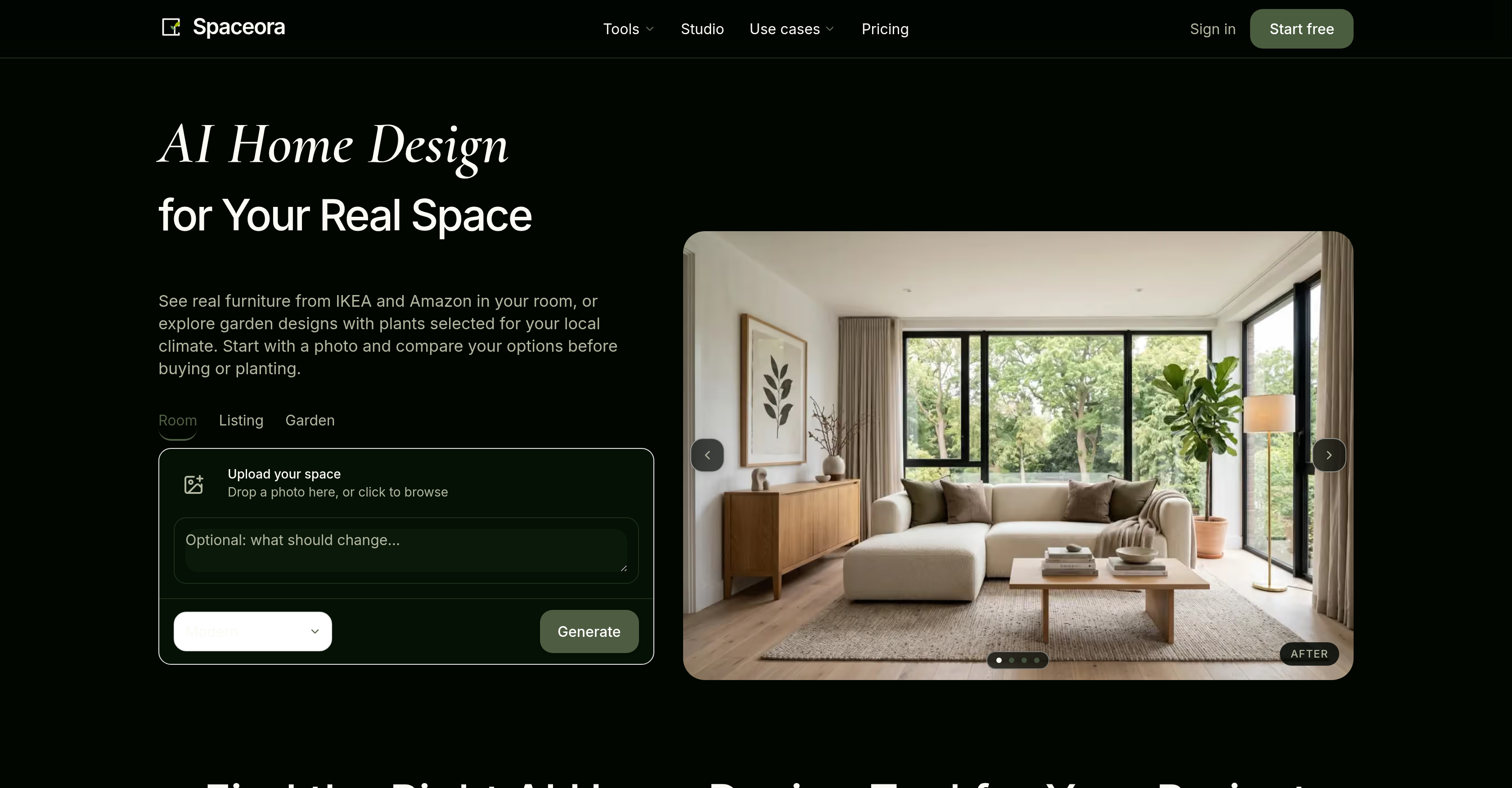
- Commit to a room makeover before spending a dollar: upload a photo of your space and generate AI interior design concepts in eight styles, including Modern, Scandinavian, Minimalist, Japandi, and Mid-Century.
- Shop for furniture that actually exists: real IKEA and Amazon products appear in your room photo at matching scale, perspective, and lighting, with dimensions, materials, and retailer links alongside.
- Fix one problem piece without redesigning the whole room: the furniture replacement tool swaps a single selected item for an IKEA or Amazon alternative.
- Market vacant properties with furnished, move-in-ready images: virtual staging adds furniture and decor to empty real estate listing photos.
- Plant a garden built for your climate: ZIP code hardiness zone filtering combined with full sun, part shade, and full shade settings narrows plant suggestions to species that suit your site.
- Plan beds and budget before visiting the nursery: every recommended plant lists its mature height, recommended spacing, and an indicative nursery price range.
- Reimagine your backyard and curb appeal from a single photo: landscape design concepts come in ten outdoor styles, from Cottage and Mediterranean to Xeriscape and Japanese, alongside a dedicated exterior renovator.
- Get clients and households to agree on a direction: a before-and-after slider and a photo maker place the original and the redesign side by side for homeowners, designers, stylists, photographers, and real estate agents.
- Nail the finishing details: the rug size calculator turns room length and width into proportional rug dimensions, and the interior design style quiz identifies the look you prefer.
- Start redesigning with no design training and no upfront cost: the interface is built for beginners, and your first AI-generated design is free.
Pros & Cons
From the listing; not yet checked by our editors.
Pros
- Real IKEA furniture visualization
- Amazon product overlay in scene
- Interactive beforeafter slider
- 10+ interior style presets
- Climateaware plant suggestions
- ZIPcode hardiness filtering
- Sunlight exposure selector
- Mature plant size data
- Plant spacing information
- Nursery price range display
- Dedicated furniture replacement tool
- Virtual staging for empty listings
- Multidirection design exploration
- Separate interior/exterior modules
- Integrated rug size calculator
- Interior style quiz builtin
- Hardiness zone finder utility
- Product specs overlay
- Direct purchase links
- Cloudbased rendering engine
- Photorealistic image generation
- Realtime product catalog updates
- Supports both indoor and outdoor
- Custom text change description
- Multiple design concepts per upload
- Organized project folders
- Noexperience required UI
- Free starter tier
- SaaS online access
- Exportable beforeafter images
- Highresolution photo support
- Instant rendering within seconds
- Save and revisit projects
- Dragtocompare interaction
- Browseronly, no install
- Designer client presentation mode
- Photographer staging preview tool
- Integrated garden sunlight mapping
- Plant hardiness data from USDA
- Product catalog limited to IKEA/Amazon
- Local nursery pricing data
- Multiplatform compatibility
- No CAD software needed
- Quick swap selected furniture
- Compare multiple styles sidebyside
- Automatic style selection dropdown
- Adjustable garden dimensions input
- Filter plants by shade level
- Export design concepts as PNG
- Interactive project organization tabs
Cons
- Only IKEA/Amazon catalog
- US ZIPcode plant data only
- No developer API
- 2D renders, no 3D
- Limited lighting adjustments
- Export formats PNG/JPEG only
- Free tier watermarked
- No AR preview
Alternatives to Spaceora
Tools that share the most tags with Spaceora.
- DeHome.ai
Visualize your perfect room in seconds, not weeks, by uploading a photo and instantly receiving multiple AI-generated design variations.
Free trial
Not listed
Not yet checked
- REimagineHome
Sell properties faster with instantly staged empty rooms using virtual staging that creates appealing spaces for potential buyers
Paid · from $14/month
$14/month
Not yet checked
- AI Kitchen Design
See your renovation ideas in photorealistic detail before spending a dollar, using AI that automatically handles lighting and composition for a true-to-life preview.
Paid · from $14/month
$14/month
Not yet checked
- Home Design AI
Visualize professional interior designs in seconds without hiring a designer using our AI-powered room transformation
Paid · from $49.99/year
$49.99/year
Not yet checked
- Interior AI
Visualize redesigns instantly by uploading room photos that AI transforms into detailed interior designs in seconds
Paid · from $17/month
$17/month
Not yet checked
- Decory AI
Visualize your dream room instantly without guesswork by generating professional designs from a simple photo, description, or room dimensions
Freemium · from $49.99/month
$49.99/month
Not yet checked
Reviews
Rate this tool
Loading reviews...
Frequently asked questions
How does Spaceora add IKEA and Amazon furniture to my room photo?
Spaceora overlays photorealistic 3‑D models of IKEA and Amazon items onto the uploaded room photo, matching perspective, scale and lighting based on the image metadata.
Can I replace just one piece of furniture using Spaceora’s replacement tool?
Yes, Spaceora includes a dedicated replacement tool that lets you select a single piece of furniture in the photo and swap it with a new IKEA or Amazon product.
Is the virtual staging feature suitable for empty listing photos?
The virtual staging feature is built for empty property listing photos; it adds realistic furniture and decor to vacant rooms for marketing purposes.
How many design styles can I choose from in Spaceora?
Spaceora offers eight interior design styles (Modern, Scandinavian, Minimalist, Industrial, Traditional, Coastal, Japandi, Mid‑Century) and ten garden/outdoor styles (Modern, Cottage, Japanese, Mediterranean, Xeriscape, Tropical, Prairie, Formal, Woodland, Coastal), totaling 18 selectable styles.
Does Spaceora show real product specs and buying links for the furniture it suggests?
When a furniture item is suggested, Spaceora displays the actual product image, specifications such as dimensions and material, and includes purchasing details and links to the retailer.
Are the plant recommendations in Spaceora filtered by my ZIP code’s hardiness zone?
Yes, plant suggestions are filtered by the ZIP code you enter, which maps to the local hardiness zone and narrows the list to climate‑appropriate species.
Can I specify sun exposure (full sun, part shade, full shade) for my garden design?
Users can choose the exposure type—full sun, part shade, or full shade—and Spaceora filters plant recommendations accordingly.
What information does Spaceora provide about plant mature height and spacing?
For each suggested plant, Spaceora provides the expected mature height, recommended spacing between plants, and an indicative nursery price range.