

SpeakCrate
Keep every script and transcript private, since your own server processes all text-to-speech conversion and no text goes to a third-party speech service.
Listing not yet reviewed by our editors · How we check
Overview
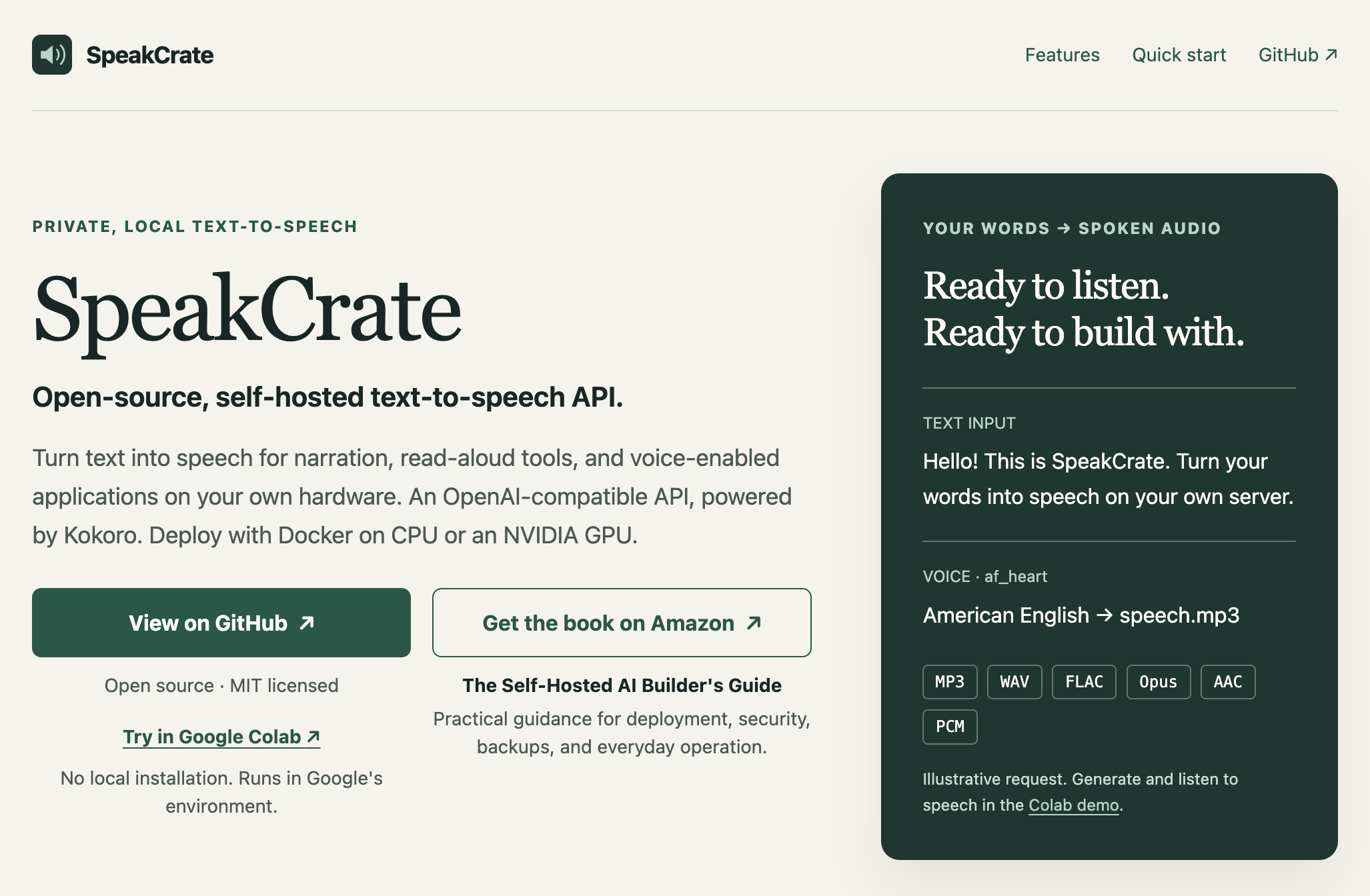
- Keep every script and transcript private, since your own server processes all text-to-speech conversion and no text goes to a third-party speech service.
- Cut per-character speech costs to zero with a free, open-source TTS engine powered by Kokoro that needs no signup, no OpenAI account, and no OpenAI API key.
- Swap a paid speech service for a self-hosted one without rewriting your code, using an OpenAI-compatible speech endpoint that works with compatible SDKs and apps.
- Produce voiceovers, narration, and tutorials for multilingual audiences by choosing from 54 preset voices with multilingual speech synthesis.
- Fit generated audio into any editing, publishing, or app pipeline with MP3, WAV, FLAC, Opus, AAC, or PCM output and adjustable speaking speed and volume.
- Start playback before a long passage finishes rendering, with audio streamed sentence by sentence through chunked responses or Server-Sent Events.
- Run speech synthesis on the hardware you already own using Docker images for CPU on amd64 and arm64, or an NVIDIA GPU with the CUDA image on amd64.
- Keep voice generation running without an internet connection by enabling offline mode with persistent model caching for the required assets.
- Block unauthorized use of your text-to-speech server with built-in API-key authentication.
- Audit and adapt the code freely under the MIT license, with Docker images built and published through public GitHub Actions workflows.
- Add voice output to a larger private AI setup by running SpeakCrate on its own or as part of Self-Hosted AI Stack.
Pros & Cons
From the listing; not yet checked by our editors.
Pros
- Private text processing on your own server
- Free, open-source software under the MIT license
- OpenAI-compatible speech API
- 54 preset voices with multilingual support
- Streamed audio through chunked responses or SSE
- MP3, WAV, FLAC, Opus, AAC, and PCM output
- Offline operation with cached assets and offline mode enabled
- CPU or NVIDIA GPU deployment
- Adjustable speaking speed and output volume
- Runs independently or with Self-Hosted AI Stack
Cons
- Self-hosting requires setup and ongoing maintenance
- Preset voices only, without voice cloning
Alternatives to SpeakCrate
Tools that share the most tags with SpeakCrate.
- Speechma
Generate professional voiceovers for social media and presentations instantly with 400+ premium AI voices featuring unique personalities and accents
Freemium · from $9/month
$9/month
Not yet checked
- Revoicer
Create human-sounding voiceovers that capture attention using emotional tones like friendly, cheerful, or excited for more engaging content
Paid · from $47
$47
Not yet checked
- WooTechy VoxDo
Generate realistic voiceovers instantly with AI text-to-speech conversion across 100+ languages and global accents
Free trial · from $15.95/month
$15.95/month
Not yet checked
- Speechactors
Produce studio-quality voiceovers instantly with an online AI voice generator that converts your text into natural, engaging speech
Freemium · from $23/month
$23/month
Not yet checked
- Resemble.ai
Clone your exact voice instantly using just a short audio sample, eliminating the need for lengthy recording sessions
Free trial · from $29/month
$29/month
Not yet checked
- Speechify Studio
Produce studio-quality voiceovers instantly with 200+ natural AI voices across 60+ languages and accents
Freemium · from $7.99
$7.99
Not yet checked
Reviews
Rate this tool
Loading reviews...