

SpeechEasy
Create studio-grade voiceovers instantly without recording equipment using AI-powered synthetic voices
Listing not yet reviewed by our editors · How we check
Overview
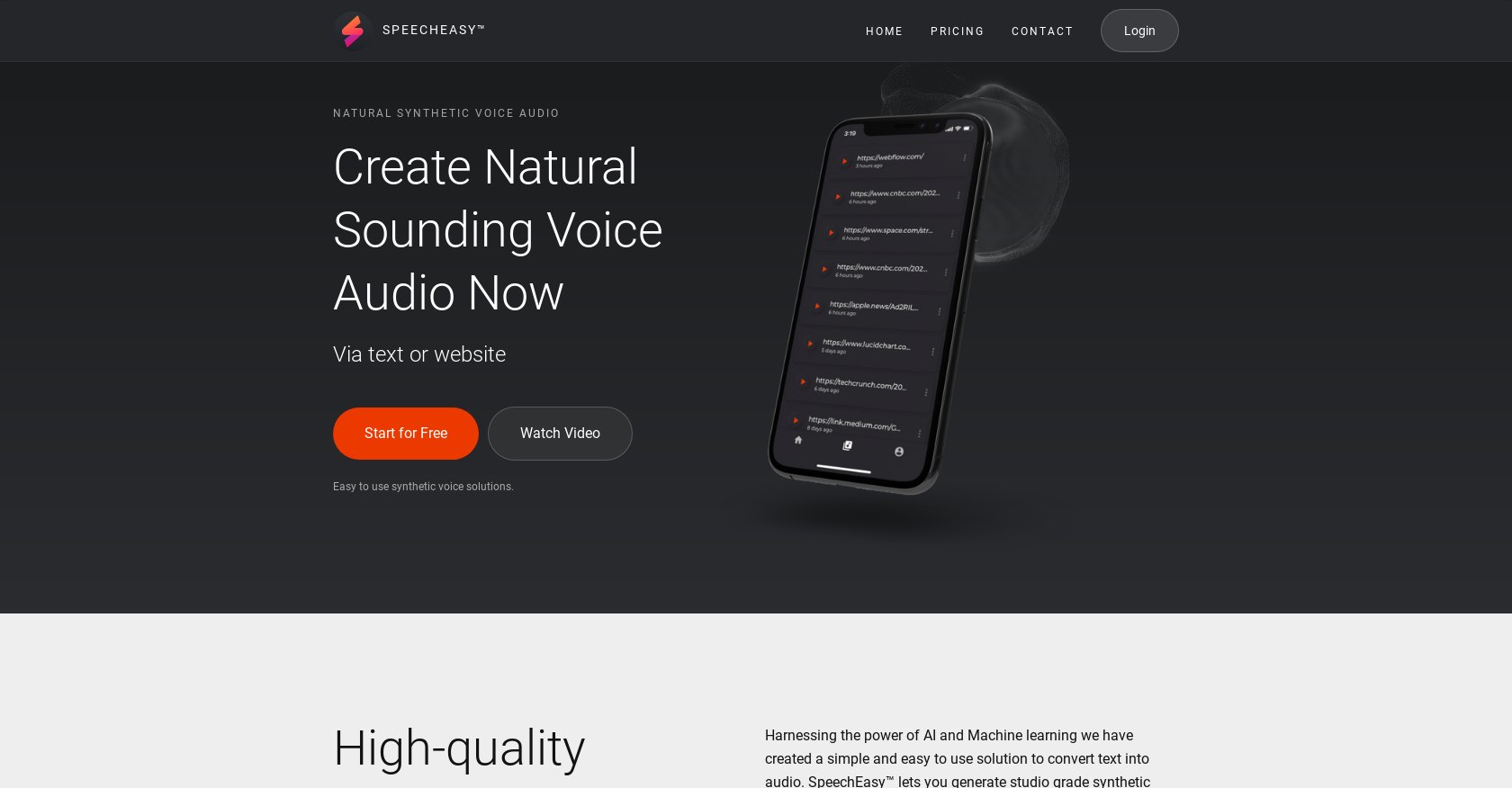
- Create studio-grade voiceovers instantly without recording equipment using AI-powered synthetic voices
- Enhance e-learning materials with consistent, high-quality audio that complements visual content using intuitive text conversion
- Produce professional marketing video voiceovers quickly for tight deadlines with clean audio output
- Convert articles and books into audiobooks easily for wider content distribution through text-to-speech technology
- Listen to converted audio files anywhere across desktop and mobile devices with cross-platform compatibility
- Start creating audio content immediately without cost using the free version with full feature access
- Protect your content and personal information with privacy-first security measures that minimize data retention
Pros & Cons
From the listing; not yet checked by our editors.
Pros
- Cross-platform support
- Nearly dozen high-quality voices
- Intuitive interface
- Privacy-first approach
- Free version available
- Enterprise option
- Suitable for presentations
- Ideal for e-Learning
- Useful for marketing
- Applicable for publishing
- Mobile listening support
- Regular addition of voices
- Minimal personal info retained
- Easy to get started
- Flexible pricing options
- Studio grade synthetic voices
- Consistent audio quality
- Works on-the-go
- Ideal for voice overs
- Supports different use cases
- Privacy and security emphasis
Cons
- Limited number of voices
- Requires network connection
- No offline functionality
- Limited free version
- Enterprise pricing not disclosed
- No API mentioned
- Lack of voice customization
- No multilingual support mentioned
Alternatives to SpeechEasy
Tools that share the most tags with SpeechEasy.
- Speechma
Generate professional voiceovers for social media and presentations instantly with 400+ premium AI voices featuring unique personalities and accents
Freemium · from $9/month
$9/month
Not yet checked
- Revoicer
Create human-sounding voiceovers that capture attention using emotional tones like friendly, cheerful, or excited for more engaging content
Paid · from $47
$47
Not yet checked
- WooTechy VoxDo
Generate realistic voiceovers instantly with AI text-to-speech conversion across 100+ languages and global accents
Free trial · from $15.95/month
$15.95/month
Not yet checked
- Speechactors
Produce studio-quality voiceovers instantly with an online AI voice generator that converts your text into natural, engaging speech
Freemium · from $23/month
$23/month
Not yet checked
- Resemble.ai
Clone your exact voice instantly using just a short audio sample, eliminating the need for lengthy recording sessions
Free trial · from $29/month
$29/month
Not yet checked
- Speechify Studio
Produce studio-quality voiceovers instantly with 200+ natural AI voices across 60+ languages and accents
Freemium · from $7.99
$7.99
Not yet checked
Reviews
Rate this tool
Loading reviews...
Frequently asked questions
How does SpeechEasy's text-to-speech feature work?
SpeechEasy's text-to-speech feature works by converting written text into high-quality synthetic voices. It uses AI and machine learning technologies to produce easy-to-understand and consume audio from text.
What is the technology behind SpeechEasy's high-quality synthetic voices?
The technology behind SpeechEasy's high-quality synthetic voices is a combination of AI and machine learning. These advanced technologies allow for the creation of natural sounding, studio-grade synthetic voices.
Can SpeechEasy be used on both mobile and desktop devices?
Yes, SpeechEasy can be used on both mobile and desktop devices. It supports cross-platform usage, allowing for the creation and listening of audio voice files on a variety of devices.
What types of voices does SpeechEasy offer?
SpeechEasy offers a selection of nearly a dozen high-quality synthetic voices. They plan to add more regularly, providing a wide range of options for customers.
How user-friendly is SpeechEasy's interface?
SpeechEasy provides a user-friendly interface that is both simple and intuitive. It has been specifically designed to be easy to use, avoiding unnecessary features that may complicate the user experience.
How does SpeechEasy ensure the privacy and security of user information?
To ensure the privacy and security of user information, SpeechEasy takes a privacy-first approach. They maintain strict security measures and keep only the bare minimum of personal information required to provide their services.
Is there a free version of SpeechEasy?
Yes, there is a free version of SpeechEasy that provides access to all the app's features.
What does the Enterprise option of SpeechEasy include?
SpeechEasy does not provide specific details about what the Enterprise option includes. It indicates that interested parties should contact their sales department for more information.