

Sune
See every document, project, and task in one layout that matches how you think, using an infinite canvas virtual whiteboard that holds text, images, tables, kanban boards, calendars, and sketches without space limits.
Listing not yet reviewed by our editors · How we check
Overview
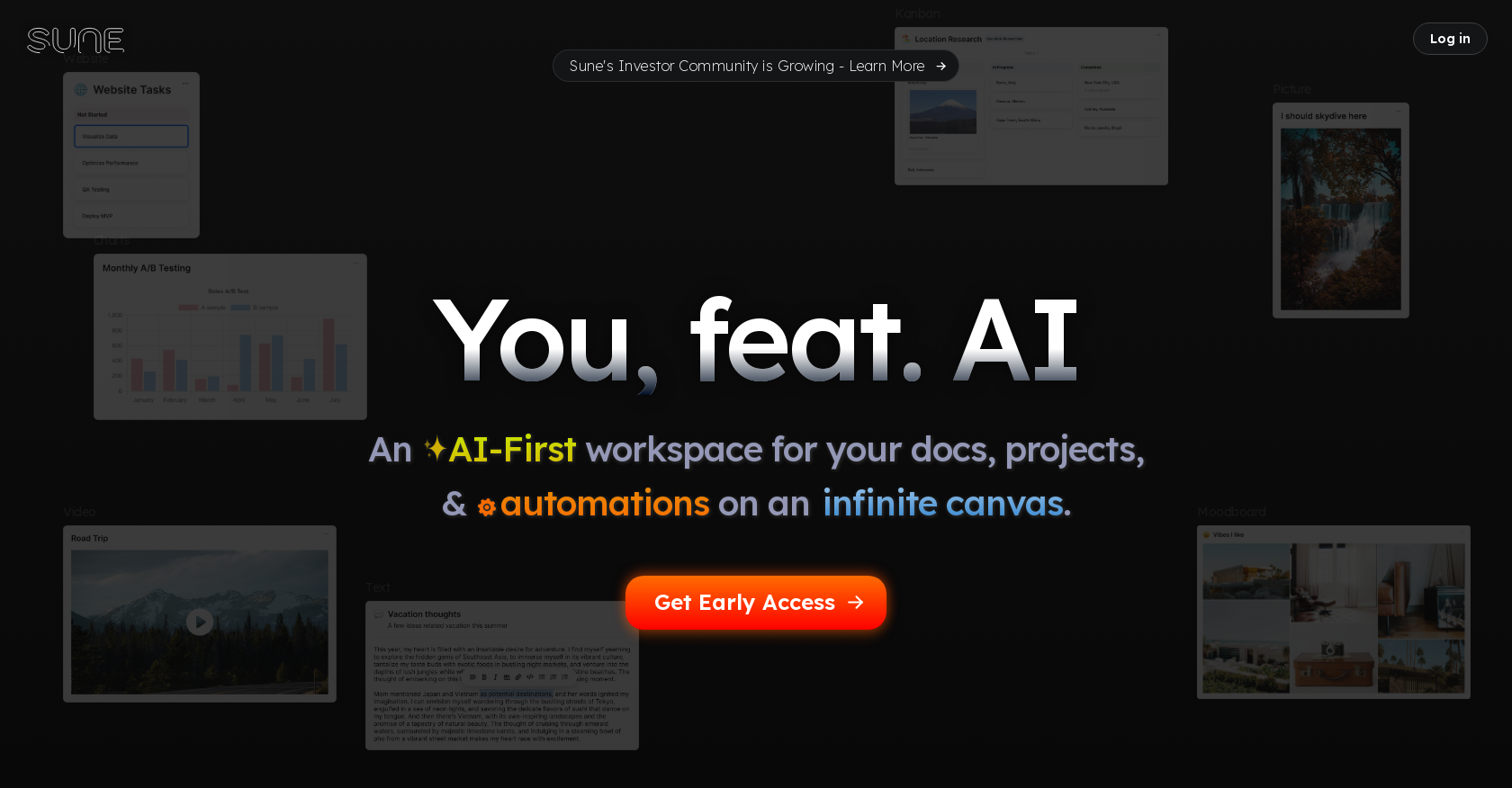
- See every document, project, and task in one layout that matches how you think, using an infinite canvas virtual whiteboard that holds text, images, tables, kanban boards, calendars, and sketches without space limits.
- Turn a plain-language request into a finished element: select any block, describe the change, and Sune creates, edits, and iterates on it until it fits your project.
- Remove repetitive work from your workflow by connecting blocks and integrating services into task automation that drafts documents and tables, updates content, generates personalized feedback reports, and writes emails.
- Get assistance grounded in what your work actually says, because contextual understanding reads the content inside your workspace rather than just file names and drives tailored services and automations.
- Keep your team aligned in one shared collaborative workspace where everyone organizes, customizes, and automates projects together while Sune works alongside them as an active teammate.
- Shape a workspace built for your specific process by freely arranging and moving every element on the canvas and applying custom themes you create or discover.
Pros & Cons
From the listing; not yet checked by our editors.
Pros
- Collaborative visualization
- Infinite canvas
- Versatile workspace elements
- Ability to edit blocks
- Workspace customization
- Automation capabilities
- Content understanding
- Personalized services
- Dynamic workspace
- Block connection
- Service integration
- Workspace navigation
- File enrichment
- Custom themes
- Detailed document creation
- Content-based automation
- Workflow revolution
- Teammate-like interaction
Cons
- No offline mode
- Limited integrations with other services
- Depends heavily on user input
- No version control capabilities
- Workspace can be too cluttered
- No mentioned security measures
- No mobile app mentioned
- Requires constant internet connection
- Limited language support mentioned
Alternatives to Sune
Tools that share the most tags with Sune.
- Affint
Create presentation-ready slides and reports from raw data in minutes instead of hours using AI-powered document creation
Free trial · from $20/month
$20/month
Not yet checked
- Mem
Find any note instantly without manual tagging using AI-powered Smart Search that understands context, not just keywords
Paid · from $8.33/month
$8.33/month
Not yet checked
- Muddy
Eliminate constant window switching by unifying all your apps and messaging in a single shared environment
Free
Not listed
Not yet checked
- Sense
Find any file, task, or conversation instantly with cross-app search that scans all your connected tools simultaneously
Freemium · from $7/month
$7/month
Not yet checked
- Stacks
Transform scattered links, notes, and files into organized, actionable research with AI that automatically categorizes your saved content
Paid · from $9/month
$9/month
Not yet checked
- Fibery AI
Build product roadmaps from real customer demand: feedback from multiple sources is centralized and linked to the features it relates to, turning chaotic input into actionable priorities.
Freemium · from $15/month
$15/month
Not yet checked
Reviews
Rate this tool
Loading reviews...
Frequently asked questions
What is Sune?
Sune is an AI tool designed to create a collaborative workspace where users can organize their documents, projects, and tasks in a visually engaging and dynamic manner. It offers an infinite canvas, functioning as a virtual whiteboard, where users can add various elements. Sune also provides automation capabilities for productivity and delivers personalized services based on the content within the workspace.
What features does Sune offer?
Sune offers various features such as an infinite canvas that acts as a virtual whiteboard, supporting the creation and editing of blocks within the workspace for customization. It allows users to automate tasks by connecting blocks and integrating services. Sune goes beyond file names and text to understand the content within the workspace, offering personalized services and automation. It's designed to make the workspace dynamic and interactive, actively participating in creating and customizing blocks rather than merely hosting them.
What is the infinite canvas in Sune?
The infinite canvas in Sune acts as a virtual whiteboard, allowing users to visually organize their work. Here, users can add numerous elements like text, images, tables, kanban boards, calendars, sketches, and more, as per their requirements and understanding. The canvas does not limit the user's workspace, offering endless space to build and collaborate.
Can I customize my workspace in Sune?
Yes, customization is a core feature of Sune. Users have the flexibility to arrange their workspace in any way they want, adding and moving around various elements such as texts, tables, images, kanban boards, calendars, and sketches. Users can also create or discover custom themes to suit their specific needs.
What does 'AI-first workspace' mean in the context of Sune?
'AI-first workspace' in the context of Sune means that the workspace is built around artificial intelligence as its main function. Sune is designed to not just host documents but proactively understand, create, and customize blocks within the workspace, offer personalization based on the content's context, and automate tasks for enhanced productivity.
What are the Blocks in Sune?
Blocks in Sune refer to the different elements that users can add to their workspace. These range from texts, images, tables, to more complex components like calendars, sketches, kanban boards, and more. Sune allows users to create and edit these blocks, affording them great flexibility in how they customize their workspace.
How does Sune contribute in creating and editing blocks?
Sune contributes in creating and editing blocks by providing AI-powered assistance. Users simply select an item and make a request, and Sune creates, edits, and iterates on it. This feature makes Sune more than just a tool, it's a participant in the workspace that actively assists in customizing and tailoring the workspace according to the user's needs.
What kind of elements can be added to the Sune workspace?
Sune workspace allows users to add a wide variety of elements. These include text, images, tables, kanban boards, calendars, sketches, and more. All these elements can be customized and moved around within the workspace according to the user's preferences, providing a flexible and personalized environment to work and collaborate.