
Overview
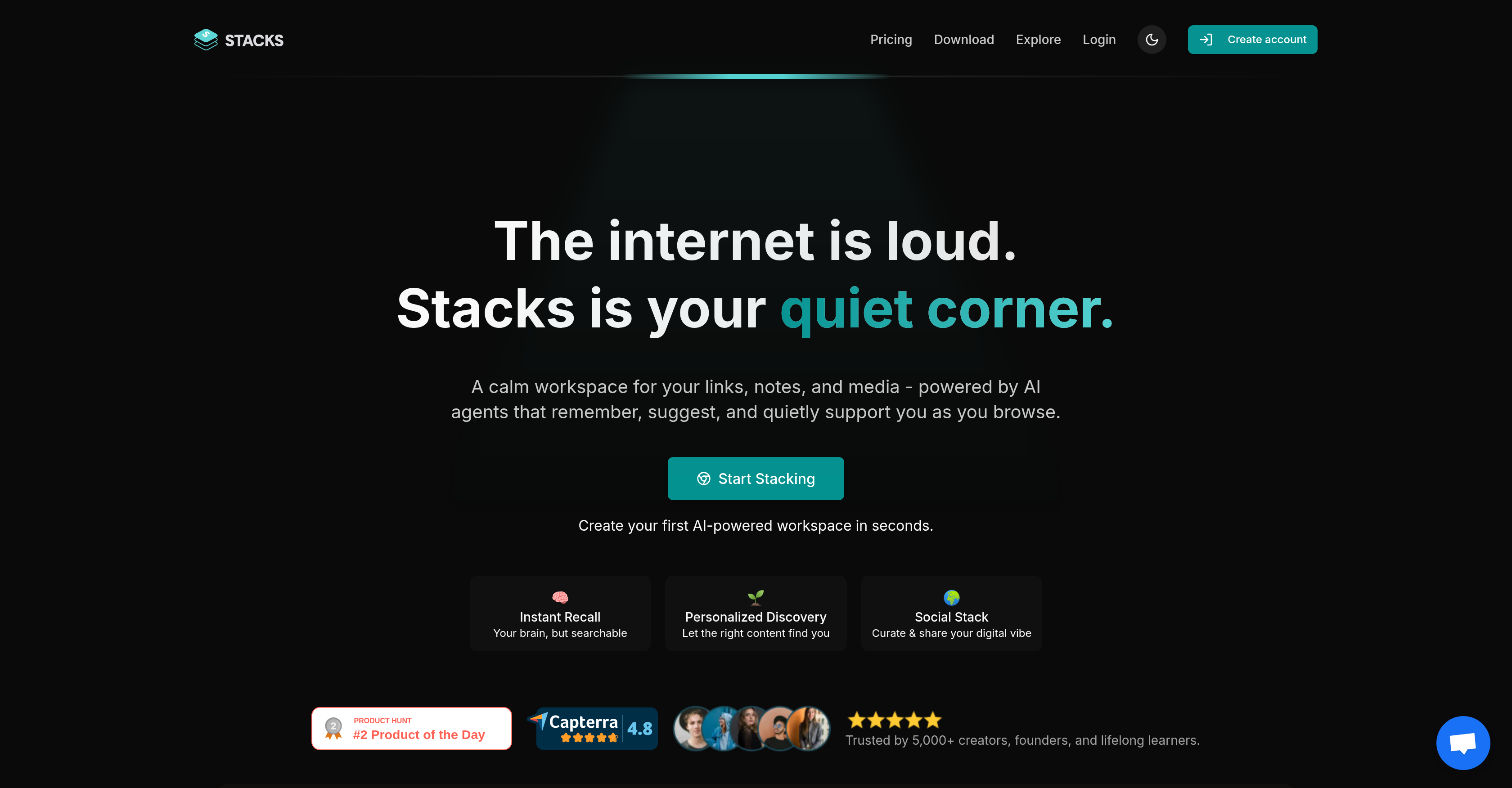
- Transform scattered links, notes, and files into organized, actionable research with AI that automatically categorizes your saved content
- Reveal hidden connections and insights across your saved research through AI-powered search that understands your content's context
- Get personalized content suggestions that improve over time as the AI learns your saving intent and browsing patterns
- Maintain a calm, focused workspace that adapts to your workflow, replacing multiple tools with one unified platform
- Collaborate effectively by sharing curated collections with team members using controlled visibility levels
- Access your organized research anywhere with seamless synchronization between browser extension and mobile apps
Pros & Cons
Pros
- Unified digital workspace
- Adaptable user categories
- Captures notes, bookmarks, links
- Media file storage
- Team workspace support
- Quiet and calm interface
- Intuitive browsing patterns
- Enhanced intent recognition
- Cross platform - Chrome, App Store, Play Store
- Reveal hidden links, insights
- Content, bookmark, web discovery
- Confidentiality with visibility controls
- Browser extension integration
- Learning tool for various professions
- Shareable content collections
- Understands saving intent
- Scattered info to tangible actions
- Transforms browsing into productivity
- Supports real-time collaboration
- Visibility control for shared content
- Replaces multiple common tools
- Training based on content
- Multiple purposes in one tool
- Content personalization
- Workspace sharing options
- Digital workspace personalization
- Replacement for Google Drive, Notion, Pocket
- Turning saved thoughts searchable
- Creation of insightful memory layer
- Adjustable workspace based on preferences
- Links, notes and media storage
- Content management in one place
- Suggestions and support during browsing
- Adaptability to user's workflow
- Bookmark management in unified space
- Context aware content saving
- Tool for work productivity
- Connects related ideas
- Curated stacks based on digital vibe
- Transforms random saves into organized knowledge
- Learning platform for lifelong learners
- Adaptable for individuals and teams
- Can reveal hidden content relations
- Improves with usage over time
- Remember and suggest function
- Easy swapping between workspaces
- Turn insights into actions
- Audience building around unique insights
- Recognizes user's patterns
- Controlled audience reach and presentation
Cons
- Limited installation options
- Possibly overwhelming interface
- No offline access
- Data privacy concerns
- Limited customization options
- Could have complicated functionality
- Dependent on browsing activities
- Limitations in collaborative features
- Potential note-finding issues
Reviews
Rate this tool
Loading reviews...
❓ Frequently Asked Questions
Stacks offers a variety of main features including content management, bookmark management, web discovery, and data storage. Its AI agents store, suggest, and support as you browse. It also captures notes, bookmarks, links, and files and creates tangible actions from scattered information. Stacks also comes deeply connected with a personal AI that reveals hidden links and insights, searches across saved thoughts, and trains based on user content. It is adaptable to various categories of users such as students, researchers, creators and builders.
In Stacks, you can store links, notes, and media files. This includes anything from your online browsing that you find interesting or crucial to your research, study, or project. These contents can later be recalled, connected, and suggested by its AI agents, easing the browsing and discovery process.
Stacks helps with web discovery by intuitively adopting user's browsing patterns to understand their preferences. As the user interacts with various content during browsing, it remembers those interactions, creates a memory and insight layer, and suggests relevant contents. Stacks' AI further comes into play by revealing hidden links and insights.
The artificial intelligence (AI) in Stacks serves multiple functions. It suggests and supports the user during their browsing. The AI agents remember your interactions with content and the context around it. They reveal hidden links and insights, searches across saved thoughts based on your content’s context, and also learn and improve based on your actions.
Stacks is different from tools like Google Drive and Notion in several ways. While these platforms are mainly used for content creation and storage, Stacks combines AI technology to manage content, bookmarks, web discovery, and data storage more effectively. It hosts AI agents that remember, suggest, and support during browsing. It also turns scattered information into tangible actions while ensuring your browser adopt your browsing patterns.
Yes, you can collaborate with other users in Stacks. Apart from providing personal workspaces, Stacks also offers a team workspace for real-time collaboration. You can share your digital workspace with controlled visibility levels, ensuring the right information is shared with the right people.
Stacks supports your browsing habits by ensuring your browser understands your preferences and acts on them. It creates a memory and insight layer that intuitively adopts your browsing patterns, remembers your interactions, suggests, and provides support as you continue to explore the web. Over time, this allows Stacks to become more personalized and efficient in supporting your web browsing.
Stacks captures and manages your content and data in several ways. It allows capturing of notes, bookmarks, links, and files from your browsing. It then turns this scattered information into tangible actions and manages them effectively with the help of AI agents. It also understands your saving intents and improves intent recognition over time based on your actions and stored contents.
Stacks is available on a variety of platforms. It is integrated as a browser extension, which allows installation on Google Chrome. Stacks can also be installed on mobile devices from the App Store for iOS devices and the Play Store for Android devices. This makes it a cross-platform tool that can be accessed irrespective of the device or browser you use.
The browser extension of Stacks works as a unified digital workspace that enhances your browsing experience. It allows you to capture links, media files, bookmarks, and notes as you browse. It acts as a memory and insight layer, revealing hidden insights, suggesting related contents, understanding your intentions when you save content, and improving its intent recognition over time.
Stacks can benefit a vast range of users, including students, researchers, creators, builders, and lifelong learners. Anyone who frequently uses the internet for research or study, deals with a large amount of information, or wishes to improve their work or study productivity can benefit from the unified workspace that Stacks provides.
Stacks supports research or learning by providing a unified digital workspace where you can store links, notes, and media files during your research or learning. Its AI agents remember, suggest, and support as you browse, turning scattered information into tangible actions. Whether writing a thesis, crafting a project, or collecting niche knowledge, Stacks adapts to your needs.
Stacks gradually improving intent recognition means that the tool becomes better at understanding why you're saving particular content. Over time, it gains a deeper understanding of your preferences and info you save, enhancing suggestions and browsing support as a result. This allows for a more personalized experience that evolves with your web use.
Yes, you can share your Stacks collections with others. The platform allows for workspace sharing with controlled visibility levels, letting you decide who sees your collections. This makes it suitable for collaboration, content sharing, and more controlled digital social interactions.
While specific security measures are not explicitly mentioned on their website, Stacks as a personal AI tool is least expected to implement a mix of technical and organizational security measures, including data encryption, secured servers, and strong privacy policies, to ensure high security levels for users’ data and content.
Yes, you can customize your workspace in Stacks. The tool allows you to create a unified digital workspace tailored to your needs. Details of specific customization options are not mentioned on their website, however, due to the adaptive nature of the tool, it's expected that users can change the workspace based on their preferences and usability.
Stacks understands your intentions when you save content by recognizing the pattern of your behaviour, interactions with content, and your saving patterns over time. It processes this information through its AI systems to learn your preferences and browsing patterns. This helps it improve over time by offering better content suggestions, easier content discovery, and a more personalized browsing experience.
Stacks helps students and lifelong learners by providing a unified workspace that stores links, notes, media files, and offers browsing support with the help of AI. It makes scattered information more organized, turns it into tangible actions, and allows sharing with others. This makes studying and researching over the web a more convenient, productive, and efficient process.
Stacks provides tools for creators and founders in form of a unified digital workspace that helps manage content, bookmarks, data, and web discovery. It works to reveal hidden links and insights, searches across saved thoughts, and learns based on your preferences. Founders and creators can share their workspace with their team with controlled visibility levels, making it an excellent tool for collaboration and content curation.
The AI-powered search functionality in Stacks works by using AI algorithms to search across your saved contents. It reveals hidden links and insights based on your saved thoughts and content. It also gradually improves its intent recognition, which aids in providing more accurate and relevant search results over time. This makes searching for information within your saved content more effective.
Pricing
Pricing model
Paid
Paid options from
$9/month
Billing frequency
Monthly
Refund policy
30 Days No Questions Refunds
Related Videos
Stacks is a noise-less platform for collaborative bookmarks
Better Stacks•1.6K views•Jul 4, 2023