

timeMaster
Eliminate manual time tracking with automatic project detection that categorizes activities and generates detailed time logs
Listing not yet reviewed by our editors · How we check
Overview
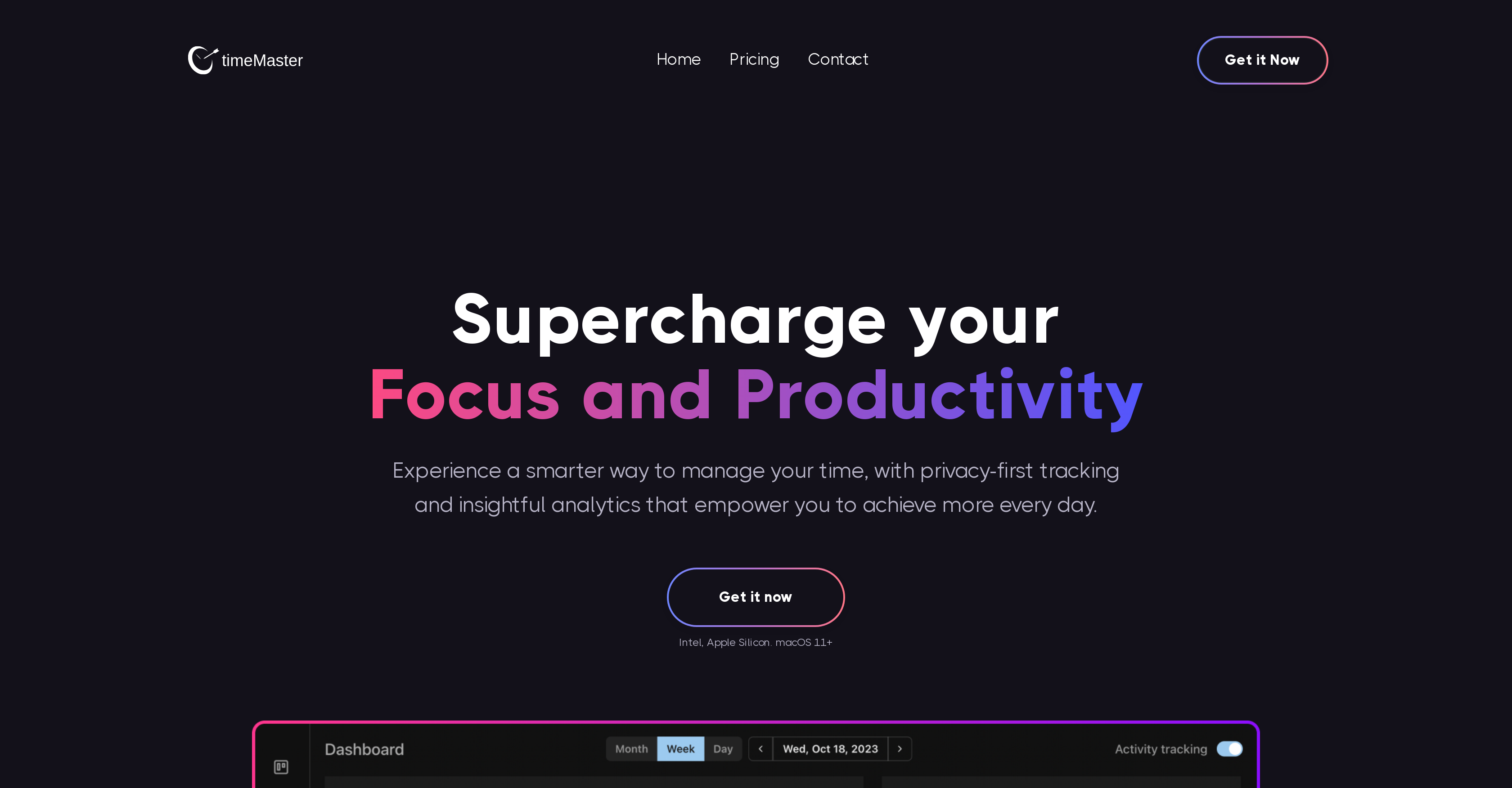
- Eliminate manual time tracking with automatic project detection that categorizes activities and generates detailed time logs
- Identify and reduce productivity drains by automatically excluding non-work activities like social media and web browsing
- Prevent burnout with scheduled break reminders and overwork notifications that maintain healthy work-life balance
- Discover your most productive hours and top distractions through weekly reports and focus metrics analysis
- Maintain complete data privacy with local-only storage and encryption that never transmits your information
- Gain deep project understanding with automatic time logs and comprehensive overviews of time allocation per task
Pros & Cons
From the listing; not yet checked by our editors.
Pros
- Compatible with macOS 11+
- Works with Intel and Apple Silicon
- Automatic time tracking
- Categorizes activities effortlessly
- Tagging projects function
- Excludes non-work distractions
- Generates detailed time logs
- Detects new projects automatically
- Schedules automatic breaks
- Goal setting feature
- Overworking notification
- Data remains locally stored
- Uses encryption for data protection
- Identifies productive hours
- Identifies top distractions
- Insight into focus, distraction metrics
- Weekly, monthly reports
- In-depth work habits analysis
- Automatic overviews for projects
- Privacy-first tracking
- Limited-time early bird offer
- Black Friday sale
- Premium features in standard plan
- Unlimited analytics
- Limited access for secure data
- Excludes time spent on non-work activities
- Helps in building better work habits
- Overworking reminders
- Work break ratio tracking
- Local data storage
- Data encrypted before saving
- Reads only app title for information
- Categorizes user activities accurately
- Automatic time logs for tasks
- Insight into focus score
- Insight into frequently used apps
Cons
- Limited to macOS 11+
- Only for Intel, Apple Silicon
- No real-time syncing
- No multi-device support
- Limited user information access
- No cross-platform compatibility
- No web-based version
- Minimalistic interface lacking features
- Can't integrate with other apps
- Requires premium for full features
Alternatives to timeMaster
Tools that share the most tags with timeMaster.
- Coda AI
Replace scattered tools with one connected workspace that automatically syncs data across your entire operation using connected data
Freemium · from $10/month
$10/month
Not yet checked
- Generatifyy.AI
Transform scripts into professional videos with cinematic effects using the AI Video Generator
Free trial · from $29/month
$29/month
Not yet checked
- Rationale
Make fully-informed decisions in just 10 seconds using AI-powered analysis that considers every angle
Paid · from $9.99/month
$9.99/month
Not yet checked
- AI Pro Management
Eliminate manual project planning with AI that generates Work Breakdown Structures and predicts timelines using predictive algorithms
Freemium · from $15.46/month
$15.46/month
Not yet checked
- Progr
Build production-ready AI models faster with streamlined workflows for data preprocessing, model development, training, and deployment
Freemium · from $10/month
$10/month
Not yet checked
- PMI Infinity
Eliminate hours of manual research with instant access to 14,000+ PMI-vetted content pieces through smart navigation
Not listed
Not listed
Not yet checked
Related Videos

Maximize Your Productivity with Timemaster AI
CTMasterclass · Mar 6, 2024
TimeMaster App: We request FOREGROUND_SERVICE_MEDIA_PROJECTION for screen recording.
WeTime · Jul 30, 2025
Reviews
Rate this tool
Loading reviews...
Frequently asked questions
What is TimeMaster?
TimeMaster is an AI-driven productivity assistant focused on boosting focus and time management on macOS 11+ devices. This tool is compatible with both Intel and Apple Silicon architectures. Being privacy-first, TimeMaster makes sure all user data is stored securely and exclusively on the local device with encryption for added safeguarding. It excels in automatic time tracking, categorizing activities, tagging projects, and excluding non-work distractions to provide detailed time logs. The assistant also aids users to develop better work habits, schedule automatic breaks, set goals, and issue notifications to prevent overworking or distraction.
How does TimeMaster track time?
TimeMaster provides fully automatic time tracking. It identifies what the user is working on, and accordingly categorizes activities, tags projects, and writes detailed time logs. The tool also detects when the user starts a new project and begins tracking it instantly.
Is TimeMaster compatible with both Intel and Apple Silicon?
Yes, TimeMaster is compatible with both Intel and Apple Silicon architectures.
What measures does TimeMaster take to protect my privacy and data security?
TimeMaster employs intensive measures for user privacy and data security. It stores data exclusively on the user's local device and never transmits it elsewhere. Before saving, data is encrypted to ensure its safety, even if the device is compromised. TimeMaster only reads the title of the application in use and does not access any other information.
Can TimeMaster identify the project that I'm currently working on?
Yes, TimeMaster has a feature that identifies when a user starts working on a new project. It seamlessly switches to tracking the new project, providing a precise picture of work duration and patterns.
How does TimeMaster exclude non-work activities?
TimeMaster can exclude non-work activities by automatically detecting and excluding time spent on activities like browsing the web or using social media. This process helps to generate an accurate representation of work time.
Does TimeMaster have a feature to prevent overworking?
Yes, TimeMaster has a feature that issues notifications in cases of overworking or distraction to assist users in maintaining a healthy work-life balance.
Can TimeMaster schedule automatic breaks?
Yes, TimeMaster has the functionality to schedule regular automatic breaks. This feature helps users to build better work habits and fight burnout.