

Together Link
Plug open-source AI models into your current stack without rebuilding infrastructure, using automatic model routing that runs open models inside your existing harness.
Listing not yet reviewed by our editors · How we check
Overview
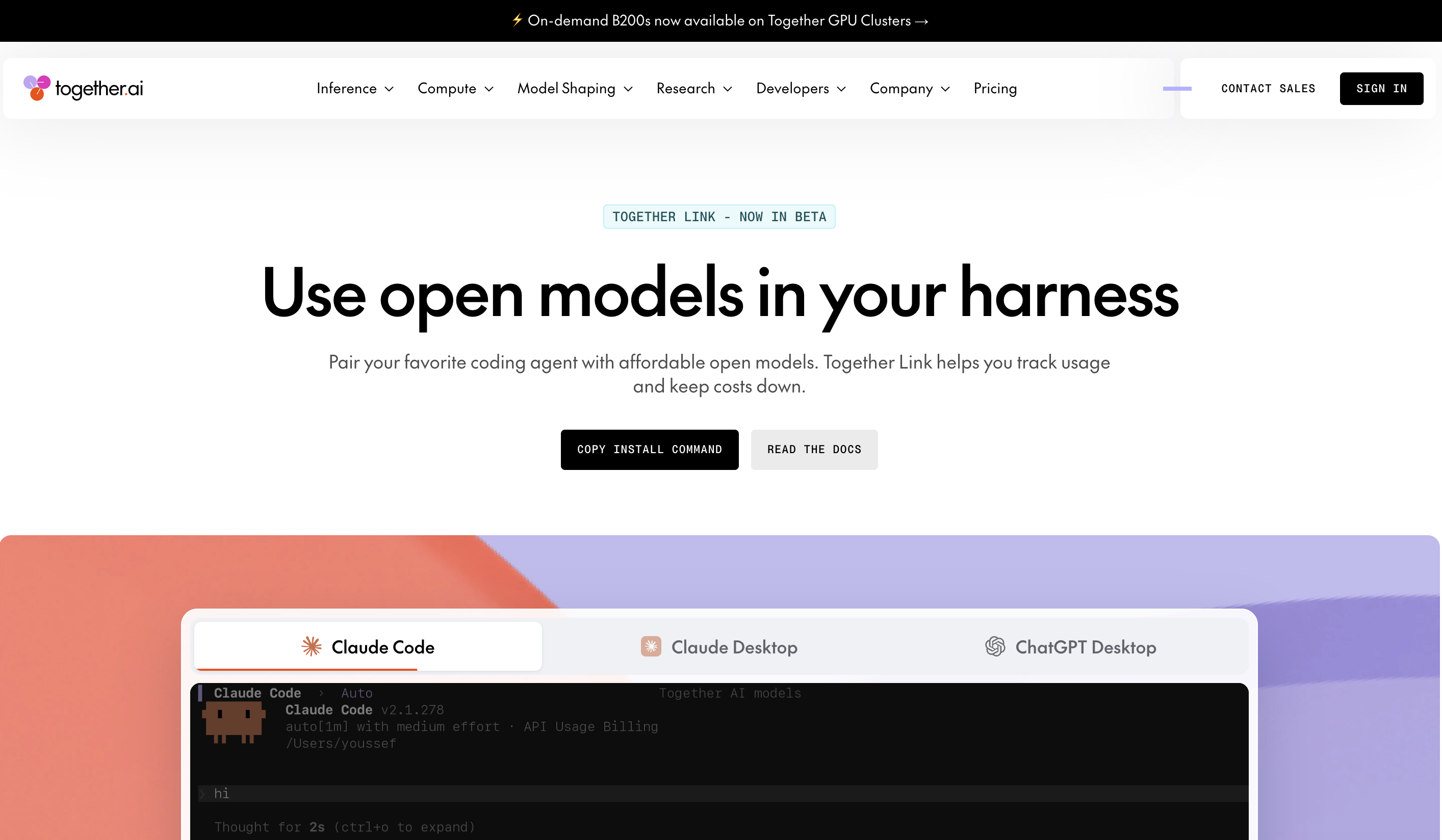
- Plug open-source AI models into your current stack without rebuilding infrastructure, using automatic model routing that runs open models inside your existing harness.
- Keep AI spend under control and know exactly where inference budget goes, with built-in usage and cost tracking for every open model you run.
- Ship models as production APIs without provisioning or managing servers, through Serverless Inference that scales automatically with demand.
- Process large datasets and bulk jobs in one pass instead of request by request, with Batch Inference built for heavy, high-volume AI workloads.
- Get predictable performance for custom models and specialized workloads, using Dedicated Model Inference on tailored hardware and Dedicated Container Inference for containerized deployments.
- Adapt open-source LLMs to your own data and use case, with model fine-tuning and post-training that refine output quality after the initial training phase.
- Confirm a model is production-ready before launch, with model quality evaluations that measure performance, precision, and reliability.
- Cut training and inference times on compute-intensive tasks, powered by Reliable GPU Clusters that deliver scalable accelerated computation up to frontier-scale custom infrastructure.
- Keep model weights and training data protected and retrievable on demand, with Managed Storage dedicated to secure model asset handling.
Pros & Cons
From the listing; not yet checked by our editors.
Pros
- Run models in existing harness
- Automatic model routing
- Usage tracking
- Cost tracking
- Serverless Inference
- Bulk tasks through Batch Inference
- Custom hardware with Dedicated Model Inference
- Custom process with Dedicated Container Inference
- Secure Managed Storage
- Reliable GPU Clusters
- Infrastructure optimization
- Model fine-tuning
- Post-training capabilities
- Research and production capabilities
- Auto Router for Open Models
- Token-based capacity with Provisioned Throughput
- One-command setup
- Per-session routing
- Lower cost for frontier models
- Transparent pricing
- Session receipts with token and dollar totals
- Quick installation
- Reversible profile
- One-command switching
- Preserve existing setups during installation
- Configurable harness
- Custom Training for frontier quality
- Model shaping with your data
- Measure model quality
- Open frontier model access
- Access top open-source models
- Detailed documentation
- Open-source demo apps
- Practical implementation guides
- Build voice agents for production
- Model Library Playground
- Startup accelerator support
- Customer support
- Open-source ROI calculator
- Handles real coding work
- Supports multiple coding agents
- Compatible with macOS and Linux
- Maintains existing agent settings
- Cost cut by over 50%
- Frontier quality on controlled models
Cons
- Requires existing harness
- No dedicated mobile support
- Limited open-source models
- Complex setup
- Costs associated with usage
- Reliability on GPU Clusters
- Switching infrastructure might be needed
- Not fully standalone
Alternatives to Together Link
Tools that share the most tags with Together Link.
- OrcaRouter
Automatically deliver frontier-quality answers for complex reasoning tasks while cutting costs on routine queries, powered by a Difficulty Grading system that routes each prompt to the optimal AI model
Freemium · from $29/month
$29/month
Not yet checked
- Pydantic AI Gateway
Manage every AI model from OpenAI, Google, Anthropic, Groq, and AWS under one unified API key, eliminating credential swapping across providers
Freemium · from $49/month
$49/month
Not yet checked
- Not Diamond
Slash inference costs by automatically routing each coding task to the most cost-effective language model using Not Diamond's intelligent model prediction engine
Freemium · from $0.05/image
$0.05/image
Not yet checked
- Finest - Fast, Cheap, Good. Pick Three
Slash your AI API expenses automatically with a system that routes every request to the lowest-cost model configuration that clears your quality bar
Free
Not listed
Not yet checked
- Pioneer AI
Achieve peak AI application performance by using Pioneer AI's inference API to intelligently route every task to the most suitable model, optimizing speed and efficiency.
Paid · from $20/month
$20/month
Not yet checked
- Araveil
Compare answers from different AI models without switching services, because the multi-model AI chat connects you to several leading models in one conversation hub.
Freemium · from $20/month
$20/month
Not yet checked
Reviews
Rate this tool
Loading reviews...
Frequently asked questions
What is the purpose of Together Link?
Together Link is a tool designed to aid in the development of AI systems by allowing the execution of open models within existing infrastructures. It automatically handles routing, and tracks usage and associated costs, helping to streamline processes and offer insight into resource allocation.
What features does Together Link offer for AI development?
Together Link offers a wide range of features tailored to AI development. This includes Serverless Inference for simplified API utilization, Batch Inference for dealing with bulk tasks, and options for both Dedicated Model Inference and Dedicated Container Inference. It also provides Managed Storage for secure data and model weight storage, and Reliable GPU Clusters for accelerated computations.
How does Together Link's Serverless Inference work?
Together Link's Serverless Inference allows for high-performance AI model deployment as APIs. This means users can implement and execute powerful AI models without the need to provision and manage servers. The Serverless Inference feature automatically scales depending on the demand and offers easy API utilization.
What is Batch Inference in the context of Together Link?
Batch Inference in the context of Together Link refers to the AI's ability to perform inference on batch workloads. It allows the processing of a large number of MR jobs or inputs at the same time, rather than individually processing each one. It's particularly useful for tasks that require heavy computational resources or when processing large datasets.
What is the role of Dedicated Model Inference in Together Link?
Dedicated Model Inference in Together Link corresponds to the feature that supports executing inference operations on custom hardware or specific processes. This allows for optimization of certain tasks and enables more effective utilization of resources by tailoring the execution process to the specificities of a given AI model.
How is Dedicated Container Inference applied in Together Link?
Dedicated Container Inference in Together Link is a feature designed to run inference operations for custom models within containerized systems. It enables users to create, deploy, and run applications by bundling them into containers, making it easier to manage, scale, and deploy AI models in different environments.
How does Together Link ensure secure data storage through Managed Storage?
Managed Storage feature in Together Link ensures secure data storage by efficiently handling model weights and other relevant data. This feature is designed with a focus on security, ensuring that crucial information is securely stored, managed, and accessed as needed.
How can I use the Reliable GPU Clusters feature of Together Link?
The Reliable GPU Clusters feature of Together Link provides a secure and robust computation environment. This feature allows users to take advantage of accelerated computation, thanks to its scalable GPU resources. Users can leverage these GPU clusters for computationally intensive tasks and processing large data volumes, thereby improving performance and reducing execution times.