

TTSReader
Proofread documents with fresh ears by hearing your text read aloud in natural AI voices, catching errors you might miss visually.
Listing not yet reviewed by our editors · How we check
Overview
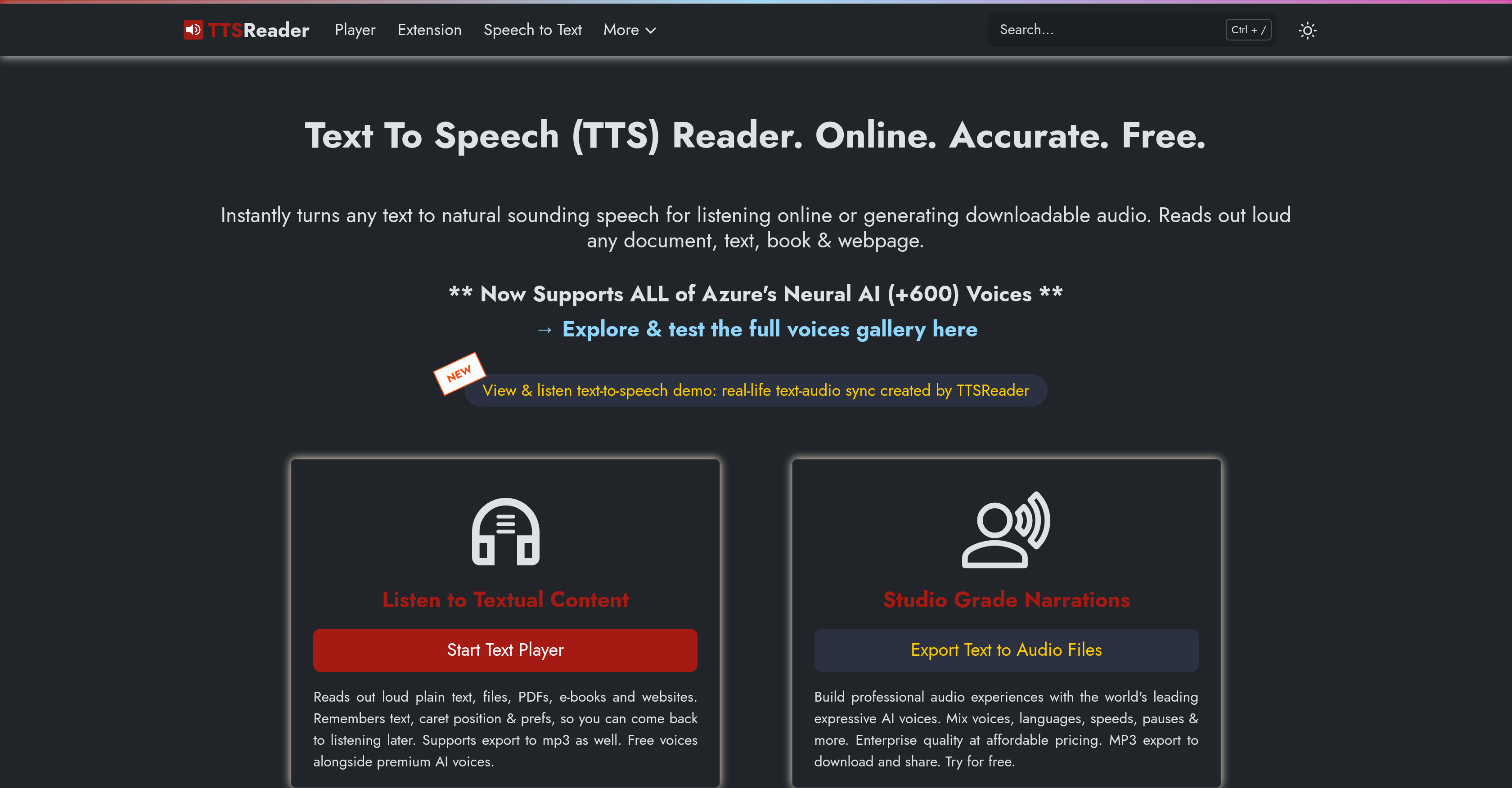
- Proofread documents with fresh ears by hearing your text read aloud in natural AI voices, catching errors you might miss visually.
- Create professional voice-overs for videos and audiobooks using expressive, commercial-ready premium AI voices.
- Learn and retain information more effectively by converting textbooks, articles, and e-books into audio for auditory learning.
- Pick up exactly where you left off because it remembers your text, caret position, and preferences across sessions.
- Generate downloadable MP3 audio files from any text for offline listening or use in other projects.
- Listen to content from any device instantly, as it works directly in your browser with no installation required.
- Customize listening experiences by mixing different voices, languages, and speech speeds within a single audio project.
Pros & Cons
From the listing; not yet checked by our editors.
Pros
- Online Access
- Natural Sounding Speech
- Multi-format Support
- Webpage Reading
- Persistent Caret Position
- Exports to MP3
- Free and Premium Voices
- Voice Mixing
- Cross-Platform Compatibility
- No Download Required
- Commercial-Ready Voiceovers
- Supports Multiple Languages
- Work Persistence
- Audio Download Capability
- Suitable for Education
- Useful for Proofreading
- Effective Audio Experience Builder
- Can Remember Text
- Return Listening Functionality
- Supports Auditory Learning Methods
- Plain Text and PDF Support
- Ideal for Businesses
- Useful for Authors
- E-book Reading Capability
- Ideal for Schools
- Broad Browser Support
- Ideal for Students
- Ideal for Video Production
- Telephony Voiceover Creation
- Supports Multiple Speeds
- Voice Gallery access
- Ideal for Bloggers
- Rich Text Support
- Word and Character Counter
- Single Click MP3 Export
- Text - Audio Sync
- Useful for Traveling
- Ideal for Exercising
- Useful for Driving
- Reads Text Aloud
- Corrections During Playback
- Webpage Reading by URL
- Trusted by Millions
- Unlimited Characters Support
- Microsoft-backed Tool
- Creates Professional Narrations
- Ideal for Voice-overs
- Can Mix Voices
- Reads ebooks
Cons
- Limited offline functionality
- Dependent on internet connection
- Potential privacy issues
- Multi-voice narration complexity
- Possible inaccuracies in reading
- Limited voice options
- Dependent on browser capabilities
- No dedicated mobile app
- Limited support for ebooks
- Requires premium for exporting
Alternatives to TTSReader
Tools that share the most tags with TTSReader.
- Speechma
Generate professional voiceovers for social media and presentations instantly with 400+ premium AI voices featuring unique personalities and accents
Freemium · from $9/month
$9/month
Not yet checked
- Revoicer
Create human-sounding voiceovers that capture attention using emotional tones like friendly, cheerful, or excited for more engaging content
Paid · from $47
$47
Not yet checked
- WooTechy VoxDo
Generate realistic voiceovers instantly with AI text-to-speech conversion across 100+ languages and global accents
Free trial · from $15.95/month
$15.95/month
Not yet checked
- Speechactors
Produce studio-quality voiceovers instantly with an online AI voice generator that converts your text into natural, engaging speech
Freemium · from $23/month
$23/month
Not yet checked
- Resemble.ai
Clone your exact voice instantly using just a short audio sample, eliminating the need for lengthy recording sessions
Free trial · from $29/month
$29/month
Not yet checked
- Speechify Studio
Produce studio-quality voiceovers instantly with 200+ natural AI voices across 60+ languages and accents
Freemium · from $7.99
$7.99
Not yet checked
Related Videos
TTSReader: Quick and Easy Text-to-Speech!
VigoWolf Official · Aug 21, 2024
Reviews
Rate this tool
Loading reviews...
Frequently asked questions
What is TTSReader?
TTSReader is an online Text to Speech tool that converts text into a natural-sounding speech. It is designed for listening online or generating downloadable audio. It reads out loud documents, texts, books, and web pages utilising a wide range of neural AI voices. The application supports various text formats and provides both free and premium AI voices.
How does TTSReader convert text to speech?
TTSReader uses advanced speech synthesis, specifically Neural AI technology, to convert text into speech. This technology allows the tool to produce an output that closely mimics human speech patterns, tone, and rhythm, providing a more natural listening experience.
Can TTSReader read documents and webpages?
Yes, TTSReader can read out loud documents and webpages. It supports a wide array of text formats, including PDFs and e-books, and even accommodates websites, converting the written content into a pleasant, audible format.
What are the neural AI voices supported by TTSReader?
TTSReader supports a wide range of neural AI voices but does not provide specific details on the type or number of these voices. These voices contribute to producing natural-sounding, human-like speech from text inputs.
What text formats does TTSReader support?
TTSReader supports various text formats including but not limited to plain text, PDFs, and e-books. This multi-format support enhances its versatility allowing it to accommodate a wide range of user needs.
What does it mean when it says TTSReader remembers text and caret position?
When it says TTSReader remembers text and caret position, it refers to a feature where the tool retains the context and place in the text where you last stopped listening. It facilitates returning to listening at a later time, without having to search for where you paused.
How does TTSReader export to mp3 format?
TTSReader exports to mp3 format by converting the produced speech into the mp3 format that users can download and use for several applications, such as listening offline, uploading to other platforms, or using in multimedia projects.
What is the difference between the free and premium AI voices in TTSReader?
Free and premium AI voices in TTSReader indicate the tiers of voice quality and versatility available. While the free voices offer sound quality for general purposes, the premium voices likely provide more naturalistic, expressive, and ‘human-like’ speech output, suitable for professional audio experiences.