

umbrelOS
Own your data instead of renting storage: migrate personal content from Google Drive, iCloud, and Dropbox into a private home cloud running on your own server.
Listing not yet reviewed by our editors · How we check
Overview
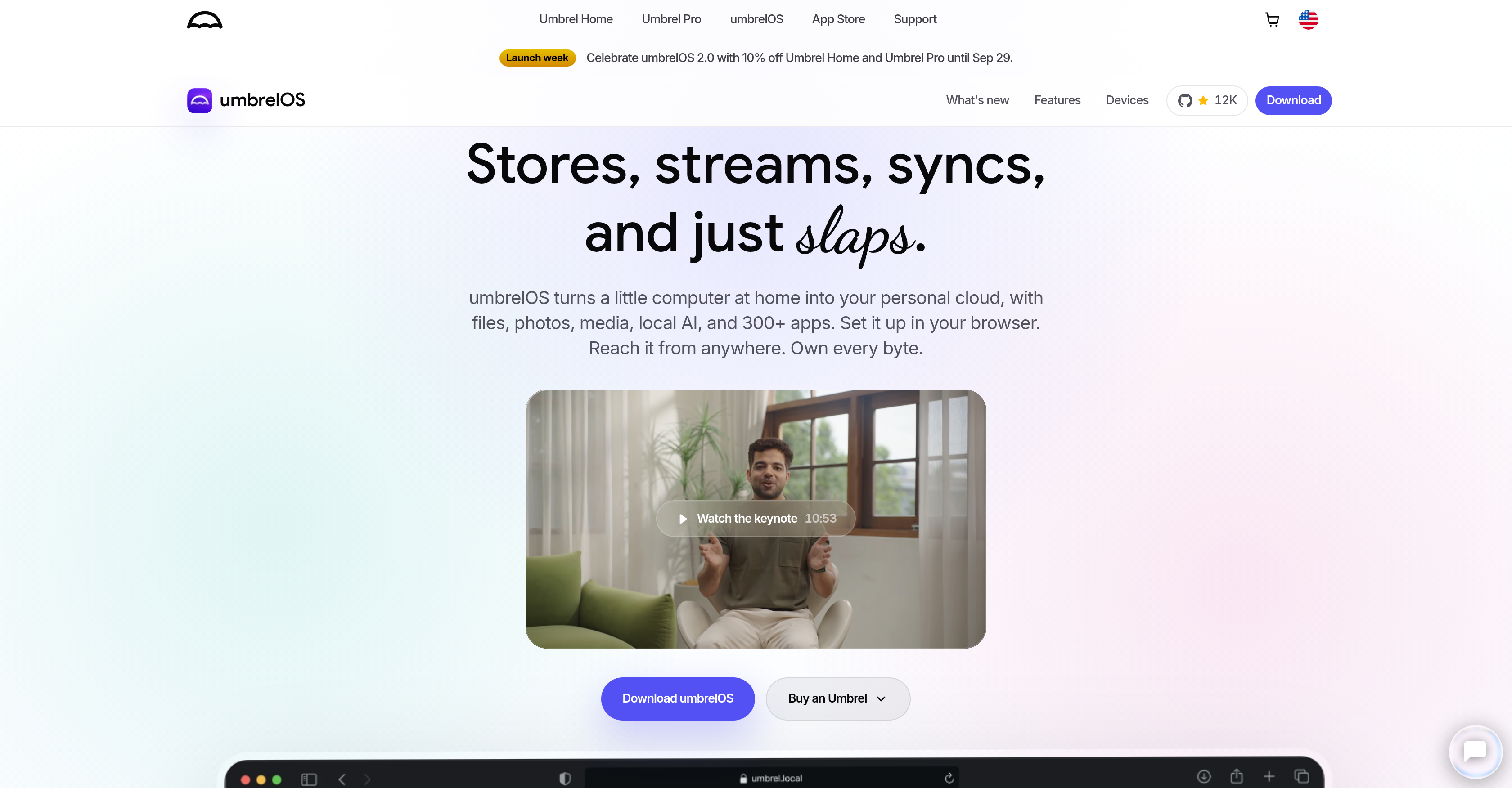
- Own your data instead of renting storage: migrate personal content from Google Drive, iCloud, and Dropbox into a private home cloud running on your own server.
- Keep files synced across every device without a third-party provider: Nextcloud delivers self-hosted file storage and syncing from your home server.
- Stream your movie and music library on your terms: Jellyfin turns your personal cloud into a private media server for organizing and streaming media files.
- Verify Bitcoin transactions yourself rather than trusting someone else's node: run a full Bitcoin network node directly on your hardware.
- Start with the hardware you already have: install the home server OS on a Raspberry Pi, an Intel NUC, or a virtual machine.
- Add new self-hosted services in seconds: the App Store offers 300+ apps with one-click installation, from file management to crypto nodes.
- Replace extra machines with one box: run Ubuntu, Windows, or Android inside umbrelOS alongside your hosted apps.
- Share one server across the whole household while keeping everyone's data separate: multiple user accounts each get a private home folder and desktop.
- Manage your personal cloud without command-line skills: drag-and-drop file handling and streamlined controls replace manual server configuration.
- Fix problems without digging through logs: built-in AI tools diagnose services, install apps, and organize files on your behalf.
Pros & Cons
From the listing; not yet checked by our editors.
Pros
- Home server to personal cloud
- Hardware flexibility (Raspberry Pi, NUC)
- Virtual machine installation
- Hosts various apps
- Features Nextcloud for storage
- Jellyfin for media server
- Bitcoin Node integration
- Runs other OS within
- Migration from public clouds
- App Store with 300+ apps
- One-click app installation
- Multiple user accounts
- Private home folders and desktops
- Streamlined control mechanisms
- Drag and drop for files
- No technical knowledge prerequisite
- File organization tools
- Service diagnostic tools
- Browser-based OS
- Live usage statistics
- Rewind file recovery
- Backups and recovery interface
- Automatic camera-roll backup
- Background indexing and faster search
- FailSafe for data protection
- Cloud imports from popular services
- Application migration to external drives
- Easy app installation
- Supports multiple OS running
- Individual account creation
- Dedicated support
- User-friendly interface
- Open-source
- Effortless storage management
- Can run on DIY Hardware
- One-click OS installs
- Full desktop in browser tab
- Own blockchain node running
- Automated workflow applications
- Block ads on every device
- In-house torrent downloader
- Reach home securely from anywhere
- Local smart home control
- Full backup system
- Monthly drive scrubbing
- Runs entire operating systems
- Mirror drives with FailSafe
Cons
- Limited device compatibility
- Dependency on network stability
- No offline mode
- Hardware limitations on Raspberry Pi
- Manual OS management
- No mentioned Linux compatibility
- No third-party app support
- Possible data migration issues
- Lack of professional support
- Requires strong internet connection
Alternatives to umbrelOS
Tools that share the most tags with umbrelOS.
- RemoteX
Resolve infrastructure incidents faster by diagnosing servers, Kubernetes clusters, and databases in plain English without memorizing commands
Freemium · from $6.99/month
$6.99/month
Not yet checked
- VPS Hosting | Hostinger
Handle high-traffic spikes without slowdowns, thanks to AMD EPYC processors and NVMe SSD technology that deliver consistent performance under load.
Paid · from $6.49/month
$6.49/month
Not yet checked
- Web Hosting | Hostinger
Launch any site quickly with secure web hosting that handles setup and security automatically, so you can focus on content.
Paid · from $2.99/month
$2.99/month
Not yet checked
- Connector | Hostinger
Deploy and host websites instantly without leaving your coding environment, enabled by direct IDE integration that eliminates context switching.
Paid · from $3.79/month
$3.79/month
Not yet checked
- FaceShapeDetector
Get a precise, personalized face shape analysis that goes beyond generic labels with our unique Face Shape Blend™, revealing your exact proportions like 80% Oval + 20% Heart.
Freemium · from $6.99
$6.99
Not yet checked
- Transition
Follow a training plan that automatically adjusts to your daily schedule and recovery metrics, ensuring you stay on track even when life gets busy
Paid · from $19/month
$19/month
Not yet checked
Reviews
Rate this tool
Loading reviews...
Frequently asked questions
What is umbrelOS?
umbrelOS is an operating system designed to convert a home server into a personal cloud. It is capable of being installed on several types of hardware such as a Raspberry Pi, NUC, or a virtual machine. Upon installation, it provides an elegant and robust operating system capable of hosting various apps. The main features of umbrelOS include file storage and syncing, media server functionality, running of Bitcoin network node, and the ability to run other operating systems within it, among others.
How can I install umbrelOS on Raspberry Pi?
While the specific installation guide is not detailed on their website, it is stated that umbrelOS can be installed on a Raspberry Pi, indicating that the OS is compatible with Raspberry Pi hardware. This installation typically involves downloading the umbrelOS system image and writing it to an SD card that the Raspberry Pi can boot from.
What are the main features of umbrelOS?
The main features of umbrelOS include robust file storage and syncing capabilities with Nextcloud, media server functionality with Jellyfin, the ability to run a Bitcoin network node, and a user-friendly App store with over 300 apps available for one-click installation. It also enables users to run other operating systems, like Ubuntu, Windows, or Android. It offers drag and drop functionality, streamlined control mechanisms, and a variety of AI tools for app installation, file organization, and service diagnostics. Moreover, it supports multiple user accounts, each with their private home folders and desktops.
Can I run other operating systems on top of umbrelOS?
Yes, users can run other operating systems within umbrelOS, such as Ubuntu, Windows, or Android. This makes it a versatile platform significant for different tasks and customization.
What is the App Store feature in umbrelOS?
The App Store feature in umbrelOS provides a platform for users to access, download, and install over 300 apps with just a single click. This includes various utilities and tools that range from cloud-based file management to AI tools and cryptocurrency nodes.
How does umbrelOS sync and store files?
umbrelOS uses Nextcloud for file storage and syncing. This allows files to be stored securely on your personal cloud and can be easily synced across devices. The system provides streamlined control mechanisms, including drag and drop for files, facilitating file management and organization.
How can I migrate my personal digital content from Google Drive or Dropbox to umbrelOS?
Though the exact procedure is not provided, umbrelOS does allow for migration of personal digital content from public clouds like Google Drive, iCloud, and Dropbox to a private home cloud. This means it is possible to transfer files and data from these cloud services to your personal, private cloud operated by umbrelOS.
Do I need technical knowledge to use umbrelOS?
No, technical knowledge is not a prerequisite to use umbrelOS. The operating system has been designed with a user-friendly interface and streamlined control mechanisms such as drag and drop for files and one-click app installations. This makes it accessible and usable even for those who may not have in-depth technical knowledge or expertise.