
Connector | Hostinger
Overview
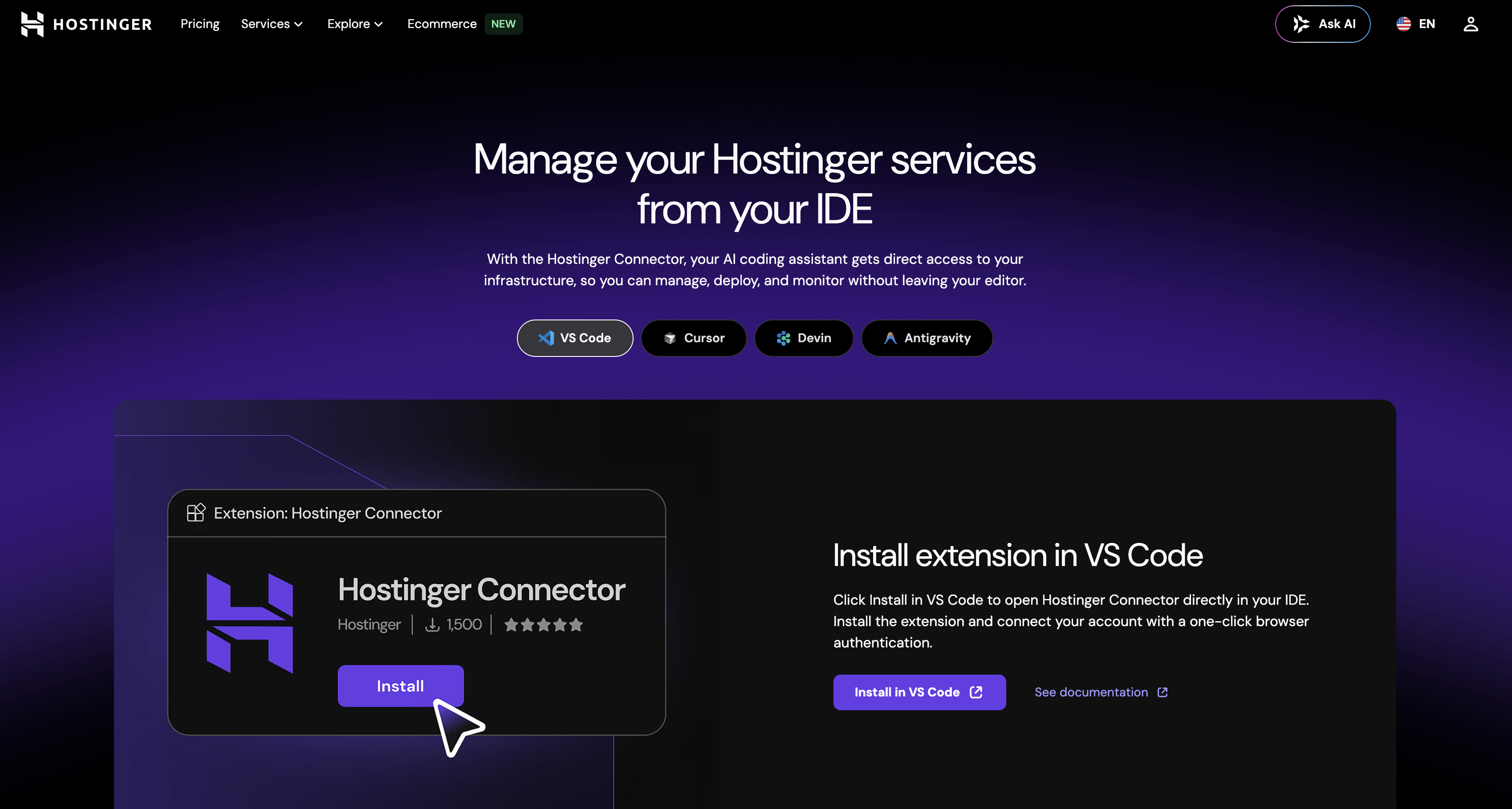
- Deploy and host websites instantly without leaving your coding environment, enabled by direct IDE integration that eliminates context switching.
- Convert a screenshot into a live, published website in one workflow, using AI to recreate the page from the image and publish it directly to Hostinger.
- Manage DNS records, connect domains, and control routing using natural language, powered by AI-assisted domain management.
- Monitor server health in real time—CPU, memory, and bandwidth usage—directly from your IDE, with live server metrics tracking.
- Secure your infrastructure without manual key management, thanks to OAuth authentication that grants scoped, credential-free access to your AI agent.
- Create, deploy, and customize WordPress sites within AI workflows, supported by dedicated WordPress development tools.
- Detect malware and restore backups instantly from your IDE, with built-in malware scanning and backup restoration capabilities.
- Control server settings, deploy operating systems, and manage firewalls without switching tools, through AI-powered server settings management.
- Manage databases efficiently through natural language commands, enabled by AI-assisted database management within the IDE.
Pros & Cons
Pros
- Integrated within IDE
- Reduces context-switching
- DNS management
- WordPress site development
- Database management
- Server settings control
- Secure OAuth authentication
- Real-time server monitoring
- Malware scanning
- Backup restoration
- Operating system deployment
- Firewall deployment
- Domain management
- Managed within coding workflow
- Live website creation from screenshot
- Direct website deployment
- WP plugin creation within workflow
- Scalability monitoring
- Multifunctional control panel
- One-click browser authentication
- VPS deployment from chat
- Malware scanning from chat
- Backup restoration from chat
- From-IDE WordPress deployment
- DNS record update
- Domain routing management
- Integrated domain name search
- Integrated domain purchase
- Integrated domain transfer
- Integrated business email creation
- In-built hostinger integration
- Seamlessly integrate with GitHub
- Drag-and-drop website builder
- WooCommerce store management
- Unlimited bandwidth
- Managed MySQL database
- Managed SSL certificates
- Web application firewall
Cons
- Limited to Hostinger services
- MCP usage complexity
- Depends on stable internet
- OAuth barriers
- No support for non-WordPress
- Live site from screenshot limitations
- Might clash with other IDE plugins
- Real-time monitoring limitations
- No mentioned API sandbox/testing
- Strict API rate limits
Reviews
Rate this tool
Loading reviews...
❓ Frequently Asked Questions
The Hostinger Connector is a multi-functional control panel (MCP) server tool that collaborates with an AI coding assistant within an Integrated Development Environment (IDE). It boosts productivity by enabling the hosting, deployment, and real-time monitoring of websites directly from the IDE.
The Hostinger Connector integrates directly into your coding workflow, offering a unified operational setting. It provides an effortless interface to manage servers, update the Domain Name System (DNS), and deploy websites right from your IDE.
Key features of the Hostinger Connector include: IDE integration, website deployment and management, DNS configuration, WordPress support, database management, server setting control, OAuth authentication, real-time server monitoring, malware scanning, backup restoration, deployment of operating systems and firewalls, domain management, and AI workflow integration.
Hostinger Connector supercharges productivity in your coding workflow by consolidating numerous tasks into a single operation. Instead of switching between various tools and interfaces, you can manage servers, deploy websites, control server settings, manage your database and DNS right from your IDE. It also streamlines WordPress development and lets you monitor server metrics in real time.
Indeed, Hostinger Connector has the capacity to transform a screenshot into a live website. The AI coding assistant can recreate a page from a screenshot within the IDE, which it can subsequently publish directly to Hostinger.
The Hostinger Connector provides robust support for WordPress development. It allows for the creation, deployment, and customization of WordPress tools within the AI workflows.
The Hostinger Connector assures security via OAuth authentication which does not necessitate manual key management or credentials storage in config files. This grants your AI agent secure, scoped access to your infrastructure.
In the context of the Hostinger Connector, OAuth authentication is a security feature that ensures a robust, secure connection. It eliminates the need for manual key management or storing of credentials in config files, thereby enabling secure access for your AI agent to your infrastructure.
Yes. The Hostinger Connector enables real-time monitoring of server metrics. You can check CPU, memory, and bandwidth usage directly from your IDE.
Absolutely! The Hostinger Connector allows for malware scanning and backup restoration. These operations can be performed right from your IDE, ensuring swift issue detection and remediation.
The Hostinger Connector provides comprehensive domain management capabilities. This includes updating DNS records, connecting domains, and managing routing using natural language.
The Hostinger Connector helps in reducing context-switching by integrating directly into your coding workflow and providing a unified operational environment. Therefore, you can manage servers, deploy websites, and monitor server metrics all from your IDE, without the need to switch constantly between different tools.
Yes. The Hostinger Connector allows for the update of the Domain Name System (DNS) directly from the IDE environment. This makes DNS management seamless and efficient.
The Hostinger Connector aids in deploying operating systems and firewalls directly from your IDE. This streamlines the process and allows you to manage your infrastructure effectively.
Yes, the Hostinger Connector supports server management. You can deploy and manage websites directly from your IDE, making server management a quick and seamless process.
Hostinger Connector supports various database management functions. These tasks are empowered by AI for efficient performance and can be conducted directly from your IDE.
Yes, Hostinger Connector has the capability to control server settings. This function is completed directly from your IDE, ensuring a unified operational environment.
AI is central to the functionality of the Hostinger Connector. AI assists in various tasks such as managing databases, configuring DNS, controlling server settings, and even recreating a webpage from a screenshot directly within the IDE.
The Hostinger Connector facilitates website deployment and management by integrating directly into your IDE. This integration allows you to host, deploy, and monitor websites without leaving the IDE, thereby simplifying and accelerating the website management process.
The Hostinger Connector allows for AI Workflow Integration. It supports the creation, deployment and customization of tools within the AI workflows, thus enhancing the productivity and efficiency of your AI enhanced workflows.
Pricing
Pricing model
Paid
Paid options from
$3.79/month
Billing frequency
Monthly