

Unify
Call every major LLM without maintaining separate keys for each provider: one standard API key connects your existing systems to all LLMs across all providers.
Listing not yet reviewed by our editors · How we check
Overview
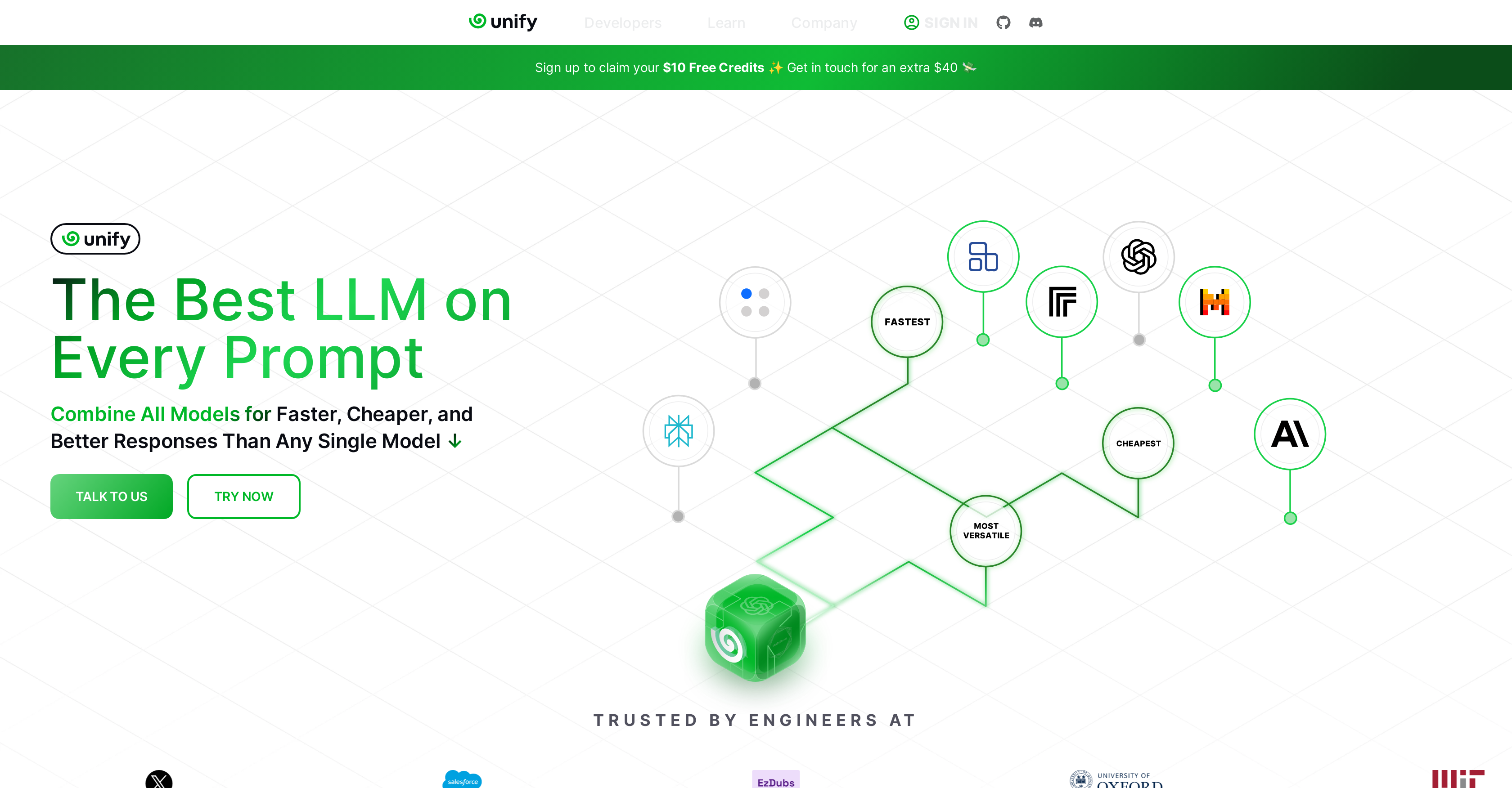
- Call every major LLM without maintaining separate keys for each provider: one standard API key connects your existing systems to all LLMs across all providers.
- Control your LLM API costs by setting your own spending constraints, which the router follows when choosing the most cost-efficient endpoint for each prompt.
- Deliver lower-latency responses to your users wherever they are, because routing is based on the latest benchmark data for your specific region.
- Stay on the fastest provider as conditions change without manual tuning, because provider benchmarks refresh every ten minutes and queries reroute automatically.
- Get outputs that meet your own standards by defining custom quality metrics that personalize how each prompt is routed to the optimal LLM endpoint.
- Choose the right model for your use case with evidence by running custom LLM benchmarks on your own datasets and tuning the router to the results.
- Balance speed, accuracy, and cost precisely with configurable parameters for latency, output speed, and budget, plus clear visibility into each trade-off.
- Test model routing at no upfront cost with $10 in free credits on signup and up to $50 total after you connect with the Unify team.
Pros & Cons
From the listing; not yet checked by our editors.
Pros
- Single access point
- Optimizes for speed
- Optimizes for latency
- Optimizes for cost efficiency
- User-defined parameters
- User-defined quality metrics
- Data refreshes every 10 minutes
- Queries to fastest provider
- Region-based routing
- Easily integrated with systems
- Single API for all LLMs
- Cost visibility
- Accuracy control
- Control over speed
- Endpoints efficiency
- Automated routing
- Real-time analytics
- Multivendor integration
- Custom routing setup
- Peak performance assurance
- Varied quality responses
- Routing across all LLMs
- Transparent LLM benchmarks
- Standard API key usage
- Integrates multiple language models
Cons
- 10 minutes data refreshment
- Dependency on LLM endpoint speed
- No specific programming language mentioned
- Requires setting up parameters
- External benchmarks
- Region-specific routing
- No built-in Language Models
Alternatives to Unify
Tools that share the most tags with Unify.
- Color.ag
Receive the most accurate answer for any question type through intelligent routing to domain-specific AI models
Freemium · from $15/month
$15/month
Not yet checked
- LLMWise
Instantly compare outputs from GPT-5.2, Claude, Gemini, and other top models side-by-side with a single API call, identifying the best performer for your specific task.
Free trial · from $10/unit
$10/unit
Not yet checked
- FastRouter
Automatically select the most cost-effective AI model for each task without sacrificing output quality through intelligent routing based on cost, latency, and quality
Free trial · from $5/unit
$5/unit
Not yet checked
- ChatPlayground AI
Compare responses from 30+ top AI models simultaneously to instantly identify the best answer for any question
Free trial · from $14/month
$14/month
Not yet checked
- Creative Arena by Contra
Identify the best AI for your specific creative needs by comparing outputs across logos, ads, and landing pages in head-to-head battles
Not listed
Not listed
Not yet checked
- TopFrog
Get the best possible answer from multiple AI models without switching between tabs using our single-chat interface that queries ChatGPT, Claude, and Gemini simultaneously
Freemium · from $5/month
$5/month
Not yet checked
Reviews
Rate this tool
Loading reviews...
Frequently asked questions
What is Unify?
Unify is an Artificial Intelligence tool designed to function as a single entry point to different Language Models (LLMs). It provides automatic routing of prompts to the best-performing LLM endpoint, balancing for factors such as speed, latency, and cost efficiency for optimal results.
How does Unify optimize for speed, latency, and cost efficiency?
Unify develops optimal speed, latency, and cost efficiency by employing an automated system that directs queries to the quickest provider. This is determined by the most up-to-date benchmark data for the user's area. By routing prompts to the most efficient LLM endpoint, Unify can ensure the best balance between these key factors.
How can I set my own parameters with Unify?
Users can set their own parameters with Unify by specifying their individual demands and constraints in terms of cost, latency, and output speed details. Moreover, users can also design their custom quality metrics that help personalize routing based on their unique needs.
What are the advantages of using Unify’s automatic routing?
The advantages of using Unify's automatic routing are manifold. It continuously optimizes the routing process based on user-defined parameters, assuring peak performance and diverse quality responses. It systematically sends queries to the quickest provider, and this selection is based on up-to-the-minute benchmark data, ensuring results are always optimized relative to existing conditions.
How frequently does Unify refresh data and select the fastest provider?
Unify refreshes data and chooses the fastest provider every ten minutes. This frequency ensures a near-real-time optimization that affords peak performance and the smoothest user experience by adjusting to the most recent benchmark data for a user's region.
How does Unify integrate with existing systems?
Unify integrates with existing systems by using a standard API key. This established approach means developers can seamlessly stitch Unify into their existing infrastructure. As a result, Unify can work in concert with existing LLM services across different providers and platforms.
Can you explain how Unify’s API integration works?
Unify's API integration is based on using a single API key, which can be integrated with any existing systems. Through this key, developers can route their prompts to the best Language Model endpoints. All LLMs across all providers can be summoned with a single command, making the integration process streamlined and efficient.
What does it mean by Unify routes prompts to the optimal LLM endpoint?
Unify's process of routing prompts to the optimal LLM endpoint means that for any given input, Unify determines the most proficient model to handle that request. This decision is based on various factors like cost, latency, output speed, and user-defined custom metrics. Therefore, the user gets the best possible response from the most suited model.