

Vaiz
Turn raw ideas into structured workflows instantly using the built-in AI assistant that decomposes tasks and organizes them into actionable plans.
Listing not yet reviewed by our editors · How we check
Overview
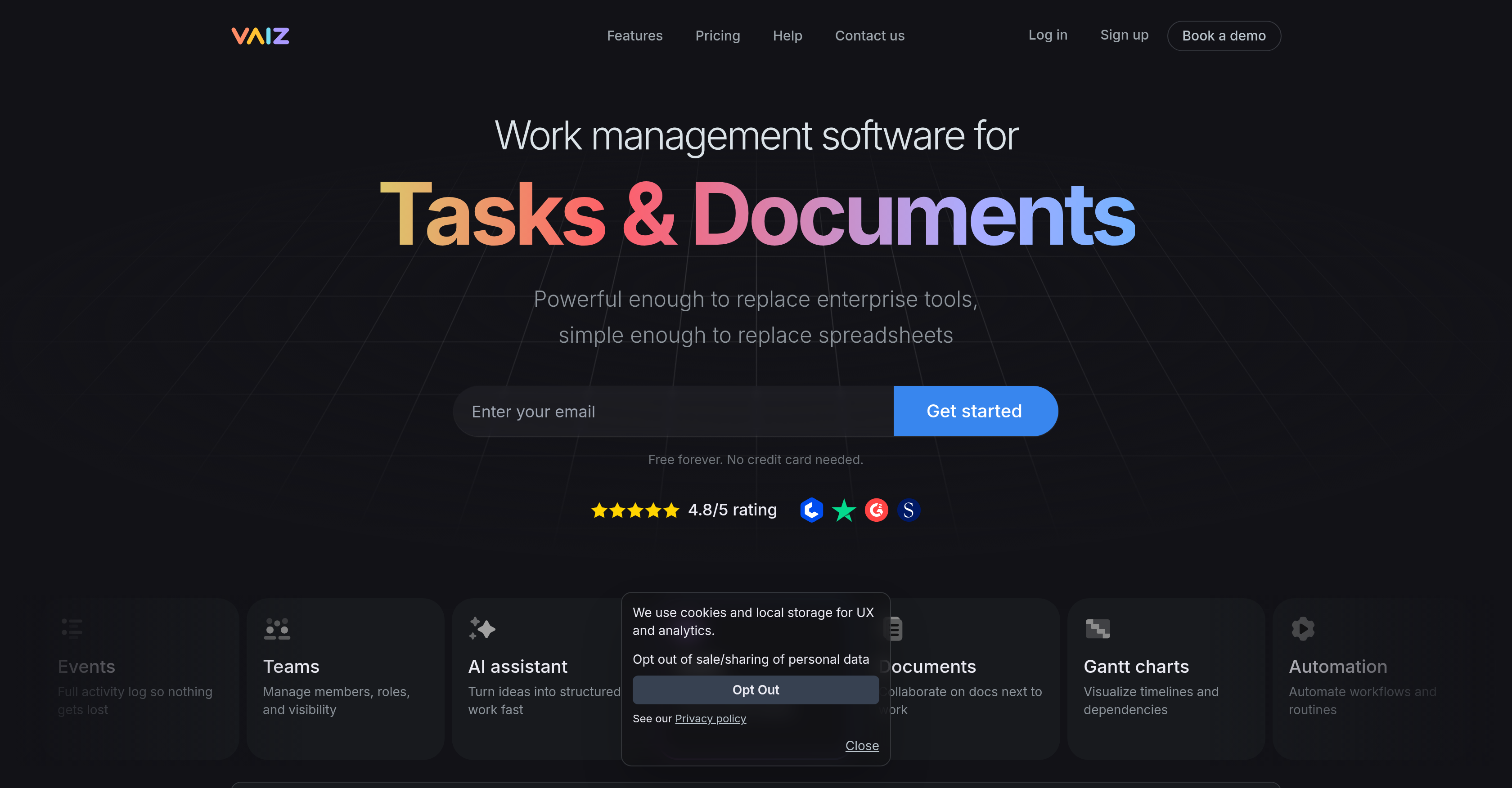
- Turn raw ideas into structured workflows instantly using the built-in AI assistant that decomposes tasks and organizes them into actionable plans.
- Keep every project on schedule with interactive Gantt charts that visualize task dependencies and timeline shifts in real time.
- Eliminate manual repetition by automating routine workflows and recurring tasks, freeing the team to focus on high-impact work.
- Align cross-functional teams—Sales, Marketing, Development, Production, Recruitment—with tailored templates that match each department’s unique workflow.
- Maintain full project visibility and accountability with configurable access controls, role management, and a complete activity log for every event.
- Track progress at a glance through built-in dashboards that surface task completion rates, team performance, and key productivity metrics.
- Collaborate on documents in real time within the same workspace where tasks live, ensuring everyone works from the latest version.
- Migrate seamlessly from Asana, Jira, Trello, or ClickUp without losing existing task data, thanks to direct import capabilities.
- Group related tasks into milestones to break large projects into clear, achievable goals and monitor progress toward each deliverable.
- Adapt the workspace to any workflow with flexible boards, customizable fields, and multiple view options that match how the team prefers to work.
Pros & Cons
From the listing; not yet checked by our editors.
Pros
- Work management platform
- Advanced task boards
- Flexible, adjustable fields
- Improves work efficiency
- Reduces work costs
- Seamless task transition
- Structured work assistant
- Includes Gantt charts
- Visualizes timelines, dependencies
- Supports project milestones
- Monitors progress on dashboards
- Promotes collaborative document sharing
- Task assignments and tracking
- Role-specific features
- Supports different team structures
- Ready-to-use project templates
- Imports from competitive tools
- Clear access control
- Tracks full activity log
- Can manage team members
- Customizable task boards
- Automatable workflows
- Real-time collaboration
- Secure, reliable platform
- Various view options
- Offers cost-effective organization
- Facilitates team alignment
- Superior project clarity
- Integrated document collaboration
- Quick project commencement
- Progress and metrics overview
- Teams can reorient efficiently
- Import options from Asana, Jira, Trello, ClickUp
- Offers roles and visibility configurations
- Kanban boards with WIP limits
- Unique project templates
- Sales, Marketing, Development, Production, Recruitment support
- Custom board management
- Task views fitting workflow
- Task breakdown capability
- 60+ editor tools
- Shareable mega documents, tasks, notes
- Todo and checklist creation
- Data grid creation
- Image, video, file addition
- Access to internal and external resources
- Real-time team collaboration
- Metadata integration
- Document history tracking
- Science and math tools
- Navigation elements creation
Cons
- Limited to mid-sized teams
- Not sui for enterprise-level projects
- Potentially overwhelming feature-set
- Template-dependent project commencement
- Costly for small team size
- Limited import options (Asana, Jira, Trello, ClickUp)
- Too many view options
- Limited support for real-time collaboration
- Complex access control configuration
- No mention of customer service availability
Alternatives to Vaiz
Tools that share the most tags with Vaiz.
- AI Pro Management
Eliminate manual project planning with AI that generates Work Breakdown Structures and predicts timelines using predictive algorithms
Freemium · from $15.46/month
$15.46/month
Not yet checked
- Progr
Build production-ready AI models faster with streamlined workflows for data preprocessing, model development, training, and deployment
Freemium · from $10/month
$10/month
Not yet checked
- PMI Infinity
Eliminate hours of manual research with instant access to 14,000+ PMI-vetted content pieces through smart navigation
Not listed
Not listed
Not yet checked
- Quila
Transform complex projects into precise, actionable task breakdowns with AI-powered chat assistance that understands your project context
Free trial · from $7/month
$7/month
Not yet checked
- Dart
Save one-third of project management time by automating administrative tasks with GPT-4 technology
Freemium · from $8/month
$8/month
Not yet checked
- Easy Redmine
Manage hybrid projects with both agile and waterfall methodologies through a single integrated platform
Free trial · from $7.50/month
$7.50/month
Not yet checked
Reviews
Rate this tool
Loading reviews...
Frequently asked questions
What is Vaiz's main purpose?
Vaiz's main purpose is to amalgamate tasks, documentations, and automation in a unique workspace, designed particularly for smaller to mid-sized teams. It is crafted to streamline organization and management of work. It is a productivity tool aimed at improving work efficiency, reducing costs and promoting seamless transition between tasks. Featuring advanced task boards, adjustable fields, and an AI assistant, Vaiz stands as a reliable platform for project management.
Can Vaiz be used by large teams?
While Vaiz is particularly designed for smaller to mid-sized teams, its versatile configuration and functionalities could potentially serve larger teams. However, the website does not specify a limit on team size or the extent of scalability.
What AI features does Vaiz provide?
Vaiz's AI assistant is a key feature playing a crucial role in managing work more efficiently. It aids in structuring work faster, facilitating quicker turnaround and progress. It likely utilizes machine learning algorithms to understand user patterns and workflow, and consequently provide relevant assistance.
What types of teams can benefit from Vaiz?
Vaiz provides features specific to a range of teams including Sales, Marketing, Development, Production, and Recruitment. Each of these team types has different work structures and requirements, and Vaiz offers functionality that caters to these unique needs. It features different templates to address the specificities of each of these teams.
What is the purpose of the advanced task boards in Vaiz?
The advanced task boards in Vaiz serve the purpose of aligning teams and enhancing the workflow. The fields on these boards are flexible and adjustable, which helps cater to the specific needs of a project or team. They serve as the central platform for task assignment, management and tracking, making it easier to stay organized.
Does Vaiz allow for work automation?
Yes, Vaiz does allow for work automation. It incorporates features that automate workflows and routine tasks, which reduces the time and effort required in manual entries and repetition of common tasks.
How does Vaiz help with project timeline visualization?
Vaiz uses Gantt charts for visualizing project timelines and dependencies. These interactive charts offer a graphical illustration of the schedule that helps in planning, scheduling, coordinating, and tracking specific tasks within a project.
What kind of reports could be generated in Vaiz dashboard?
Vaiz's built-in dashboards provide an overview of progress and metrics. While the specific intricacies of the reports are not delineated, these dashboards likely facilitate a comprehensive synopsis of project status, task completion rates, team performance and productivity metrics, given standard practices in project management tools.