

varg
Go from a one-line brief to a finished video ad, product video, explainer, or app promo: the AI agent writes a readable production plan, generates prompts, splits the concept into shots, selects image, video, and voice models, then assembles and encodes the final cut.
Listing not yet reviewed by our editors · How we check
Overview
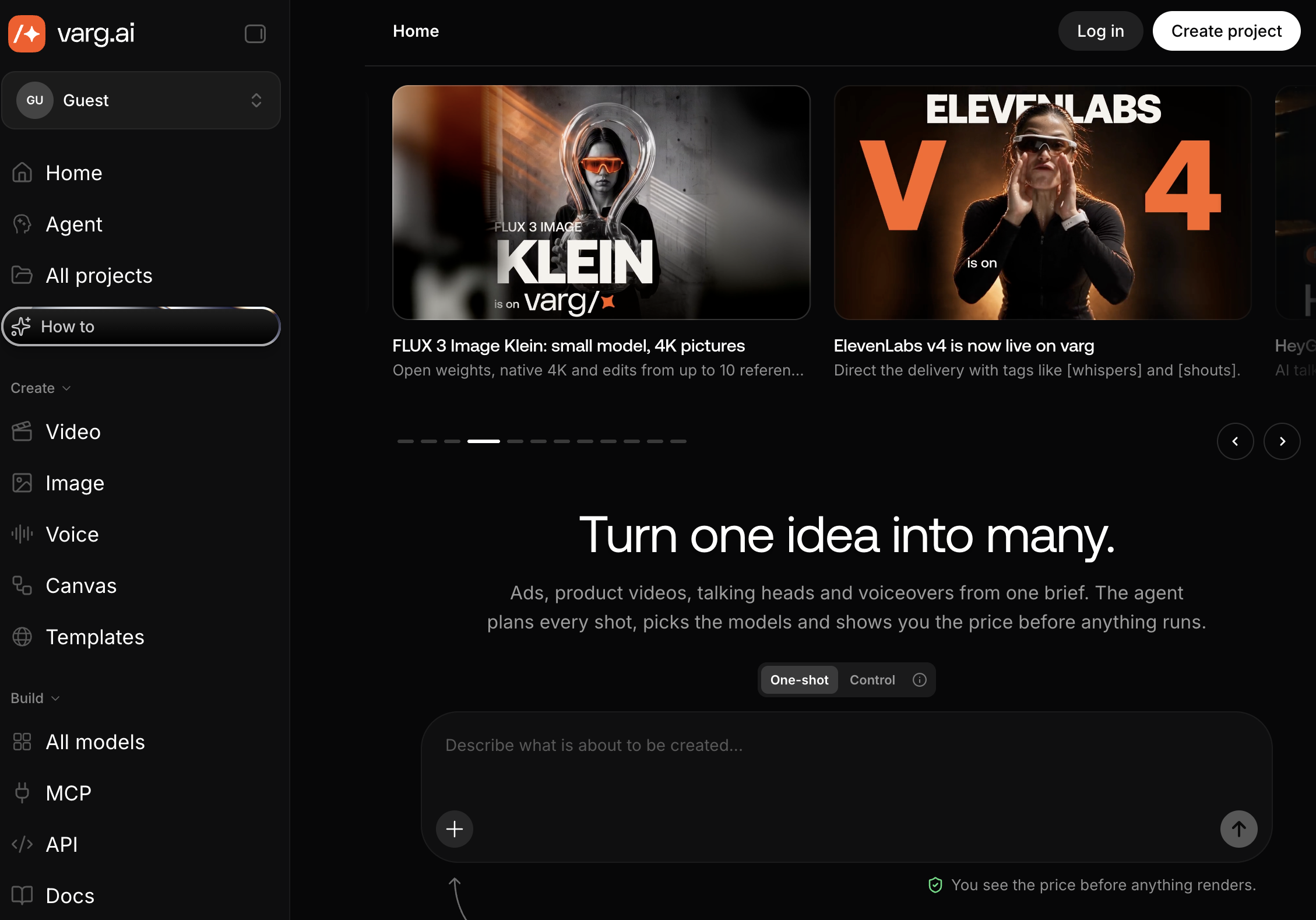
- Go from a one-line brief to a finished video ad, product video, explainer, or app promo: the AI agent writes a readable production plan, generates prompts, splits the concept into shots, selects image, video, and voice models, then assembles and encodes the final cut.
- Know your exact video production budget before you commit: every run shows its estimated credit cost per generation and rendering step, pricing is provider-level with no model markup (1 credit = $0.01, 5.5% top-up fee), and credits are deducted only when a render succeeds.
- Revise a weak scene without paying to redo the whole video: edit the brief or replace a single shot in the plan, re-run only that shot, and spend credits only on the change.
- Keep your brand characters recognizable across every scene: cast up to 29 recurring characters that stay visually consistent shot to shot, including talking-head avatars with automatic lip-sync.
- Deliver voiceovers and two-person dialogue that sound directed, not robotic: expressive text-to-speech via ElevenLabs v4 with style tags like [whispers] and [shouts], scripted voice delivery, and native synchronized audio.
- Show your real product, not a generic stand-in: attach product photos, logos, screenshots, product cards, and first-frame references, with FLUX 3 using up to ten reference images in native 4K and GPT Image 2.5 handling region-specific edits and legible on-image typography.
- Reuse ad formats that already work: 41 video templates across UGC ads, product reveals, dialogue, cinematic video, memes, and before-and-after transformations, each customizable with your assets and saved as a new brand version.
- Publish short-form hooks straight to TikTok and Instagram Reels: 1080p vertical 9:16 output and a "Make three 9:16 hooks" quick-start that auto-plans a 5-second product hook from your assets.
- Pick the exact look and quality for every shot: access 100+ AI video and image models, including Seedance 2.5, Kling, Veo, MiniMax, and Nano Banana, and manually swap any step with the updated cost shown instantly.
- Produce ad variants at scale for bulk creative testing: a REST API, SDK, and MCP integration run the same plan-approve-render workflow programmatically on one shared credit balance.
- Create video, image, and voice content without switching tools: generate directly inside ChatGPT via plugin, inside Claude, Cursor, and VS Code, or bring your own AI agent at no extra charge.
- Run ads immediately with no licensing or cleanup: every export is full-resolution, watermark-free, and cleared for commercial use on all plans, including Starter.
Pros & Cons
From the listing; not yet checked by our editors.
Pros
- Automatic pipeline selection per task
- Transparent perstep cost breakdown
- Editable production plan preview
- Model price shown before run
- Accepts image, video, product inputs
- Consistent recurring characters across shots
- Lipsync talking avatars from script
- Native audio synchronized with video
- Referencebased image generation
- Controlled image edits via prompts
- Bulk generation with repeatable formats
- 41 readytouse templates
- Instant template adaptation
- Separate UI for each modality
- API docs with MCP connector
- ChatGPT and Claude plugin integration
- Bringyourown agent support
- No provider markup pricing
- Credits map 1:1 to dollars
- Predictable pricing, flat topup fee
- Credit hold on render start
- Rerun single shot only
- Access to 100+ models
- Manual model swap per step
- 4K image generation capability
- 1080p video up to 30s
- Native audio per shot generation
- Multicharacter dialogue support
- Horizontal and vertical aspect outputs
- Export without watermarks, commercial use
- Realtime shot cost estimate
- Inapp visual plan inspection
- Voice tags for style control
- Expressive synthetic speech integration
- 29 onmodel avatar library
- Builtin project management workspace
- Single signon across plugins
- MCP works without API key
- Creditbased billing eliminates hidden fees
- Custom product assets import
- ElevenLabs v4 voice integration
- Seedance 2.5 longshot video model
- FLUX 3 4K image editing
- Automatic shot segmentation from brief
- Multimodal generation in workflow
- Integrated canvas for compositing
- UGCstyle ad generation templates
- Tagdriven dynamic voice delivery
- Fast rendering seconds per shot
- Model selection based on brief
Cons
- Max video resolution 1080p only
- Fixed avatar pool of 29
- Automatic pipeline reduces manual control
- Credit system complexity
- No native 4K export
- Limited thirdparty editing integration
- Template library not usereditable
- Render queue can cause delays
- No offline rendering capability
- Voice model options narrow
Alternatives to varg
Tools that share the most tags with varg.
- Common Sense Machines (CSM)
Transform text, images, or sketches into game-engine ready 3D worlds instantly using AI-powered conversion
Freemium · from $20/month
$20/month
Not yet checked
- Kaiber
Transform text descriptions into captivating video sequences instantly using advanced AI algorithms that interpret your input for contextually accurate results
Free trial · from $5/month
$5/month
Not yet checked
- Freepik AI Video Generator
Transform text scripts into complete videos with custom shot types and transitions for coherent storytelling
Freemium · from $5/month
$5/month
Not yet checked
- LitVideo: AI Video Generator
Web app that generates video, images and music from text or images, using several third-party video models in one place.
Freemium · from $7.50/month
$7.50/month
Nov 24, 2026
- MagicLight
Transform written scripts into complete animated videos automatically with story-to-video generation
Freemium · from $7.5/month
$7.5/month
Not yet checked
- MyHeritage Deep Nostalgia
See your ancestors come to life with realistic facial movements using deep learning technology
Freemium
Not listed
Not yet checked
Reviews
Rate this tool
Loading reviews...
Frequently asked questions
What kind of videos can varg generate from a short brief?
varg can generate ads, product videos, mobile‑app campaign clips, talking‑head videos, explainers, cinematic pieces, memes, voice‑over videos, short vertical hooks, product reveals, user‑generated‑style ads, two‑person dialogues, before‑and‑after formats, music videos and longer explainer videos from a brief.
How does varg’s AI agent turn my goal into a production plan?
The AI agent reads the brief, writes a readable production plan, creates text prompts for each shot, splits the concept into individual shots, selects the most suitable image, video and voice models for each shot, and then assembles and encodes the final video, exposing every step to the user.
Can I see the prompts and model choices before varg renders a video?
Yes. Before any rendering, the interface shows the full list of prompts, the chosen model for each step, and the estimated credit cost, allowing the user to inspect and approve everything.
How does the pricing work – what are credits and how much do they cost?
Credits are the internal currency; 1 credit equals $0.01. Pricing is provider‑level with no model markup. A 5‑second clip typically costs between 37 and 200 credits depending on model choice; a 30‑second ad averages around 500 credits. Top‑up fees are 5.5% and monthly plans (e.g., $8) include a bundle of credits.
Is there a watermark on videos created with varg?
No. Videos are exported without any watermark and are full‑resolution.
Can I upload my own product photos, logos, or voice recordings?
Yes. Users can attach product photos, screenshots, logos or other reference media to the brief, and they can also upload or select custom voice presets for narration. All uploads remain in the user’s workspace.
How do talking‑head avatars stay consistent across multiple shots?
varg supports recurring characters that stay on‑model across shots. When you cast an avatar, the same avatar model is reused for every shot, preserving visual consistency (up to 29 distinct characters can be maintained).
What templates are available and can I edit them for my brand?
The platform offers 41 templates grouped into categories such as UGC ads, product reveals, two‑person dialogue, cinematic videos, memes and transformation sequences. Each template can be opened, customized with your own assets, text and model choices, and saved as a new version for your brand.