

Overview
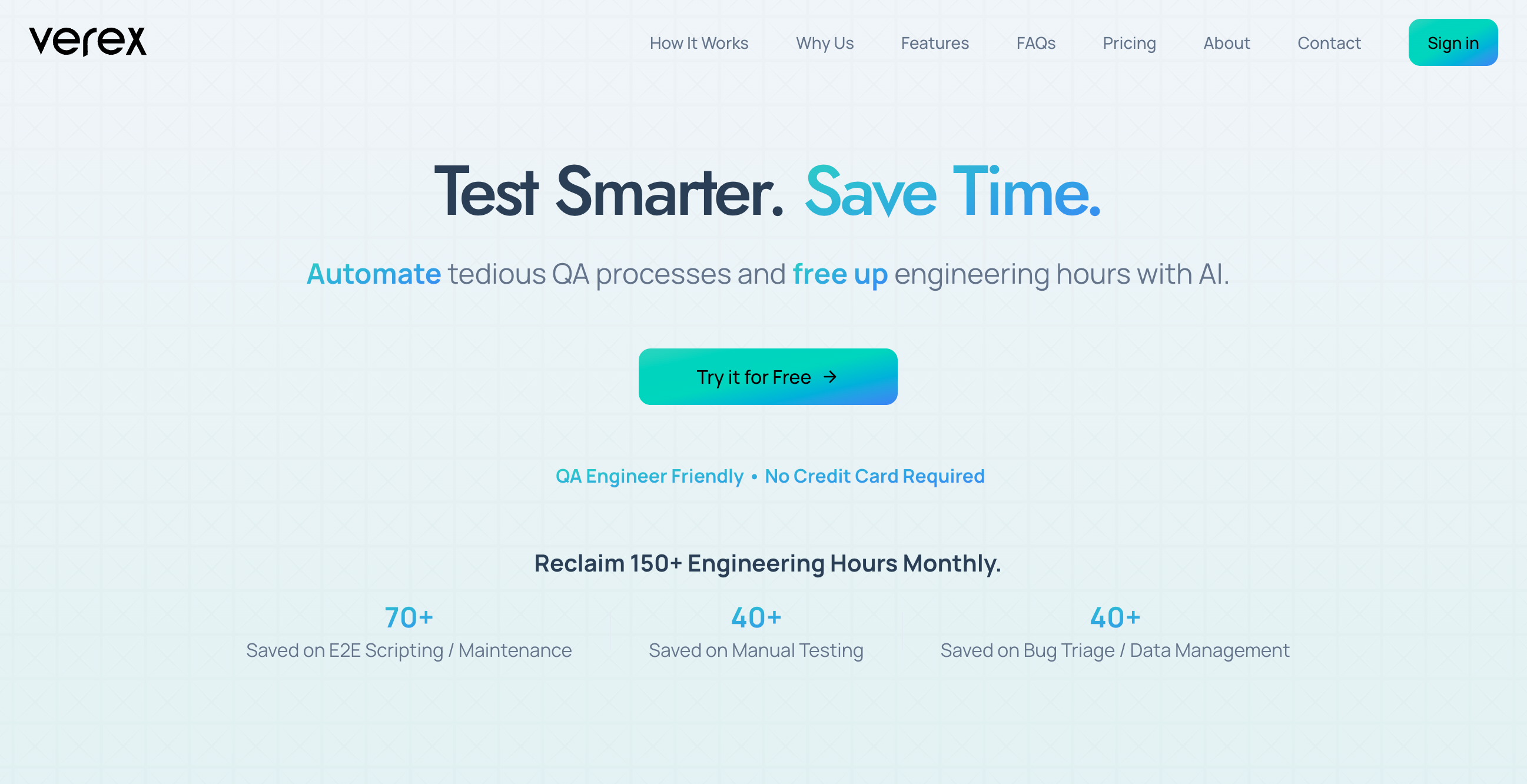
- Eliminate manual testing effort by defining complete test suites in plain English without any coding or scripting
- Accelerate release cycles by integrating automated testing directly into your CI/CD pipelines and development workflows
- Automatically create and track bug tickets in Jira and Trello with detailed reports and visual evidence for faster debugging
- Get intelligent improvement suggestions powered by AI that continuously optimize your testing strategy and effectiveness
- Trigger tests from anywhere using flexible options including Slack, Teams, chatbot, or manual UI for seamless workflow integration
Pros & Cons
Pros
- Automates repetitive testing tasks
- Defines tests in natural language
- No need for coding
- Flexible test triggering
- UI manual triggers
- Chatbot, Slack/Teams integrations
- CI/CD pipelines integration
- Aids in bug tracking
- Generates detailed test reports
- Automatic Jira/Trello bug tickets
- Minimizes manual scripting
- Visual debugging with screenshots
- GitHub, GitLab, Bitbucket, Jenkins integrations
- Beneficial for diverse user types
- Expedite release cycles
- Improves product quality
- Onboarding in 2 minutes
- Instant reports & bug tracking
- Time-saving on E2E Scripting
- Saved hours on Manual Testing
- Effort reduction in Bug Triage
- Efficient Data Management
- Integration with CI/CD pipelines
- Effortlessly integrates with popular tools
- Supports a wide range of tests
- Understands tests in natural language
- Adapts tests dynamically
- Reduces test maintenance overhead
- Industry-standard security measures
- Regular tool development and updates
- Real-world feedback based refining
- Immediate access upon sign up
- Hands-on support during early access
Cons
- Limited to web applications
- No support for internal web apps
- Dependent on internet connection
- Only integrates specific tools
- Test Suite in natural language only
- In beta testing stage
- Dependent on public internet for internal apps
Reviews
Rate this tool
Loading reviews...
❓ Frequently Asked Questions
Verex's main function is to streamline web application testing. It achieves this through AI-driven quality assurance automation aimed at automating the repetitive tasks associated with testing.
Verex's AI-driven automation works by enabling users to define their test suite in natural language, eradicating the need for coding or scripting. The platform then automatically executes these tests. It understands tests stated in natural language and dynamically adapts, effectively reducing test maintenance overhead.
Verex offers developers several benefits. These include automating repetitive tasks associated with testing, allowing for more focus on innovation, automating test execution, aiding in bug tracking, generating detailed test reports, providing visual debugging and AI-generated improvement suggestions. Additionally, it integrates seamlessly with tools like GitHub, GitLab, Bitbucket, and Jenkins.
Verex uses AI to automate repetitive testing tasks. The user simply defines the tests in natural language, and the Verex platform executes them automatically. It understands tests in natural language and dynamically adapts, drastically slicing test maintenance overhead.
Verex integrates seamlessly with a variety of tools. These include Slack/Teams for test triggers, Jira and Trello for bug tracking, and GitHub, GitLab, Bitbucket, and Jenkins for additional functionality.
In Verex, the testing suite is defined using natural language. This completely removes the need to code or script. Users merely describe what they want to test, and Verex understands and executes these instructions.
Verex assists in bug tracking by generating detailed test reports and automatically creating bug tickets in Jira and Trello. This mechanism allows for quick debugging and amplifies the efficiency of the bug tracking process.
For QA professionals, Verex is a valuable tool as it automates many aspects of the QA process such as test execution and bug tracking. It delivers detailed reports for debug tracking, and uses AI-generated improvement suggestions to enhance test effectiveness. It also integrates smoothly with widely used tools like Jira, Trello, GitHub, Gitlab, Bitbucket and Jenkins.
The visual debugging feature in Verex offers insights into the testing process by providing detailed reports paired with screenshots. These comprehensive reports help in quickly identifying and resolving issues.
Verex's AI-generated improvement suggestions are beneficial as they provide data-driven insights to optimize the QA process. These intelligent suggestions, generated during the testing process, assist in continuously improving test effectiveness and overall product quality.
Verex can expedite release cycles by automating repetitive testing tasks, which helps to free up valuable engineering hours. This allows development teams to focus more on innovation and reduces the manual testing effort significantly, leading to faster release cycles.
Verex supports multiple user interfaces for test triggering. This includes manual triggers through its user interface, via a chatbot, integrations with Slack/Teams communication tools or via CI/CD pipelines.
Verex reduces manual testing effort by automating test execution. The tool understands tests in natural language and dynamically adapts, reducing the need for manual scripting and considerable test maintenance.
Verex generates detailed test reports which include screenshots for visual debugging. These reports provide insight into the testing process so that developers can understand and fix bugs swiftly.
Yes, Verex can automatically create bug tickets in platforms like Jira and Trello. It generates these tickets based on the results of the automated tests, enabling quicker debugging.
AI plays a central role in Verex's QA processes. It powers the automation of test execution, interprets tests given in natural language, provides improvement suggestions, and supports the dynamic adaption to tests intended to reduce maintenance overhead.
Verex provides flexible test triggering options. Tests can be manually triggered through the Verex UI, via a chatbot, or through integrations with Slack/Teams. It can also be integrated within CI/CD pipelines, embedding the testing into existing workflows.
Verex is especially beneficial to enterprise devops teams as it integrates AI-powered testing into their CI/CD pipelines, ensuring reliable performance across complex systems. By offering flexible test triggering and an efficient bug tracking system, it enhances efficiency, speeds up release cycles, and improves product quality.
Absolutely, Verex's testing suite definition can genuinely be done in natural language with no coding or scripting required. The AI in Verex interprets the natural language commands, eliminating the need for manual coding or test scripting.
Verex provides detailed test reports, including screenshots alongside the error reports. These reports not only identify the presence of bugs but also provide visual insights to quickly understand and fix issues.
Pricing
Pricing model
Free Trial
Paid options from
$29/month
Billing frequency
Monthly


