

ViceForge
Get hours of footage cut down to ready-to-post shorts in minutes: the AI clip maker watches gameplay, hears the audio and reads the facecam to pull kills, clutch plays and reactions from streams, podcasts and vlogs, with clean cuts that never start or end on black, loading or menu screens.
Listing not yet reviewed by our editors · How we check
Overview
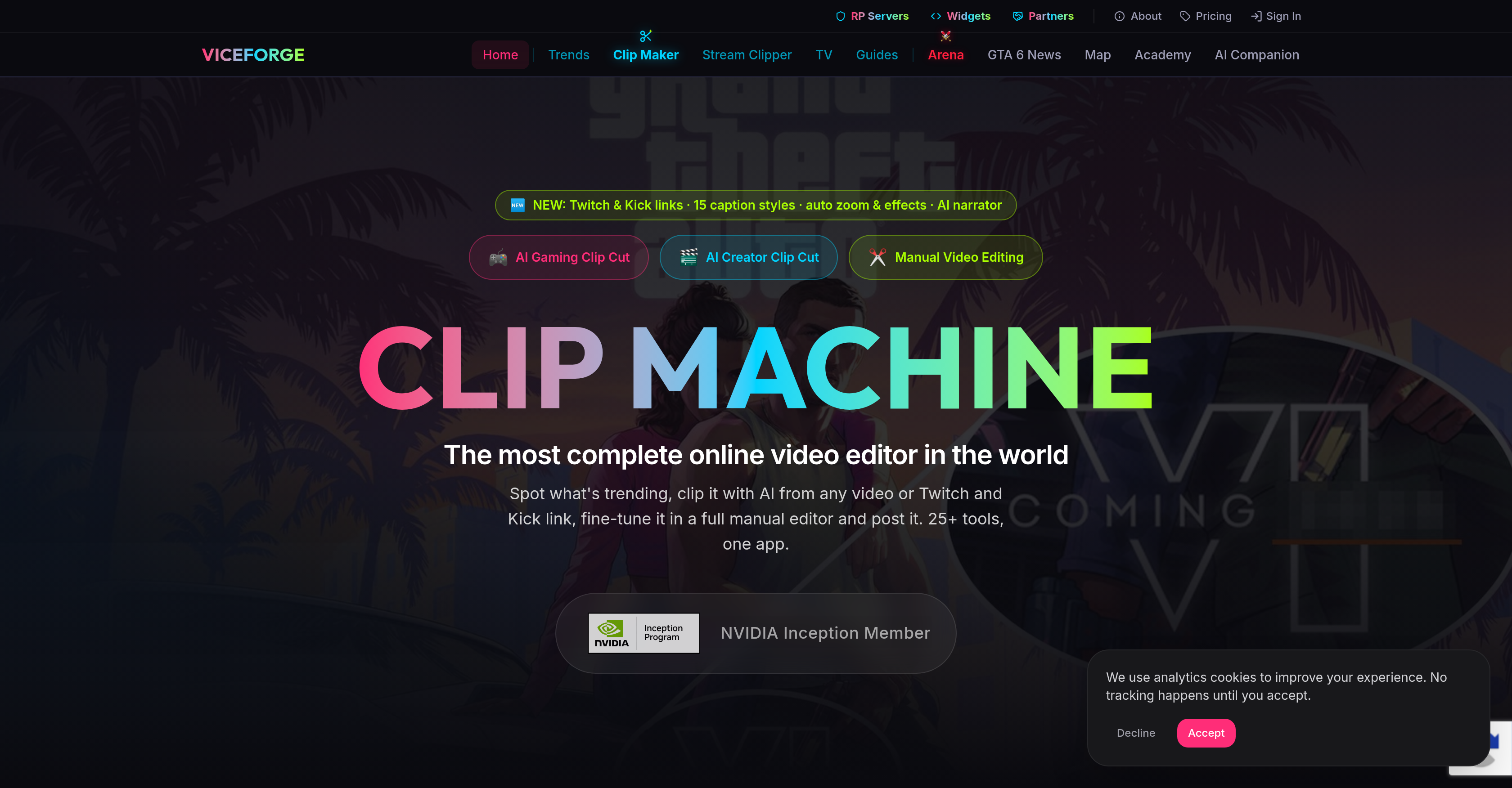
- Get hours of footage cut down to ready-to-post shorts in minutes: the AI clip maker watches gameplay, hears the audio and reads the facecam to pull kills, clutch plays and reactions from streams, podcasts and vlogs, with clean cuts that never start or end on black, loading or menu screens.
- Know which clip to post first: every short gets a 0-100 viral score with Peak, Action and Speech bars, and the strongest clip is marked "Post this first."
- Get the exact highlight you want: type a moment like "boss fight" or "funniest reaction" and Moment Prompt puts those clips first.
- Keep viewers from scrolling past: AI Hook opens each clip on its peak moment, adds hook text and an "a few moments later" card, and an AI narrator drops a punchy line before the payoff.
- Clip any game you play: 101 ready-made game profiles cover popular titles, and the AI builds a new profile for any other game you type in.
- Clip content in any language: speech recognition understands spoken content in any language and picks the strongest lines.
- Keep creative control over every short: a full manual editor joins up to 20 segments on one timeline, sets the hook with 0.1 s precision and re-cuts any finished clip from the original video.
- Publish polished shorts without extra editing software: 15 word-by-word animated caption styles, auto zoom, emoji and hit effects, timed text overlays, 6 AI voices and audio cleanup that removes background noise and levels your mic.
- Fit every platform's format: export vertical 9:16, horizontal 16:9 or 4:3 with a crop that follows your facecam, in Full HD 1080p on every plan, 4K on Creator Elite, and no watermark on paid plans.
- Get more views from search: AI writes SEO-optimized titles, descriptions and hashtags and generates a thumbnail for every clip.
- Skip the download-and-upload routine: paste a Twitch, Kick or YouTube link to clip VODs directly, or upload straight from your phone.
- Post highlights while your stream is still live: Stream Clipper clips your YouTube Live in real time.
- Clip what is trending before everyone else: Trend Radar tracks rising gaming topics and lets you clip a trend in one click.
- Avoid copyright strikes: clips keep your original audio and add no background music.
- Ship a full batch in one step: publish straight to your YouTube channel or download every clip from a video as one ZIP.
- Replace five separate tools with one subscription: 50+ features, a free plan, 7 days of Creator Elite free on new accounts, and paid plans from €7.99 a month.
Pros & Cons
From the listing; not yet checked by our editors.
Pros
- One-click trend clipping
- Ready-made 101 game profiles
- Dynamic new game profiles
- Cold open hook editor
- Multi-language speech extraction
- Clip scoring 0-100 metrics
- Fifteen animated caption styles
- Automatic zoom and emoji effects
- Vertical crop follows facecam
- Live YouTube stream clipping
- Twitch/Kick VOD linking
- Mobile browser upload support
- 4K export on elite plan
- Paid plans watermark-free
- Original audio preserved
- Bulk ZIP clip download
- Public clip feed with engagement
- Clip Fight Arena integration
- Smart scene detection
- Multiple synthetic voices
- Trend analysis engine
- Content repurposing tools
- Multi-segment timeline up to 20
- Timed text overlay suggestions
- Hook editor with 0.1s precision
- Upload starts instantly after selection
- Large file support up to 5GB
Cons
- No mobile app
- Limited segment count free
- 4K only on elite
- No post scheduling
- No team account support
- Limited video length lower plans
- Voice library only English
Alternatives to ViceForge
Tools that share the most tags with ViceForge.
- Gling - AI Video Editing Software for YouTube
Skip hours of manual editing with AI that automatically cuts silences, bad takes and filler words from your raw footage
Freemium · from $10/month
$10/month
Not yet checked
- AVCLabs
Transform blurry videos into crisp high-resolution footage with AI upscaling and deinterlacing technology
Paid · from $39.95/month
$39.95/month
Not yet checked
- Camtasia
Record screen, camera, and audio simultaneously on separate tracks for complete editing control over every element
Freemium · from $179.88/year
$179.88/year
Not yet checked
- bigmp4
Transform low-resolution videos into crystal clear 8K quality with AI upscaling that simultaneously reduces noise and enhances detail
Freemium · from $6
$6
Not yet checked
- Vidnami
Transform text into complete marketing videos instantly using AI that splits content into scenes and selects matching clips from Storyblocks
Free trial · from $47/month
$47/month
Not yet checked
- Captions
Produce studio-grade videos without technical expertise using AI-powered automation that handles complex editing tasks
Paid · from $9.99/month
$9.99/month
Not yet checked
Reviews
Rate this tool
Loading reviews...
Frequently asked questions
How does ViceForge automatically detect the best gaming moments?
ViceForge uses a multimodal AI that watches the gameplay video, analyzes audio and reads the facecam feed, scanning a frame roughly every 9 seconds and scoring events such as kills, explosions, chases and clutch plays; the highest‑scoring moments are automatically selected as clips.
Can I clip Twitch or Kick VODs directly with ViceForge without downloading them?
Yes – on Creator Pro and higher plans you can paste a Twitch or Kick VOD URL, set start/end points and clip the video directly without downloading the source file.
What game profiles are included and can I add a new game to ViceForge?
ViceForge ships with 101 ready‑made game profiles and can generate a profile for any other game you type in by using its AI to create the necessary metadata.
How many caption styles does ViceForge offer for short clips?
The platform offers 15 animated caption styles (the free plan only provides 2 of them).
Will my videos have a watermark on the free plan?
A watermark is applied on clips created with the free plan; all paid plans are watermark‑free.
What export resolutions are available for each ViceForge plan?
All plans support up to Full HD 1080p export; only the Creator Elite plan adds native 4K export.
How many segments can I combine in one clip on the free plan versus Creator Elite?
The free plan allows you to join up to 2 segments in a single clip, while Creator Elite lets you combine up to 20 segments.
Does ViceForge generate AI-powered thumbnails automatically?
Yes – ViceForge includes AI‑driven thumbnail generation that creates a thumbnail for each clip automatically.