

Overview
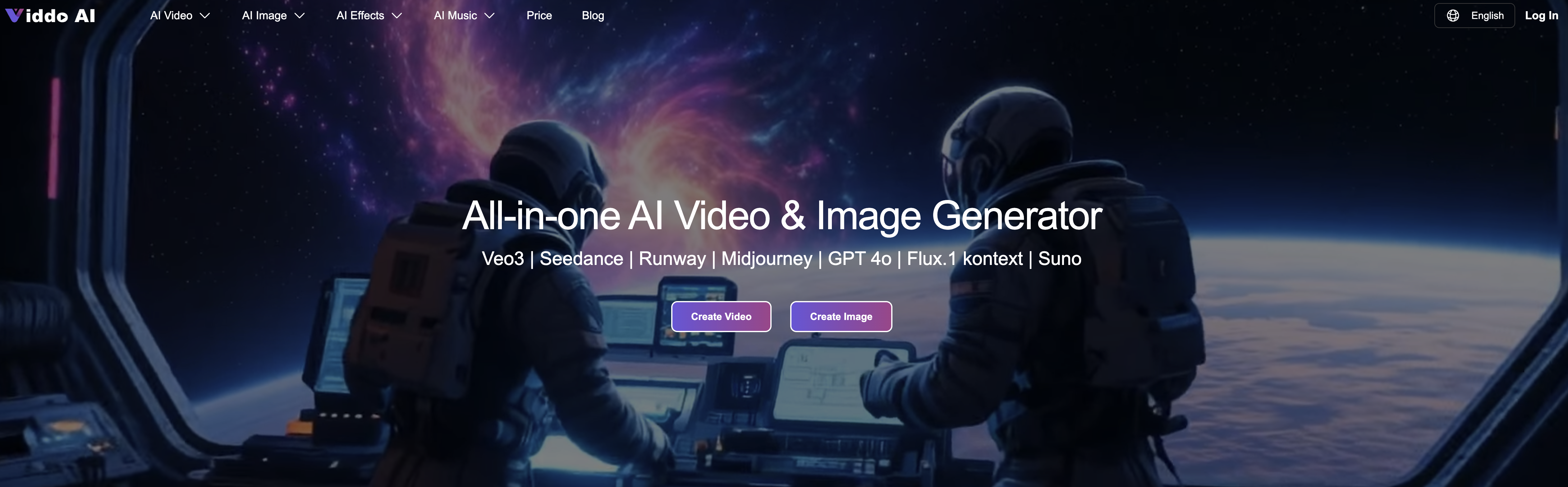
- Generate complete videos from simple text prompts without any editing software or technical knowledge using text-to-video conversion
- Create consistent visual storytelling across multiple videos with unique seed values that maintain character appearance and style coherence
- Transform single images into dynamic video stories automatically through AI-powered image-to-video generation
- Eliminate copyright music searches with integrated AI music generator that creates royalty-free soundtracks matching your video's mood
- Produce platform-optimized content instantly using built-in templates for TikTok, YouTube Shorts, and Instagram Reels
- Reach global audiences effortlessly through automatic multilingual subtitles and dubbing without manual translation work
- Maintain professional branding with high-definition, watermark-free MP4 exports suitable for commercial use
- Manage all video projects efficiently with a centralized content gallery that organizes your created content for easy access
Pros & Cons
Pros
- Transforms images into videos
- Intuitive interface
- No extensive editing skills required
- Unique seed value feature
- Ensures style consistency
- Enables creating video series
- Allows distinct video styles
- Converts text to videos
- Supports different video formats
- Automatic video effects
- Multilingual support
- Translation feature
- Content management option
- Ideal for visual storytelling
- Perfect for social media
- Great for marketing usage
- Enforced visual coherence
- Offers re-generation option
- Low cost per video
Cons
- Limited to image-to-video conversion
- Over-reliance on 'seed value'
- Cannot edit final videos
- Limited customization options
- No collaboration features
- Only supports frame mode
- Limited language options
- No offline availability
- Requires credits for operations
Reviews
Rate this tool
Loading reviews...
❓ Frequently Asked Questions
Viddo AI is an artificial intelligence-powered tool designed to transform images into videos. It's ideal for use in social media, marketing, and narrative storytelling. An intuitive interface allows users to easily generate videos, requiring no extensive editing skills.
Viddo AI uses advanced AI techniques to turn images into videos. Users can easily upload an image and the AI will generate a video derived from the image via its powerful AI generator. This process requires no extensive editing skills, making it user-friendly and easy to use.
In Viddo AI, the seed value is a unique code that determines the stylistic and thematic tone of the video. This value is crucial for establishing consistency in the style and appearance of characters in a video. By maintaining the same seed value, users can ensure stylistic consistency across multiple videos.
To use the seed value for style consistency in Viddo AI, you first enable the seed feature when generating a video for the first time. A unique seed value will then be automatically generated. If you want the next video to maintain the same style and characters, keep the seed button locked and the system will use the same seed value, resulting in a stylistically consistent video. For a new style, simply update the right of the seed input box, generating a new seed value for a distinctive output.
Yes, you can use Viddo AI without any extensive video editing skills. The platform offers an intuitive interface that lets users seamlessly upload an image and generate a video from it.
The AI enhancements offered by Viddo AI include automatic video effects and AI-generated music. These features are designed to enhance the quality of the video and provide a better user experience.
Yes, Viddo AI has a feature that can generate AI music. This tech-powered music can be seamlessly integrated into your videos, providing a unique auditory experience to your viewers.
Yes, Viddo AI offers multilingual support. This feature not only enhances user convenience but also significantly broadens the range of people who can make use of Viddo AI's powerful tools.
Viddo AI's translation feature works by translating user prompts to English for better results. This functionality improves the accessibility of the tool to non-English speaking users.
The role of the content management gallery in Viddo AI is to help users manage and review all created content. The comprehensive gallery proves to be a practical tool for users to efficiently navigate their created videos.
Viddo AI aids in narrative storytelling by allowing users to easily transform images into videos, which can be used to narrate a story or concept. The consistent style and aesthetic, powered by the unique seed value, can make a series of videos feel more interconnected and narratively cohesive.
Yes, Viddo AI has a feature to convert text into videos. It offers convenient options for users to convert text and images into various video formats.
Automatic video effect application in Viddo AI works as part of the AI enhancements the platform offers. It applies various video effects automatically to make the end product more visually appealing.
Yes, you can maintain visual coherence across your videos in Viddo AI. By using the same seed value, you can keep the video’s style and character appearance as consistent as possible. This is particularly useful for creating video series or maintaining visual coherence across multiple videos.
Yes, if you want a different style for each of your videos in Viddo AI, you can update the seed value for a distinct output. This will result in different stylistic interpretations, allowing you to create unique outputs.
Viddo AI provides options to convert videos into various formats. The specific types of formats available is not explicitly mentioned on their website.
To upload an image on Viddo AI, you need to select the image option, then either drag the image file or click to upload your image to the system.
You can manage your created content in Viddo AI through the content management gallery. It offers a comprehensive gallery to manage and review all created content.
Yes, Viddo AI can be used for creating social media and marketing videos. The tool is designed to be ideal for use in social media, marketing, and narrative storytelling.
Via Viddo AI, you can create a wide range of videos including but not limited to social media content, marketing videos, and narrative stories. The tool gives you the ability to convert text and images into various video formats, creating a wide possibility of video content creation.
Pricing
Pricing model
Paid
Paid options from
$12/month
Billing frequency
Monthly
Refund policy
A refund may be granted only if a creation fails.
Related Videos
Viddo: AI Video Generator, AI Kiss & Hug Video Maker!
AI Video AI Photo & AI Art•23 views•Feb 10, 2025












