

Video Translator
Publish localized videos on any channel you choose: translated output downloads as MP4, SRT, and VTT files instead of staying inside a single platform's auto-translation player.
Listing not yet reviewed by our editors · How we check
Overview
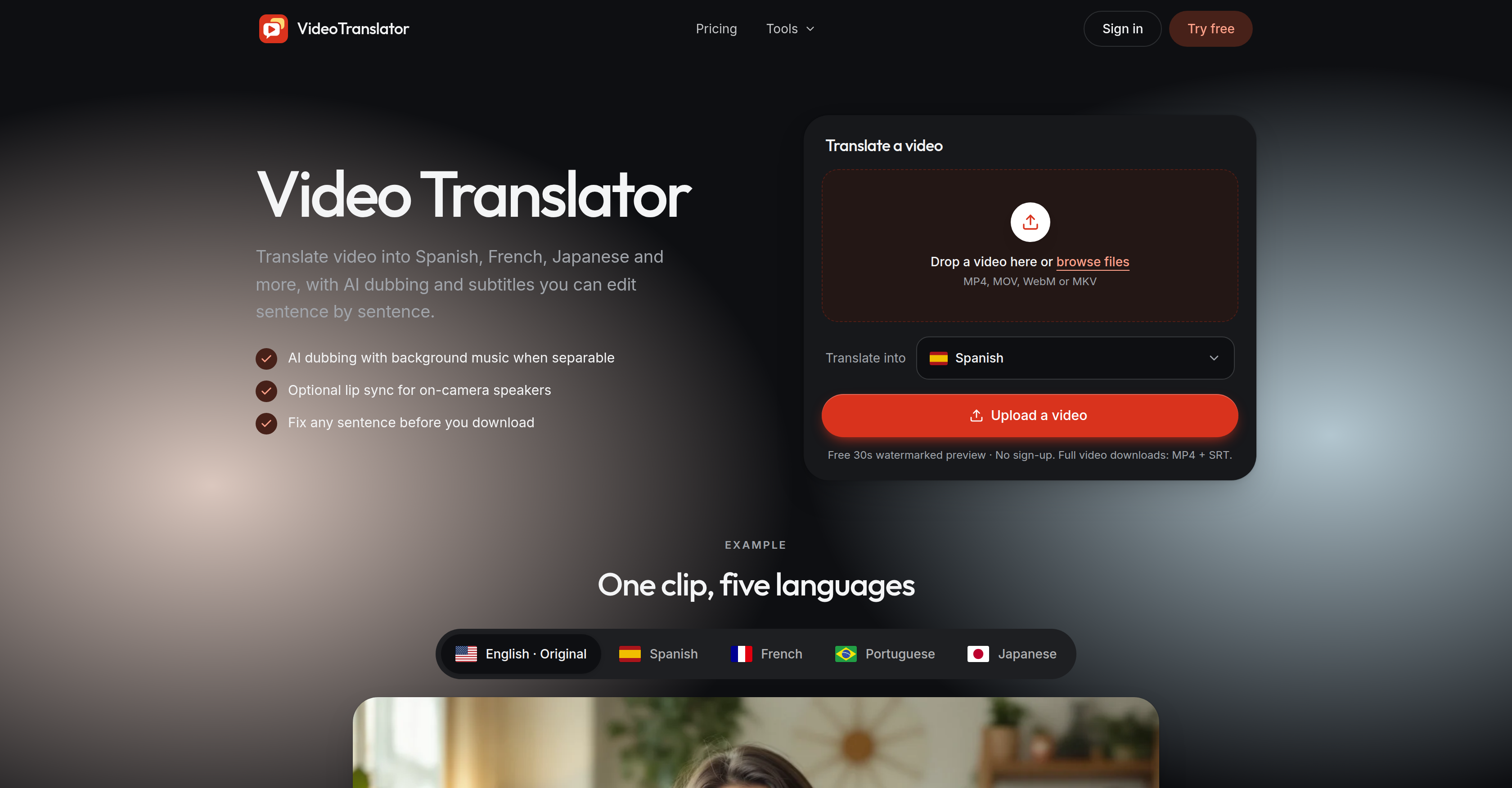
- Publish localized videos on any channel you choose: translated output downloads as MP4, SRT, and VTT files instead of staying inside a single platform's auto-translation player.
- Keep the speaker's real voice while reaching new language audiences: subtitles-only mode translates captions without touching the original audio, with burned-in subtitles in Social or Classic style at no extra cost.
- Get brand names, prices, product terms, and calls to action right without reprocessing the whole video: the sentence editor lets you correct one translated line and regenerate only that sentence.
- Preserve your soundtrack in dubbed videos: audio separation swaps the speech for an AI voice while retaining background music and sound effects, and flags the task if the background track is missing.
- Keep multi-speaker interviews and demos easy to follow: speaker detection assigns different AI voices to each detected speaker, and you correct speaker labels and voices in the editor after processing.
- Make on-camera presenters look natural in another language: the optional lip sync add-on matches mouth movement to the full dub, with a face check and Standard, HD, and Studio quality levels.
- Start proofreading before the dub finishes: translated subtitles are generated first, so text review runs while the new voice track renders.
- Judge translation quality before spending anything: a free, watermarked 30-second preview runs without an account and compares directly against your original video.
- Control localization costs per minute of video: standard AI dubbing uses 1 credit per minute, subscriptions start at $19 for 100 credits, one-time credit packs are available, and failed processing refunds credits automatically.
- Localize confidential training, courses, and unreleased product demos safely: tasks stay private to your account or preview session, and source files and outputs are deleted automatically after 30 days.
- Translate the footage you already have: upload MP4, MOV, WebM, or MKV files up to 2 GB on paid accounts for courses, internal training, ads, agency deliverables, and social clips.
Pros & Cons
From the listing; not yet checked by our editors.
Pros
- 78 target languages
- Subtitles appear before dubbing
- Edit and regenerate individual sentences
- Correct speaker labels after processing
- Assign voices to detected speakers
- Separate speech from background audio
- Warnings when audio separation fails
- Preserve music when separation succeeds
- Export MP4, SRT, and VTT
- Burn subtitles in two styles
- Subtitle burning costs no extra
- Free preview without an account
- Compare preview with original
- Preview covers 30 seconds
- Four supported upload formats
- Preview first video frame
- Show clip duration before processing
- Subtitles-only mode retains original voice
- Standard and premium dubbing
- Three optional lip-sync quality levels
- Face check before lip sync
- Correct brand names and prices
- Download files for any platform
- Paid accounts process full videos
- Paid uploads up to two gigabytes
- Private account-specific task access
- Automatic file deletion after 30 days
- Failed processing refunds credits
- One-time credit packs available
- No video links required
Cons
- Free previews are 30 seconds, watermarked
- Uploads only; no video links
- Upload limits: 200MB or 2GB
- Some target languages remain beta
- Large casts may share voices
- Speaker detection may merge speakers
- Music separation can fail
- Lip sync costs extra credits
- Lip sync requires a face check
- Voice consent required
Alternatives to Video Translator
Tools that share the most tags with Video Translator.
- Lyndium
Discover only content that matters to you with a personalized content landscape curated from your demonstrated preferences
Freemium · from $1.28/month
$1.28/month
Not yet checked
- Hei.io
Reach international viewers instantly with automated dubbing and subtitles across 140+ languages including Spanish, French, and German
Paid · from $8/month
$8/month
Not yet checked
- Papercup
Expand your global audience by translating videos into multiple languages with human-quality AI voiceovers that maintain viewer engagement
Not listed
Not listed
Not yet checked
- Vidby
Break language barriers instantly with AI-powered video translation that processes one minute of video in just 1-2 minutes
Freemium · from $28/month
$28/month
Not yet checked
- TranslateVideo
Expand your audience globally by translating videos into 20+ languages including Spanish, French, Chinese, and Hindi with automated translation
Freemium · from $29/month
$29/month
Not yet checked
- VideoDubber
Expand your audience globally by translating videos into 150+ languages with native accent support
Freemium · from $19/month
$19/month
Not yet checked
Reviews
Rate this tool
Loading reviews...
Frequently asked questions
Can I try Video Translator’s 30-second preview without creating an account?
Yes. Video Translator offers a free, watermarked 30-second preview without an account to visitors and accounts that have never paid.
Which video formats and file-size limits does Video Translator support?
Video Translator accepts MP4, MOV, WebM, and MKV files. Preview and unpurchased accounts have a 200 MB limit; accounts with a paid order can upload up to 2 GB.
How do I upload a video and choose a target language in Video Translator?
Upload or drag in a video file you own or have permission to use, then select a target language and choose subtitles only, standard dubbing, or premium dubbing. Subtitles appear before the dubbed audio is ready.
Which 78 languages can Video Translator translate into, and which are still in beta?
IDK
What’s the difference between subtitles-only, standard dubbing, and premium dubbing in Video Translator?
Subtitles-only translates the video into subtitles while keeping the original voice. Standard dubbing replaces the spoken track with a standard AI voice; premium dubbing uses a premium AI voice. All three modes support the same target languages.
Can I edit translated sentences in Video Translator and regenerate just one line?
Yes. After full processing, you can edit a translated sentence and regenerate just that sentence while reusing the others.
Can Video Translator assign different AI voices to each speaker?
Yes. Detected speakers can receive different AI voices when the target language has enough voice choices. Larger casts may share voices.
What happens if Video Translator misidentifies speakers or merges two voices?
Speaker detection can merge people or mislabel an interruption. After full processing, you can correct speaker labels and voices in the editor.