Virtual Try On.art
Overview
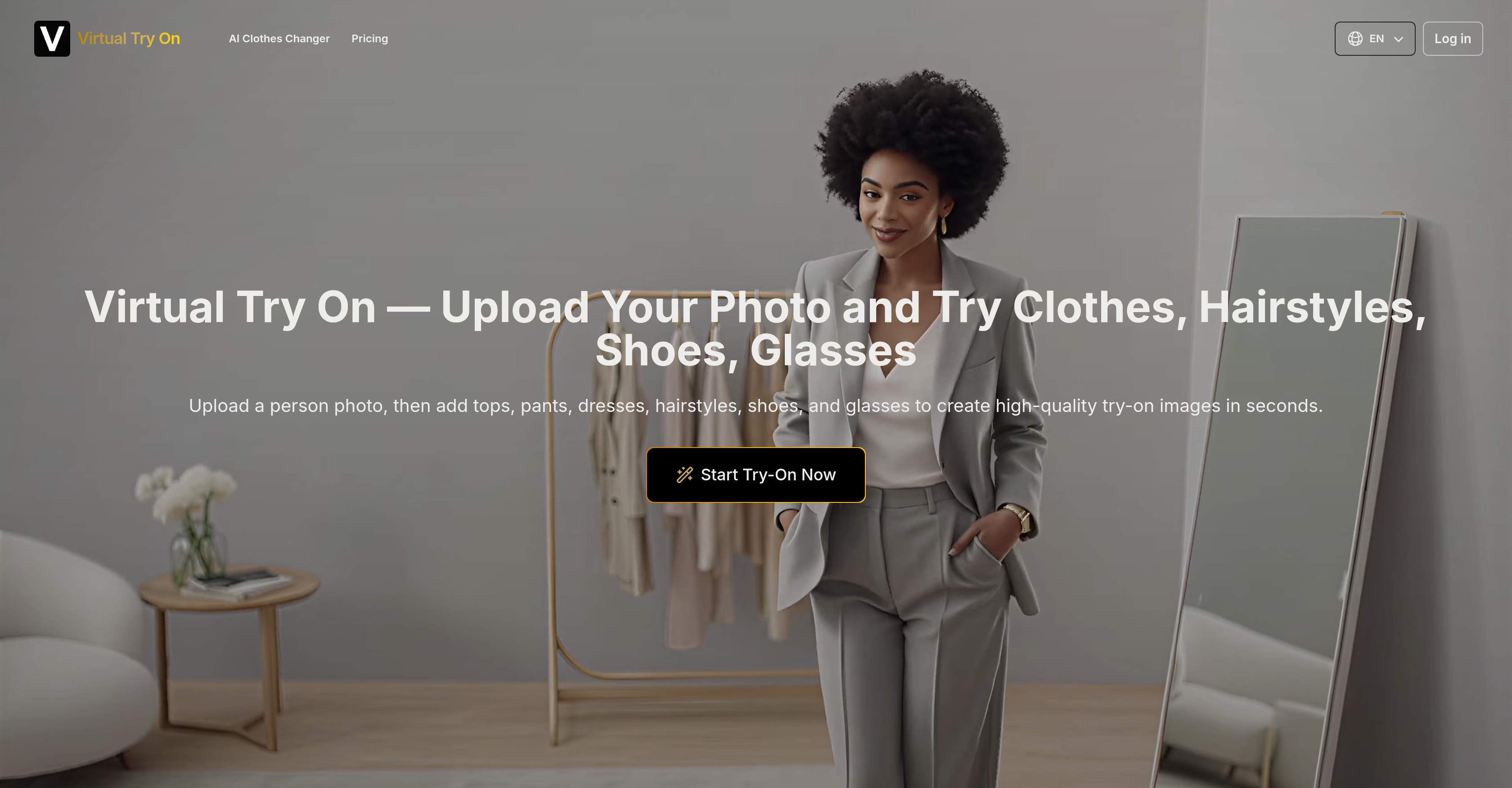
- Increase online sales and reduce product returns by letting customers see how clothes, glasses, and shoes look on them before buying, powered by realistic AI masking and blending.
- Create unique, personalized social media content by generating high-quality images of yourself in different outfits and hairstyles for your platforms.
- Make confident purchasing decisions by visualizing any item from your own wardrobe or a retailer's catalog on your personal photo with accurate alignment.
- Protect your privacy while experimenting with styles, as all generated try-on images remain private and are not shared with other users.
- Scale your content or e-commerce visuals efficiently with prioritized image generation and plans offering up to 1500 high-definition try-on credits per month.
Pros & Cons
Pros
- High-quality image output
- Advanced virtual modeling
- Prioritized image generation
- Supports various wearable items
- Efficient product showcasing
- Personalized shopping experience
- Facilitates informed buying decisions
- Facial recognition capabilities
- Virtual hairstyling feature
- Data Driven Personalization
- Real-time clothing simulation
- Private try-on image generation
- Different service plans available
- Supports e-commerce and social content
- Realistic clothing/accessory blending
- Instant try-on image generation
- Outputs downloadable try-on images
- Multiple entities try-on (clothes, shoes, etc.)
- User-friendly image uploading
Cons
- Limited to single photo inputs
- No live try-on option
- Doesn't support 3D/rotational views
- No integrated payment function
- No retouching or editing feature
- No mobile app version
- Limited to limited to clothing, hairstyles, shoes, glasses
- No try-on sharing feature
- Cannot handle multiple users concurrently
- No in-built user analytics
Reviews
Rate this tool
Loading reviews...
❓ Frequently Asked Questions
The Virtual Try On tool is an application that uses advanced AI to simulate the appearance of various articles of clothing, hairstyles, shoes, and glasses on a user uploaded photo. It generates high-quality images that provide a realistic preview of how these items would look in real life. It's widely used in fashion, e-commerce, and the creation of social media content.
To use the Virtual Try On tool, you first upload a person's photo, then add images of various wearable items such as tops, pants, dresses, hairstyles, shoes, and glasses. Once you've described the try-on you want with detailed prompt words, click the 'Generate' button. The AI engine handles masking, alignment, and blending to create realistic try-on images that can then be downloaded.
The main features of the Virtual Try On tool include high-quality image output, processing of user content, including masking, alignment, and blending of images; advanced virtual try-on modeling, prioritized image generation, and the ability to simulate different wearable items on user-uploaded photos. Users can also generate private try-on images.
Yes, any photo of a person can be uploaded to use with the Virtual Try On tool. However, the user should ensure that the image is clear and with good resolution for optimal results.
The Virtual Try On simulation boasts a high level of accuracy, thanks to its advanced AI technology. It handles masking, alignment, and blending to produce a realistic result that provides a credible appearance of a real try-on. Its robust simulation provides a realistic and immersive try-on experience.
Yes, the Virtual Try On tool can be used to simulate any type of clothing or accessory. This includes not only attire like tops, pants, and dresses but also different hairstyles, shoes, and glasses.
The Virtual Try On tool handles masking, alignment, and blending by means of its sophisticated AI engine. It masks the user uploaded wearable items onto the photo, aligns them appropriately based on the photo's orientation and proportions, and then blends them in a realistic manner to create a natural-looking image.
E-commerce businesses can benefit tremendously from the Virtual Try On tool. It enables customers to virtually try on products before making a purchase, leading to informed buying decisions, reduced returns, and increased customer satisfaction. Furthermore, it allows businesses to showcase their products effectively to potential buyers.
The Virtual Try On tool generates images by first letting users upload a personal photo and images of wearable items. Then it uses advanced AI to process the images, handling masking, alignment, and blending to generate a realistic image showing how the items would look on the person.
The Virtual Try On tool can help create diverse social media content involving fashion and personal style. From showcasing how different outfits look on a person to demonstrating how various accessories complement an attire, it lets users generate realistic try-on images that can be shared across social media platforms.
The Virtual Try On tool offers a valuable resource for fashion and retail brands as it allows them to showcase their products in a more engaging and impactful way. They can use it to create realistic simulations of their clothing or accessories on different individuals, providing potential buyers with a true-to-life view of what their products look like when worn.
Yes, you can use your own images of clothes with the Virtual Try On tool. You simply need to upload the images of the clothes you want to simulate along with the person's photo, and the tool will generate a realistic try-on image.
The Virtual Try On tool ensures high quality output through its advanced AI engine that handles masking, alignment, and blending to generate a natural-looking, high-definition image. It also offers prioritized image generation for users who need immediate results.
Yes, the Virtual Try On tool can simulate different hairstyles. Users simply need to upload an image of a hairstyle along with the person's photo for the tool to generate a realistic simulation.
Yes, the Virtual Try On tool can significantly improve user experience in online shopping by providing a persuasive, virtual try-on experience. It allows customers to see how items would look on them before purchasing, helping them make more informed choices and reducing the likelihood of returns.
The Virtual Try On tool offers different pricing plans starting from Basic at $19.99 per month to Pro at $69.99 per month. Each plan comes with a different number of try-on image generation credits, with the Pro plan offering up to 1500 credits of try-on image generation.
Yes, the Virtual Try On tool allows the generation of private try-on images. This feature is available across all its pricing plans, ensuring the privacy of users' images.
The Virtual Try On tool helps create a personalized shopping experience for customers by allowing them to see how different items—from clothing to hairstyles, shoes, and glasses—would look on them. This not only instills a sense of personalization but also helps in making informed buying decisions.
Virtual Try On is an AI-powered tool designed for realistic simulations of clothing and accessories try-ons, using a user-uploaded photo. It's used in industries such as fashion and ecommerce and even for the creation of social content.
Virtual Try On works by taking a user-uploaded image and integrating selected clothing and accessory images to generate high-quality try-on images. It processes the images, ensuring proper placement, masking, blending and a smooth, realistic simulation.
Industries that can benefit from the Virtual Try On tool include fashion, ecommerce, social content creation and online retailers. It can also be of use in creating personalized shopping experiences.
Virtual Try On is packed with features including high-quality output, advanced virtual try-on modeling, prioritized image generation, and options for private try-on image generation. It also allows users to try on different clothing and accessories, and even different hairstyles.
To start the virtual try-on process, Virtual Try On accepts image uploads of a person. It also accepts images of the items that the user wants to virtually try on, such as tops, pants, dresses, shoes, glasses, and hairstyles.
Yes, users can try out different hairstyles using Virtual Try On. In addition to clothing and accessories, it allows hair styling virtualization.
Yes, one can simulate the appearance of glasses on a person using Virtual Try On. It accommodates eyewear in its array of virtual try-on options.
Virtual Try On indeed provides high-quality output. It prides itself on excellent image quality, which is key to realistic and convincing virtual try-ons.
Virtual Try On's virtual modelling is highly accurate. It ensures precise alignment and blending of the selected items with the user's photo, thus creating a realistic and convincing visualization.
Virtual Try On offers various plans to suit different needs. They have a Basic plan at $19.99 per month, a Standard plan at $39.99 per month, and a Pro plan at $69.99 per month. Each plan provides different levels of access and capabilities.
Yes, Virtual Try On allows private try-on images, under all its subscription plans. This means the images generated during your try-on session won't be available to other users.
Indeed, Virtual Try On can be a valuable tool for creating intriguing and personalized content for social media. It allows users to generate high-quality images of themselves wearing different outfits, hairstyles or accessories.
Yes, prioritized image generation is offered as a feature of all Virtual Try On subscription plans. This ensures users get their try-on images in a quicker time frame.
Absolutely. Virtual Try On can be a powerful tool for e-commerce businesses. Virtual Try On allows customers to visualize how clothing and accessories would look on them, thus contributing to a personalized shopping experience and potentially increasing sales.
With Virtual Try On, users can virtually try on an array of clothes and accessories, including tops, pants, dresses, shoes, and glasses. It also includes different hairstyles.
Yes, Virtual Try On contributes to a personalized shopping experience by allowing customers to visualize how different items would look on them, before making a purchase.
Retailers and brands can utilize Virtual Try On as an efficient way to showcase their products. By providing virtual try-on options, they can offer a unique shopping experience to their customers, possibly improving engagement and boosting sales.
Once the Virtual Try On engine has generated the try-on image, there is a 'Generate' button. After clicking on this, users will be able to download their personalized try-on image.
There's no explicit mention of real-time simulation being offered by Virtual Try On.
Virtual Try On processes and analyzes the uploaded images to make the virtual try-on experience. The AI scrutinizes the photo of the user along with the clothing and accessory images to ensure proper masking, alignment, and blending.
Pricing
Pricing model
Free Trial
Paid options from
$14.99/month
Billing frequency
Monthly