

VoiceCheap
Reach international audiences in hours instead of weeks by translating and dubbing videos into 30 languages, with context-aware translation that reads the full video before converting it.
Listing not yet reviewed by our editors · How we check
Overview
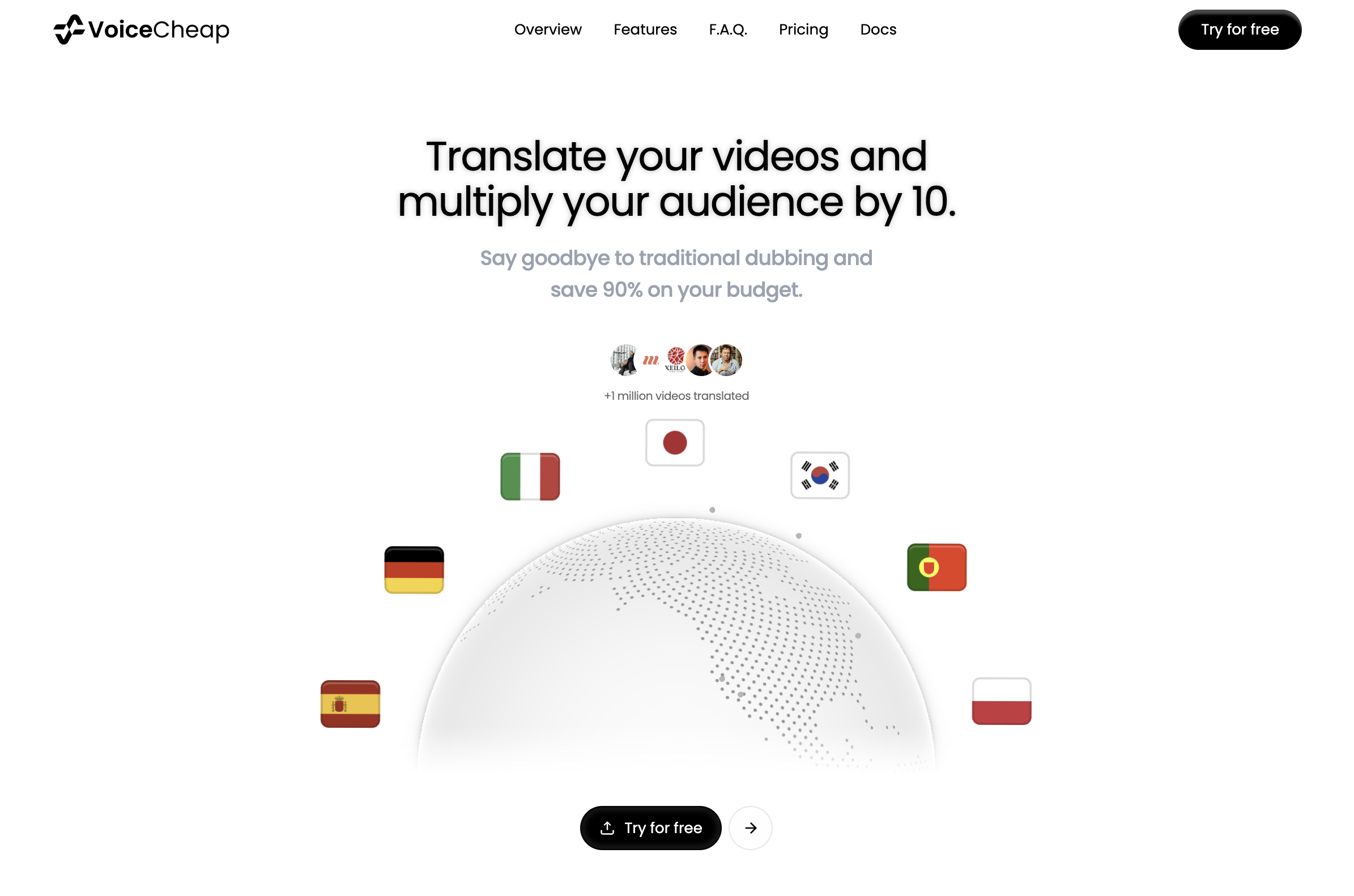
- Reach international audiences in hours instead of weeks by translating and dubbing videos into 30 languages, with context-aware translation that reads the full video before converting it.
- Keep your recognizable voice in every market by cloning the original speaker from the video or from your own audio samples, or pick a voice from the premium voice library.
- Deliver dubbed videos that look and sound native through LipSync, which matches mouth movement to the new audio, and SmartSync, which fits translated speech to the original speaker's cadence and timing.
- Localize interviews, podcasts, and multi-character content with multi-speaker dubbing that gives each speaker an independent voice.
- Launch localized YouTube channels with no manual uploads, using automated publishing with translated titles and descriptions, per-language thumbnails, privacy controls, and multi-channel management.
- Cut localization spend by up to 80% compared with traditional dubbing studios, and pay only for what you use with a flexible token system.
- Ship clean, broadcast-ready audio by removing background noise and separating voice from background tracks, so music and effects stay intact after dubbing.
- Make every video accessible to foreign-language viewers with multilingual subtitles generated automatically after translation.
- Localize an entire content library at once with batch processing that handles multiple videos at the same time.
- Protect brand and product names across every language with custom terminology that keeps translations consistent.
- Turn audio and video into searchable text in moments with ultra-fast speech-to-text transcription, multi-format support, and direct YouTube import.
- Produce long-form narration and voiceovers from documents with text-to-speech in 50 languages, PDF import, and up to 16,000 characters per request.
- Repurpose content from any source by importing videos by direct upload, from YouTube, or from X, Instagram, and Facebook.
- Review and approve translations as a team with collaborative sharing, built-in editing and quality assurance tools, and real-time progress tracking.
- Test the full AI dubbing workflow at no risk with a free trial and a 100% money-back satisfaction guarantee.
Pros & Cons
From the listing; not yet checked by our editors.
Pros
- Dubbing in 35 languages
- Customizable voice options
- Voice cloning
- Multi-speaker dubbing
- Automatic multilingual subtitles
- Background noise removal
- Ultra-fast speech-to-text
- Text-to-speech feature
- SmartSync Technology
- Seamless video import
- Flexible pricing
- Satisfaction guarantee
- Multi-speaker LipSync
- Isolates speech from noise
- Versatile Text-to-Speech
- Token system for pricing
- Subtitle Generation
- Integration with social media
- 4K video quality
- Video file size limit
- API available
- Priority Support option
- No credit card required
- Tokens as system currency
- Refund policy
- Dubbed audio quality
- VoiceCheap's application
- Video translation options
- Compatible with different videos
- Voice translation with cloning
- Supports horizontal or vertical videos
- Supports short or long videos
- Supports audio file translation
- Maximum video length 60 minutes
- Free version available
- Subscription cancellation anytime
- Accessible invoices
- Doesn't require credit card
- Refund for undelivered results
- Refund for unsatisfactory service
- Option to create account with Google
- Accessible company links
- Affiliate program
- Accessible legal pages
Cons
- Limited to 35 languages
- 40 GB File size limit
- Max 120 minutes per video
- No rollover tokens/minutes
- API not currently available
Alternatives to VoiceCheap
Tools that share the most tags with VoiceCheap.
- Lyndium
Discover only content that matters to you with a personalized content landscape curated from your demonstrated preferences
Freemium · from $1.28/month
$1.28/month
Not yet checked
- Hei.io
Reach international viewers instantly with automated dubbing and subtitles across 140+ languages including Spanish, French, and German
Paid · from $8/month
$8/month
Not yet checked
- Papercup
Expand your global audience by translating videos into multiple languages with human-quality AI voiceovers that maintain viewer engagement
Not listed
Not listed
Not yet checked
- Vidby
Break language barriers instantly with AI-powered video translation that processes one minute of video in just 1-2 minutes
Freemium · from $28/month
$28/month
Not yet checked
- TranslateVideo
Expand your audience globally by translating videos into 20+ languages including Spanish, French, Chinese, and Hindi with automated translation
Freemium · from $29/month
$29/month
Not yet checked
- VideoDubber
Expand your audience globally by translating videos into 150+ languages with native accent support
Freemium · from $19/month
$19/month
Not yet checked
Reviews
Rate this tool
Loading reviews...
Frequently asked questions
What functionalities does VoiceCheap offer?
VoiceCheap offers various functionalities such as dubbing, transcription, and speech synthesis. It features customizable voice options, including voice cloning from video content and selecting from an available voice library. It can carry out multi-speaker dubbing, automatic generation of multi-lingual subtitles, background noise removal, and ultra-fast conversion from speech to text. It also has a robust text-to-speech feature and SmartSync Technology that matches translated speech to the cadence and timing of the original speaker.
How does VoiceCheap leverage AI for dubbing videos?
VoiceCheap utilizes AI to perform several tasks. It uses advanced AI technology for dubbing videos into one of 30 available languages. It also applies AI technology for voice cloning, recognizing and isolating the speaker's voice from a video, and replicating it in the language of choice. It employs AI for seamless transcription, converting spoken words into written text in a matter of moments. Additionally, VoiceCheap's 'SmartSync Technology' uses AI to synchronize dubbed speech with the cadence and timing of the original speech.
Can VoiceCheap translate my video content into different languages?
Yes, VoiceCheap has the ability to translate and dub your video content into any of the 30 different languages it supports. This feature helps to eliminate language barriers, broadening the reach of your content to a global audience.
What are the available voice options on VoiceCheap?
VoiceCheap offers customizable voice options. Users have the choice to clone voices from their videos, use their own voice, or select a voice from an available library. This flexibility enables users to tailor the voiceovers to best suit their brand or content objectives.
How does multi-speaker dubbing on VoiceCheap work?
VoiceCheap supports multi-speaker dubbing. This feature allows multiple characters or speakers in a video to be dubbed independently, each using a different voice. This capability comes in handy especially when dubbing content that has more than one character or speaker.
Can VoiceCheap generate multilingual subtitles?
Yes, VoiceCheap includes a feature for the automatic generation of multilingual subtitles. Following the translation or dubbing process, the platform can automatically generate subtitles in the desired language, enhancing the viewing experience, especially for an international audience.
Does VoiceCheap offer a feature for background noise removal?
Yes, VoiceCheap does offer a feature for background noise removal. This feature isolates speech from background noise, resulting in clear and audible audio for its dubbed content.
How long does it take for VoiceCheap to convert speech to text?
Conversion from speech to text using VoiceCheap happens at an ultra-fast pace. The exact time may vary depending on the length and complexity of the audio, but the platform is built to efficiently transcribe speech from audio or video files.