

Whatmore
Shorten the path from product discovery to checkout with shoppable videos that let shoppers buy tagged products directly from the video they are watching.
Listing not yet reviewed by our editors · How we check
Overview
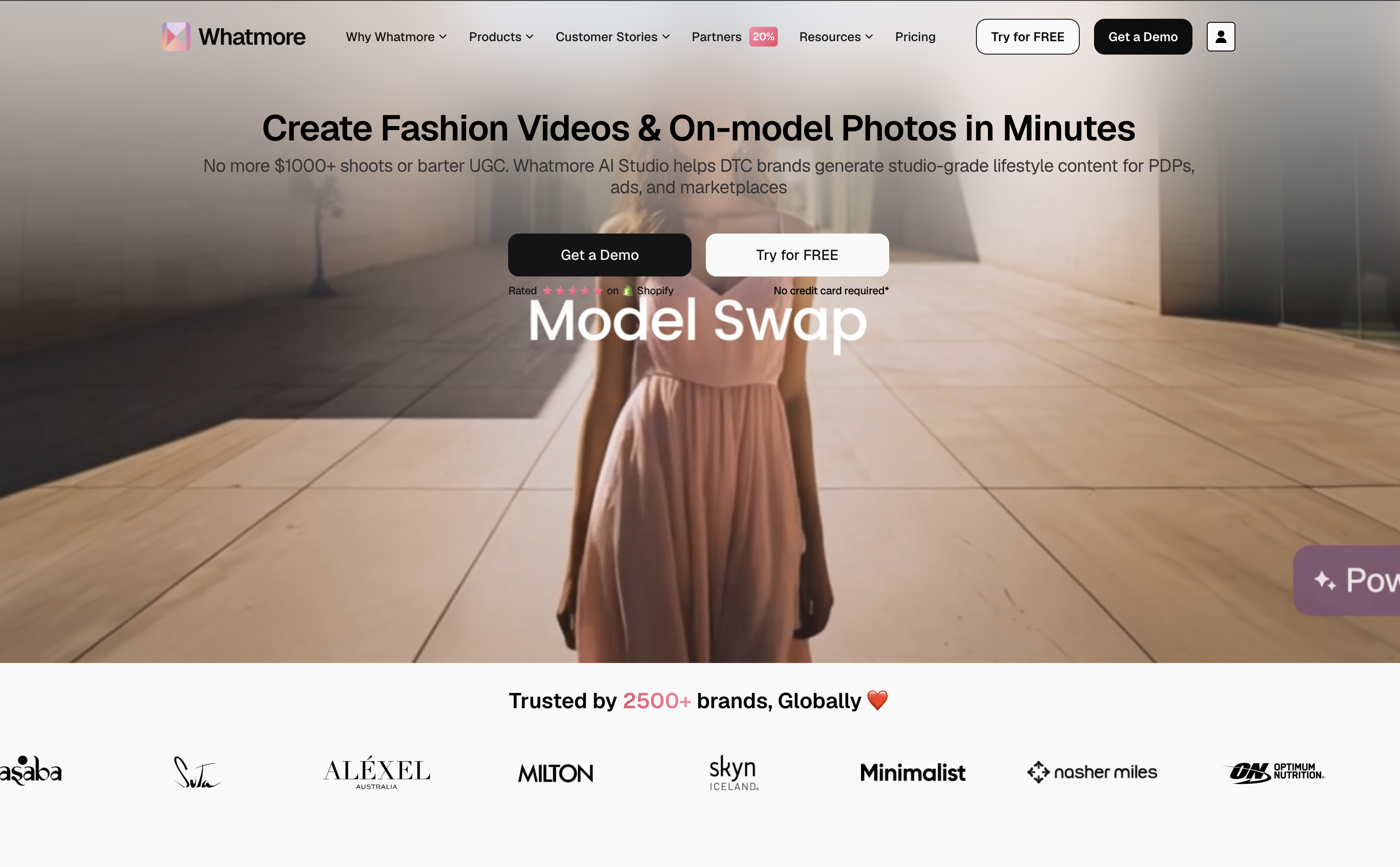
- Shorten the path from product discovery to checkout with shoppable videos that let shoppers buy tagged products directly from the video they are watching.
- Get product videos without a film shoot: the AI video maker turns existing product images into short videos auto-synced with trending music, and pre-generated branded videos are ready to use.
- Turn the social content you already have into on-site sales by importing Instagram and TikTok reels from linked accounts and converting them into shoppable videos for your ecommerce store.
- Launch platform-specific video ad campaigns from one place with dedicated Facebook, Instagram, TikTok and dropshipping ad makers backed by a built-in video editing studio.
- Add social proof to product pages with the Amazon product review video tool, which brings your Amazon reviews into on-site video content.
- Reach viewers who prefer or need on-screen text with the auto add captions tool, which generates video captions automatically.
- Keep every page on-brand with a collection of personalization widgets that match your color schemes and aesthetics to any page or use case.
- Stop orders you cannot fulfill with automatic inventory sync, which disables out-of-stock products featured in your videos.
- Identify which videos drive revenue with video commerce analytics covering brand performance, engagement and conversion metrics, plus daily updates and product-level analysis.
- Go live on your storefront quickly with the Shopify plugin, a simple code snippet for other sites, one-on-one integration support, and a 14-day free trial with full feature access.
Pros & Cons
From the listing; not yet checked by our editors.
Pros
- Shoppable videos
- Editing studio
- Video ad makers
- Auto add captions
- Amazon product review video tool
- Short-video content creation
- Image-to-video transformer
- Music sync for videos
- Pre-generated branded videos
- Shopify plugin
- Website personalization widgets
- Instagram and TikTok reels import
- Tag products in videos
- Detailed analytics
- Automatic inventory sync
- Dropshipping ads maker
- Convert images into videos
- Supports e-commerce stores
- Interactive shopping experience on stores
- Hyper-Personalization for brands
- Brand performance monitoring
- Music & audience matching
- Effortless sharing across platforms
- Video Shopping feature
- Bulk-Video Import
- Conversion boosting with videos
- Rated 5.0 on Shopify
- One-on-one support for integration
- Daily updates on performance metrics
- Product-specific analysis
- Personalized onboarding demo offer
Cons
- Only supports Shopify integration
- Lacks customizability for widget
- Restricted music options
- No non-Shopify support mentioned
- Limited social media platforms
- May not preserve video quality
- Lacks detailed description for analytics
- No multi-language support mentioned
- No desktop application mentioned
- Doesn't support other CMS platforms
Alternatives to Whatmore
Tools that share the most tags with Whatmore.
- Hey Dream Product Videos
Launch product ad campaigns in minutes by converting static images into dynamic, high-quality advertising videos with a single click
Free trial · from $9.99/month
$9.99/month
Not yet checked
- URL to Video AI
Launch video ad campaigns in minutes instead of days by automatically generating structured ads from your product URL, eliminating manual script writing and editing.
Free trial · from $19.90/month
$19.90/month
Not yet checked
- Boolvideo
Create professional marketing videos in seconds by simply uploading product pages from Shopify, Etsy, or Amazon with automated AI generation
Paid · from $9/month
$9/month
Not yet checked
- Fable
Convert more prospects with interactive demos that replicate your actual product experience through browser-based capture
Freemium · from $40/month
$40/month
Not yet checked
- LuxReal
Launch professional product videos in minutes instead of days by uploading a single image and selecting your camera motion.
Free trial · from $9.99
$9.99
Not yet checked
- RepoClip
Launch projects faster with professional demo videos created automatically from your GitHub URL, eliminating hours of manual editing and scripting.
Freemium · from $24/month
$24/month
Not yet checked
Reviews
Rate this tool
Loading reviews...
Frequently asked questions
What is Whatmore?
Whatmore is an AI-powered video commerce platform. It is designed to transform website video content to increase conversions. The platform includes features like shoppable videos, an editing studio, and various video ad makers. It allows users to create short-video content and turn images into engaging product videos.
How does Whatmore use AI capabilities?
Whatmore uses AI capabilities to automate and enhance the process of creating and editing videos for ecommerce sites. This includes an AI video maker that allows users to create engaging short videos and transform images into videos. Moreover, AI is also utilized to effortlessly align video content with the latest music trends based on the target audience to ensure maximum engagement and resonance.
What features does Whatmore offer?
Whatmore offers features including shoppable videos, video ad makers for platforms like Facebook, Instagram, TikTok, an editing studio, auto add captions tool, and an Amazon product review video tool. It also provides an AI video maker to turn images into engaging product videos auto-synced with popular music tracks. Other features include pre-generated branded videos, integration with Shopify, a collection of widgets for personalization, functionality to import video reels from Instagram or TikTok, and more.
How does the Whatmore platform enhance website conversions?
Whatmore enhances website conversions by transforming the site's video content. By enabling videos to be shoppable, users can purchase products right from the video they're watching, reducing the steps to purchase and improves conversions. The creation of engaging short-video content and product images turned into videos also supports this goal. These all contribute to an engaging and interactive shopping experience, thereby leading to increased conversions.
What is the benefit of the 'shoppable videos' feature in Whatmore?
The 'shoppable videos' feature allows users to make a direct purchase from the video they're watching. This not only increases user engagement, but also makes the shopping experience more interactive and convenient, thereby boosting sales and conversions.
How can I use Whatmore's editing studio?
You can use Whatmore's editing studio to create and edit video content for your website. This includes functions for creating engaging short-video content and transforming product images into engaging videos with music. This content can then be displayed on your website or used in advertisements on various social media platforms.
How do I use the 'auto add captions' tool in Whatmore?
In Whatmore, the 'auto add captions' tool can be used to automatically generate captions for your videos. This enhances the accessibility and understanding of your video content, catering to audiences who prefer or need to read text while watching a video.
How can Whatmore be utilized for e-commerce brands?
Whatmore can be utilized by e-commerce brands to create engaging and interactive video content for their websites. Brands can transform product images into videos synced with popular music tracks, create shoppable videos, and use the editing studio to craft ads for social media platforms. They can import video reels from Instagram or TikTok and even disable out-of-stock products with the automatic inventory sync feature.