

Overview
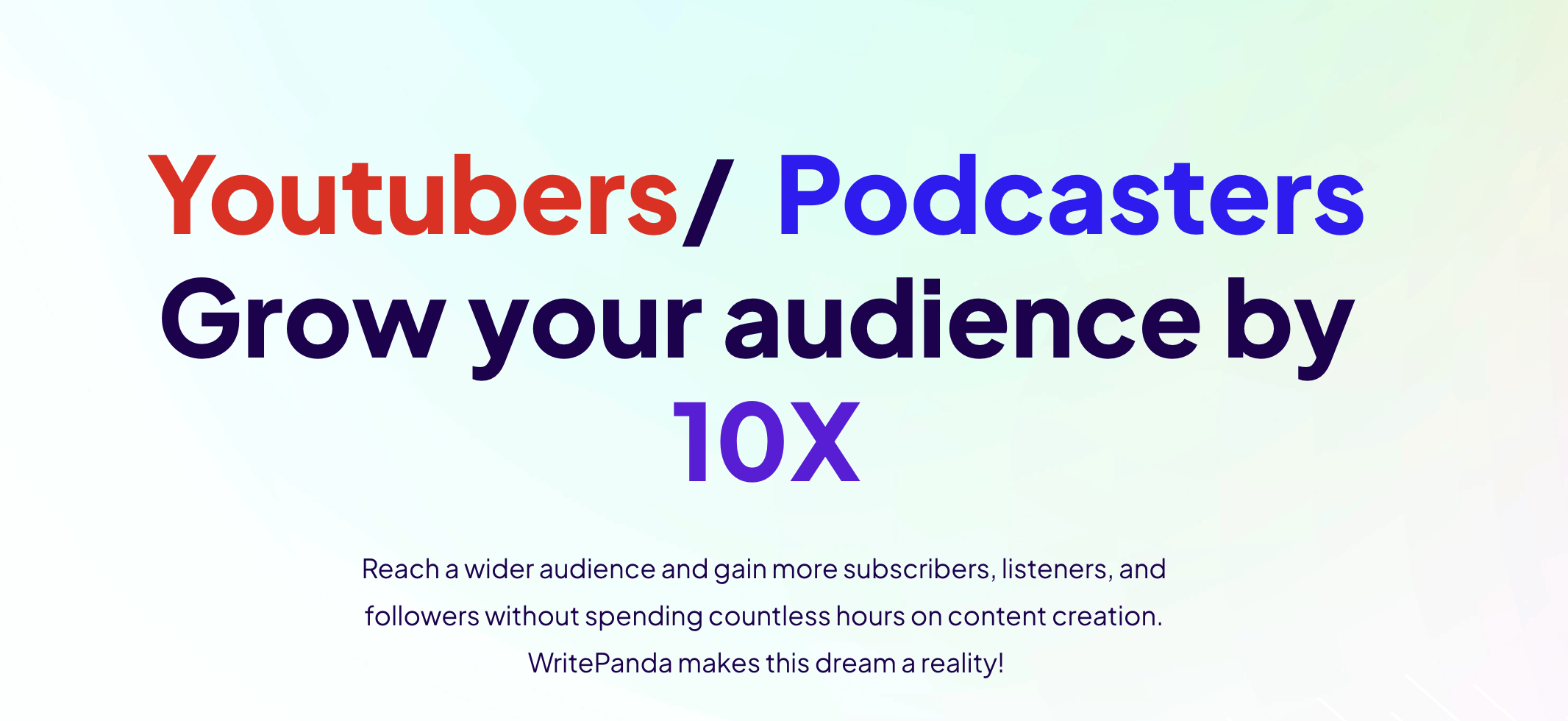
- Transform long videos and podcasts into multiple short viral clips automatically using AI that identifies hooks and engaging moments
- Repurpose existing content across platforms instantly by automatically generating blogs, newsletters, and social media posts from your videos and audio
- Boost video engagement with dynamic captions and text animations that track moving faces to keep text centered and readable
- Accelerate content research by uploading websites or PDFs for instant AI-powered summarization and conversation
- Improve content discovery with automatically generated metadata including optimized titles, descriptions, and show notes
- Create professional marketing content faster using 50+ templates for ads, emails, scripts, and SEO-optimized web copy
- Maintain brand consistency across all content by creating and embedding custom templates with your specific requirements
- Access content creation anywhere through mobile apps and browser extensions that work across all your devices
Pros & Cons
Pros
- 50+ pre-built templates
- Create custom templates
- Embed templates in applications
- Free plan available
- Unlimited words plan
- Includes Panda Chat
- Accessible via Chrome Extension
- Accessible via Mobile App
- Accessible via Web App
- Coverage for diverse content types
- SEO optimization features
- Facilitates ecommerce listing
- Email drafting and proofreading
- Supports social media posts
- Offers ad writing support
- Includes meta-description generator
- Features video scripting
- Generates catchy email subjects
- Provides content filler service
- Plot generation for storytelling
- Lyrics creation for songs
- Text summarization function
- Provides cold email templates
- Option for custom use-cases
- Available on multiple devices
- Can be embedded in other applications
- Various pricing options
- Assistance for blog writing
- Help with marketing campaigns
- Idea to paragraph writing
- Creates intriguing headlines
- Helps write dialogues
- YouTube title generator
- Generates keyword suggestions
- Supports cold DMs for LinkedIn
- Produces listicle for articles
- Gives youtube video ideas
- Generates product benefits list
- Offers call-to-action creation
- Subheading creation for landing pages
Cons
- 500 words limit on free plan
- No MacOS application
- No bulk generation feature
- No multi-language support
- No proofreading tool
- Templates not customizable
- Doesn't offer sentence rephrase
- No plagiarism checker
- No voice-over feature
- No comprehensive editor
Reviews
Rate this tool
Loading reviews...
❓ Frequently Asked Questions
Write Panda is a personalized AI assistant designed to assist with generating diverse and professional written content effortlessly.
Write Panda can generate a wide variety of content such as blog posts, SEO product descriptions, ad-copies, marketing collaterals, cold emails, landing page copy, official documents, and user stories. It can also handle diverse tasks like writing YouTube video scripts, product names and features, email sequences, dialogues, plots, song lyrics, and much more.
Many industries including entrepreneurs, marketers and other professionals can benefit from Write Panda. It can be immensely helpful in creating blog posts, SEO product descriptions, ad-copies, landing page copy, official documents, marketing collaterals, cold emails, and user stories among other things.
Write Panda offers more than 50 pre-built templates for various content requirements.
Yes, Write Panda allows users to create their own custom templates, providing flexibility to design input fields and prompts per user's unique needs.
Yes, Write Panda is mobile friendly and offers a dedicated mobile app for easy and anytime access.
Yes, a Chrome extension for Write Panda is available, enabling seamless use within your browser.
Yes, Write Panda offers a free plan that includes access to its various features and templates.
Write Panda's free plan offers a limit of 500 words per month.
Yes, the number of words that can be generated per month varies depending on the subscription plan chosen in Write Panda.
Yes, you can embed Write Panda into your applications. This can be particularly useful if you want the functionality of Write Panda directly on your platform.
The Write Panda Ultimate plan offers unlimited words per month, access to over 50 templates, Panda Chat access, ability to create and embed custom templates and access to the Chrome Extension, Mobile App, and Web App.
While specific functionalities of the Panda Chat feature are not stated, it seems to be a communication or support feature provided with all Write Panda plans.
Yes, Write Panda can assist with SEO. Features such as generating SEO Meta descriptions and blog post meta descriptions are embedded to optimize your website's search ranking.
Yes, Write Panda can aid in writing scripts for YouTube videos. It offers templates for creating detailed outlines and scripts for your next YouTube hit.
Yes, Write Panda allows you to generate email sequences for various scenarios.
Yes, Write Panda can help create marketing collaterals. You can create ad copies, landing page copies, cold emails, and more for your marketing needs.
What sets Write Panda apart from other writing AI tools is its vast array of pre-built templates, customization facilities, and the ability to embed directly within other applications. It also provides mobile and Chrome extension accessibility making it a versatile and convenient tool.
Write Panda can generate a variety of blog-related content such as full blog posts, blog outlines, introductions, conclusions, and even individual sections. This makes it a great tool for blog writing, providing targeted assist for each part of the process.
Yes, Write Panda offers annual subscription plans. If you subscribe to the annual plan, you get 2 months free.
Pricing
Pricing model
Freemium
Paid options from
$19/month
Billing frequency
Monthly
Related Videos
Create Cold Emails that work with WritePanda.ai
Write Panda•25 views•Feb 6, 2023










