

AdWorker | GIF Background Remover
Overview
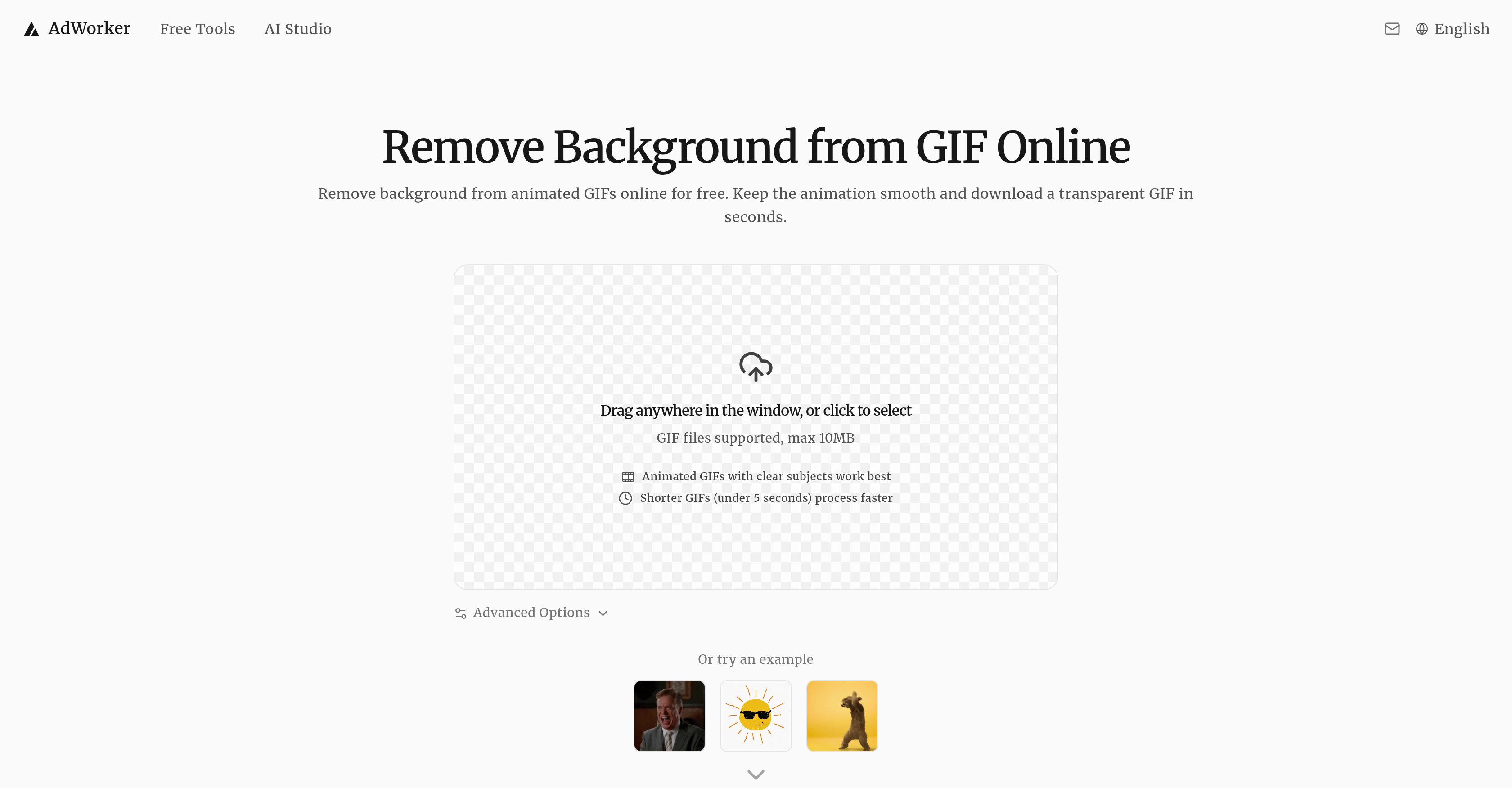
- Create professional, transparent GIFs for memes and stickers by removing distracting backgrounds with AI that processes each frame individually for smooth animation.
- Produce clean Twitch alerts and streaming overlays by eliminating solid background boxes that block screen information, delivering ready-to-use transparent assets.
- Enhance dark mode layouts and UI motion assets by specifically removing white or solid-color backgrounds from GIFs for seamless integration.
- Save time on graphic design projects with a 3-step browser tool that requires no software download, signup, or leaves any watermark on your final transparent GIF.
- Optimize processing for shorter GIFs (under 5 seconds) and choose from advanced modes like High-Res Accurate or Fine Details to match your specific creative need.
Pros & Cons
Pros
- Processes animation frame by frame
- Preserves motion and timing
- Ideal for lightweight creative assets
- Simple workflow
- Online tool, no download required
- No sign-up needed
- Free to use
- No watermark on output
- Supports JPEG and PNG files
- White background removal service
- JPEG and PNG processing
- Features Advanced Options
- Cater to varying user needs
- Enhances cleaner edges
- Provides ready-to-use transparent GIFs
- Supports direct browser use
- Processes each frame independently
- Online workflow: upload, process, download
- Clear subject transparency
- Supports GIF files up to 10MB
- In-moment GIF frame analysis
- No visible white box in output
- Less flicker, fewer distracting edge changes
- Clear GIF cutouts for stickers and memes
- Instant access to GIF output
- Dark mode compatible
- Creates stickers, memes, overlays
- Easy interaction and use
- Useful for stream assets
- Ideal for UI motion assets
- No solid background box in output
- Processes GIF online, retains animation
- Exports cleaner edged GIFs
- Treats each frame individually
- Removes solid and light backgrounds precisely
- Successful on light or dark backgrounds
- Animation remains smooth post-processing
Cons
- Maximum file size 10MB
- Online only
- No API mentioned
- Possible inconsistency with complex backgrounds
- Reliance on browser functionality
- No customer support indicated
- Unknown handling of multiple subjects
- Indeterminate processing speed (slow/fast)
- No batch processing
- No specified compatibility across different browsers
Reviews
Rate this tool
Loading reviews...
❓ Frequently Asked Questions
AdWorker's GIF Background Remover is an online tool dedicated to removing backgrounds from animated GIFs whilst preserving the animation's smoothness. The output is a transparent animated GIF, making it a go-to tool for creating cleaner stickers, memes, overlays, and animated responses for social and professional purposes. It uses an AI model to process individual frames of the GIF for accurate background removal.
AdWorker's GIF Background Remover uses an AI model that processes each frame of the GIF individually. The model ensures accurate background removal and consistent preservation of the main subject throughout the animation. This careful frame-by-frame approach differentiates AdWorker's tool from many other automated processes.
What differentiates AdWorker's GIF Background Remover from other tools is its capability to maintain the smoothness of the animation while removing the background. The AI model specifically processes each frame of the GIF individually, ensuring accurate and consistent preservation of the main subject. The tool also removes white backgrounds from GIF files, which is crucial for darker modes, overlays and layouts.
No, there is no signup requirement to use AdWorker's GIF Background Remover. This contributes to a straightforward user experience. Users can simply upload their GIF, have the AI remove the background, and download the transparent GIF without any unnecessary steps or details.
Yes, AdWorker's GIF Background Remover has the ability to remove white backgrounds from GIF files. It's specifically designed for creating cleaner transparency, especially useful for darker modes, stickers, overlays, and layouts.
AdWorker's GIF Background Remover can process animated GIF files up to a maximum size of 10MB. This provides sufficient scope for handling a wide variety of animated GIFs while maintaining optimal processing performance.
Yes, for static product images, AdWorker offers a specific tool named 'White Background'. It's another AI-driven tool, expertly created to address the need for background removal in static product images.
Absolutely. AdWorker's GIF Background Remover is designed to create cleaner stickers and memes by effectively removing distracting backgrounds from GIFs. This results in the main subject standing out more clearly on any background.
The production of Twitch alerts and gaming overlays are enhanced by AdWorker's GIF Background Remover. By providing background-free GIFs, this tool helps in creating animation without a solid background box that would potentially cover the important information on the screen. Its ability to maintain animation smoothness post background removal is a pivotal factor here.
AdWorker's GIF Background Remover performs most effectively with GIFs that have clear subjects. These types of GIFs allow the AI model to successfully remove the background while keeping the main subject consistent across all frames. The tool is also optimised for processing shorter GIFs efficiently.
Yes, AdWorker's GIF Background Remover indeed boasts an efficient processing capability that works optimally with shorter GIFs, notably those under 5 seconds.
The image compressor feature compresses the size of images without compromising on their quality. It enables users to manage their images more efficiently, providing quicker uploads and downloads without losing important image details.
Yes, AdWorker's GIF Background Remover suite includes a format converter that allows users to convert their images into different formats as needed, boosting the versatility and reach of their content.
Yes, AdWorker's GIF Background Remover pack also features an image watermark tool. This allows users to protect their images with distinctive watermarks, safeguarding their intellectual property against unauthorized use.
Yes, the AdWorker's GIF Background Remover pack includes a feature that empowers users with the ability to crop images according to their preferences.
Yes, AdWorker's GIF Background Remover has a batch processing feature that allows users to process multiple images at once. This feature is advantageous for users working with high volumes of images, removing the need for individual image processing.
The process of removing backgrounds from GIFs using AdWorker's tool is quite simple. It operates on a three-step system: users upload their GIF, the AI removes the background, and then users can directly download the newly created transparent GIF. Since there's no need for software installation or additional setup, the process stays hassle-free.
AdWorker's GIF Background Remover functions directly within users' web browsers – uploads, processing, and downloads all take place online. This browser-based operation ensures there is no need for any complex software installation or additional setup, providing a user-friendly experience.
No, a software installation is not necessary to use AdWorker's GIF Background Remover as it operates directly in the browser. This browser-based operation eliminates the need for any additional software installations, maintaining convenience and accessibility for users.
AdWorker's GIF Background Remover doesn't leave any watermarks on the processed images to ensure the users have complete control and freedom over their content. The output images bear no evidence of the tool name or any other branding elements, guaranteeing the preservation of image integrity.
AdWorker GIF Background Remover is an online tool that uses AI to remove the background from animated GIFs. It processes each frame of the animation individually, preserving the subject's overall visual consistency. This tool is beneficial for creating memes, social media content, product visuals, and other creative assets with a transparent animated background.
Yes, the AdWorker GIF Background Remover allows you to remove the background from any GIF, whether it has a white background, solid-color background, or a distracting scene behind the subject.
Yes, GIF Background Remover goes beyond treating the GIF as a static image. It processes and analyses each frame of the animation independently, leading to a seamless and smooth transition between frames while retaining the subject's consistency.
Yes, once the background has been removed from the animated GIF, the tool provides a transparent result, allowing the GIF to be used across various layouts or platforms.
Yes, there is a size limitation for the upload of animated GIF files on the platform. The maximum file size that can be processed is 10MB.
No, one distinct advantage of the AdWorker GIF Background Remover tool is that it doesn't add a watermark to the output, thus ensuring clean and ready-to-use transparent GIFs.
Yes, AdWorker offers the processing tool for free without charging users, making it a cost-effective solution for GIF background removal.
No, the AdWorker GIF Background Remover is a browser-based tool, and as such there is no software to download or install before starting the process. You can upload, process, and download the image directly from your web browser.
The processing time generally depends on the size and complexity of the GIF. However, the tool is designed for fast processing and delivers a transparent GIF result in seconds.
The workflow with Adworker GIF Background Remover involves three steps; first, upload your animated, then the tool will process it online, and lastly, you download your transparent GIF.
Yes, the Adworker GIF Background Remover is particularly useful for creating memes and stickers as it allows the removal of distracting backgrounds, making the subject of the GIF standout on any background.
No, the tool is designed for user convenience, and hence, there is no need to sign up or register before using it.
Yes, it is especially effective in removing white backgrounds from GIFs. This function is useful for applications like dark mode, stickers, overlays, or cleaner layouts.
Yes, static PNG or JPEG files can also be processed with the integrated Background Remover, adding to the tool's flexibility.
Adworker GIF Background Remover keeps the subject cleaner across frames by reducing flicker and minimizing distracting edge changes. This way, it significantly improves the edges of subjects in animated GIFs.
AdWorker offers advanced options such as General (Fast), High-Res Accurate (Slower), Fine Details, People & Models, and Dynamic to cater to varying user needs and preferences.
Yes, it can handle high-resolution GIFs. The 'High-Res Accurate (Slower)' mode is specifically designed to deal with high-resolution GIF animation.
Yes, GIF Background Remover can handle dark mode background removal. It is capable of removing solid and light backgrounds with precise separation, making it particularly useful for dark mode applications.
Upon successful background removal, you get a transparent GIF. This GIF can be used in website overlays, social posts, presentations, streaming overlays, product demos, and other creative projects.
Yes, the output provided by the AdWorker GIF Background Remover tool can be used for online graphic design tasks. It can help in creating engaging stickers, memes, and social media content, among other things, thereby enhancing the overall graphic design process.
Pricing
Pricing model
Free
Paid options from
Free