

Ai Form Filler
Finish online forms in seconds without leaving the page: AI autofill populates names, addresses, and contact fields directly in your Chrome browser.
Listing not yet reviewed by our editors · How we check
Overview
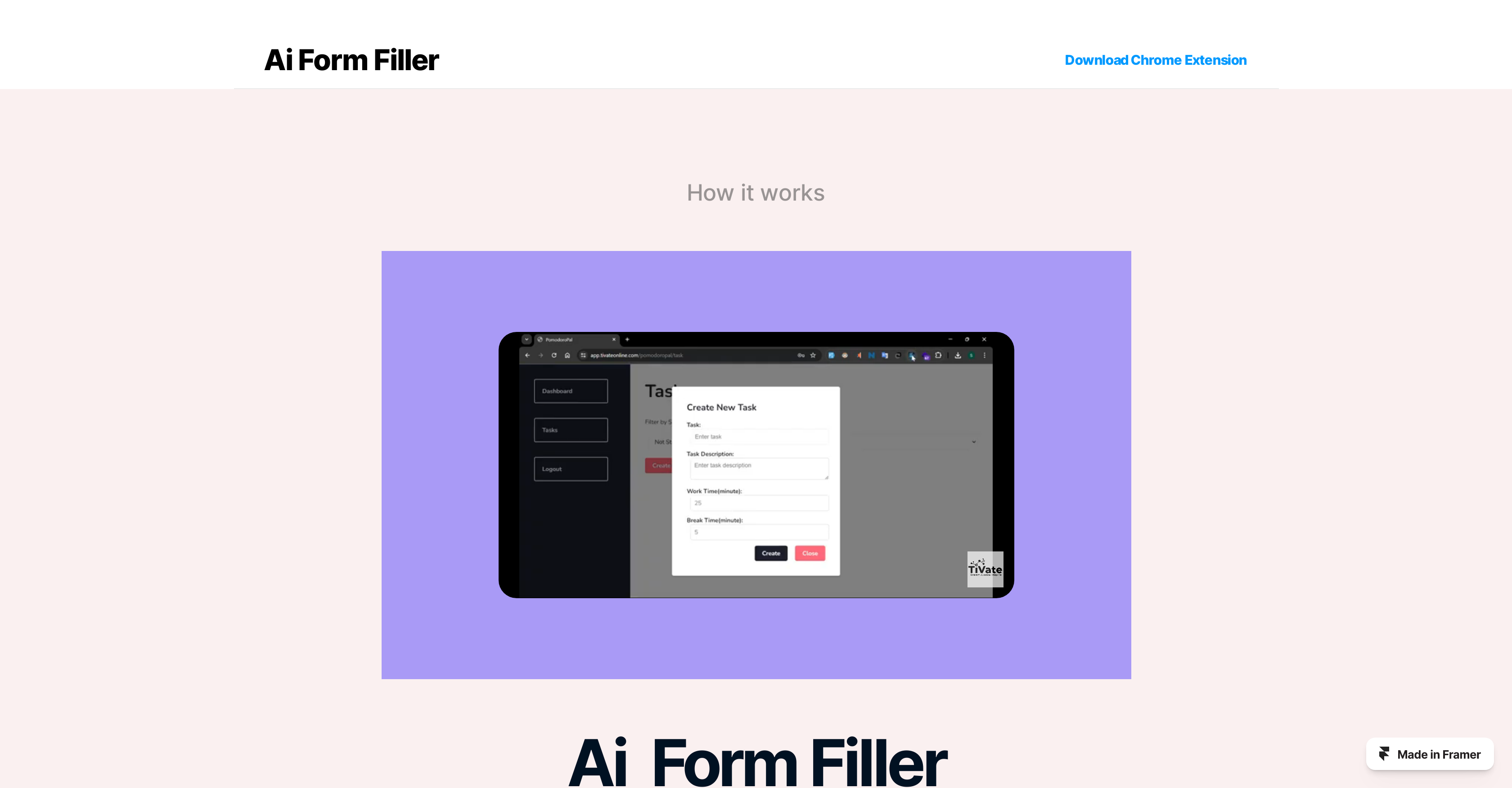
- Finish online forms in seconds without leaving the page: AI autofill populates names, addresses, and contact fields directly in your Chrome browser.
- Check out faster on every online store: automatic payment information entry completes shipping and billing fields in one pass.
- Stop retyping the same details on recurring forms: smart field recognition matches similar inputs across different websites and fills them automatically.
- Submit error-free applications and registrations: the form filler enters accurate, person-specific data instead of placeholder text or random values, cutting typos from manual data entry.
- Move project data between design platforms without copy-paste: cross-platform data transfer carries details from one tool to the next so designers keep their workflow moving.
- Start automating form filling the moment you install: a one-click setup from the Chrome Web Store requires no technical skills or configuration.
Pros & Cons
From the listing; not yet checked by our editors.
Pros
- Chrome extension
- Automatic data entry
- High accuracy
- Fills realistic data
- Time-saving
- Reduces hassle
- Input names
- Input addresses
- Input payment info
- Simple setup
- User-friendly design
- Benefits repetitive tasks
- Facilitates data transfer
- Enhances workflow efficiency
- Enhances browsing efficiency
- Boosts productivity
- User experience enhancement
- Transforms processes
- Smart browsing
Cons
- Only available on Chrome
- Potential privacy issues
- Requires installation
- May not fill specialised fields
- Dependent on internet connection
- Doesn't support data variety
- Struggles with complex forms
- May input incorrect autofills
- Only benefits repetitive tasks
- Not for non-standard forms
Alternatives to Ai Form Filler
Tools that share the most tags with Ai Form Filler.
- Instafill
Eliminate manual data entry errors completely with AI algorithms that accurately identify and populate form fields
Freemium · from $19.99/month
$19.99/month
Not yet checked
- Filly AI
Eliminate repetitive data entry by letting AI autofill PDF and Word forms from reusable client profiles, so every form is completed in seconds.
Freemium · from $19/month
$19/month
Not yet checked
- Fill A Form AI
Finish online forms in seconds without leaving the page: the Sidekick Chrome extension detects form fields and auto-fills them with one click.
Free trial · from $19/month
$19/month
Not yet checked
- Fill Genius
Stop retyping the same details on every website: enter your information once, and the AI auto form filler populates any new form in a single click.
Paid · from $14/month
$14/month
Not yet checked
- Autofillr
Finish online forms in seconds instead of retyping the same details: Autofillr fills web form fields automatically, right on the page you are browsing.
Free
Not listed
Not yet checked
- Unifill AI
Stop retyping the same details on every online form: Unifill AI learns from your first manual entry, then autofills matching forms with one click right inside your browser.
Not listed
Not listed
Not yet checked
Reviews
Rate this tool
Loading reviews...
Frequently asked questions
What is Ai Form Filler?
Ai Form Filler is a Chrome extension designed to automate the process of filling online forms. It uses advanced artificial intelligence to intelligently populate fields with accurate and realistic data, thereby saving user time and reducing hassle.
How does Ai Form Filler work?
Ai Form Filler works by using artificial intelligence to automatically populate online form fields with user details, including names, addresses, and payment information. This reduces manual effort by swapping manual entry for faster, AI-powered automatic entry.
Where can I download Ai Form Filler extension?
You can download the Ai Form Filler extension from the Chrome Web store.
What kind of data can Ai Form Filler input automatically?
Ai Form Filler can automatically input a variety of user details including names, addresses, and payment information.
How does Ai Form Filler increase my browsing efficiency?
Ai Form Filler increases browsing efficiency by automating the form filling process. This reduces the burden and time associated with manually filling out forms, particularly for repetitive tasks and forms that require similar information repeatedly.
How does Ai Form Filler use AI to populate fields?
Ai Form Filler uses advanced AI to intelligently automate the process of filling up forms with realistic data. Instead of using placeholder text or random data, it fills fields with accurate and person-specific details.
Do I need any specific skills to use Ai Form Filler?
No, you don't need any specific skills to use Ai Form Filler. It has a simple setup and user-friendly design, which makes it accessible for a wide range of users.
How does Ai Form Filler help with repetitive tasks?
Ai Form Filler aids with repetitive tasks by automating the data entry process. It can recognize and populate similar fields across different forms, thus eliminating the need for manual input each time a form is encountered.