

Fill A Form AI
Finish online forms in seconds without leaving the page: the Sidekick Chrome extension detects form fields and auto-fills them with one click.
Listing not yet reviewed by our editors · How we check
Overview
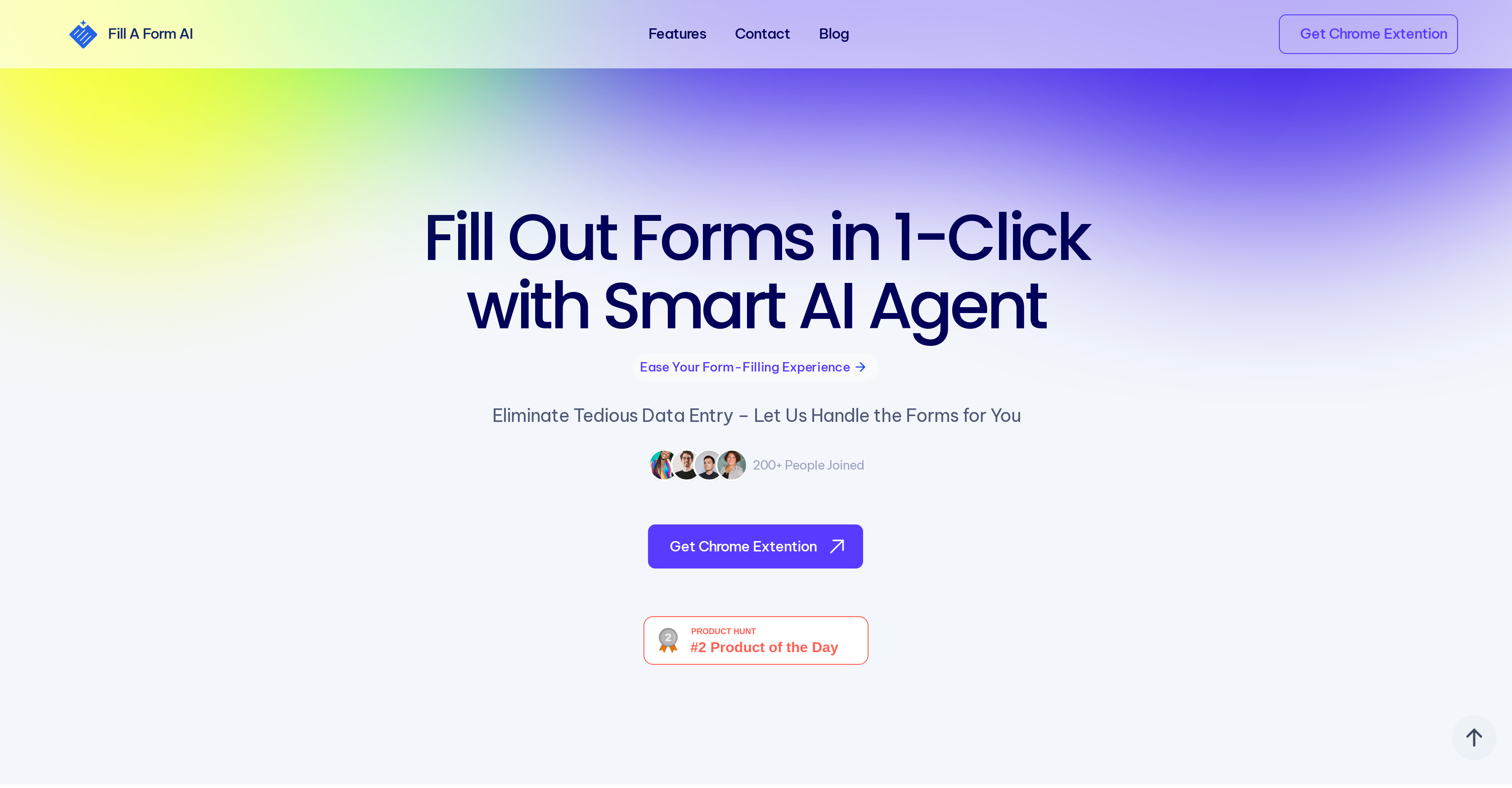
- Finish online forms in seconds without leaving the page: the Sidekick Chrome extension detects form fields and auto-fills them with one click.
- Submit cleaner, error-free entries: auto-fill draws on your previously submitted data, so you stop retyping and mistyping the same details.
- Get answers that match your real information, not generic web results: the form filler pulls responses from your own data instead of external sources.
- Spend less effort on each new form you complete: the AI learns from your past filled forms and reuses that knowledge for every new form.
- Send complete, accurate forms with no blank or weak fields: dynamic content addition suggests and inserts relevant content while you fill.
- Keep clients, departments, and projects organized: form template management stores and retrieves multiple templates so the right one is always at hand.
- Keep your whole team on the same version: shared form libraries update in real time across your organization, so everyone works from current templates.
- Turn form submissions into ready-to-use reports: direct Google Sheets sync sends form data straight into spreadsheets for analysis, reporting, and data management.
- Use one form automation tool for every site and every scale: Fill A Form AI works across diverse digital platforms for individuals who fill forms often and for organizations handling high form volume.
Pros & Cons
From the listing; not yet checked by our editors.
Pros
- One-click auto-fill functionality
- Minimizes data entry errors
- Learns from past forms
- Pulls answers from own data
- Manages multiple form templates
- Real-time shared form libraries updates
- Google Sheets integration
- Dynamic content addition
- Streamlines form-filling process
- Efficient for individual or organizational usage
- Enhances organizational efficiency
- Minimizes form processing time
- Enhances accuracy during form filling
- Aids in data management and reporting
- Applicable across diverse digital platforms
- Enhances collaborative experience
- Can directly sync form data
Cons
- Limited to web forms
- Only integrates with Google Sheets
- Reliant on user's previous data
- Doesn't support other knowledge bases
- Requires Chrome extension
- No mention of security measures
- Lacks advanced customization
- No API for developers
- Template management may be complex
Alternatives to Fill A Form AI
Tools that share the most tags with Fill A Form AI.
- Instafill
Eliminate manual data entry errors completely with AI algorithms that accurately identify and populate form fields
Freemium · from $19.99/month
$19.99/month
Not yet checked
- Filly AI
Eliminate repetitive data entry by letting AI autofill PDF and Word forms from reusable client profiles, so every form is completed in seconds.
Freemium · from $19/month
$19/month
Not yet checked
- Fill Genius
Stop retyping the same details on every website: enter your information once, and the AI auto form filler populates any new form in a single click.
Paid · from $14/month
$14/month
Not yet checked
- Autofillr
Finish online forms in seconds instead of retyping the same details: Autofillr fills web form fields automatically, right on the page you are browsing.
Free
Not listed
Not yet checked
- Unifill AI
Stop retyping the same details on every online form: Unifill AI learns from your first manual entry, then autofills matching forms with one click right inside your browser.
Not listed
Not listed
Not yet checked
- Ai Form Filler
Finish online forms in seconds without leaving the page: AI autofill populates names, addresses, and contact fields directly in your Chrome browser.
Free
Not listed
Not yet checked
Reviews
Rate this tool
Loading reviews...
Frequently asked questions
What is Fill A Form AI?
Fill A Form AI is an AI-powered automation tool primarily designed to expedite the process of form filling on various digital platforms. Its core feature is its one-click auto-fill functionality, which significantly minimizes data entry errors and processing time. Additionally, it possesses the ability to learn from previously filled forms, thereby efficiently completing new forms, and allows for management of multiple form templates. With its seamless integration with Google Sheets, it facilitates data analysis, reporting, and management. Furthermore, it inserts suggested content during the form filling process for enhanced accuracy.
How does the one-click auto-fill functionality of Fill A Form AI work?
The one-click auto-fill functionality of Fill A Form AI works by detecting form fields and instantly populating them with appropriate information. It's built to minimize form processing time while ensuring minimal data entry errors. It's just a simple click and the AI does the rest.
Can Fill A Form AI learn from previously filled forms?
Yes, Fill A Form AI is capable of learning from past filled forms. This feature helps the AI to efficiently complete new form fillings by utilizing data from previous entries.
How does Fill A Form AI handle data from other sources?
Fill A Form AI is designed to efficiently use data from your own previously filled forms. Instead of solely relying on external information, it pulls in answers from your own data, helping to streamline the form-filling process.
Does Fill A Form AI have the capacity to manage multiple form templates?
Yes, Fill A Form AI has a robust feature for managing and accessing multiple form templates. This feature proves beneficial in maintaining organization and efficiency within different clients, departments, or projects.
Can Fill A Form AI be integrated with Google Sheets?
Yes, Fill A Form AI can be seamlessly integrated with Google Sheets. Data from forms can be synced directly with Google Sheets, facilitating easy analysis, reporting, and management of data.
What does the dynamic content addition feature of Fill A Form AI do?
The dynamic content addition feature of Fill A Form AI intelligently suggests and inserts relevant content during the form-filling process. This aids in enhancing the completeness and accuracy of the information included in the forms.
Is Fill A Form AI suitable for individual users?
Absolutely, Fill A Form AI is just as efficient and beneficial for individual users as it is for organizations. It can significantly simplify and expedite any form-filling tasks, which can be a major time saver for individuals who fill out forms frequently.